GX-MIPI-IMX662 can't save fps parameter
-
I'd like to first confirm your firmware version with you. As shown below, everything is working fine on my end.
pi@raspberrypi:~/gx_product_tool $ ./gx_mipi_i2c.sh -r snsreg 0x3070
Read Sensor Reg 0x3070, val=0x0
pi@raspberrypi:~/gx_product_tool $ ./gx_mipi_i2c.sh -r snsreg 0x3071
Read Sensor Reg 0x3071, val=0x0

pi@raspberrypi:~/gx_product_tool $ ./gx_mipi_i2c.sh -r version
Read version is C 01.32 and L 01.19
Regarding the image quality during IR-cut switching, may I ask whether you are using the same IR-cut filter for both the IMX662 and the IMX462? Also, could you share some sample images with me?
-
@veye_xumm
the version is same :rms@raspberrypi10:~/source/raspberrypi_v4l2/gx_i2c_tools $ ./gx_mipi_i2c.sh -r version Read version is C 01.32 and L 01.19Also updated and rebuilt source code - same result (only one difference I see : you are using gx_product_tool folder, for me it is gx_i2c_tools)
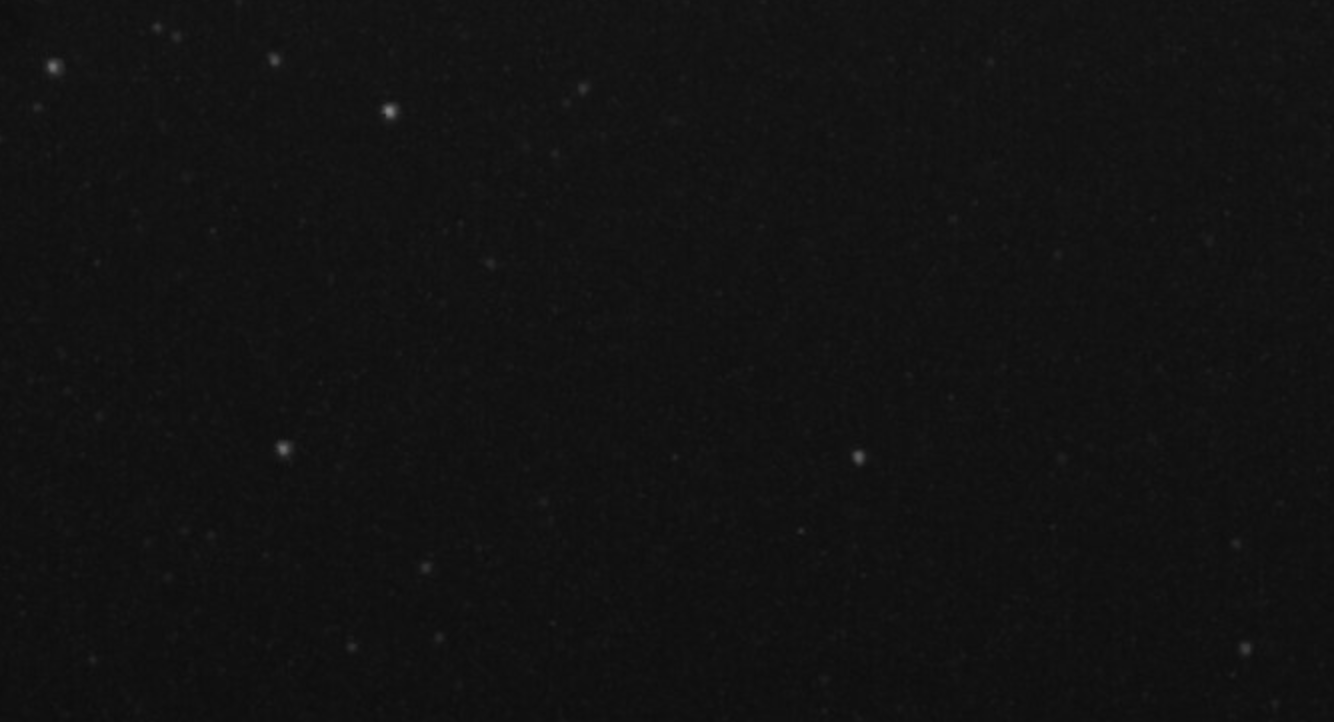
We use F0.95 lenses on our cameras and remove the IR-cut filter to capture more starlight. The downside is that we can only achieve perfect focus for either visible or infrared light, though sharp focus is still possible for each individually. In our setup, we compromise by focusing somewhere in between.
We see this exact behavior on our IMX462, IMX462 mono (VEYE), and IMX662 mono (another vendor ) sensors. However, on the color IMX662 sensor, I am unable to get a sharp focus at all. It feels as if the visible light and infrared light from the star interfere with each other simultaneously, making the image constantly blurry.
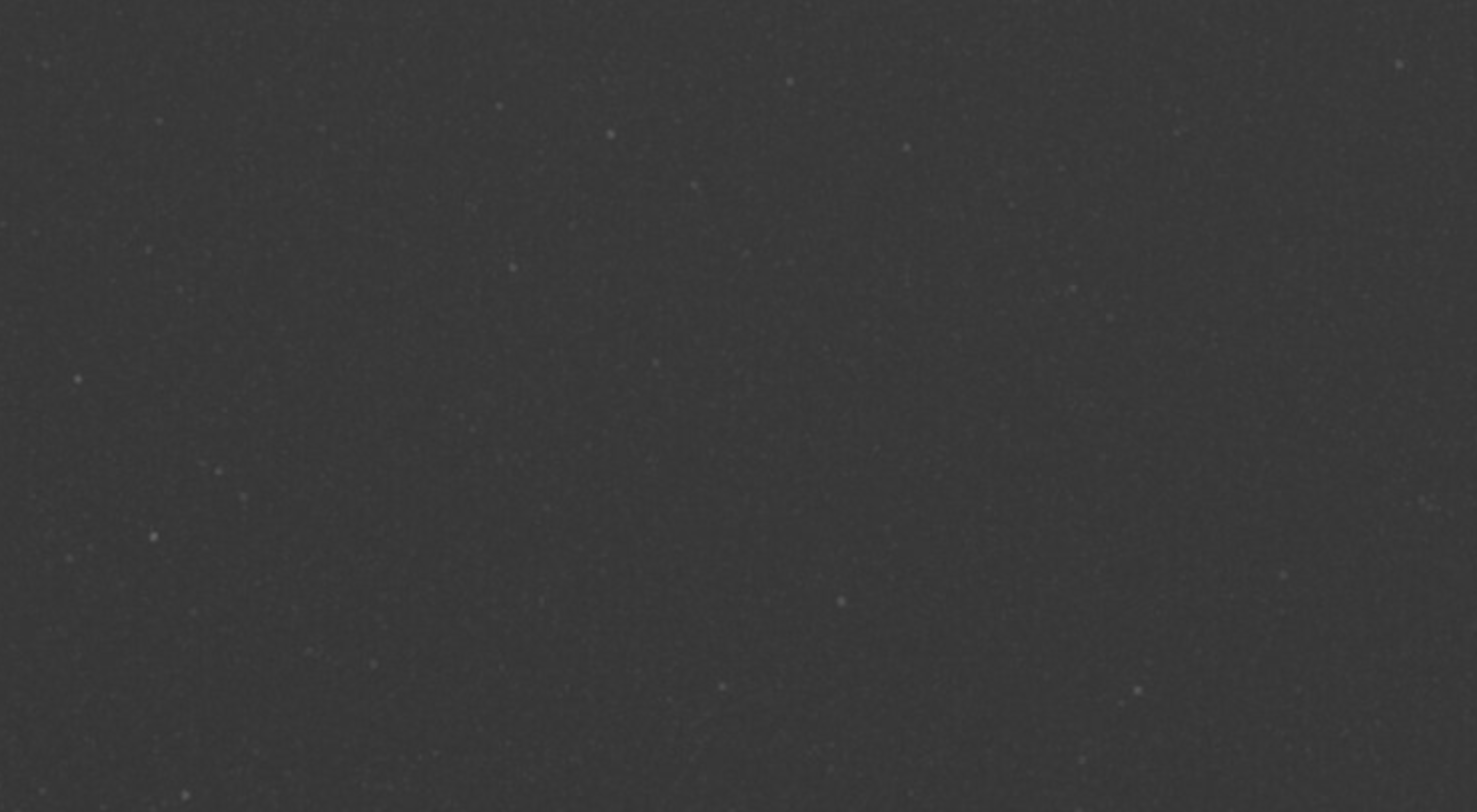
I thought I could at least use this camera with an IR-cut filter, but for some reason, the stars became extremely dim. I am not sure if this is a software issue, or if the color Starvis 2 sensor simply handles light differently.
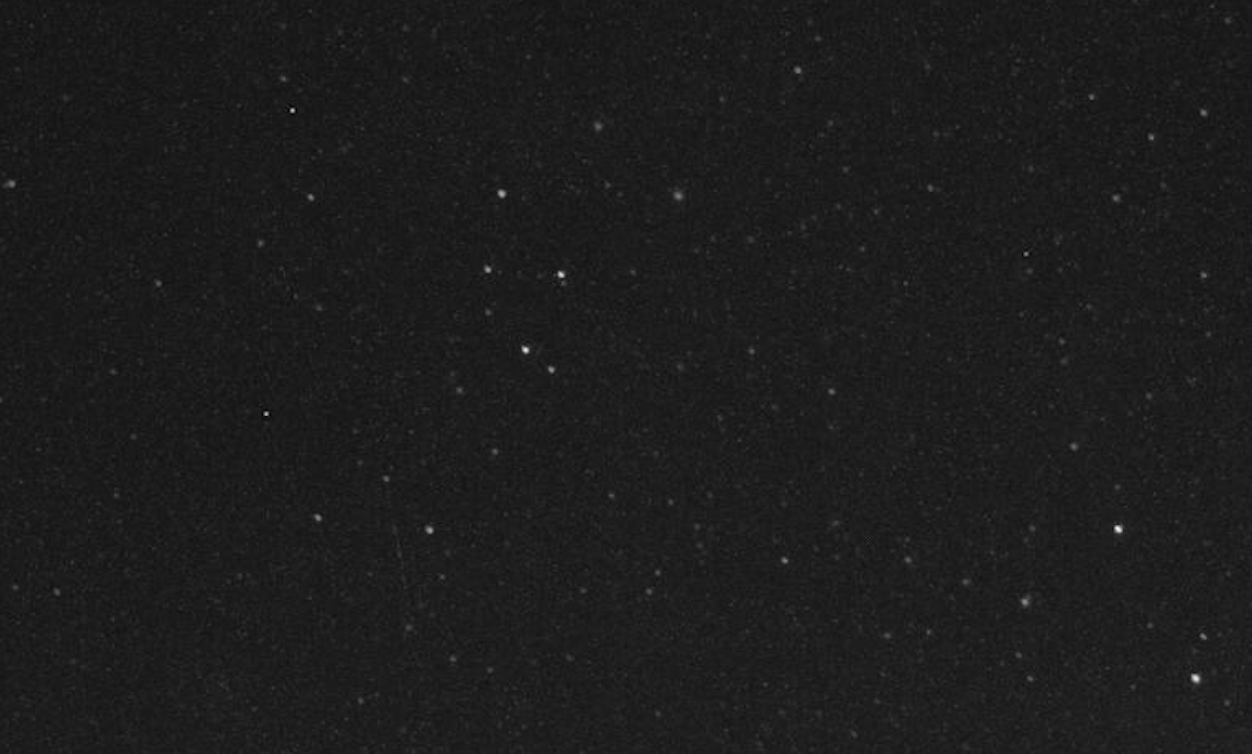
See the sample photos below (please note - it is stack of 8 seconds) :
imx662 without IR filter and no focus
imx662 with IR filter and stars extremely dim
and my imx662 mono sensor, without IR filter
-
@alex_ai
For your use case, I'd suggest giving it a try — reduce the denoise2d and denoise3d values, or even set them to 0. At the same time, you can also try lowering the sharpen value. -
Hi @veye_xumm ,
All my tests for parameters denoise2d, denoise3d and sharppen already have 0 value.
Also played with all parameters in veye_viewer (very useful app) - no luck -
@alex_ai Sure, I'll keep an eye on this issue going forward. Thanks for your feedback.

Hello! It looks like you're interested in this conversation, but you don't have an account yet.
Getting fed up of having to scroll through the same posts each visit? When you register for an account, you'll always come back to exactly where you were before, and choose to be notified of new replies (either via email, or push notification). You'll also be able to save bookmarks and upvote posts to show your appreciation to other community members.
With your input, this post could be even better 💗
Register Login