CS-MIPI-IMX307 安裝問題
-
您好,
裝置:Jetson Xavier NX Dev Kit + Jetpack 4.5.1
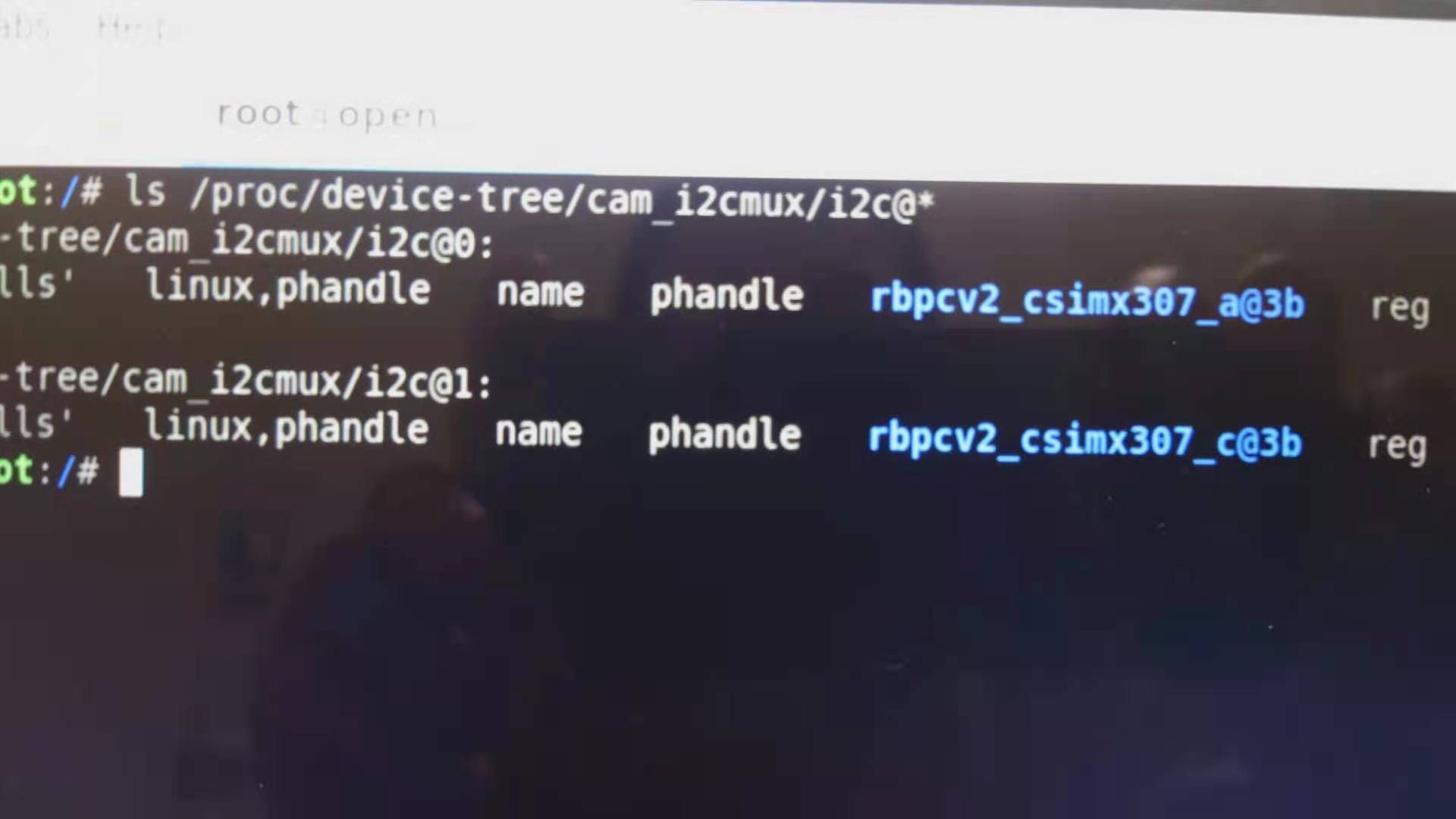
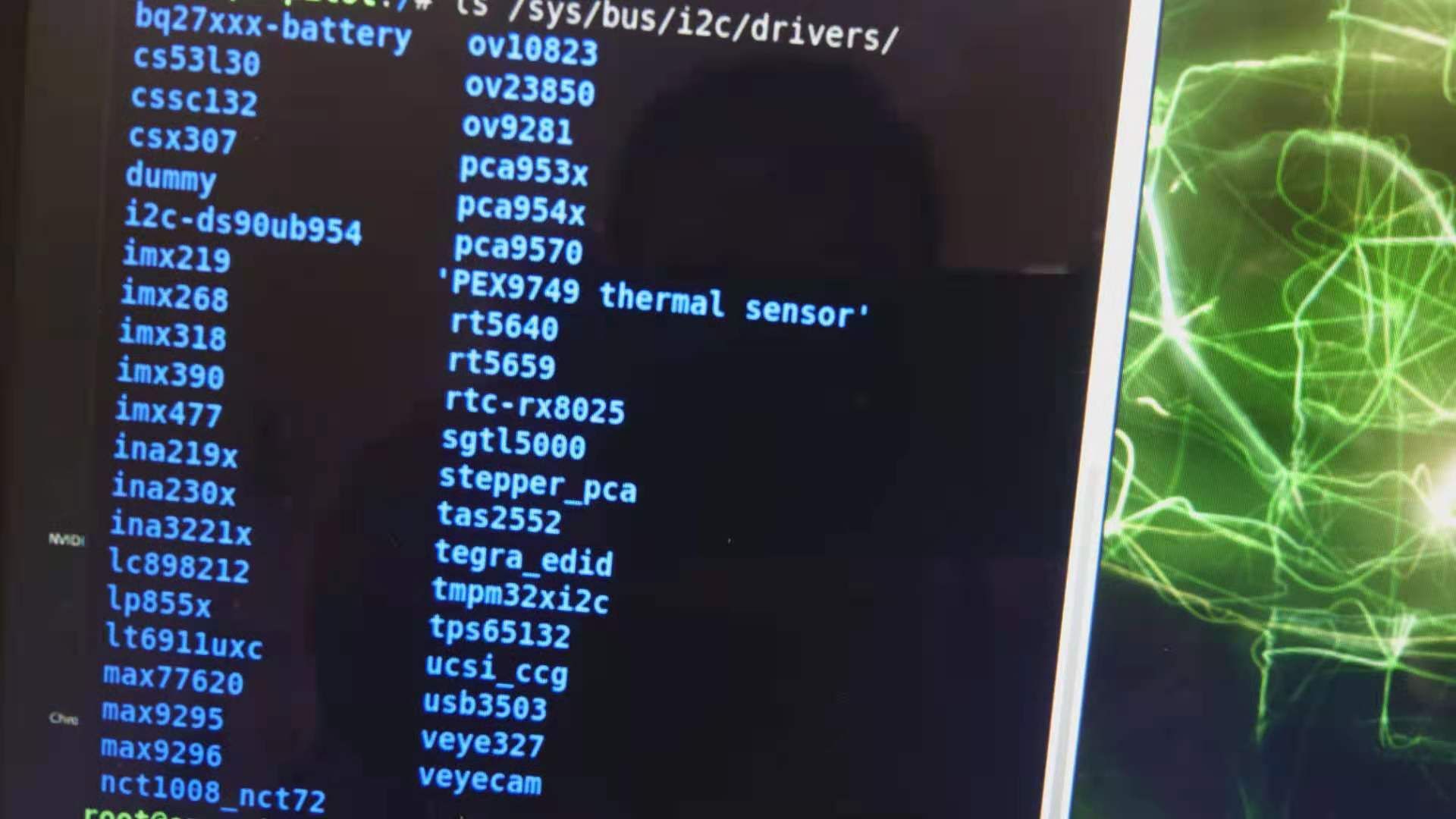
請問我按照 wiki 教程安裝了 jetson xavier nx 的 kernel image / dtb,可是在檢測是否正確安裝時,出現了以下錯誤:


請問問題出在那呢?系統還需要任何額外的設置嗎?
謝謝
-
@r-l
你好。
你的操作没有问题,现在要检查问题在哪。- CS-MIPI-IMX307是支持FFC排线直接供电的,而且我们出厂默认是这种模式,建议不要额外插5V。 如果万一插反,有可能烧坏。
http://wiki.veye.cc/index.php/Power_supply_mode_switching/zh - 可以用命令检测i2c是否能找到摄像头(0x3b)地址。
sudo i2cdetect -y 9
sudo i2cdetect -y 10
感觉不太妙,你这个摄像头有已经烧坏的可能。
- CS-MIPI-IMX307是支持FFC排线直接供电的,而且我们出厂默认是这种模式,建议不要额外插5V。 如果万一插反,有可能烧坏。
-
@veye_xumm 您好,我後來又訂了一顆回來測試,結果還是一樣,請問還有什麼辦法可以查看是那裡出了問題呢?


-
@r-l
你好。- 请参考:
http://wiki.veye.cc/index.php/Power_supply_mode_switching/zh
看一下你的板子的供电模式。
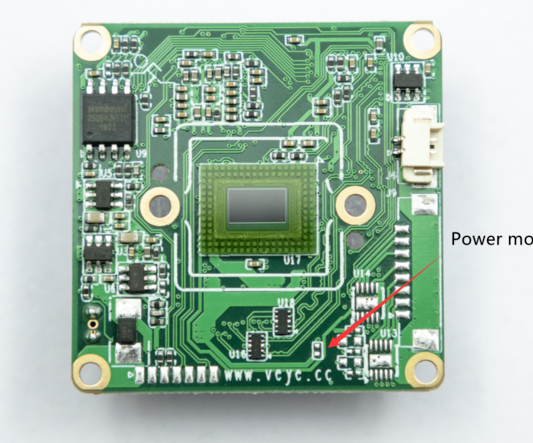
这个地方是不是焊接上的? 你这个新的,可能是需要外接5V供电的。
(上次我说默认3.3V是记错了。) - 请执行下面的命令看一下
sudo i2cdetect -y -r 9
sudo i2cdetect -y -r 10
- 请参考:
-
@veye_xumm 謝謝您的回覆,我看了一下應該是斷開的 (不需要額外接 5v?)

您說的指令我試過,就出現一堆 - - - - - - - - - - 沒別的,不管是 9 或是 10 都一樣。。
訊號線我也換過不同了的了,我先前買的 arducam imx217 沒問題所以應該不是接頭的問題。。。

-
@r-l
你好,这个是需要单独5V供电的。你用新到的摄像头,给一下5V(注意一下不要插反),看看i2cdetect能找到吗? -
@r-l
这个问题提出已经很久了,一直没有更新状态。 我会将状态标记为解决,如果需要,可以再次跟帖,或者直接打开问题。

Hello! It looks like you're interested in this conversation, but you don't have an account yet.
Getting fed up of having to scroll through the same posts each visit? When you register for an account, you'll always come back to exactly where you were before, and choose to be notified of new replies (either via email, or push notification). You'll also be able to save bookmarks and upvote posts to show your appreciation to other community members.
With your input, this post could be even better 💗
Register Login