VEYE IMAGING Forum
    • Categories
    • Tags
    • Recent
    • Popular
    • Users
    • WIKI
    • veye.cc
    • Register
    • Login
    1. Home
    2. Popular
    Log in to post
    • All Time
    • Day
    • Week
    • Month
    • All Topics
    • New Topics
    • Watched Topics
    • Unreplied Topics

    • All categories
    • veye_xummV

      RAW-MIPI-AR0234M配置为4lane模式

      Watching Ignoring Scheduled Pinned Locked Moved Machine Vision camera
      55
      0 Votes
      55 Posts
      33k Views
      L
      @veye_xumm 好的,感谢
    • V

      NVidia Jetson Jetpack 6 support?

      Watching Ignoring Scheduled Pinned Locked Moved VEYE MIPI camera
      55
      0 Votes
      55 Posts
      34k Views
      veye_xummV
      @vitob said in NVidia Jetson Jetpack 6 support?: In the meantime, can you help explain this question on tegra-camera.ko and v4l2-core/*.ko? Why they needs to be updated and where can I find the source code of them? Once updating them using the veye release .ko, will that affect other cameras (for example, I want to port/develop driver for another sensor myself)? Thanks. These driver changes add support for RAW8 RAW10 RAW12 data types on the one hand, and externally triggered modes on the other. Their code reference: https://github.com/veyeimaging/nvidia_jetson_veye_bsp/tree/master/kernel_patch_4_mv/l4t-r36.3 Compile step by step reference:: https://wiki.veye.cc/index.php/VEYE_CS_Camera_source_for_Jetson

    • C

      CS-USB-IMX307 OpenCV 連續採集影像造成 USB disconnct

      Watching Ignoring Scheduled Pinned Locked Moved USB camera
      53
      0 Votes
      53 Posts
      29k Views
      C
      @veye_xumm 好的,我再觀察比較ㄧ下不同環境跟不同攝像頭看看。
    • -

      MV-MIPI-SC130m 检测不到摄像头

      Watching Ignoring Scheduled Pinned Locked Moved General Discussion
      51
      1
      0 Votes
      51 Posts
      31k Views
      veye_xummV
      @lll 是的。本质上是修改对应的寄存器即可。
    • M

      MV-MIPI-IMX178M+树莓派4B+OSPI5.15,官网例程不能使用

      Watching Ignoring Scheduled Pinned Locked Moved Raspberry Pi App Software
      45
      5
      0 Votes
      45 Posts
      26k Views
      M
      @veye_xumm 感谢!
    • S

      Orin上使用IMX307的问题

      Watching Ignoring Scheduled Pinned Locked Moved Jetson App Software
      41
      2
      0 Votes
      41 Posts
      24k Views
      veye_xummV
      @leeechsh 不需要
    • H

      (急!!!)JETSON TX2 + CS_TX2_XAVIER_1CAM_IMAX327 怎么正常启动?

      Watching Ignoring Scheduled Pinned Locked Moved CS MIPI camera
      40
      1
      0 Votes
      40 Posts
      19k Views
      H
      @hello 已经通过建议方案2成功退出预览,问题解决,谢谢!
    • H

      jetson nano 2GB无法识别相机 MV-MIPI-IMX264M

      Watching Ignoring Scheduled Pinned Locked Moved Jetson App Software
      39
      0 Votes
      39 Posts
      21k Views
      veye_xummV
      @hmj @hmj said in jetson nano 2GB无法识别相机 MV-MIPI-IMX264M: 出厂值后,出现如下错误 [ 57.016386] mvcam 7-003b: camera_common_mclk_enable: no device power rail [ 57.525021] mvcam 7-003b: camera_common_mclk_disable: no device power rail [ 57.531930] mvcam 8-003b: camera_common_mclk_enable: no device power rail [ 58.040414] mvcam 8-003b: camera_common_mclk_disable: no device power rail [ 58.047311] mvcam 7-003b: camera_common_mclk_enable: no device power rail [ 58.555198] mvcam 7-003b: csi2_try format [ 58.555205] mvcam 7-003b: mvcam_csi2_get_fmt_idx_by_code success [ 58.613896] video4linux video0: tegra_channel_s_ctrl: 10100856 set vi timeout disable 1 看起来这个没有错误。 不过你的程序好像给配置成了触发模式。 相机的参数是可以保存的,只要你通过脚本调用一下paramsave。 我的建议是你把摄像头恢复默认值——这样也就恢复为了图像流模式。 不要运行你的现在的程序——配置为触发啊之类的。 然后用qv4l2程序来取图看看。
    • W

      移植MV-IMX265驱动程序到迅为RK3568抓图卡死

      Watching Ignoring Scheduled Pinned Locked Moved VEYE MIPI camera
      39
      2
      0 Votes
      39 Posts
      18k Views
      veye_xummV
      @w88121446 我们用的firefly的板子,gstreamer是支持gray8数据格式的。
    • W

      签名文件

      Watching Ignoring Scheduled Pinned Locked Moved FPD LINK III Camera
      38
      0 Votes
      38 Posts
      24k Views
      W
      @veye_xumm [image: 1616566229110-ss.png] 应该怎么输入address 的参数
    • L

      相机驱动

      Watching Ignoring Scheduled Pinned Locked Moved VEYE MIPI camera
      38
      2
      0 Votes
      38 Posts
      19k Views
      veye_xummV
      @023 就是最常用的1.25间距白端子。
    • L

      相机采集图像阻塞

      Watching Ignoring Scheduled Pinned Locked Moved VEYE MIPI camera
      37
      0 Votes
      37 Posts
      17k Views
      T
      @veye_xumm 请问FPGA和RK3588直连,没有I2C,怎么在设备树里添加相机?相机驱动又该怎样处理?
    • H

      检测不到摄像头

      Watching Ignoring Scheduled Pinned Locked Moved CS MIPI camera
      36
      1
      0 Votes
      36 Posts
      20k Views
      veye_xummV
      @hxm 我觉得系统跟pc是类似的,只要你不去配置启动盘到你的ssd硬盘,只是把ssd硬盘当作linux启动后的一个外设挂载上,不会有问题的。
    • 刚

      CS-FPD-CAM-IMX327摄像头树莓派驱动模式连接不成功

      Watching Ignoring Scheduled Pinned Locked Moved CS MIPI camera
      35
      0 Votes
      35 Posts
      17k Views
      veye_xummV
      @刚子 不客气。 vlc本身的缓存比较大。你可以试试gstreamer,或者降低一下vlc的缓存。
    • M

      OrangePi cm5-tablet RAW-MIPI-SC132M

      Watching Ignoring Scheduled Pinned Locked Moved Rockchip App camera
      35
      0 Votes
      35 Posts
      9k Views
      zoldatenZ
      @veye_xumm i think so. please see screens attached: [image: 1775573271193-1.png] [image: 1775573271002-2.png] when i copied .dts files from veye i saw errors building missing files. i tried to build on: orange pi 5 tablet VM machine with Ubuntu 22.04 installed got the same errors. please check your files.
    • S

      mv-mipi-sc130m在Xavier nx上无法识别到设备

      Watching Ignoring Scheduled Pinned Locked Moved VEYE MIPI camera
      32
      4
      0 Votes
      32 Posts
      16k Views
      S
      @veye_xumm 好的谢谢您
    • N

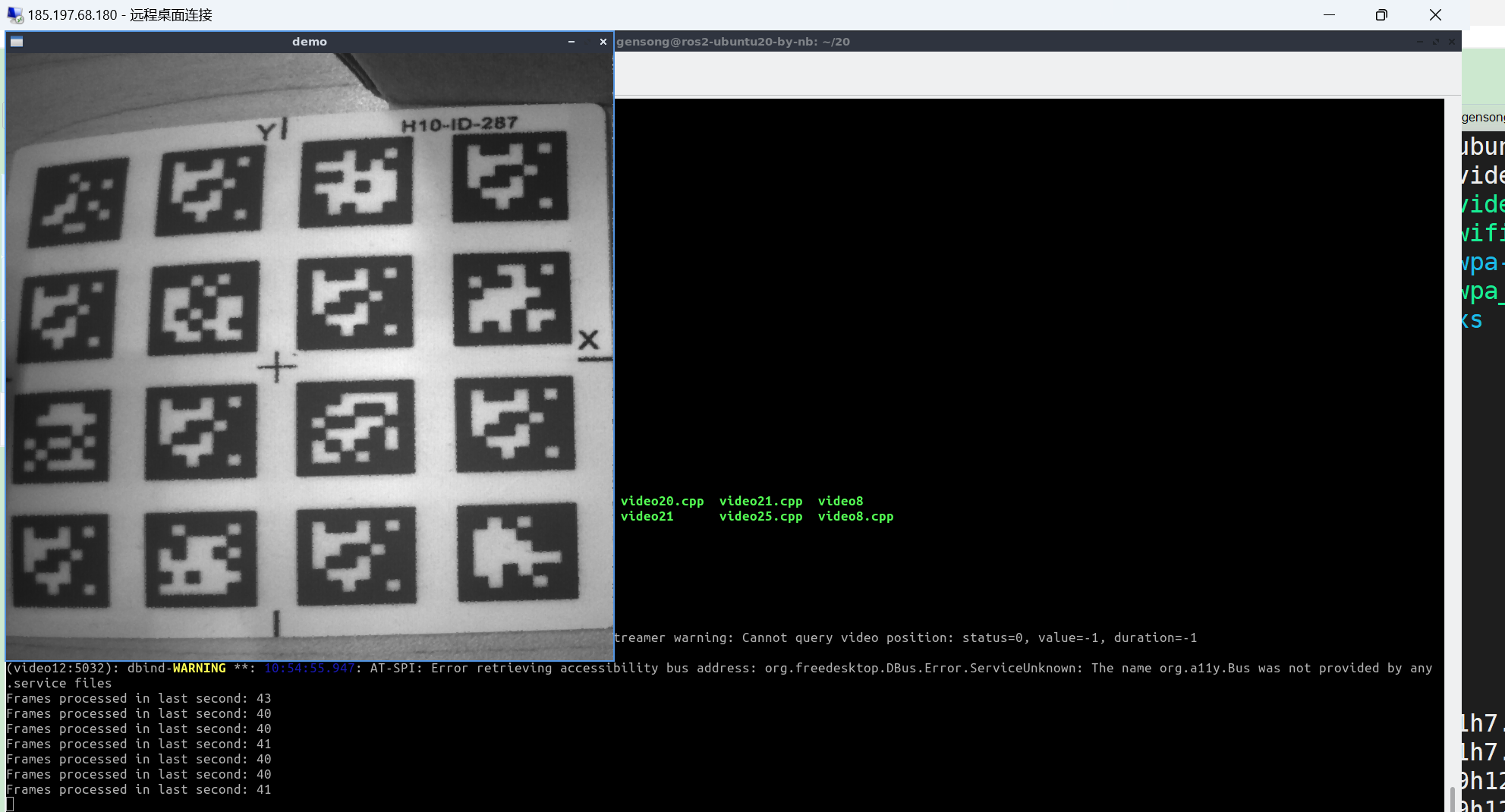
      执行编译出来的./video12 800 800 60 得到的图像。像是按照4:3拉伸得到的图像, 并不是裁剪出来的800 *800的正方形

      Watching Ignoring Scheduled Pinned Locked Moved Machine Vision camera
      32
      2
      0 Votes
      32 Posts
      14k Views
      N
      @veye_xumm 好的 感谢
    • G

      Camera sync mode

      Watching Ignoring Scheduled Pinned Locked Moved FPD LINK III Camera
      31
      0 Votes
      31 Posts
      21k Views
      veye_xummV
      @g-towboat It is really nice. @g-towboat said in Camera sync mode: One question do i need to set the fpdlink-settings after each reboot? ./fpdlink3_i2c_jetson.sh -f sync_init ..... This cmd need to set after each reboot. ./cs_mipi_i2c.sh -w -f streammode The camera can save streammode.
    • M

      MV-MIPI-IMX264M+CM4+CM4-NANO-A 需要怎么配置?

      Watching Ignoring Scheduled Pinned Locked Moved Raspberry Pi App Software
      31
      0 Votes
      31 Posts
      19k Views
      veye_xummV
      @maifengw2023 @veye_xumm said in MV-MIPI-IMX264M+CM4+CM4-NANO-A 需要怎么配置?: 根据原理图,微雪的CM4-NANO-A所引出的CAMERA接口应该是跟树莓派官方的CMIO4板子的cam0一样的。 树莓派4b实际上引出的是cam1。 问题: 你用微雪的CM4-IO-BASE-A,是不是两个摄像头插口都调通了? 如果没有,那么,首先调通它。 然后再调CM4-NANO-A就顺理成章了。 现在我们给出的技术建议就是这个方向。在我看来,应该不需要改驱动代码的。 如果你现在放弃,我也没有办法了。
    • F

      树莓派CM4安装双目驱动问题

      Watching Ignoring Scheduled Pinned Locked Moved VEYE MIPI camera
      30
      3
      0 Votes
      30 Posts
      17k Views
      veye_xummV
      @ff1211 不客气