FPD-LINK 星光级宽动态摄像头 IMX327 树莓派 jetson Namo NX 执行 ./fpdlink3_i2c.sh -f rpi_init -p 0/1 失败求助
-
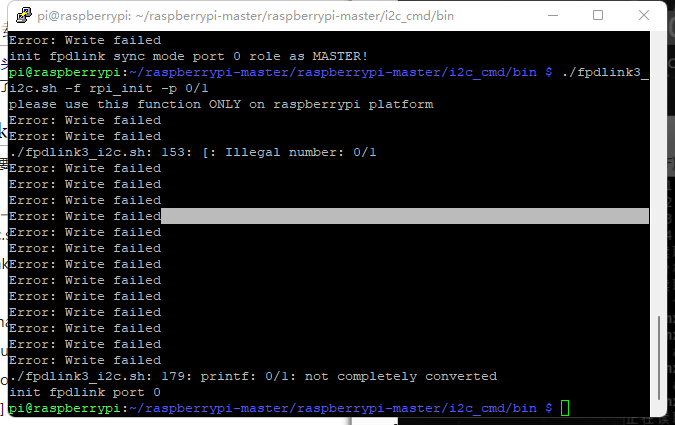
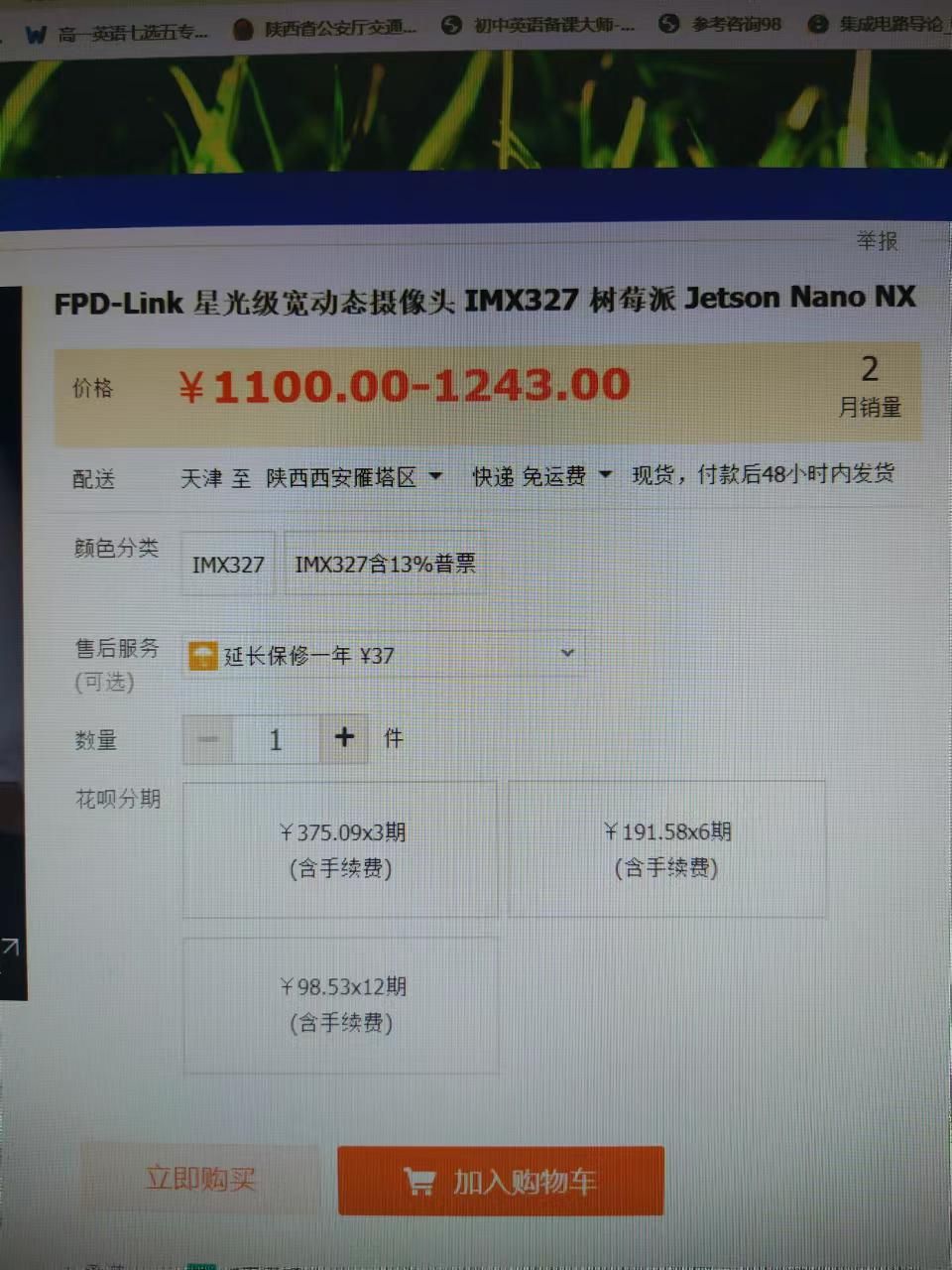
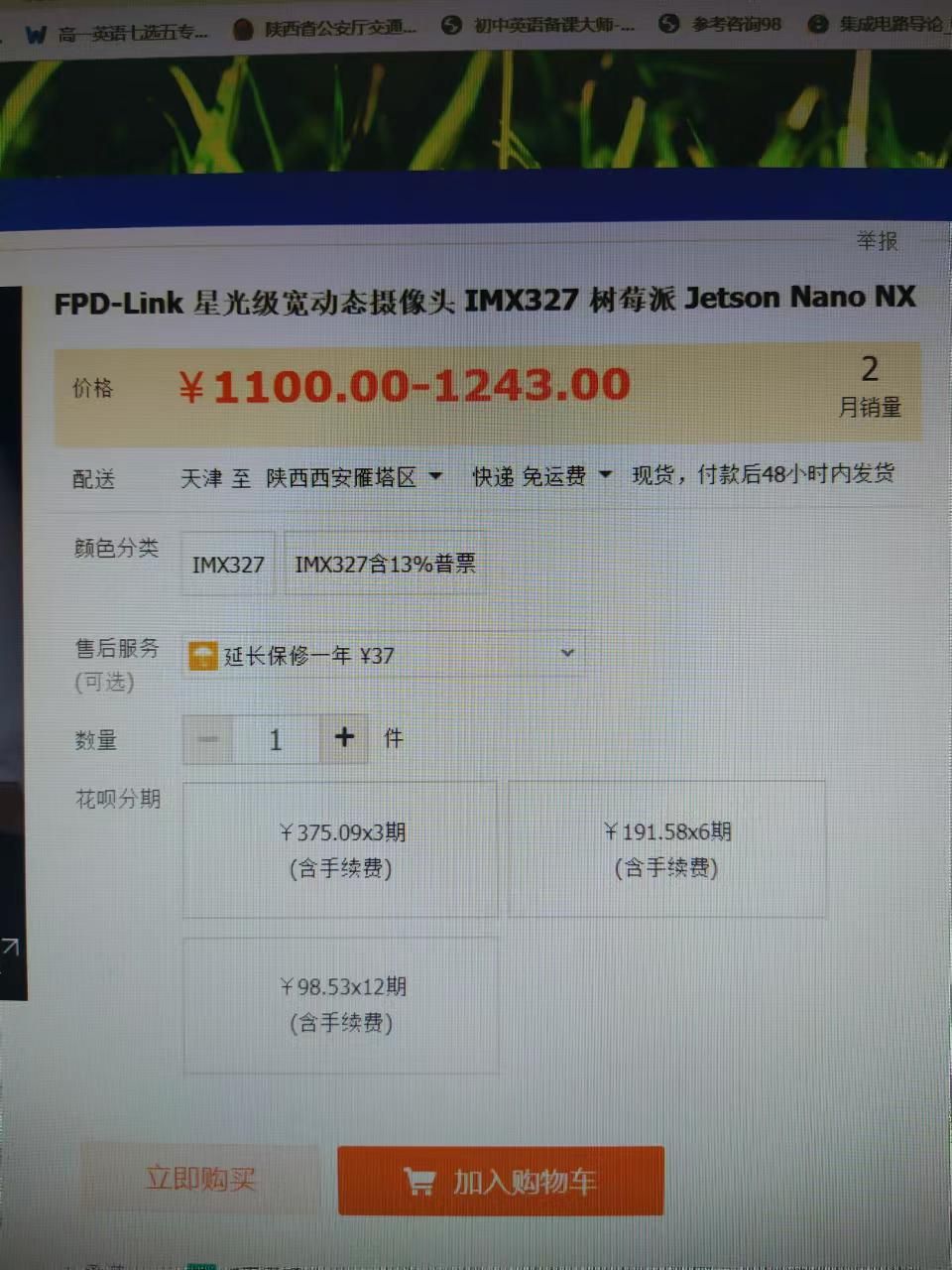
1 产品信息
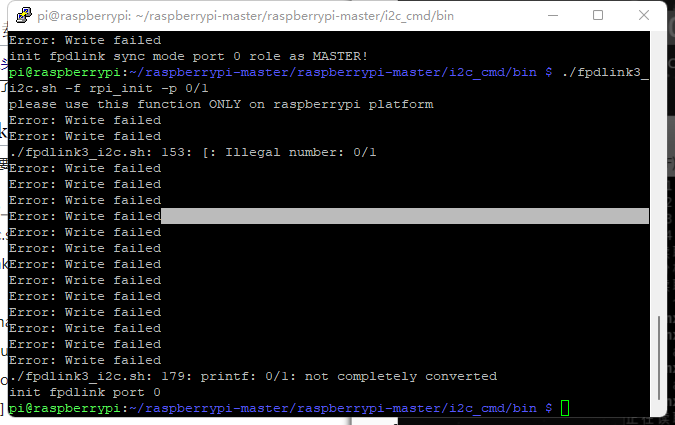
2 失败截图
-
@lingchuang
0/1的意思是输入0,或者1,根据你的fpdlink线接到哪个端口来确定。
另外,现在树莓派的i2c bus一般情况是10,你可能需要额外加一个-b 10参数。 -
@veye_xumm
你好 错误 提示如下
./fpdlink3_ i2c.sh -f rpi_init -p 0 -b 10
please use this function ONLY on raspberrypi platform
Error: Could not open file/dev/i2c-10' or/dev/i2c/10': No such file or direc tory
Error: Could not open file/dev/i2c-10' or/dev/i2c/10': No such file or direc./fpdlink3_ i2c.sh -f rpi_init -p 1 -b 10
please use this function ONLY on raspberrypi platform
Error: Could not open file/dev/i2c-10' or/dev/i2c/10': No such file or direc tory
Error: Could not open file/dev/i2c-10' or/dev/i2c/10': No such file or direc -
@lingchuang
fpdlink现在提供的是legacy mode的应用。
参考这个说明,了解legacy mode。
http://wiki.veye.cc/index.php/Raspberry_Pi_Application_Note_Index/zh
参考这个文章前半部分,先配置一下pios。
http://wiki.veye.cc/index.php/Raspberry_Pi_Application_Note_Index/zh -
@veye_xumm 你好
I2C已经enable了
硬件连接,麻烦看看有无问题
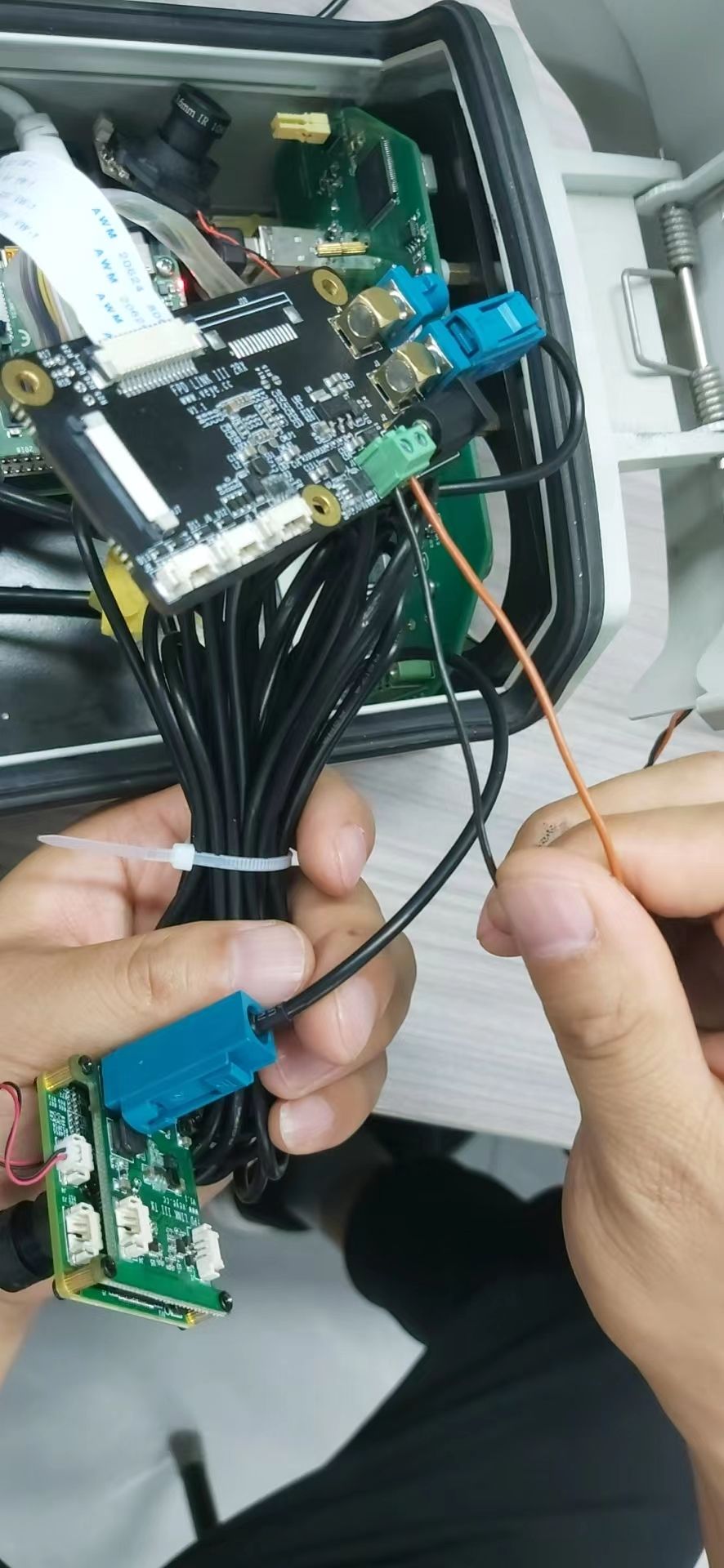
软件运行前面命令还是同样错误 -
@lingchuang 硬件看着没啥毛病。
/dev/i2c-10没有,
http://wiki.veye.cc/index.php/VEYE_MIPI_290/327_for_Raspberry_Pi/zh
参考下part2 和4

Hello! It looks like you're interested in this conversation, but you don't have an account yet.
Getting fed up of having to scroll through the same posts each visit? When you register for an account, you'll always come back to exactly where you were before, and choose to be notified of new replies (either via email, or push notification). You'll also be able to save bookmarks and upvote posts to show your appreciation to other community members.
With your input, this post could be even better 💗
Register Login