imx462在米尔MYC-C8MMX开发板测试失败。求助
-
硬件环境:米尔MYC-C8MMX开发板,基于NXP i.MX8M Mini处理器
软件环境:Linux4.14.98,参考:http://down.myir-tech.com/MYD-C8MMX/
操作步骤参考:http://wiki.veye.cc/index.php/VEYE_CS_Camera_on_MYIR_i.MX8_board/zh。
移植与操作步骤:
1,添加源文件:
drivers/media/platform/mxc/capture/veye327_mipi_v2.c,修改makefile与Kconfig
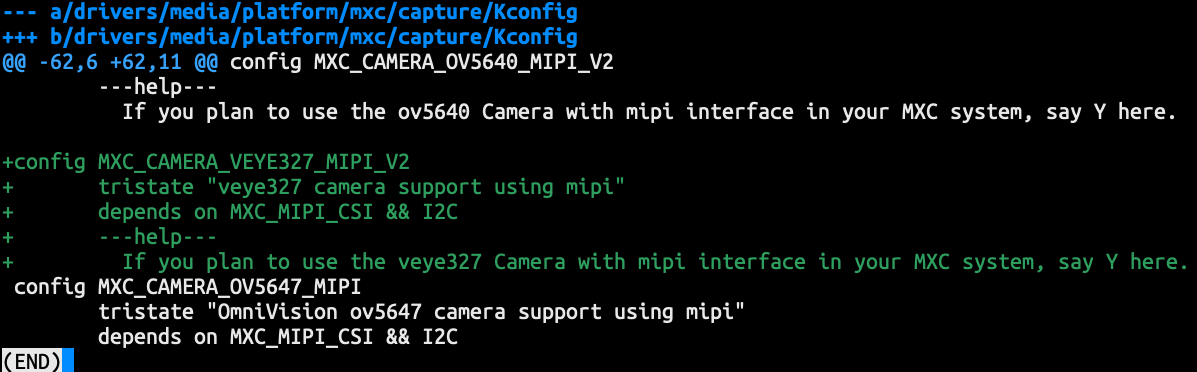
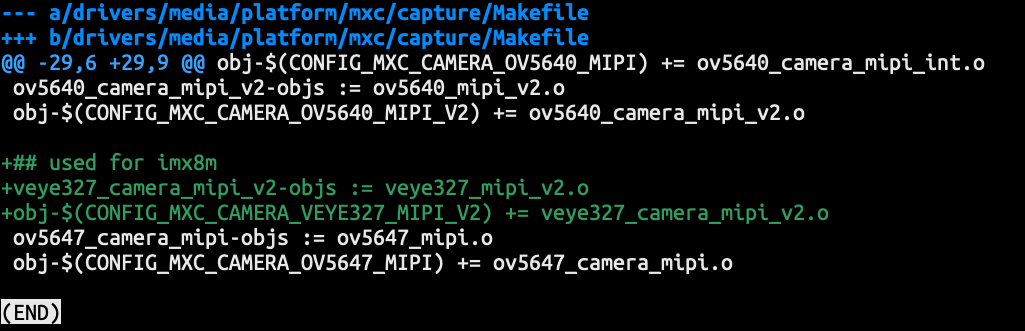
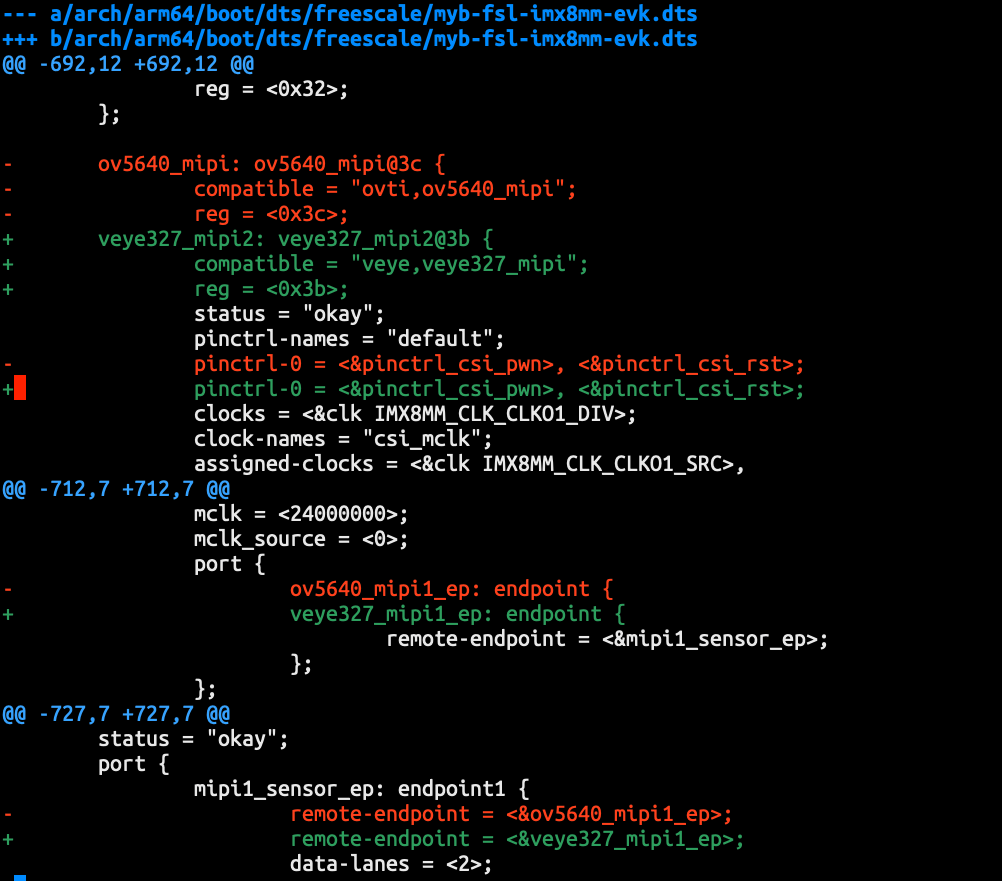
2,修改dts文件,修改veye327相关设备树
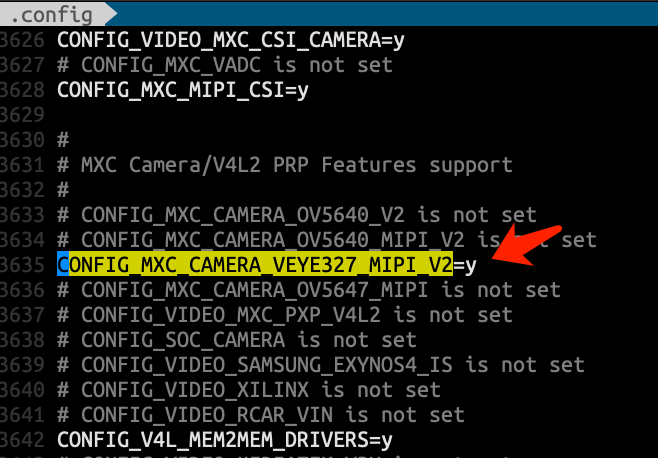
3,make menuconfig, 增加对应camera模块驱动的编译选项
CONFIG_MXC_CAMERA_VEYE327_MIPI_V2=y
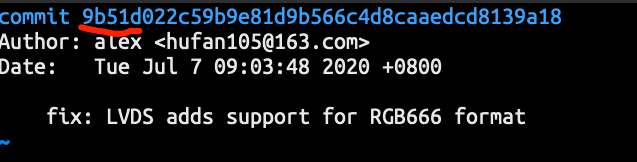
4,linux 的commit信息,编译内核并将Image和dtb文件拷贝到MYC-C8MMX开发板上
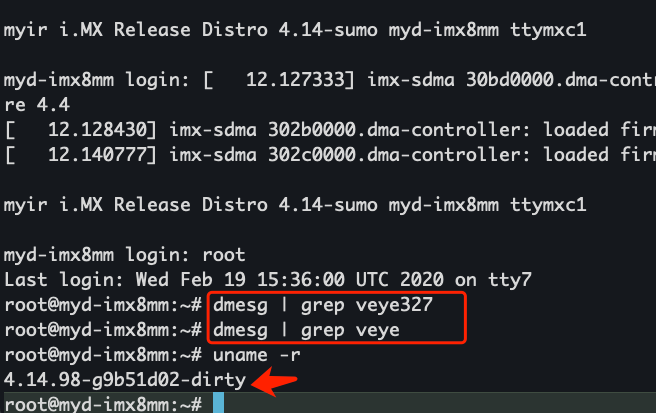
5,重新启动,linux内核 更换成功; dmesg | grep veye 找不到对应的log。imx462测试失败。
-
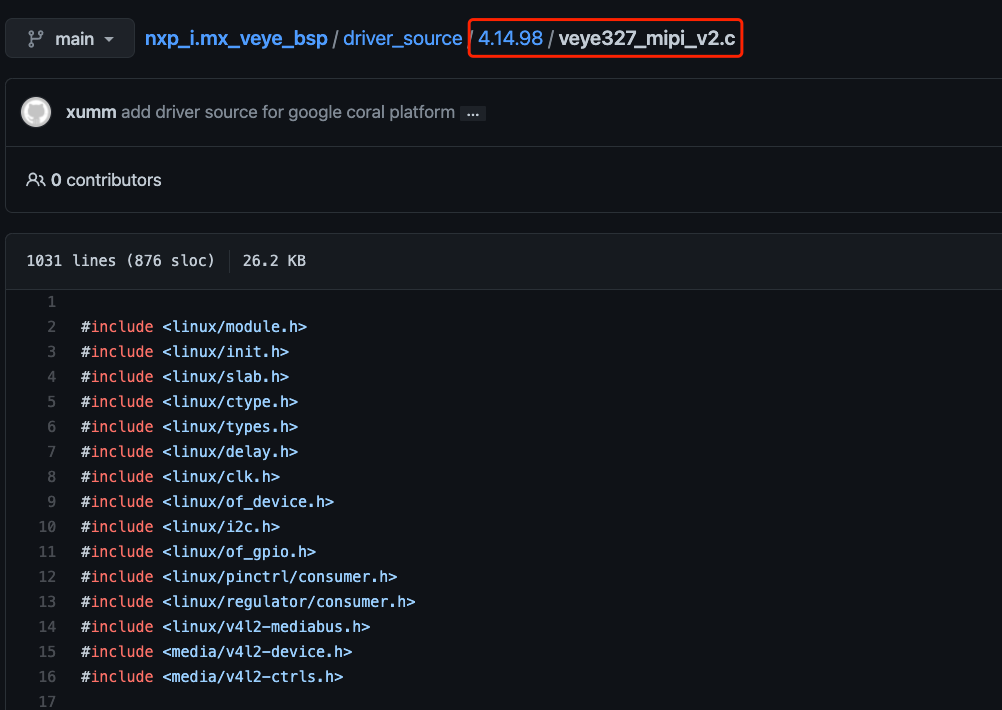
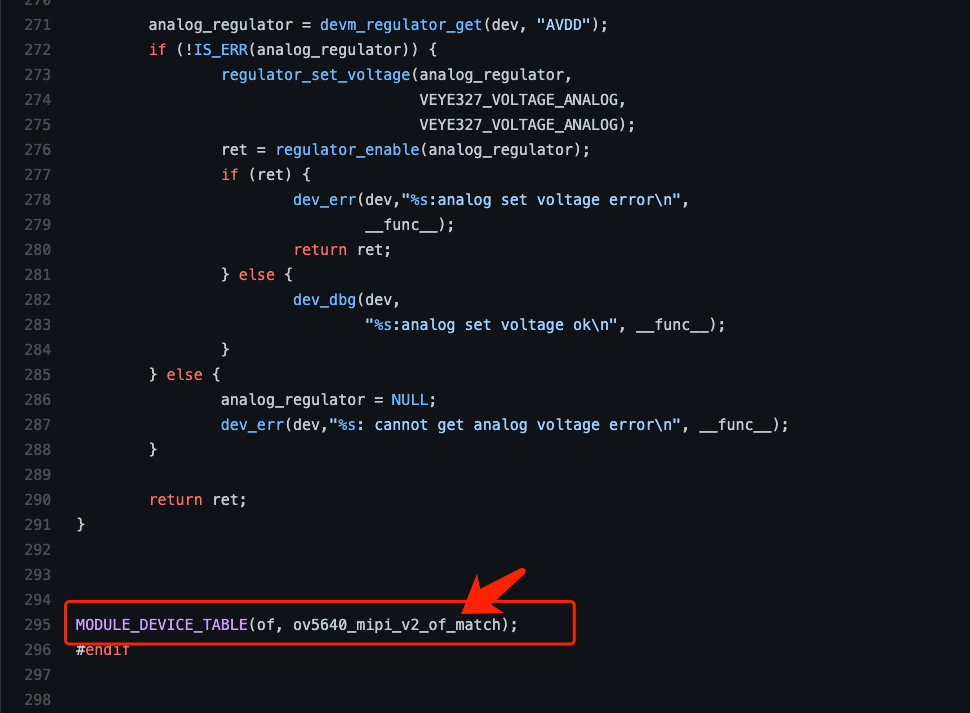
veye32y_mipi_v2.c文件295行代码,是错误吗?
-
@hezudao
这个地方应该是写错了。
我查了一下,米尔的我们只开发了8m,没有测试8m mini板子。
你可以上传一下整个的dmesg,是不是dts没弄对啊? -
@veye_xumm 尝试了重新编译,重新烧录Image,依然未成功。
附上dmesg的log信息,
重新编译后,替换了Image与dtb的log:
dmesg_veye.txt
米尔官方提供的Image的log:
dmesg_myir.txt希望能给些指导意见,感谢
-
@hezudao
应该是dts文件没有改对。 没有尝试去probe veye摄像头。你可以对比一下两个dts文件试试。 -
@veye_xumm 终于找到原因了,是设备树没有生效,在uboot启动时指定了另外的设备树。感谢
-
@hezudao
不客气~

Hello! It looks like you're interested in this conversation, but you don't have an account yet.
Getting fed up of having to scroll through the same posts each visit? When you register for an account, you'll always come back to exactly where you were before, and choose to be notified of new replies (either via email, or push notification). You'll also be able to save bookmarks and upvote posts to show your appreciation to other community members.
With your input, this post could be even better 💗
Register Login