Veye_raspcam suite don't work with IMX327E
-
Hello, good morning.
Some time ago I bought this camera: VEYE-MIPI-327E (http://www.veye.cc/en/product/mipi-camera/veye-mipi-327e/#tab-id-2) with the intent of make it an allsky camera.
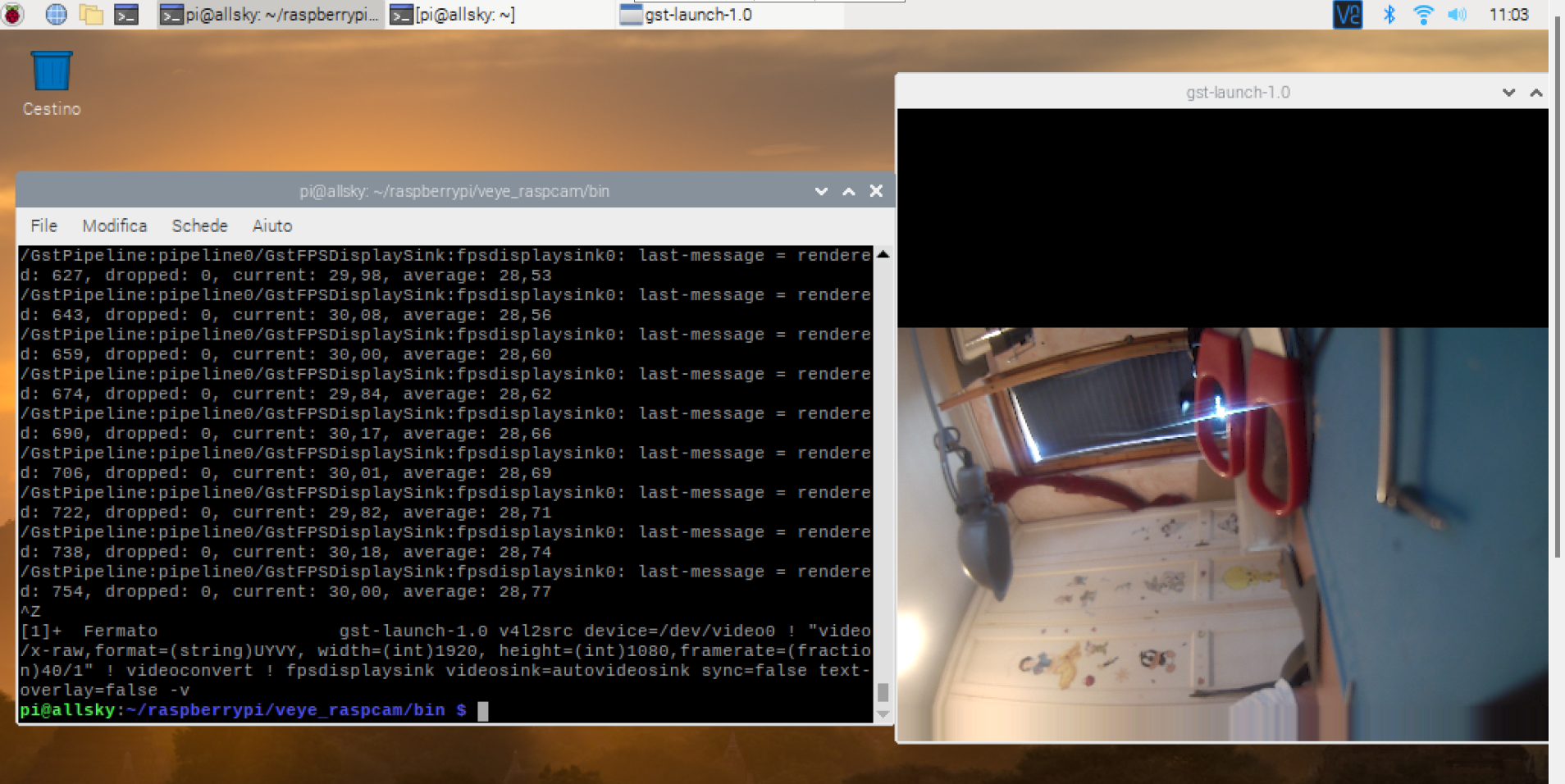
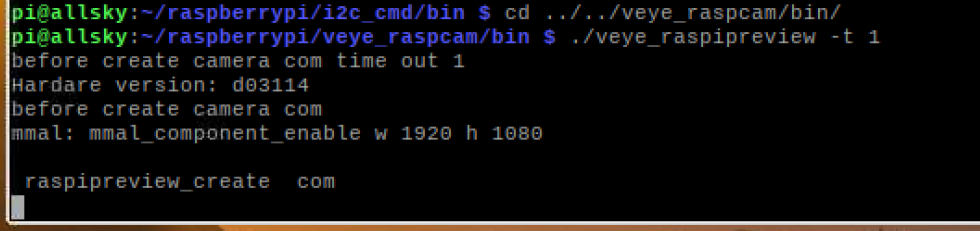
Unfortunately, I have a way to make it work (and it's great) with gstreamer and that's it. I just can't get your Veye-room suite to work: I only have one laconic:
"before create camera com time out
Hardware version: d03114
before create camera com "
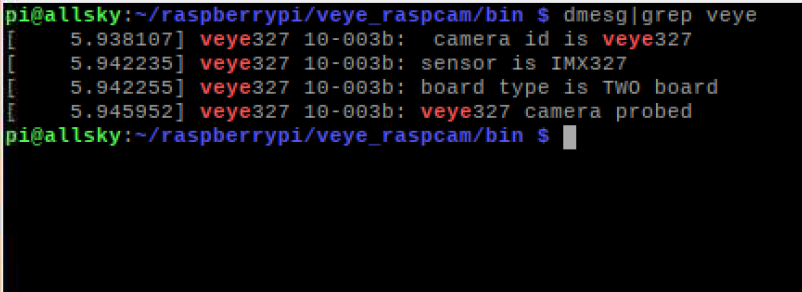
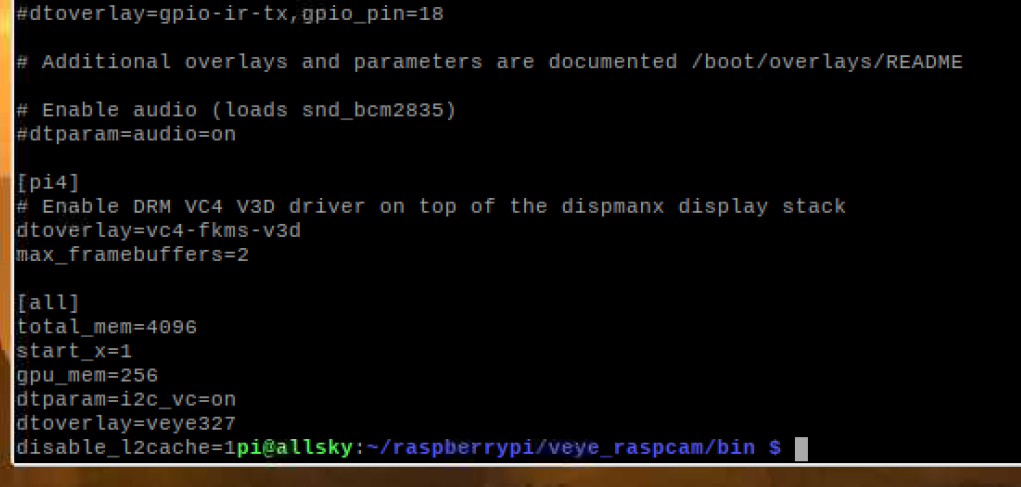
I attach some images for debugging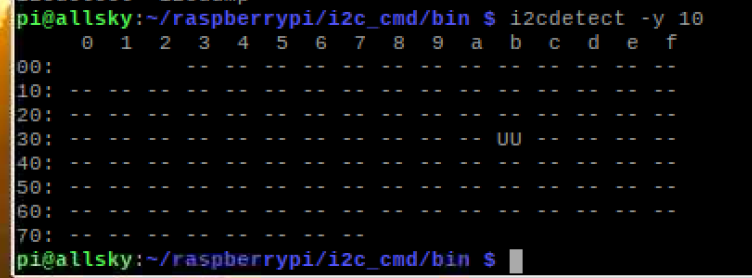


-
@umbywankenobi
Hi,
You can not use V4L2 mode and veye_raspicam mode at the same time.
Because both want to control MIPI RX hardware.
So, please uninstall v4l2 driver before using veye_raspipreview. -
@veye_xumm said in Veye_raspcam suite don't work with IMX327E:
@umbywankenobi
Hi,
You can not use V4L2 mode and veye_raspicam mode at the same time.
Because both want to control MIPI RX hardware.
So, please uninstall v4l2 driver before using veye_raspipreview.Hi!
I was forced to use v4l2 as veye_raspicam doesn't give me any output.
I tried not to have the veye327 driver loaded at boot, both the driver and vc4-fkms-v3d hoping it would make a difference, but it didn't. I still don't get any response from the veye_raspicam tools.
But the veye_mipi_i2c.sh script to switch to night mode worked, a sign that the i2c commands are interpreted correctly.
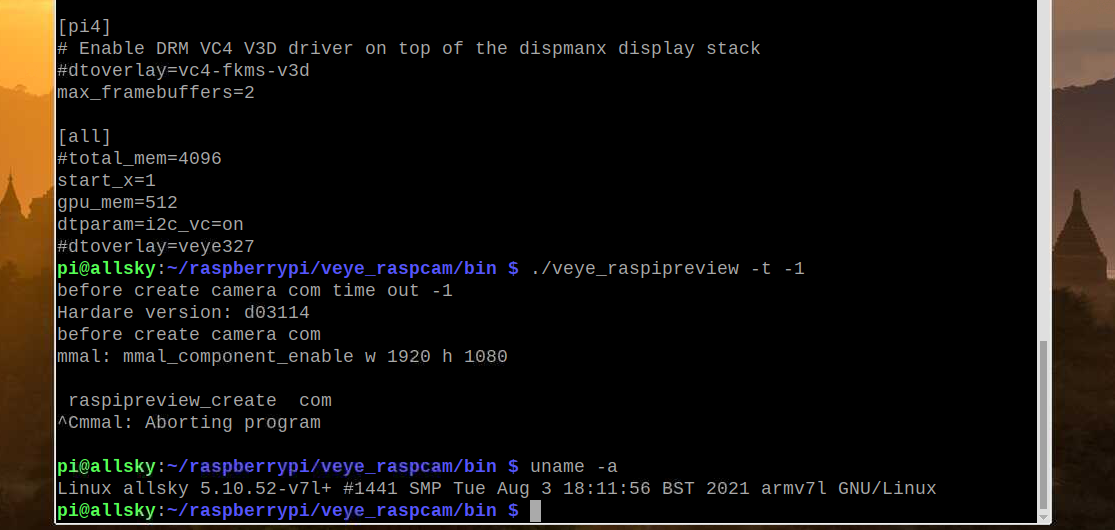
The kernel I use is "5.10.52-v7l +" and the RPI is an RPI4B 8G (d03114)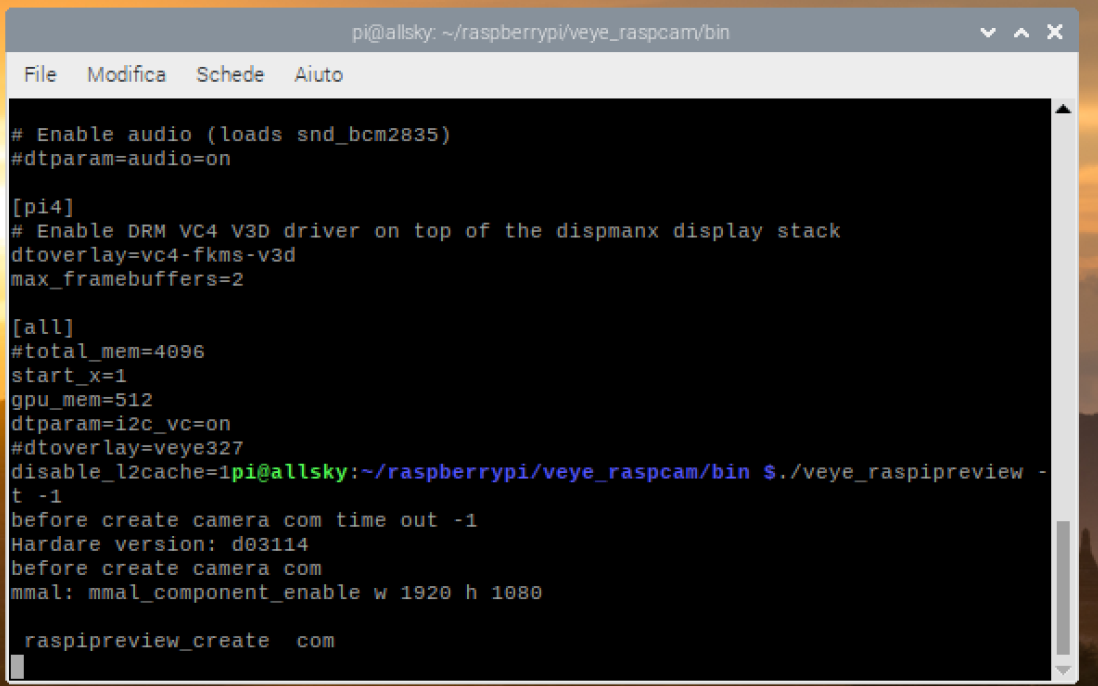
-
@umbywankenobi
please check this configuration :
http://wiki.veye.cc/index.php/VEYE-MIPI-290/327_for_Raspberry_Pi#RaspberryPi_System_Setup_and_Configuration
and
http://wiki.veye.cc/index.php/VEYE-MIPI-290/327_i2c/#RaspberryPi_Only.2C_Set_IO_configIf all the configurations are correct, try taking a picture.
./veye_raspistill -o ~/test.jpg -
@umbywankenobi
This question has been asked for a long time and the status has not been updated. I will mark the status as solved, so you can follow up again if needed, or just open the question.

Hello! It looks like you're interested in this conversation, but you don't have an account yet.
Getting fed up of having to scroll through the same posts each visit? When you register for an account, you'll always come back to exactly where you were before, and choose to be notified of new replies (either via email, or push notification). You'll also be able to save bookmarks and upvote posts to show your appreciation to other community members.
With your input, this post could be even better 💗
Register Login