VEYE-MIPI-327E 使用gstreamer預覽畫面出現問題
-
我輸入指令:
gst-launch-1.0 v4l2src device=/dev/video0 ! "video/x-raw,format=(string)UYVY, width=(int)1920, height=(int)1080,framerate=(fraction)30/1" ! videoconvert ! autovideosink sync=false -v
但是沒有畫面出現以下的訊息
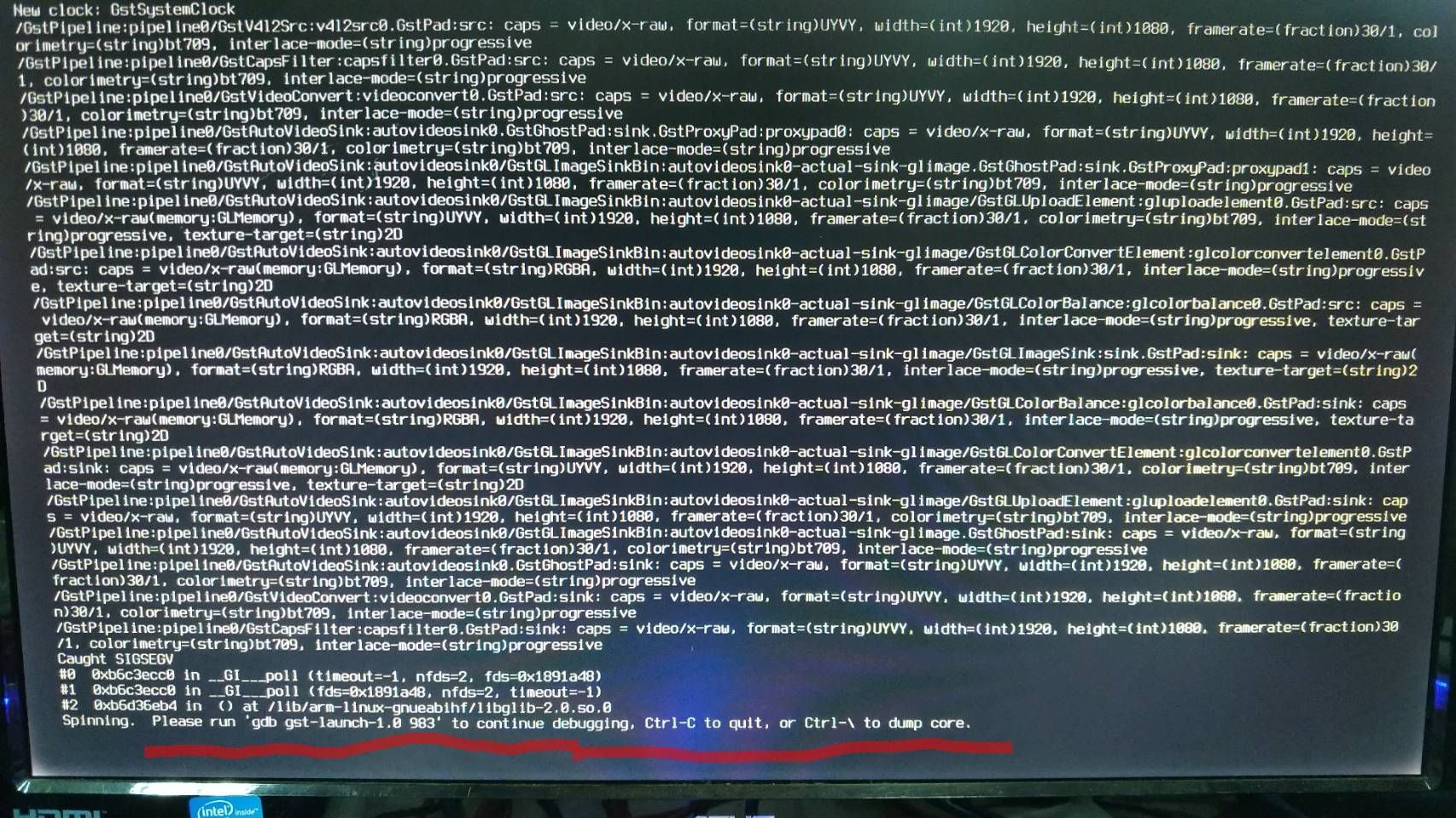
我的環境是:
Sensor: VEYE-MIPI-327E
裝置:Raspberry pi 4B
kernel: 5.10.103-v7l+ linux-headers-5.10.103-v7l+
系統使用Lite版
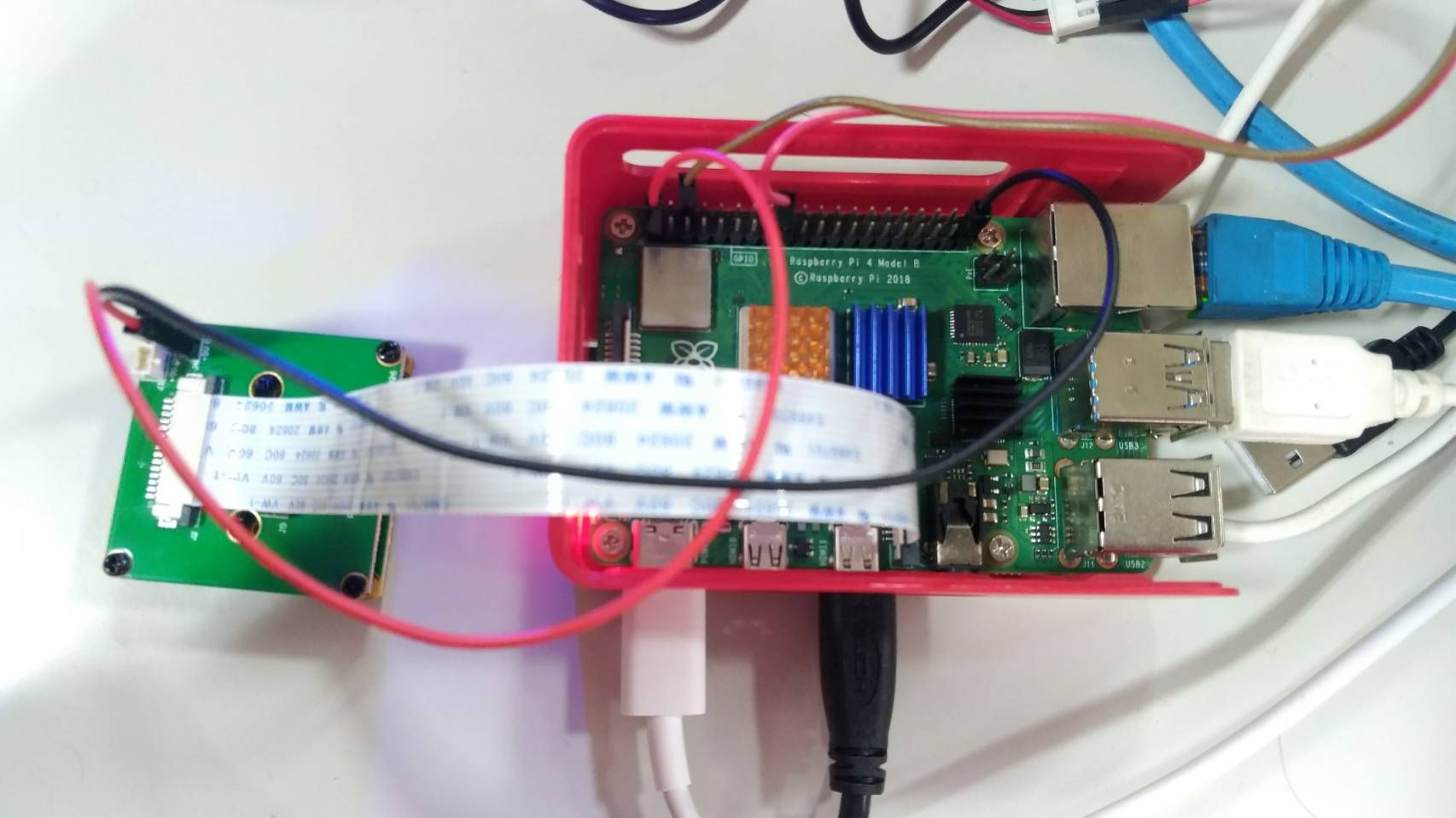
請問開如何排除這個狀況?我是參考這個網站做的:
[http://wiki.veye.cc/index.php/V4L2_mode_for_Raspberry_Pi/zh](link url) -
我这边运行是可以的。
感觉是gstreamer的问题。gst-launch-1.0 videotestsrc ! videoconvert ! autovideosink这个东东你那运行正常吗?
-
This post is deleted! -
This post is deleted! -
@veye_xumm 會出現一樣的問題
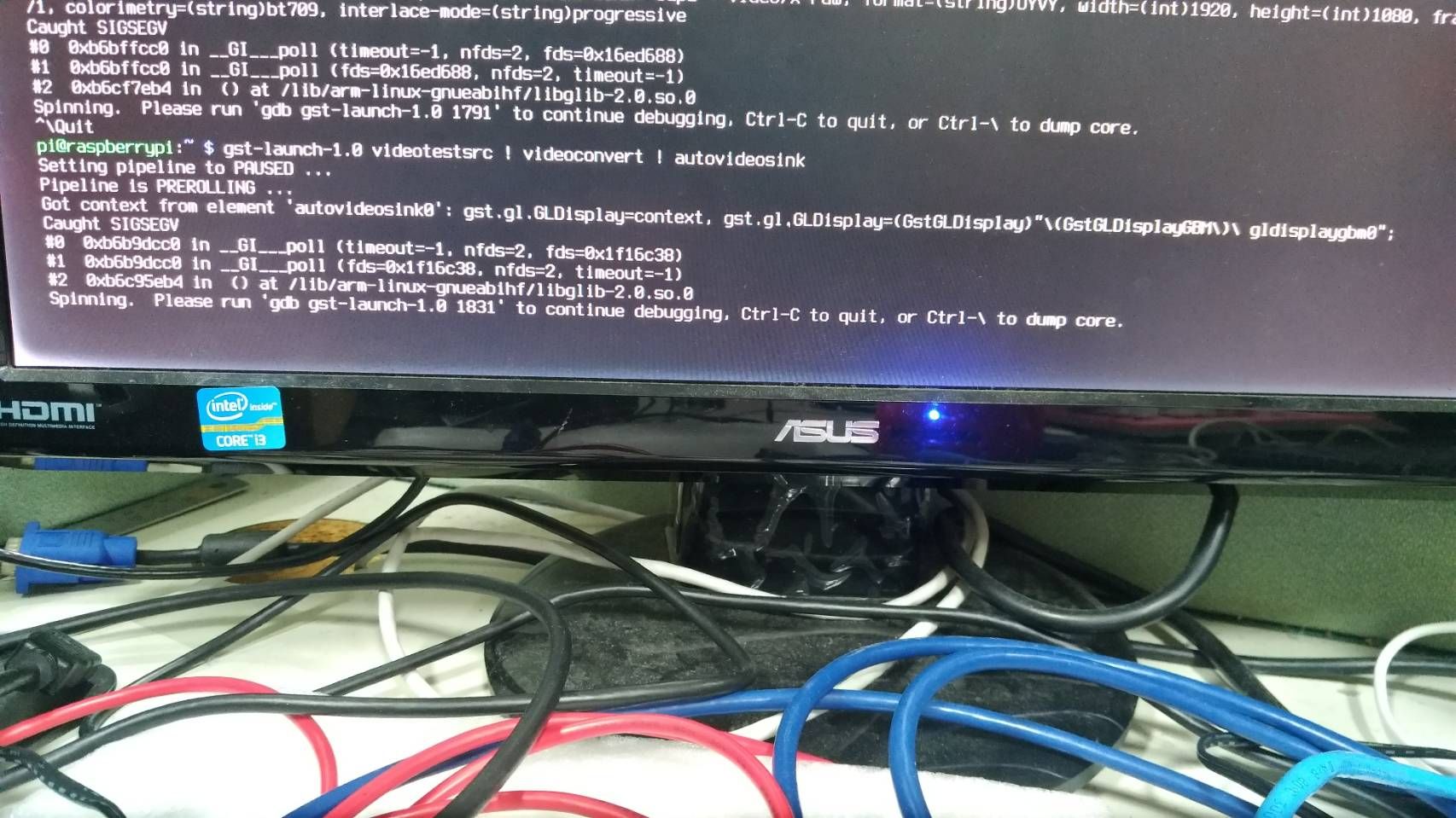
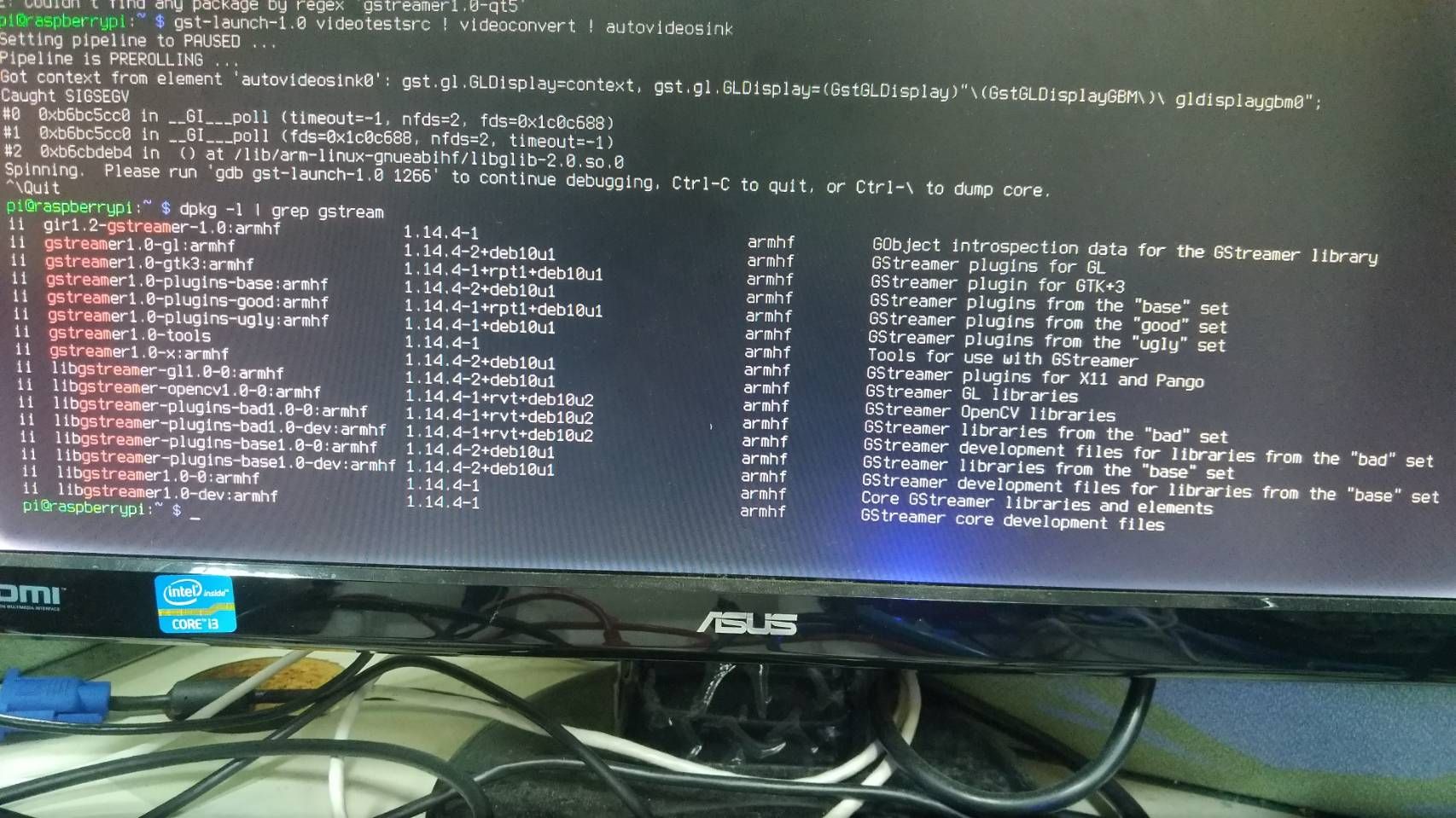
請問這樣是我必須要移除gstreamer重裝嗎?
要怎麼做才能乾淨移除?因為按照網頁的做法install三次東西
移除後重裝還是按照網頁的安裝步驟嗎? -
@kuo 这个我不太清楚,您可以网路上搜索一下尝试尝试。或者干脆重装一下rpi的系统。
-
@veye_xumm 請問建議裝哪個RPI的版本?
您試成功的版本可以告訴我嗎? -
@kuo 跟你的版本使一样的。
-
@veye_xumm 您好我已經將SD卡格式化且重裝rpi
接著按照[http://wiki.veye.cc/index.php/V4L2_mode_for_Raspberry_Pi/zh](link url) 再安裝一次gstreamer
但下指令後還是出現一樣的錯誤停在那裏
dmesg | grep veye 這個指令下了確實有找到IMX327
另外我又試了[git clone https://github.com/veyeimaging/raspberrypi.git](link url) 裡面的veye_raspipreview
我下./veye_raspipreview -t -1 他開始運作但始終沒有出現任何畫面 還需要做別的設定嗎? -
-
Lite版裝上Xorg和UI介面就解決了
-
@kuo 祝贺!

Hello! It looks like you're interested in this conversation, but you don't have an account yet.
Getting fed up of having to scroll through the same posts each visit? When you register for an account, you'll always come back to exactly where you were before, and choose to be notified of new replies (either via email, or push notification). You'll also be able to save bookmarks and upvote posts to show your appreciation to other community members.
With your input, this post could be even better 💗
Register Login