AGX首次使用VEYE-MIPI-327E 但是搜索不到设备
-
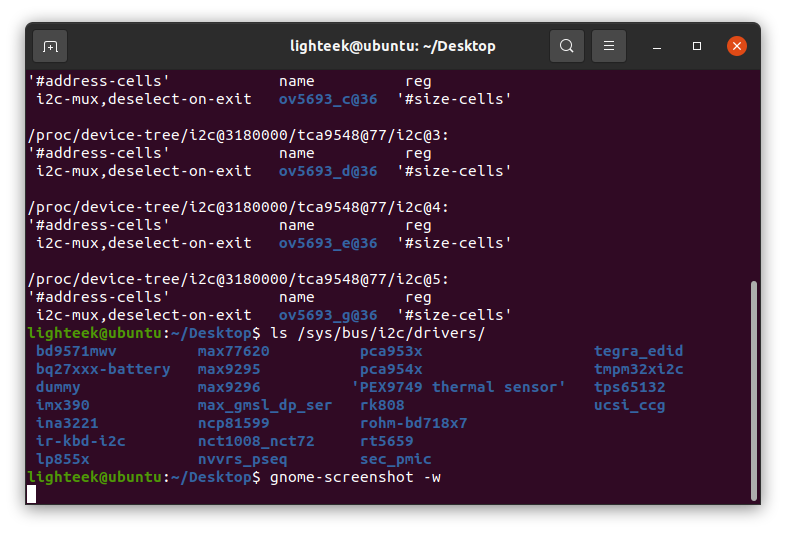
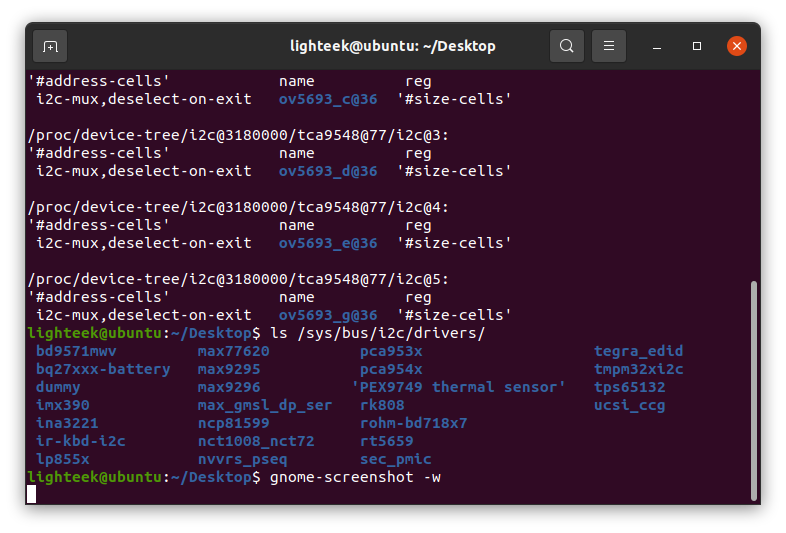
如主题所示,AGX使用时搜索不到,我的操作步骤是
- jetpack 5.1.1 下载对应的bsp压缩包
2.安装modules(适用于Jetpack5.x)
3.升级btb然后重启
但是无法检索到设备,希望帮忙解决,感谢!
- jetpack 5.1.1 下载对应的bsp压缩包
-
@lighteek
dtb文件没弄对啊。正常的话,使用VEYE-MIPI-CSM2M目录下的dtb文件,在/proc/device-tree目录下会看到veye的设备。 -
-
- dtb用的是哪个路径下的?
- 驱动安装到哪个路径下了? 是否执行了depmod?
-
@veye_xumm
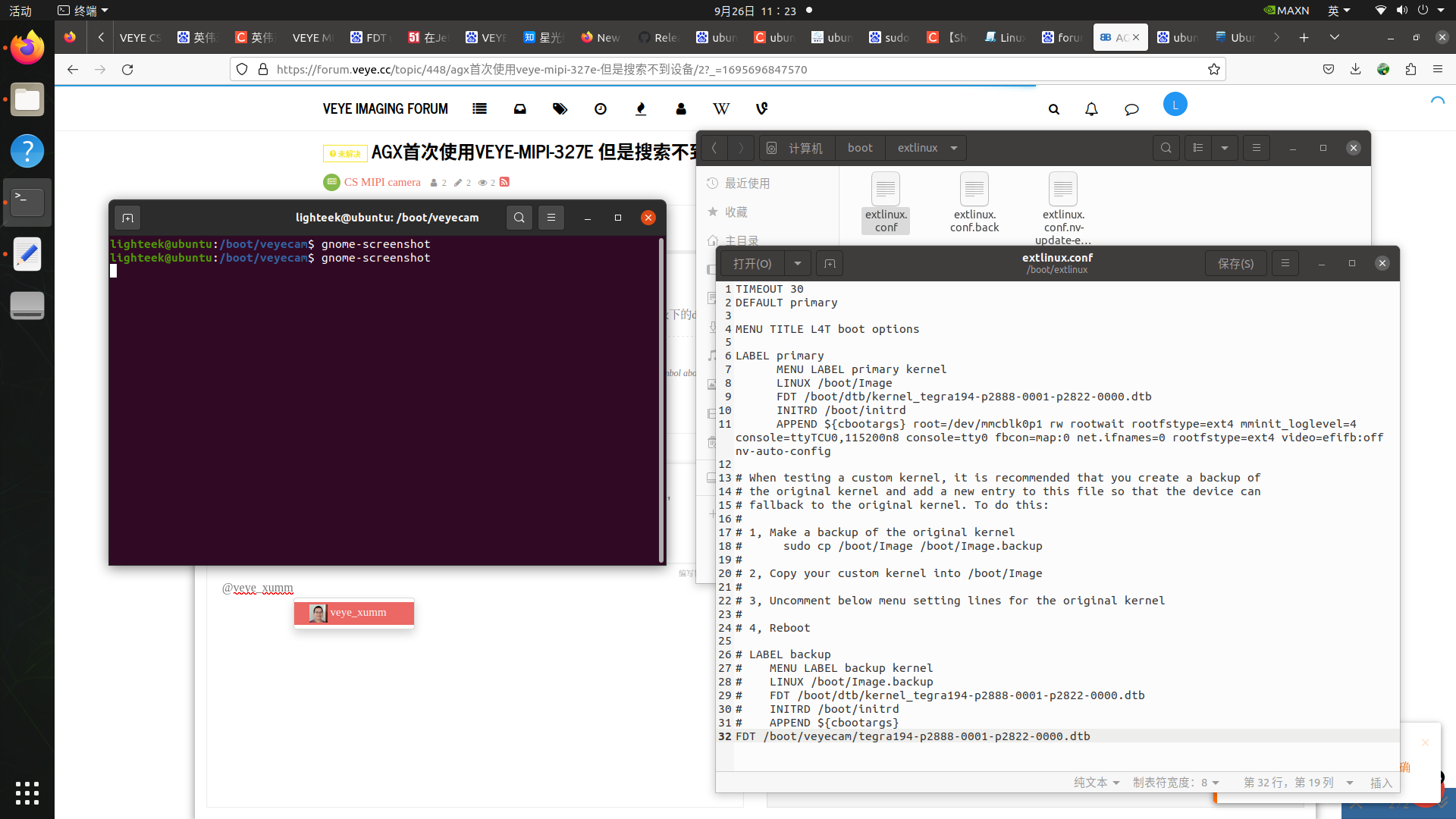
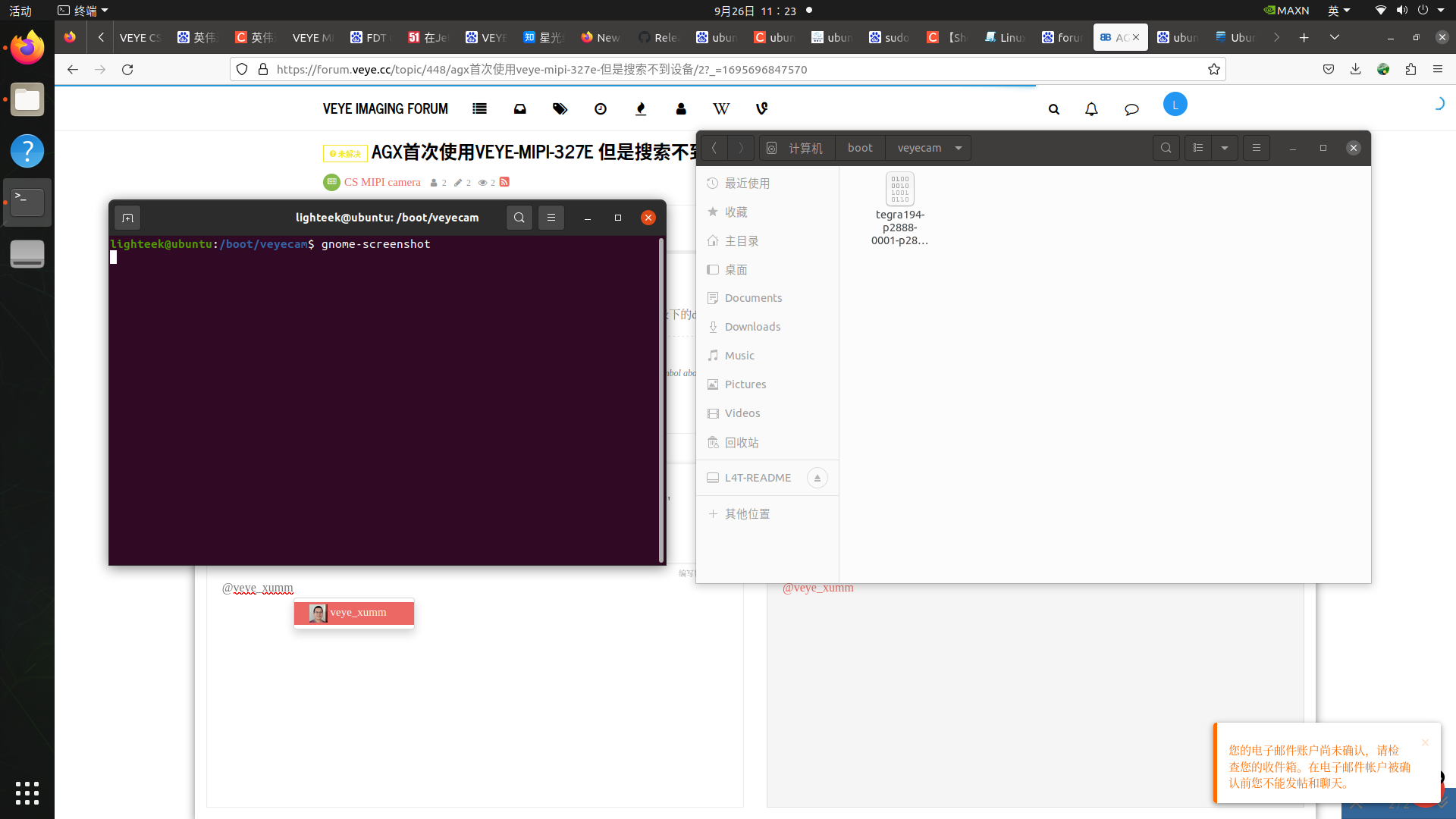
这是dtb的路径
/home/lighteek/nvidia_jetson_veye_bsp/dtbs/AGX-Xaviar/JetPack_5.1.1_Linux_JETSON_AGX_XAVIER_TARGETS/dts dtb/VEYE-MIPI-CAM2M
modules复制到 /lib/modules/5.10.104-tegra/kernel/drivers/media/i2c 然后执行 sudo depmod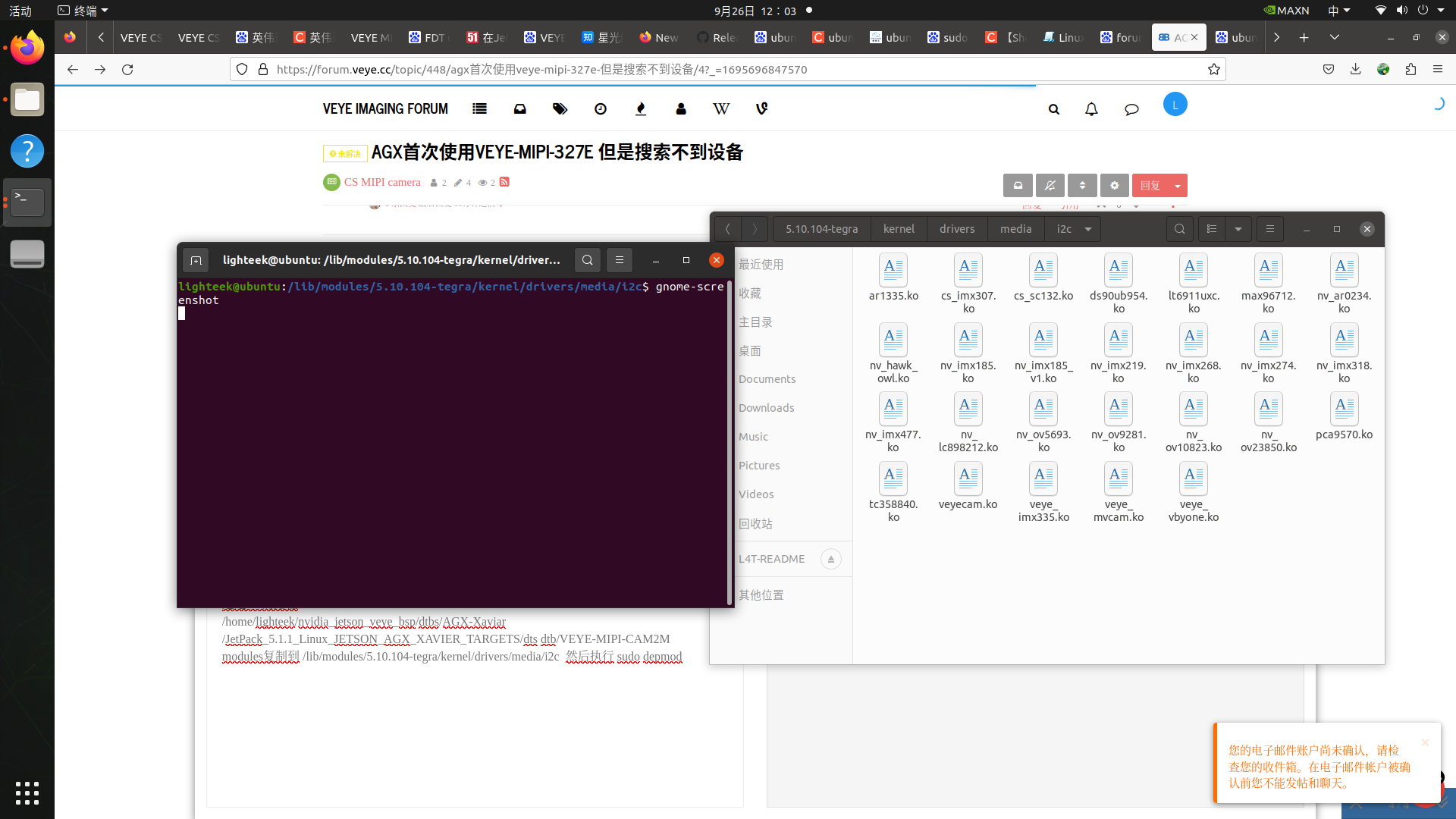
-
@lighteek
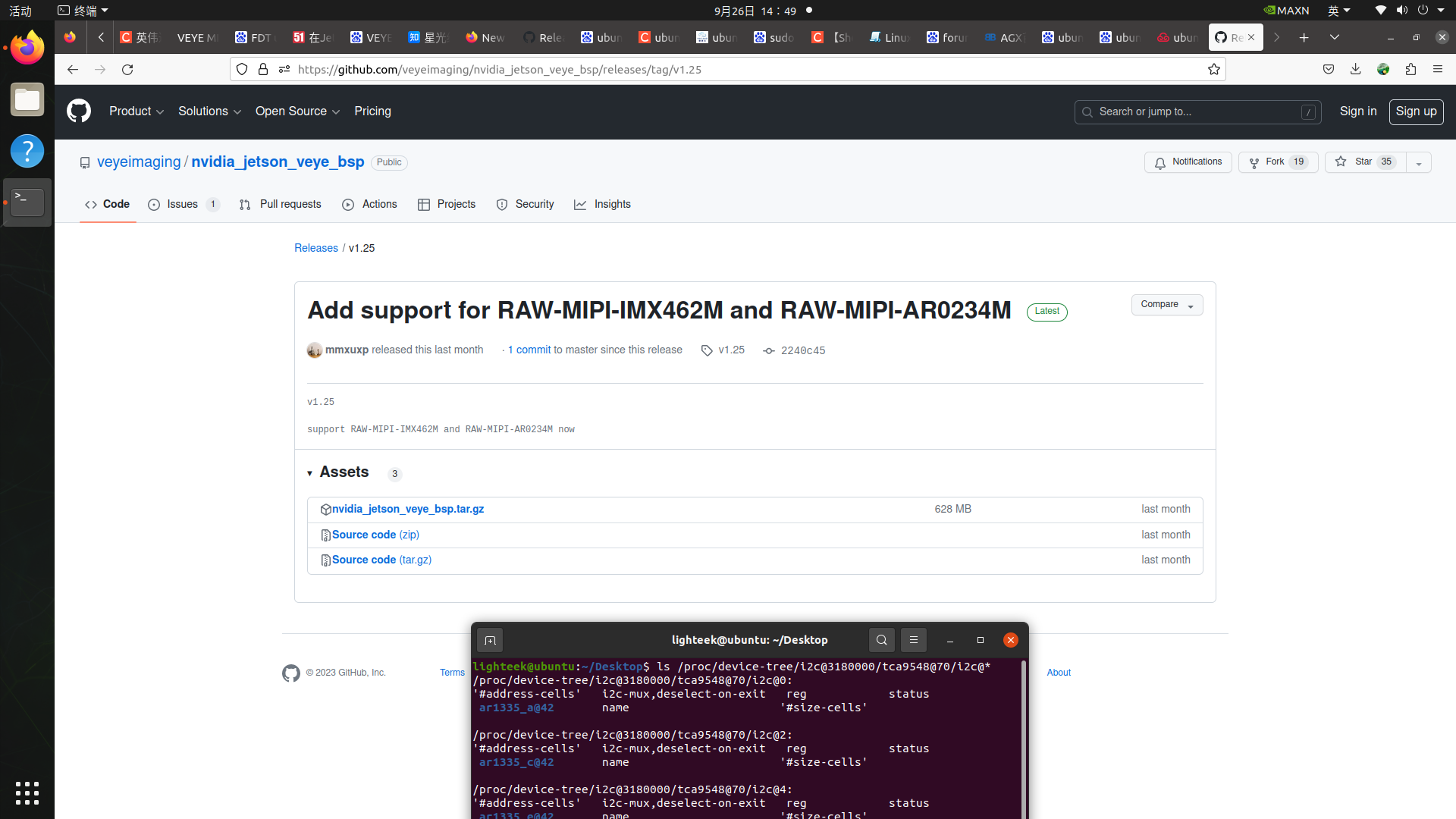
modules你用的是github上哪个目录中的呢?
整个操作做完之后,有没有重启过? -
@veye_xumm
重启了
-
@lighteek 有点奇怪了。你参考3.5.4把Image也换掉试试。

Hello! It looks like you're interested in this conversation, but you don't have an account yet.
Getting fed up of having to scroll through the same posts each visit? When you register for an account, you'll always come back to exactly where you were before, and choose to be notified of new replies (either via email, or push notification). You'll also be able to save bookmarks and upvote posts to show your appreciation to other community members.
With your input, this post could be even better 💗
Register Login