IMX 178 树莓派出图错误
-
This post is deleted! -
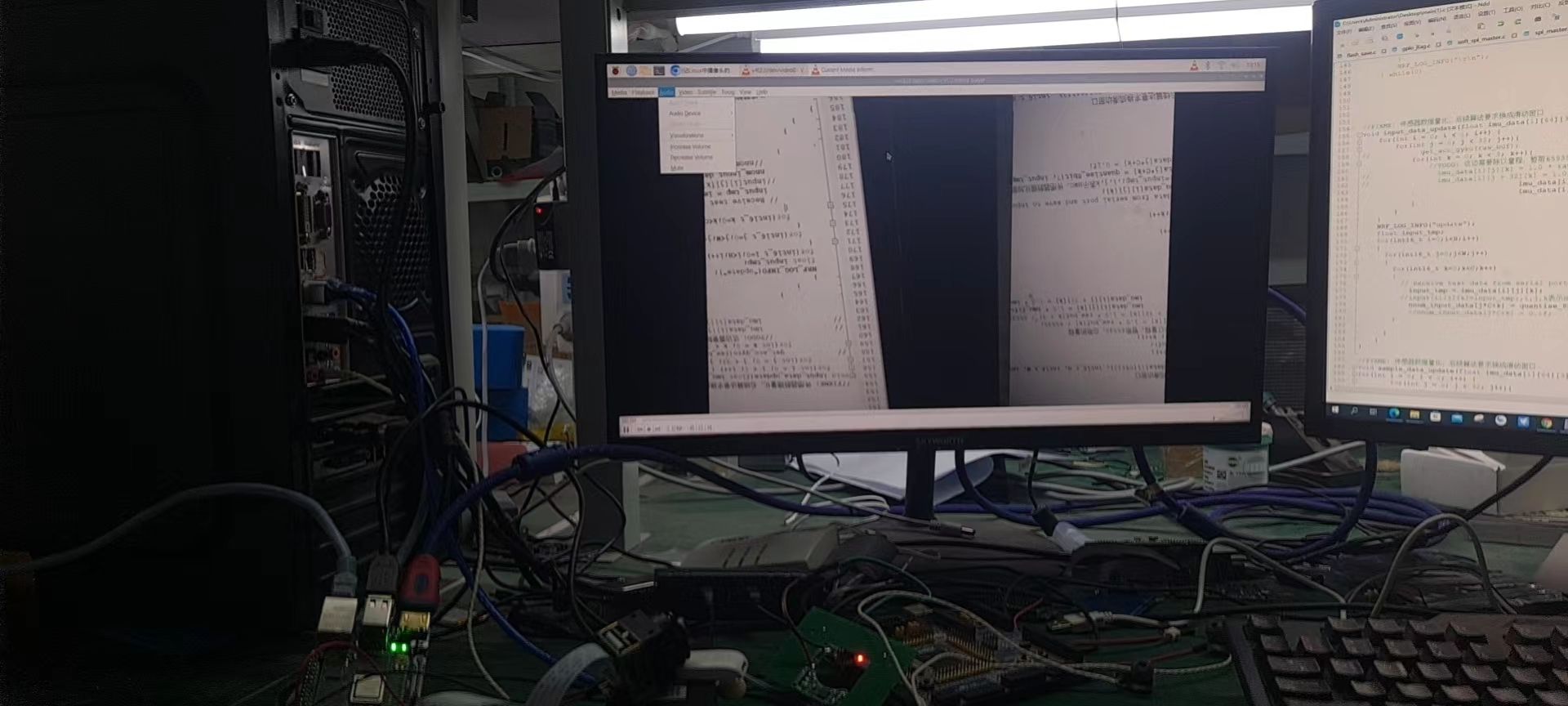
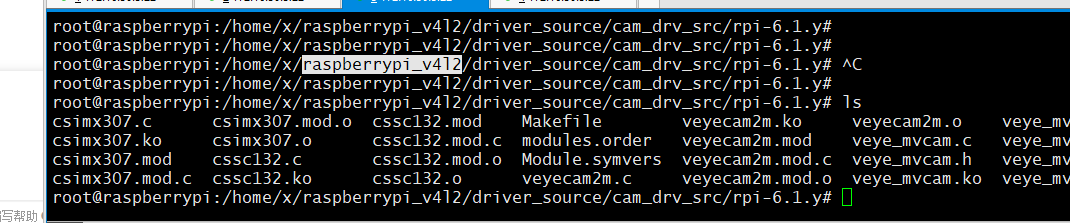
@veye_xumm 我没有设置,只是在检测到设备节点后,用vlc 直接出的图,vlc 检测出的 图像信息里边也是 3088*2064 的 ,但是图像 的右1/3测实际是真实场景的左侧
-
@xiaoxun 你按照我们的wiki取图吧。现在摄像机由于要支持任意位置的roi,所以驱动跟VLC并不能很好兼容的。
-
@veye_xumm said in IMX 178 树莓派出图错误:
@xiaoxun 你按照我们的wiki取图吧。现在摄像机由于要支持任意位置的roi,所以驱动跟VLC并不能很好兼容的。
好的,您的意思是出图前要设置ROI 吗? 另外我下载的驱动代码是支持IMX178 的吗?另外我好像用命令设置IMX178 其他尺寸的时候会提示我设置尺寸参数失败,是这款摄像头只支持 3088*2064吗,应为我从设备信息列表里边也没有看到其他的分辨率支持
-
@xiaoxun 驱动支持的,roi也是支持的。你先按照wiki上跑一下吧
-
@veye_xumm
你好,我试了一下,好像并没有probe 成功,但是已经检测到 IMX178 和出来了 /dev/video0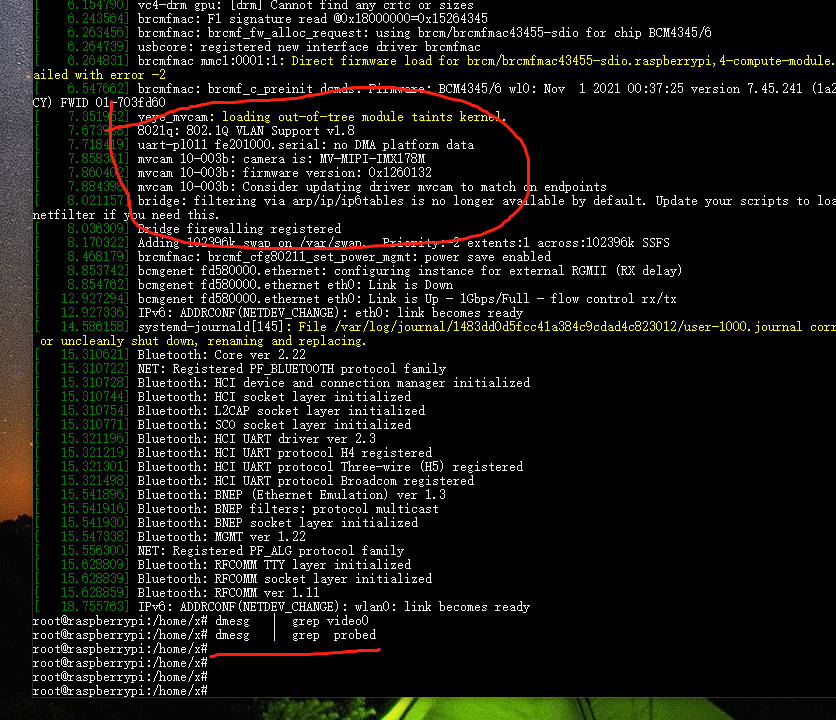
-
@xiaoxun 这个截图已经提示probe成功了。
-
@veye_xumm
但是设置其他的 分辨率还是报错 -

-
@xiaoxun
试一下执行此命令之前,先配置好正确的roi:v4l2-ctl --set-selection=target=crop,top=0,left=0,width=2816,height=2164 -
@veye_xumm said in IMX 178 树莓派出图错误:
v4l2-ctl --set-selection=target=crop,top=0,left=0,width=2816,height=2164
是在用之前必须要配置好 ROI 吗?
-
@xiaoxun 是的。因为set-format并不能提供配置roi的全部功能,所以在驱动实现中通过set selection接口做了roi配置。
-
imx78 树莓派
export DISPLAY=:0v4l2-ctl --set-selection=target=crop,top=0,left=0,width=1920,height=1080
v4l2-ctl -d /dev/video0 --set-fmt-video=width=1920,height=1080,pixelformat=UYVYgst-launch-1.0 v4l2src device=/dev/video0 ! "video/x-raw,format=(string)UYVY, width=(int)1920, height=(int)1080, framerate=(fraction)22/1" ! v4l2convert ! "vi
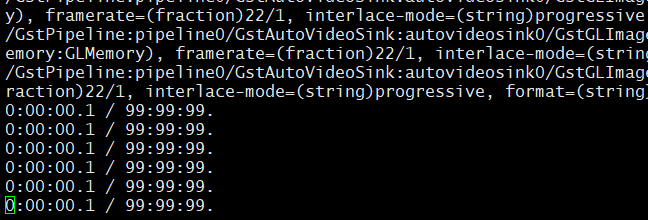
deo/x-raw,format=(string)NV12" ! autovideosink sync=false -v在屏幕上边并没有显示,是哪操作的不正确吗?
-
-
@xiaoxun
我觉得你的操作没有问题。现在这个pipeline是作为一种调试手段,其中用到的数据格式转换采用的是软件运算的方式,所以效率比较低。
我测试了一下,改成640*480还是比较流畅的。
你使用的树莓派型号是什么? -
@veye_xumm CM4 的
-
我将大小该到了 480*320 还是上图的显示 ,没有出图
-
@xiaoxun 试一下640*480
-
-

Hello! It looks like you're interested in this conversation, but you don't have an account yet.
Getting fed up of having to scroll through the same posts each visit? When you register for an account, you'll always come back to exactly where you were before, and choose to be notified of new replies (either via email, or push notification). You'll also be able to save bookmarks and upvote posts to show your appreciation to other community members.
With your input, this post could be even better 💗
Register Login