orin nano4g板卡使用MV-MIPI-IMX264M的问题
-
这个型号升级之后不支持uyvy了,你可以参考这个地方的备注。
https://wiki.veye.cc/index.php/Mv_series_camera_appnotes_4_jetson/zh#.E4.BD.BF.E7.94.A8gstreamer.E9.A2.84.E8.A7.88UYVY.E6.A0.BC.E5.BC.8F.E5.9B.BE.E5.83.8F你可以试一下直接使用qv4l2连接图像。
-
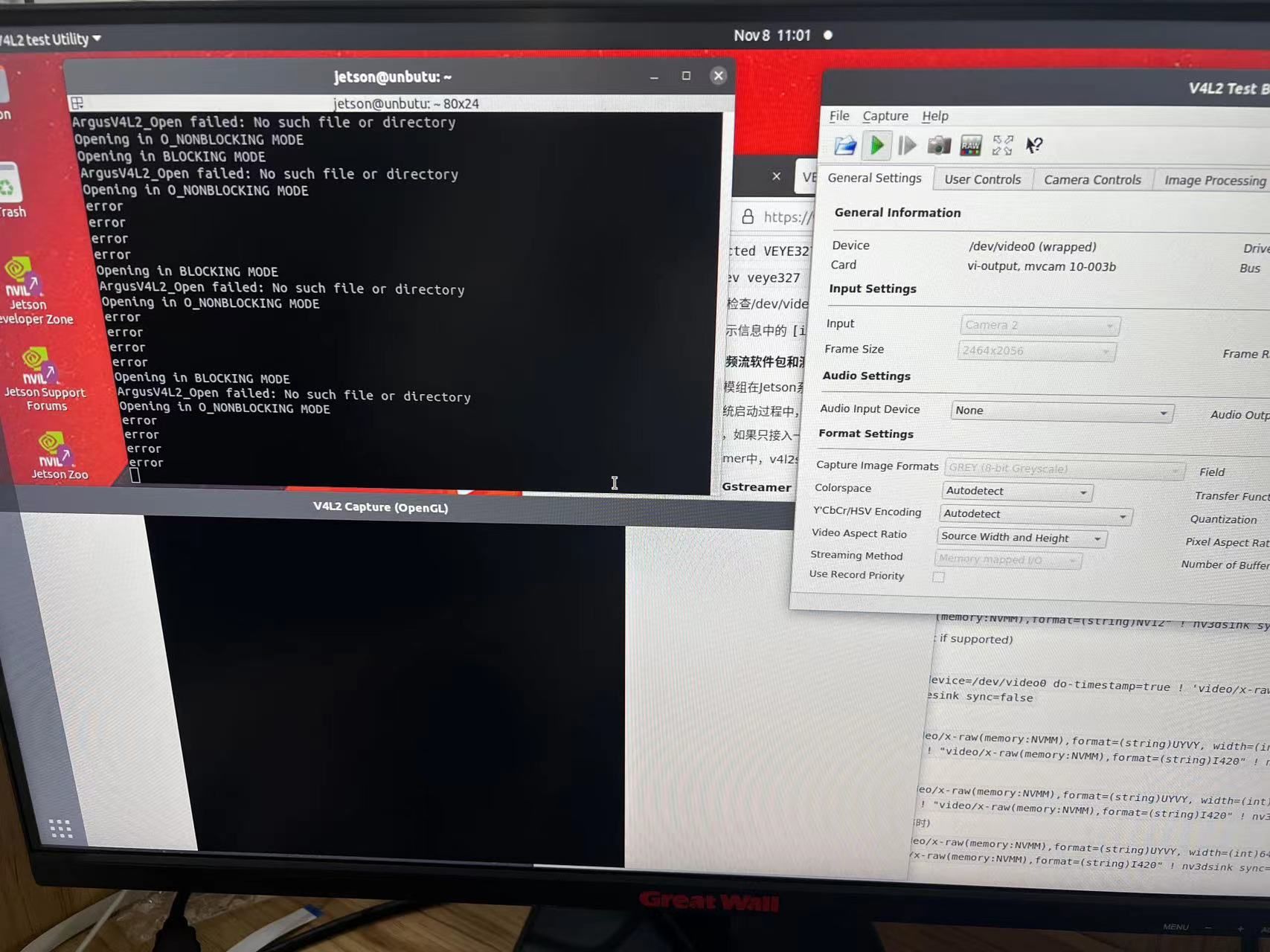
@veye_xumm 我也用过qv4l2,但是没有画面且出现了error
-
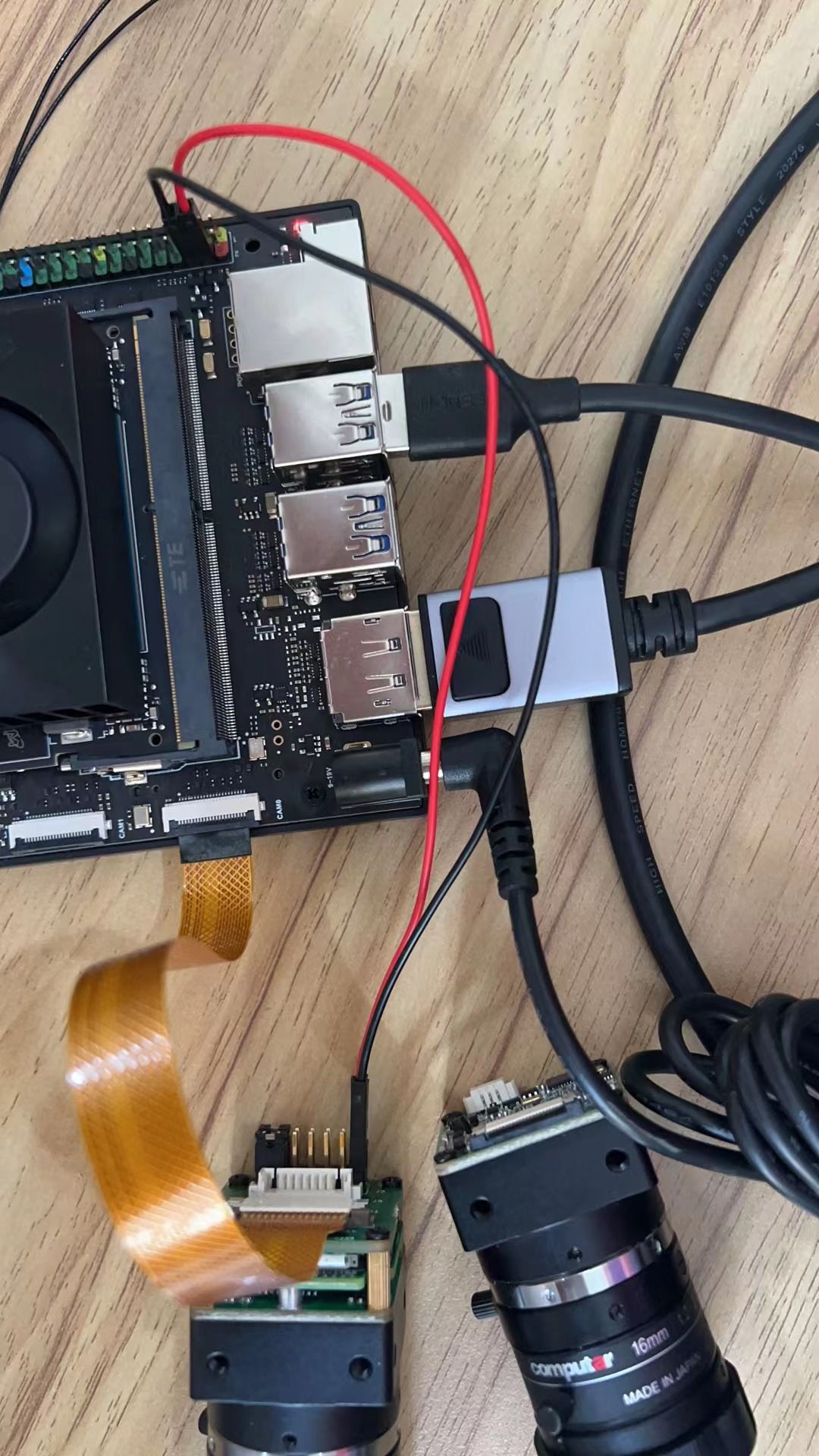
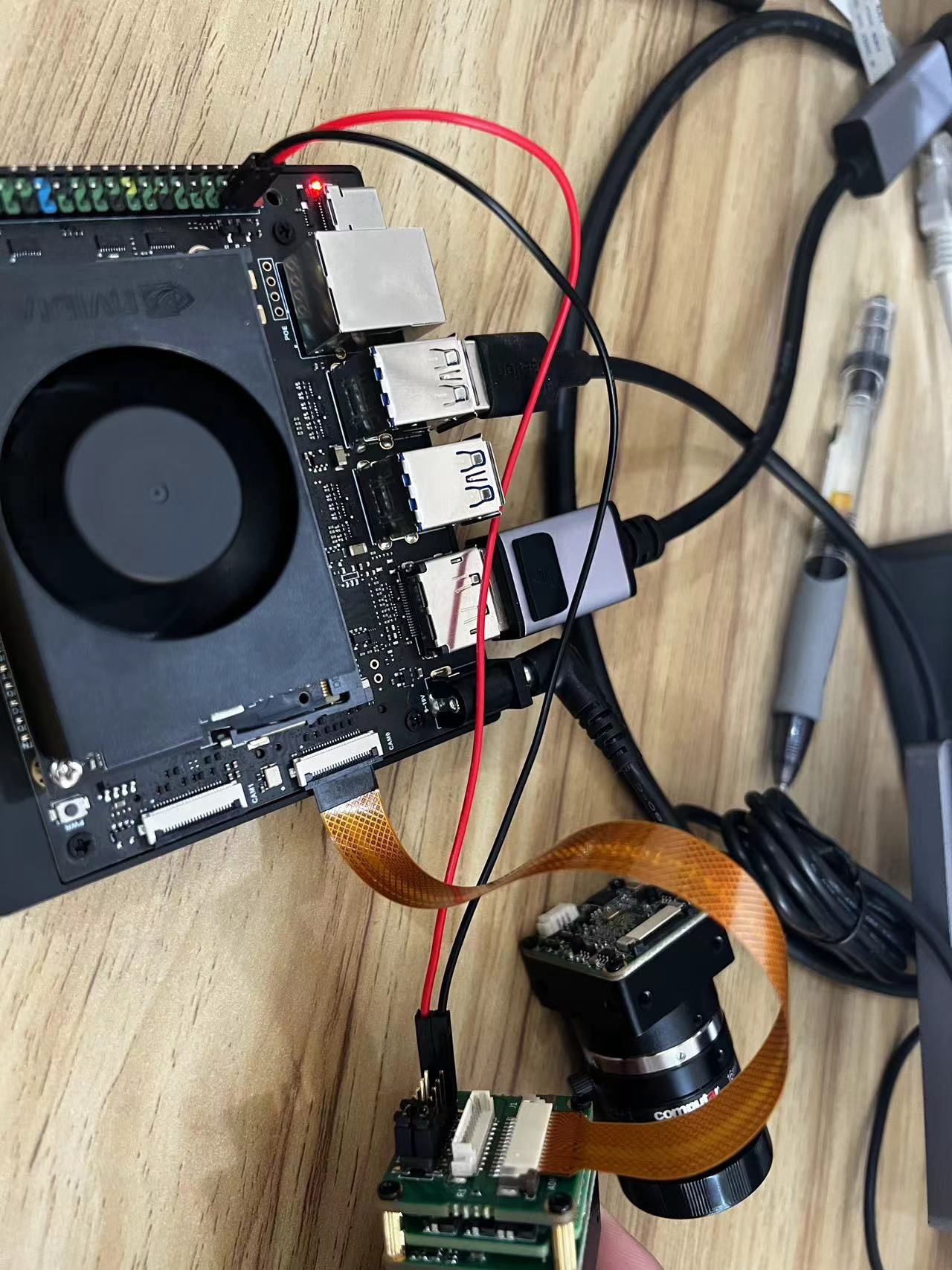
@lakers 你拍一下照片发给我看看。主要是供电和fpc线的接触面状况。
-
-
-
@lakers 硬件连接看起来没毛病。
可能是之前你的尝试把数据格式换了。
你用脚本,把摄像头恢复一下默认值
https://wiki.veye.cc/index.php/Mv_mipi_i2c.sh_user_guide#factoryparam./mv_mipi_i2c.sh -w -f factoryparam -b 10然后重启主板。
然后再尝试一下qv4l2。 -
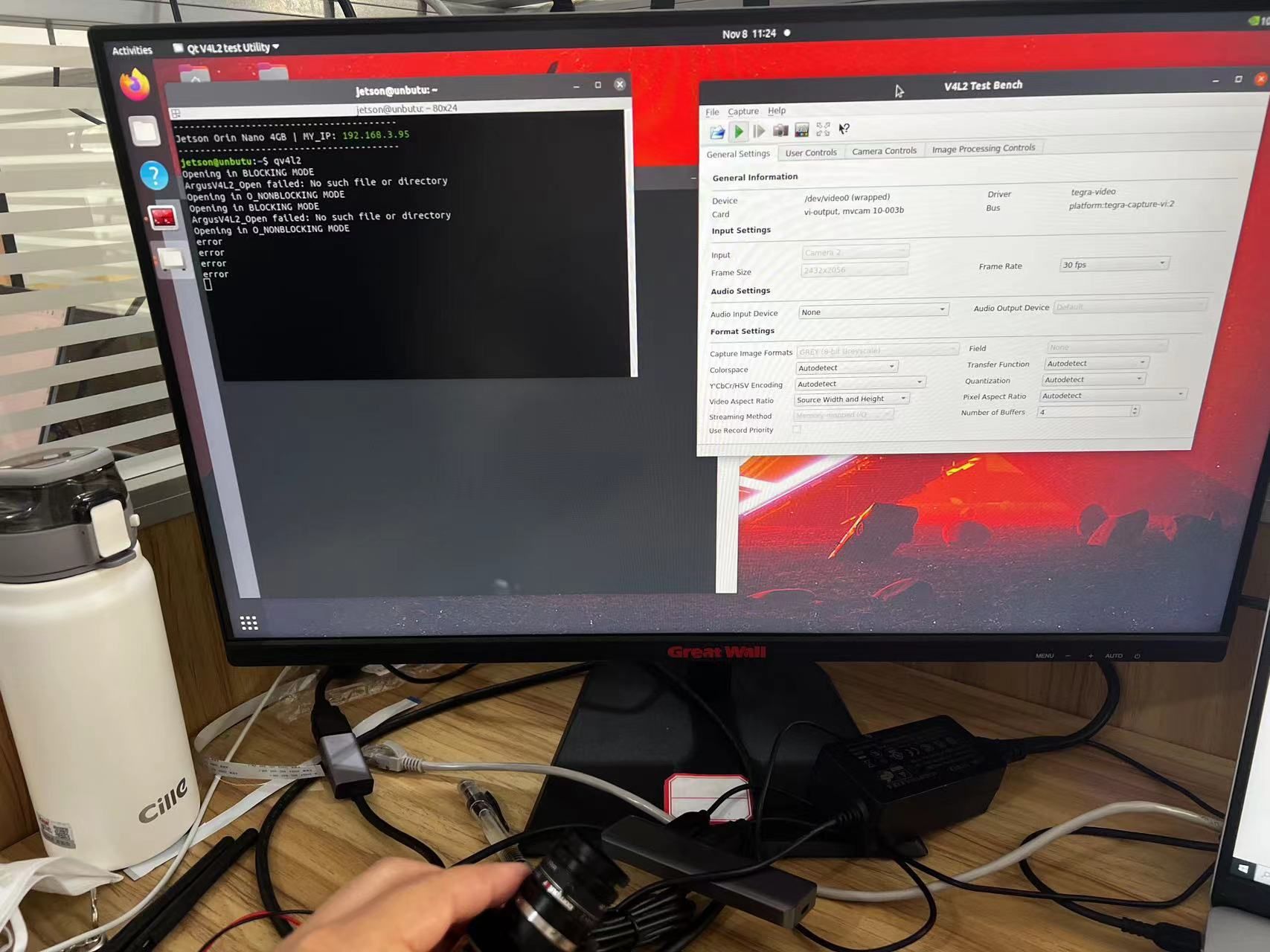
@veye_xumm 我按照您的方法重置了摄像头,使用qv4l2查看,但是画面不对,而且我晃动摄像头画面没变化
-
@veye_xumm 还有一个关于Image拷贝的问题想问一下您,官网上说xavier系列需要拷贝Image.sig文件到root下,那orin nano 需要吗?
-
@lakers 需要的。但是你现在已经过了那个阶段了。驱动已经正常加载了。
-
@veye_xumm 嗯嗯,好的。那这个摄像头为什么不出画面呢?会不会是dtb中i2c的问题呢?
-
@veye_xumm 老师如果说我要以别的格式看画面的话那我的gstreamer指令应该怎么修改呢?
-
@lakers
执行一下这个,看看是否正常出帧率?export WIDTH=2432 export HEIGHT=2056 export FPS=28 v4l2-ctl --set-fmt-video=width=$WIDTH,height=$HEIGHT,pixelformat=GREY --stream-mmap --stream-count=-1 --stream-to=/dev/null -
@veye_xumm 我这边执行了,它没有提示任何东西,一直在执行命令
-
@lakers 不停的打大于号吗?显示的帧率是多少?
如果是这样,说明功能是正常的在采集和输出图像了。但是不知为何你用qv4l2的时候图像特别黑。
你的镜头光圈打开了吗? -
@veye_xumm 我这边没有您说的大于号和帧率,没有任何显示
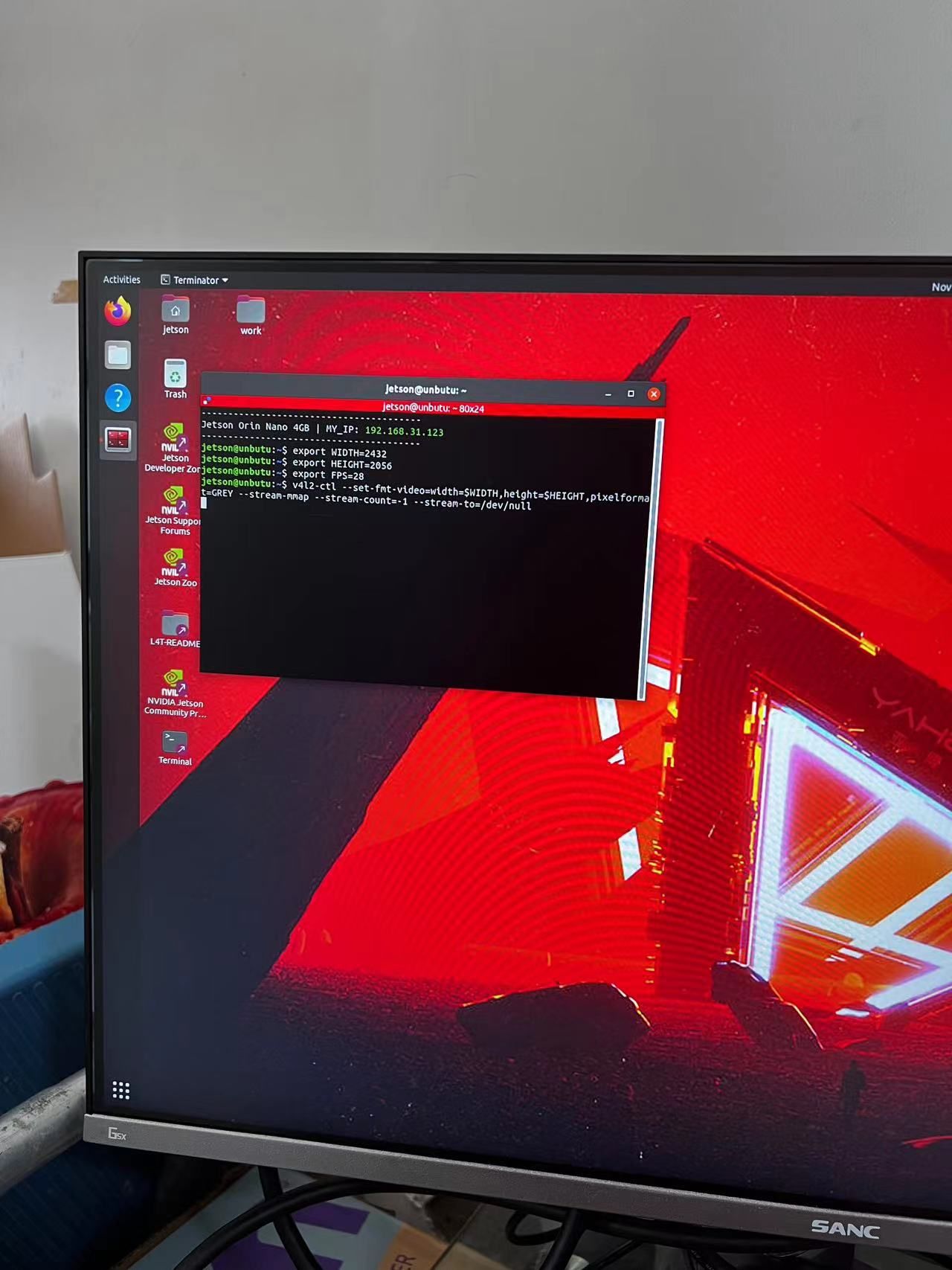
-
@lakers
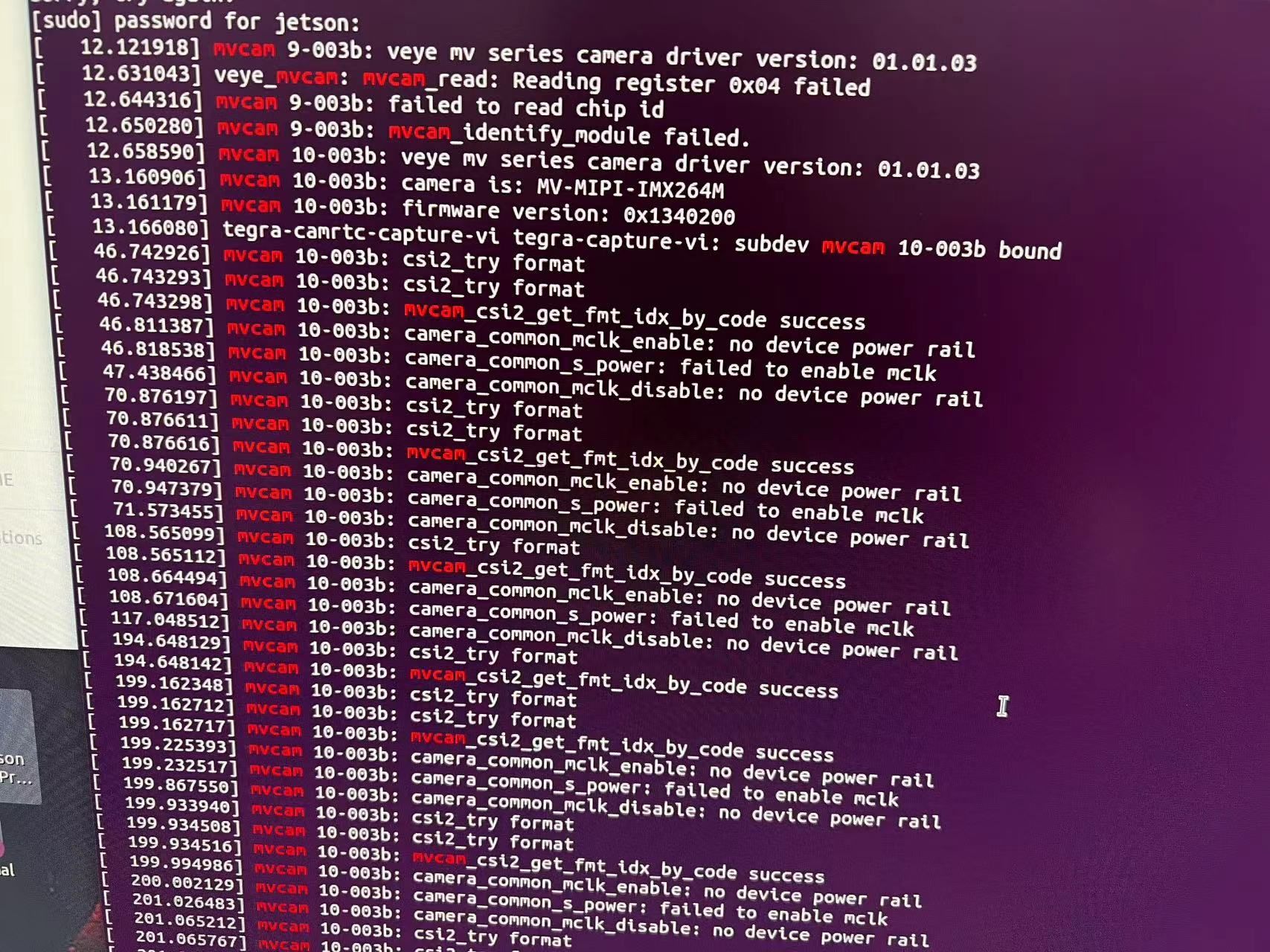
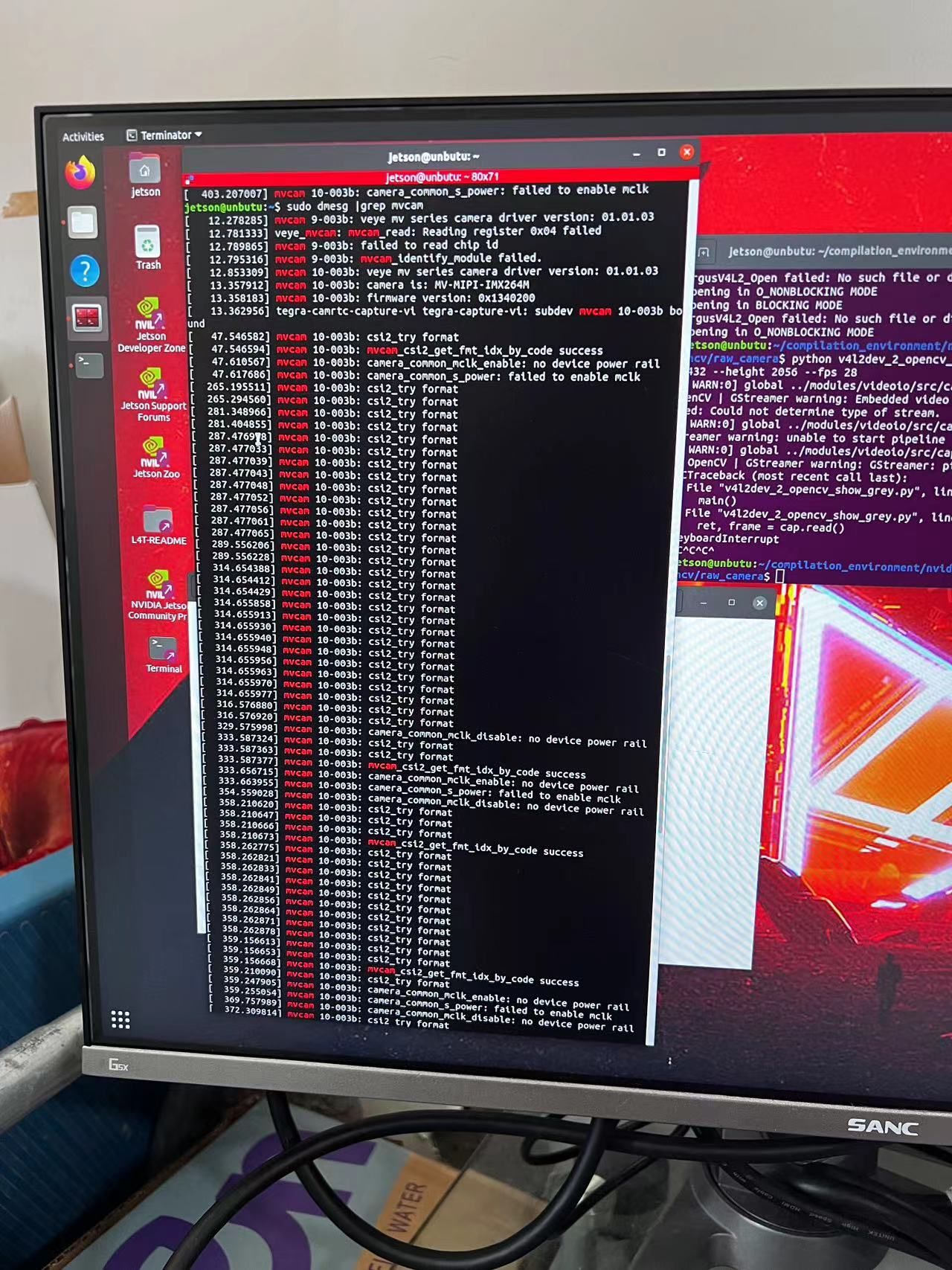
那不对。你现在执行一下dmesg,看一下驱动层的输出。 -
-
@lakers 没看到报错啊。你有没有配置触发模式之类的东西?
-
@veye_xumm 我之前配置了软触发和流模式
-
@lakers 你现在用脚本读取一下是不是流模式? 如果不是流模式,配置回流模式,再尝试测试。

Hello! It looks like you're interested in this conversation, but you don't have an account yet.
Getting fed up of having to scroll through the same posts each visit? When you register for an account, you'll always come back to exactly where you were before, and choose to be notified of new replies (either via email, or push notification). You'll also be able to save bookmarks and upvote posts to show your appreciation to other community members.
With your input, this post could be even better 💗
Register Login