Camera menu appears on VEYE-MIPI-IMX327S and results
-
Hello.
Line in end of veye_mipi_i2c.sh added:
./i2c_write $I2C_DEV $I2C_ADDR 0x07 0xFF&> /dev/null;A menu appeared. Sequential execution of commands causes the on-screen display to disappear.
./i2c_write 10 0x3b 0x0010 0xDE
./i2c_write 10 0x3b 0x0011 0x0B
./i2c_write 10 0x3b 0x0012 0x02
./i2c_write 10 0x3b 0x0013 0x00
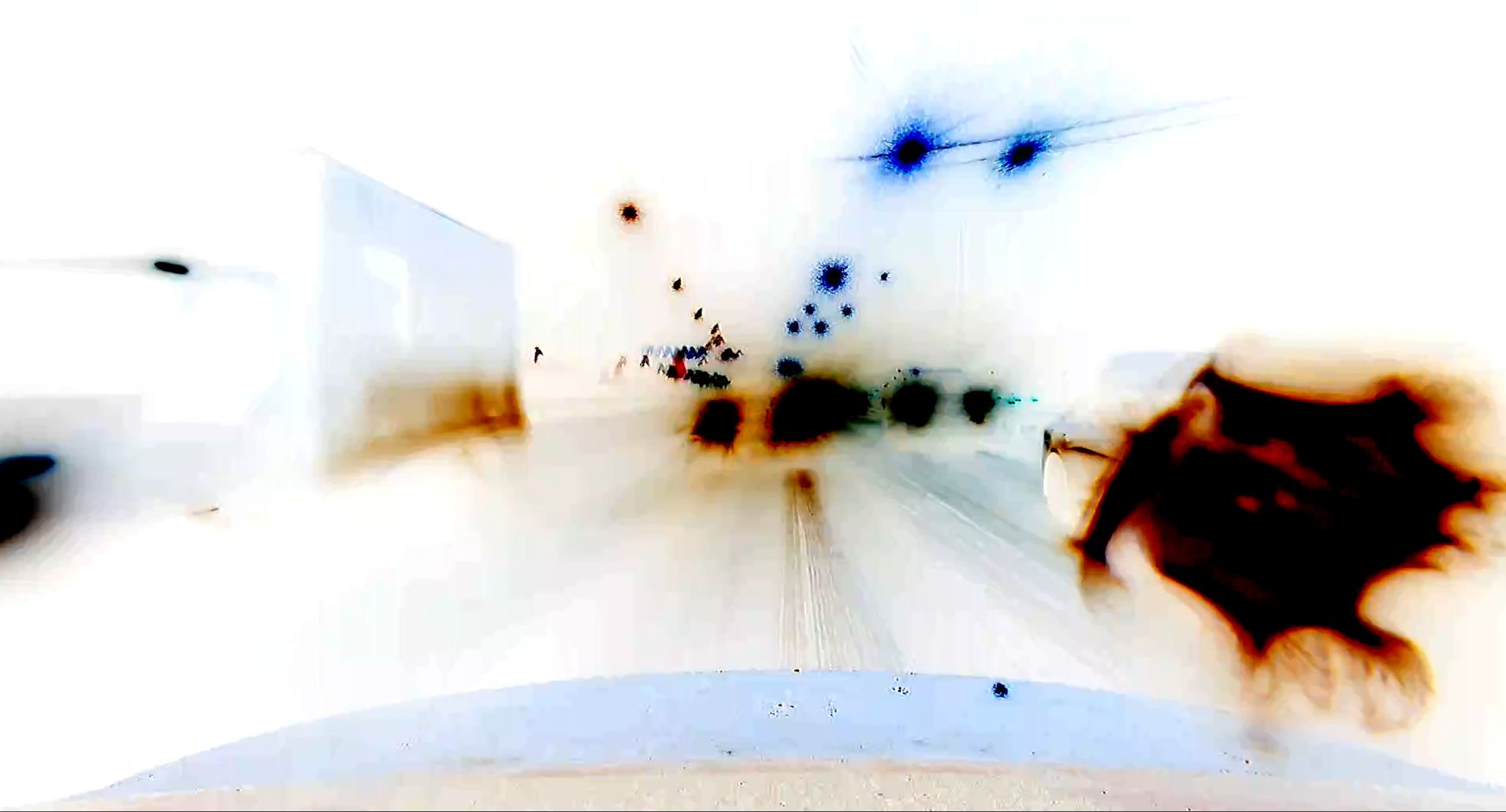
But while the menu was the menu cursor moves spontaneously. As a result:
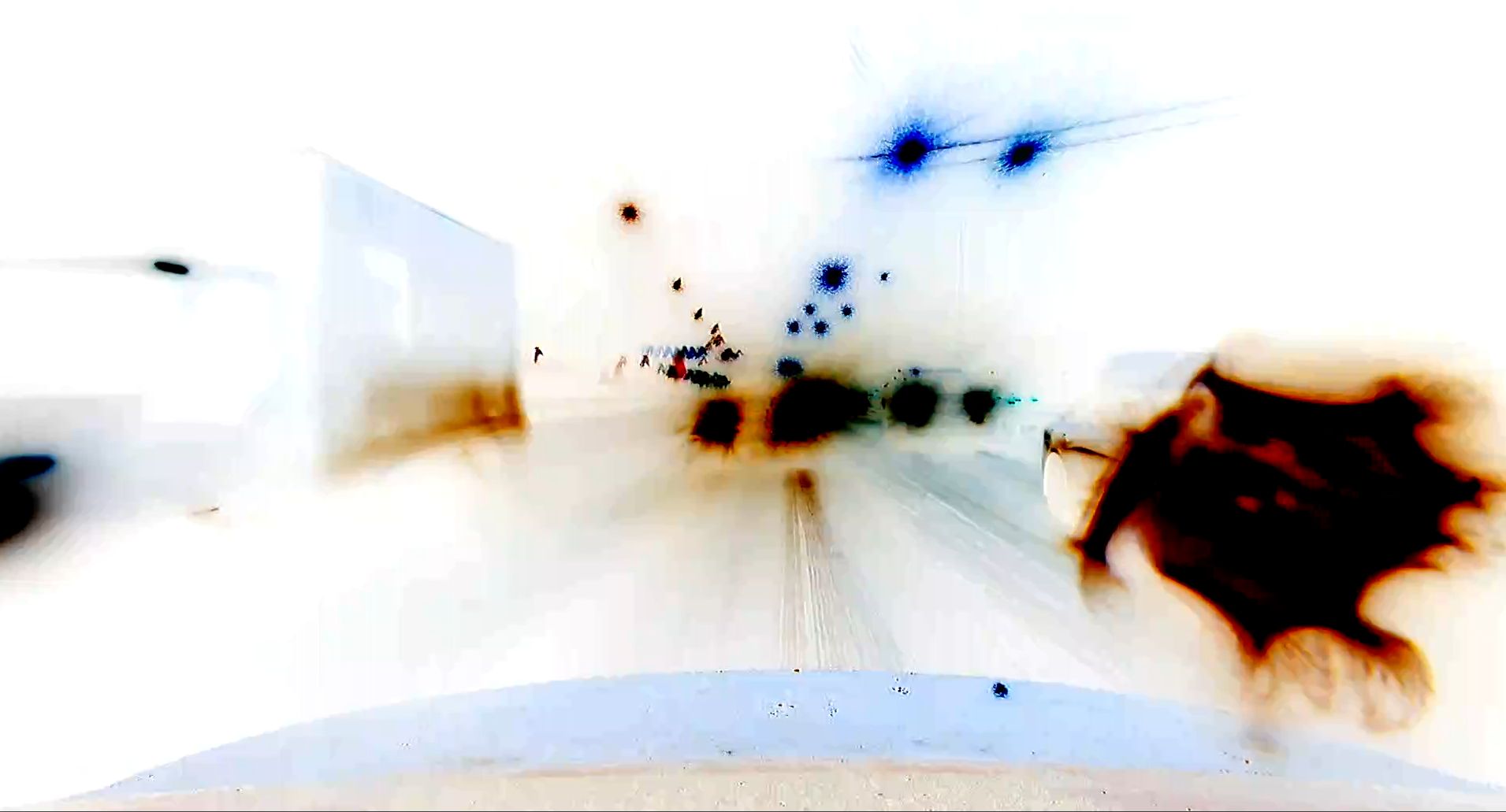
Depicts a road, but with a negative (or inversion) effect. Power off / on the image is not restored.
How do I make a normal image?
-
@dan_lionking
These 4 lines is not a script that mean to "make menu disappear". In fact it is a method to make the menu's life time very short.
I suggest you run this script after power on you rpi.By the way,
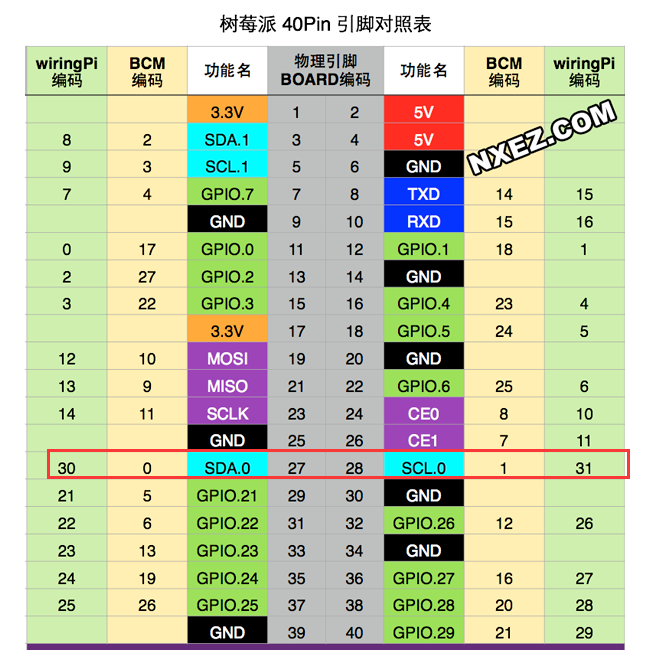
I've been curious as to why your app causes the menu to appear, and since there is no dsi screen, on the two pins below, have you connected any other i2c sensor devices?
-
@veye_xumm
No devices are connected to these contacts. The camera is connected to RPi4b and RPiZero only via the CSI interface.

Hello! It looks like you're interested in this conversation, but you don't have an account yet.
Getting fed up of having to scroll through the same posts each visit? When you register for an account, you'll always come back to exactly where you were before, and choose to be notified of new replies (either via email, or push notification). You'll also be able to save bookmarks and upvote posts to show your appreciation to other community members.
With your input, this post could be even better 💗
Register Login