VEYE IMAGING Forum
    • Categories
    • Tags
    • Recent
    • Popular
    • Users
    • WIKI
    • veye.cc
    • Register
    • Login
    1. Home
    2. Dan_LionKing
    3. Topics
    D
    Offline
    • Profile
    • Following 0
    • Followers 0
    • Topics 7
    • Posts 37
    • Groups 0

    Topics

    • D

      Camera VEYE-MIPI-IMX327S support on rk3399pro chips

      Watching Ignoring Scheduled Pinned Locked Moved VEYE MIPI camera
      2
      0 Votes
      2 Posts
      695 Views
      veye_xummV
      @dan_lionking Due to some problems with the bsp of rk3399. http://wiki.veye.cc/index.php/VEYE_MIPI_327_for_Nano_Pi_4_ubuntu#Exsiting_bugs After we have transport VEYE-MIPI-327 into rk3399, we found these problems and then abandoned the rk platform.
    • D

      Stream h264 from camera VEYE-MIPI-IMX327S using v4l2

      Watching Ignoring Scheduled Pinned Locked Moved VEYE MIPI camera
      2
      0 Votes
      2 Posts
      744 Views
      D
      On the Tinker Edge T board, we get video from the camera using the command: gst-launch-1.0 v4l2src device=/dev/video0 ! "video/x-raw,format=(string)YUY2, width=(int)1920, height=(int)1080,framerate=(fraction)30/1" ! glimagesink But when trying to get the h264 stream using the command: gst-launch-1.0 v4l2src device=/dev/video0 ! "video/x-raw,format=(string)YUY2, width=(int)1920, height=(int)1080,framerate=(fraction)30/1" ! videoconvert ! x264enc ! h264parse ! rtph264pay config-interval=1 pt=96 ! rtph264depay ! rtspclientsink protocols=tcp location=rtsp://0.0.0.0:8554/live/h264 latency=1000 An error is thrown: [image: 1645528098443-photo_2022-02-22_14-07-48.jpg] How to get h264 stream?

    • D

      Driver VEYE-MIPI-IMX327S restart system

      Watching Ignoring Scheduled Pinned Locked Moved VEYE MIPI camera
      3
      1
      0 Votes
      3 Posts
      1k Views
      D
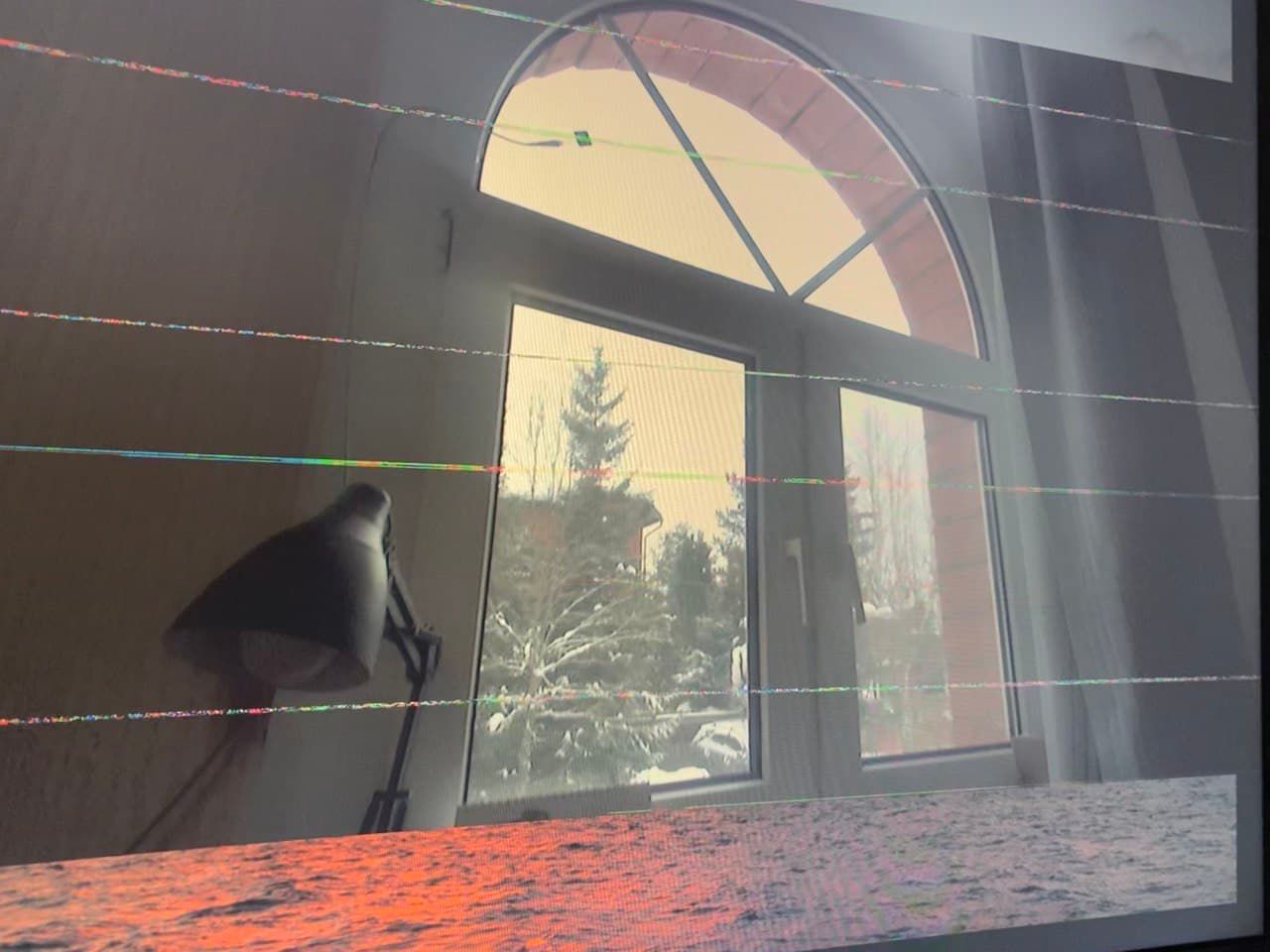
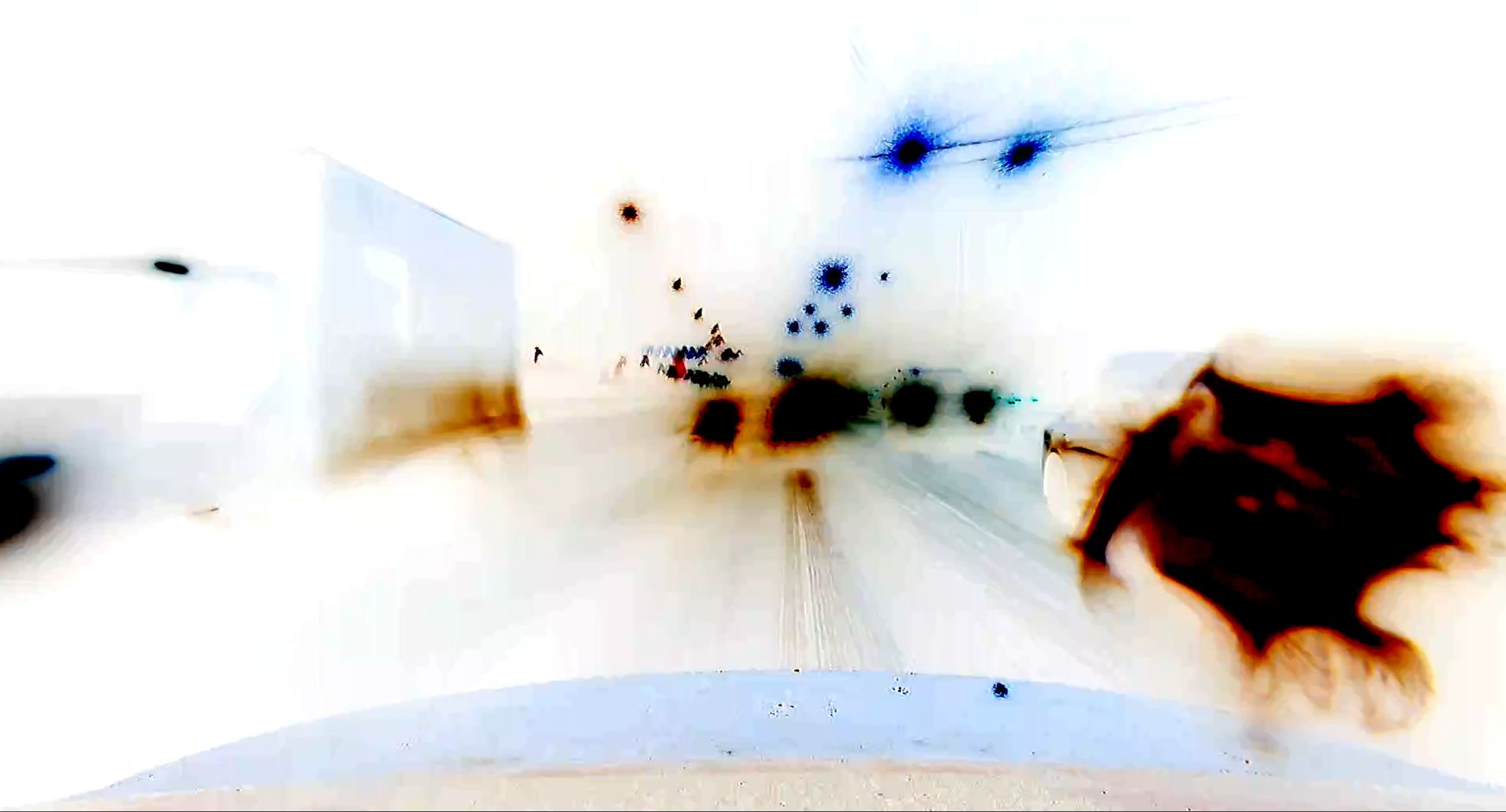
      @veye_xumm We use: veye_raspivid -b 1000000 -t 0 -n -o - and checked: veye_raspivid -b 1000000 -t 0 -p '0,0,1920,1080' Using these commands results in a reboot, with the distortions shown above. veye_raspipreview displays such pictures perfectly.
    • D

      Camera menu appears on VEYE-MIPI-IMX327S and results

      Watching Ignoring Scheduled Pinned Locked Moved VEYE MIPI camera
      3
      1
      0 Votes
      3 Posts
      936 Views
      D
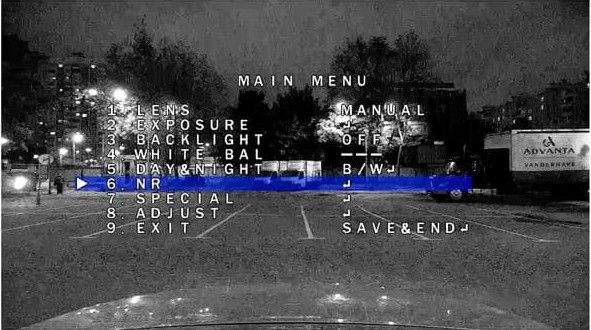
      @veye_xumm No devices are connected to these contacts. The camera is connected to RPi4b and RPiZero only via the CSI interface.
    • D

      Camera menu appears on VEYE-MIPI-IMX327S

      Watching Ignoring Scheduled Pinned Locked Moved VEYE MIPI camera
      15
      2
      0 Votes
      15 Posts
      4k Views
      veye_xummV
      @dan_lionking You are welcome.
    • D

      VEYE-MIPI-IMX327S no image

      Watching Ignoring Scheduled Pinned Locked Moved VEYE MIPI camera
      24
      1
      0 Votes
      24 Posts
      7k Views
      veye_xummV
      @dan_lionking You are welcome.
    • D

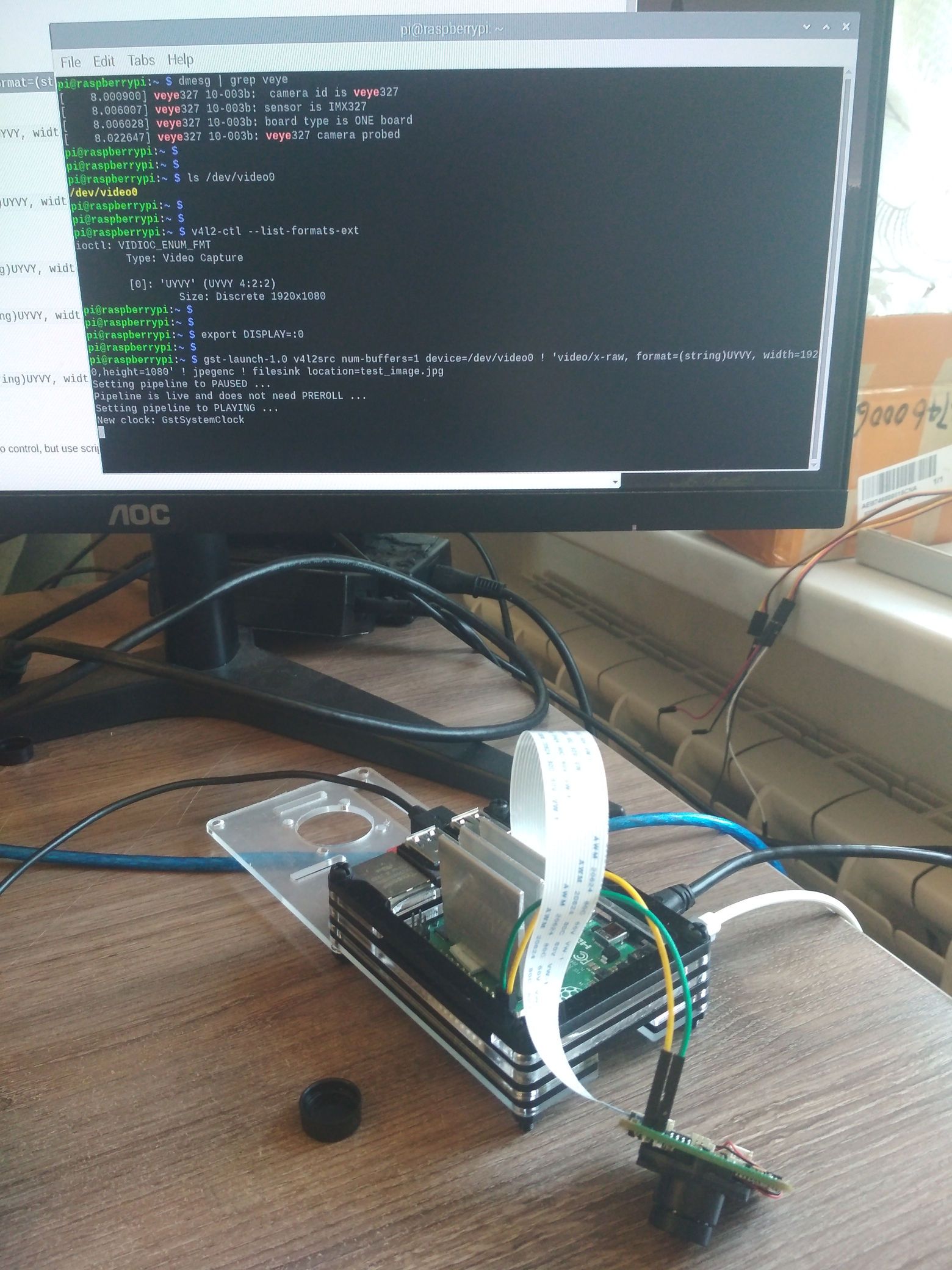
      VEYE-MIPI-IMX327S via V4L2

      Watching Ignoring Scheduled Pinned Locked Moved VEYE MIPI camera
      20
      2
      0 Votes
      20 Posts
      5k Views
      veye_xummV
      @dan_lionking Right. That's the result.