VEYE IMAGING Forum
    • Categories
    • Tags
    • Recent
    • Popular
    • Users
    • WIKI
    • veye.cc
    • Register
    • Login

    MV-MIPI-IMX265M+Raspberry pi4 5.15.84
    Scheduled Pinned Locked Moved Raspberry Pi App Software
    21 Posts 2 Posters 8.3k Views 1 Watching
    Loading More Posts
    • Oldest to Newest
    • Newest to Oldest
    • Most Votes
    Reply
    • Reply as topic
    Log in to reply
    This topic has been deleted. Only users with topic management privileges can see it.
    • veye_xummV Offline
      veye_xumm @CYS
      last edited by

      @cys said in MV-MIPI-IMX265M+Raspberry pi4 5.15.84:

      http://wiki.veye.cc/index.php/V4L2_mode_for_Raspberry_Pi

      你好,MV系列产品请参考
      http://wiki.veye.cc/index.php/Mv_series_camera_appnotes_4_rpi

      Questions will be answered as soon as possible, please be patient.
      如果你使用中文,请直接用中文提问。
      May the force be with YOU. (This is the translation of the mysterious Chinese symbol above.)

      C 1 Reply Last reply Reply Quote 0
      • C Offline
        CYS @veye_xumm
        last edited by

        @veye_xumm 您好:我參考網頁的6.6.5.2使用opencv預覽GRAY格式圖片,python ./v4l2dev_2_opencv_show_grey.py --width 640 --height 480 --fps 30
        測試是可以有畫面的,但請問width及height是不是不能做調整,我試著調整為2064 * 1544或1920*1080都會顯示Failed to open video device,請問有方法能調整解析度嗎?
        謝謝您!

        veye_xummV 1 Reply Last reply Reply Quote 0
        • veye_xummV Offline
          veye_xumm @CYS
          last edited by

          @cys 你好,此问题我们会跟进一下

          Questions will be answered as soon as possible, please be patient.
          如果你使用中文,请直接用中文提问。
          May the force be with YOU. (This is the translation of the mysterious Chinese symbol above.)

          veye_xummV 2 Replies Last reply Reply Quote 0
          • veye_xummV Offline
            veye_xumm @veye_xumm
            last edited by

            @veye_xumm
            这个问题的原因是我们为了实现roi功能,采用selection作为驱动接口。而实际上这个接口过于生僻,应用层如opencv的cv2支持的不好。
            现在给你提供一个临时可用的脚本,后续我们会修改掉驱动的实现方式。

            import sys
            import argparse
            import subprocess
            import cv2
            
            def read_cam(width, height, fps):
                
                v4l2_cmd = f"v4l2-ctl --set-selection=target=crop,top=0,left=0,width={width},height={height}"
                subprocess.run(v4l2_cmd, shell=True)
                
                v4l2_cmd = f"v4l2-ctl --set-ctrl frame_rate={fps}"
                subprocess.run(v4l2_cmd, shell=True)
                
                cap = cv2.VideoCapture(f"v4l2src io-mode=dmabuf device=/dev/video0 ! video/x-raw, format=(string)GRAY8, width=(int){width}, height=(int){height} ! appsink")
                if cap.isOpened():
                    cv2.namedWindow("demo", cv2.WINDOW_AUTOSIZE)
                    while True:
                        ret_val, img = cap.read();
                        cv2.imshow('demo',img)
                        cv2.waitKey(1)
                else:
                 print ("camera open failed");
            
                cv2.destroyAllWindows()
            
            if __name__ == '__main__':
                parser = argparse.ArgumentParser(description='Read camera video stream')
                parser.add_argument('--width', type=int, default=1080, help='width of the video stream')
                parser.add_argument('--height', type=int, default=1080, help='height of the video stream')
                parser.add_argument('--fps', type=int, default=30, help='fps of the video stream')
                args = parser.parse_args()
            
                read_cam(args.width, args.height, args.fps)
            

            Questions will be answered as soon as possible, please be patient.
            如果你使用中文,请直接用中文提问。
            May the force be with YOU. (This is the translation of the mysterious Chinese symbol above.)

            1 Reply Last reply Reply Quote 0
            • veye_xummV Offline
              veye_xumm @veye_xumm
              last edited by

              @veye_xumm 我们的驱动已经更新,原有方法依旧有效。请参考。

              Questions will be answered as soon as possible, please be patient.
              如果你使用中文,请直接用中文提问。
              May the force be with YOU. (This is the translation of the mysterious Chinese symbol above.)

              1 Reply Last reply Reply Quote 0
              • C Offline
                CYS
                last edited by

                我重新下載此網站6.1的驅動包,並依照6.3卸載驅動後用6.2重新安裝驅動。
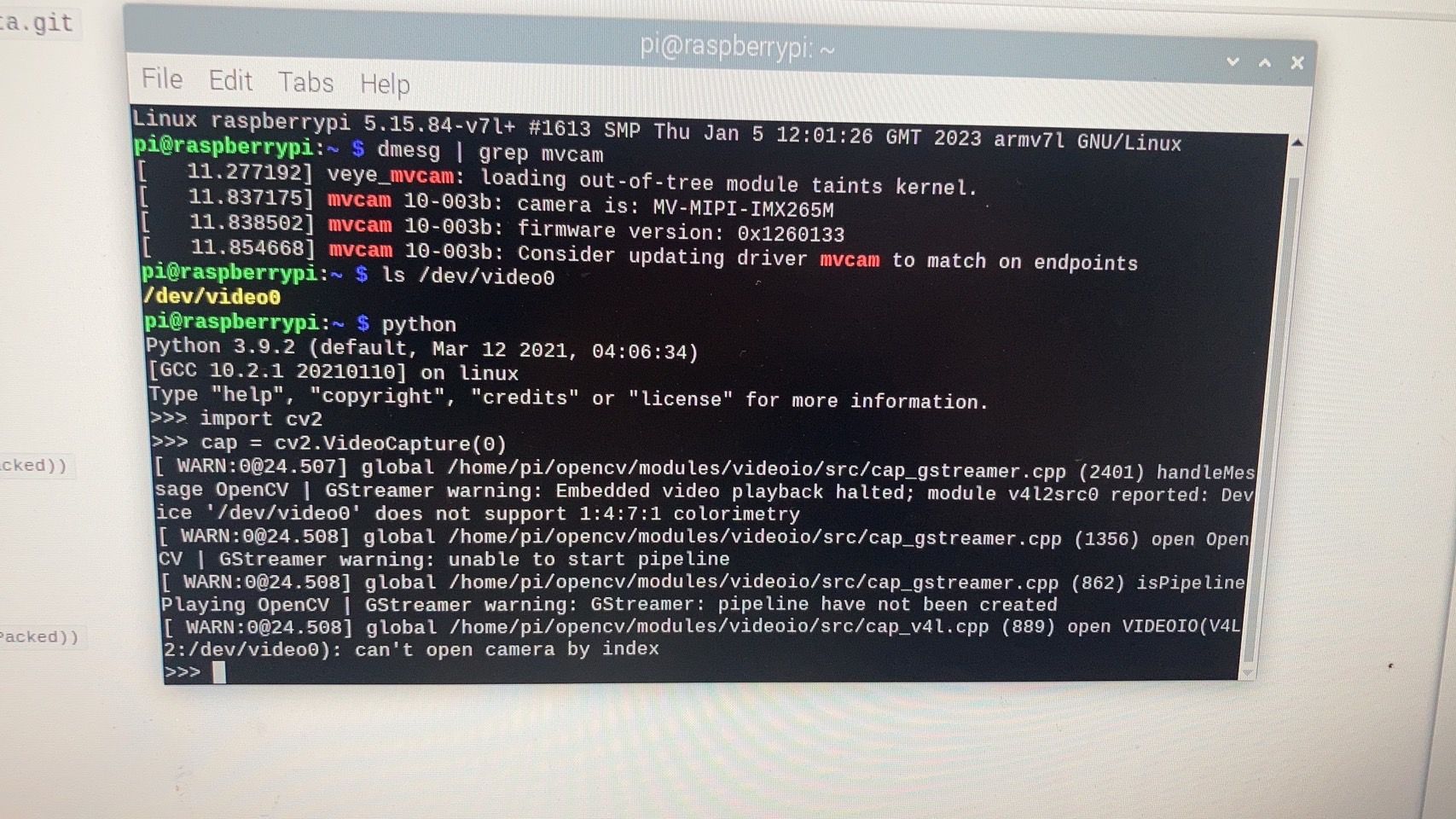
                在此網站下載v4l2dev_2_opencv_show_grey.py及v4l2dev_2_opencv_show_grey2.py,只有v4l2dev_2_opencv_show_grey2.py(原本的)可以使用,後來的v4l2dev_2_opencv_show_grey.py會顯示S__396476419.jpg
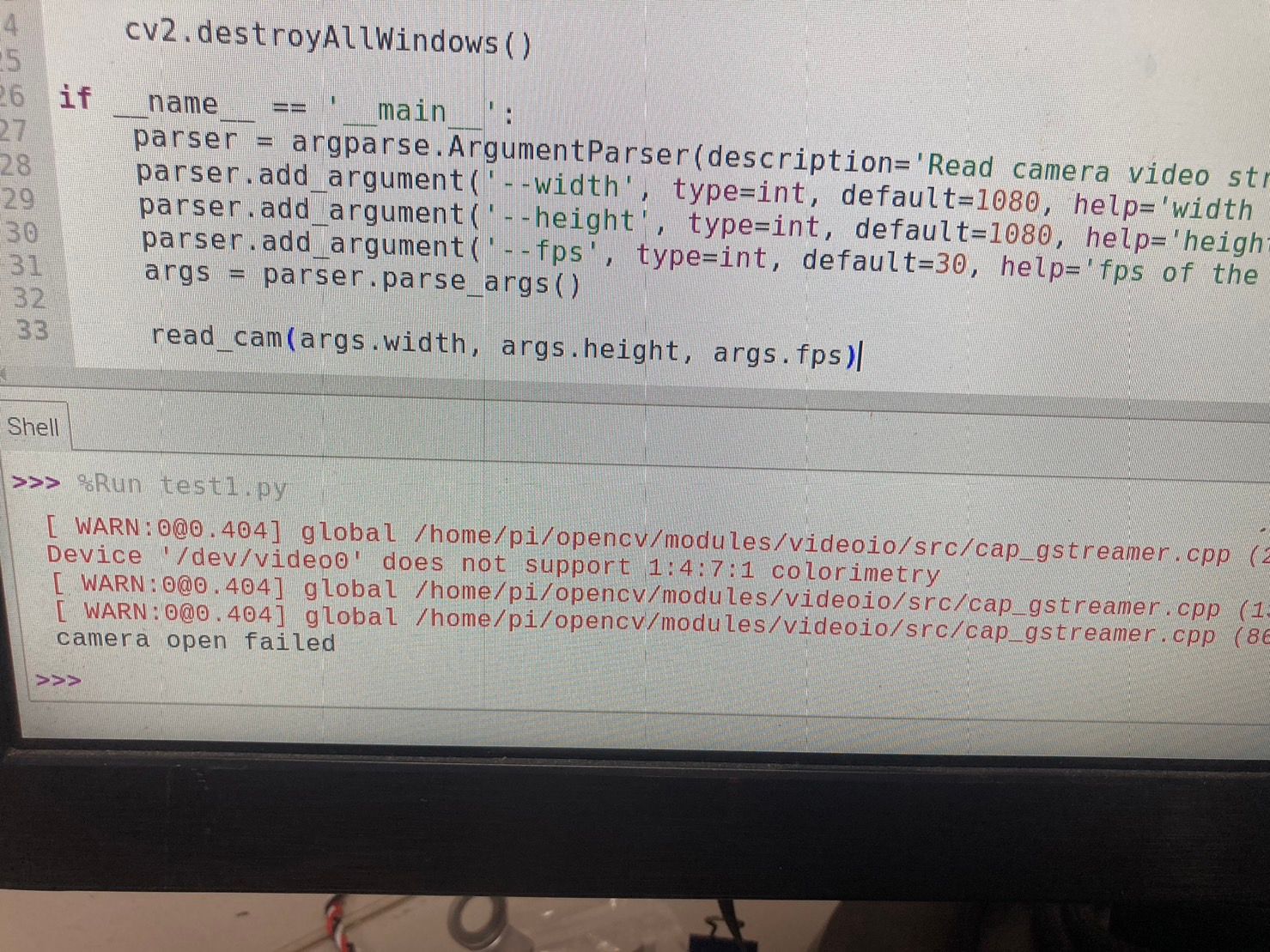
                錯誤內容為:
                [ WARN:0@0.404] global /home/pi/opencv/modules/videoio/src/cap_gstreamer.cpp (2401) handleMessage OpenCV | GStreamer warning: Embedded video playback halted; module v4l2src0 reported: Device '/dev/video0' does not support 1:4:7:1 colorimetry
                [ WARN:0@0.404] global /home/pi/opencv/modules/videoio/src/cap_gstreamer.cpp (1356) open OpenCV | GStreamer warning: unable to start pipeline
                [ WARN:0@0.404] global /home/pi/opencv/modules/videoio/src/cap_gstreamer.cpp (862) isPipelinePlaying OpenCV | GStreamer warning: GStreamer: pipeline have not been created
                camera open failed

                請問我是哪裡做錯了嗎?
                謝謝您!

                veye_xummV 1 Reply Last reply Reply Quote 0
                • veye_xummV Offline
                  veye_xumm @CYS
                  last edited by

                  @cys 请根据源码重新编译一下驱动并安装,然后执行python程序。

                  Questions will be answered as soon as possible, please be patient.
                  如果你使用中文,请直接用中文提问。
                  May the force be with YOU. (This is the translation of the mysterious Chinese symbol above.)

                  1 Reply Last reply Reply Quote 0
                  • C Offline
                    CYS
                    last edited by

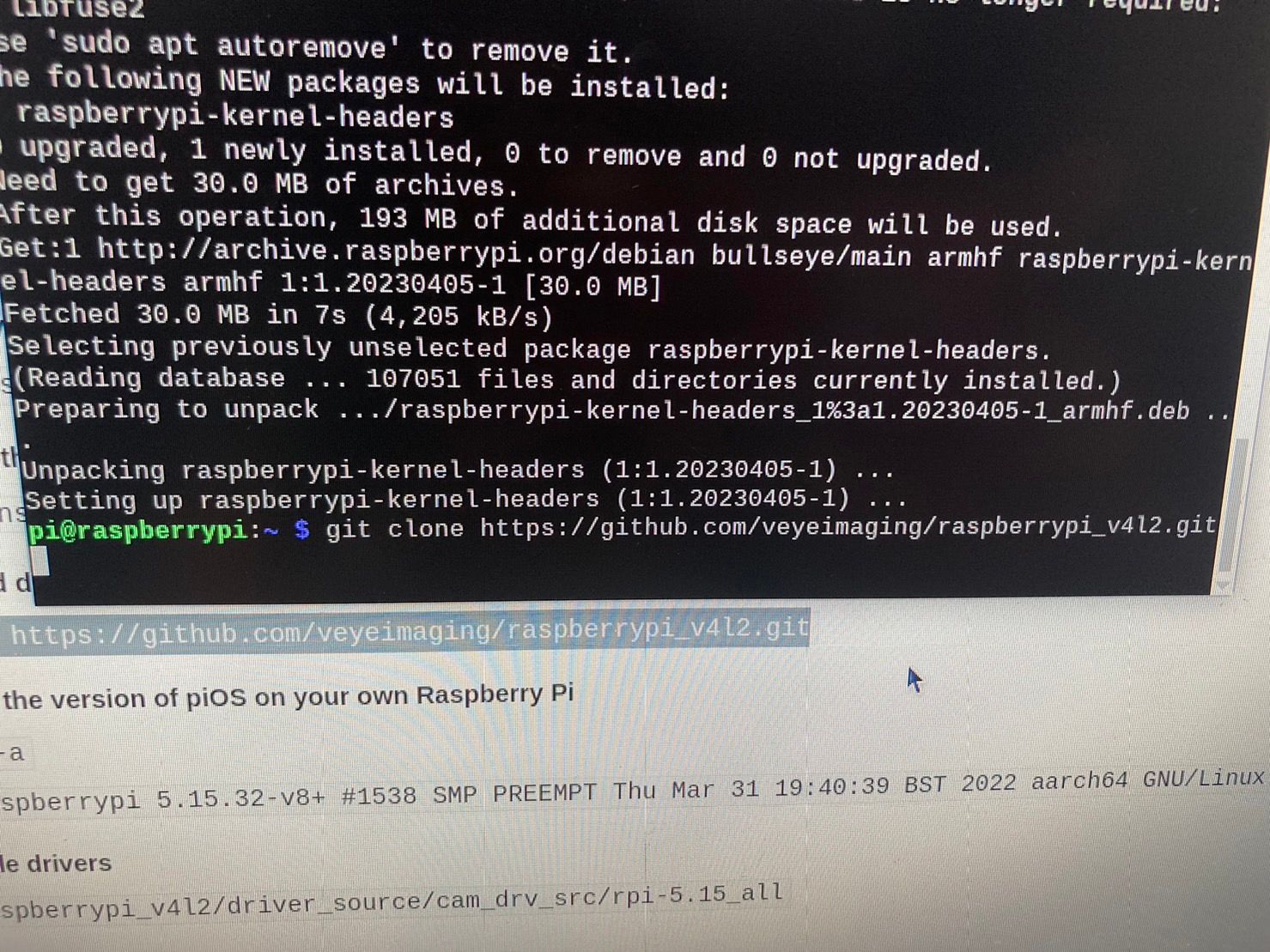
                    不好意思,我照著這網頁嘗試過編譯,但始終無法編譯成功,卡在1.7.1缺少構建目錄,也嘗試使用解決方案:
                    升級piOS,重新構建。
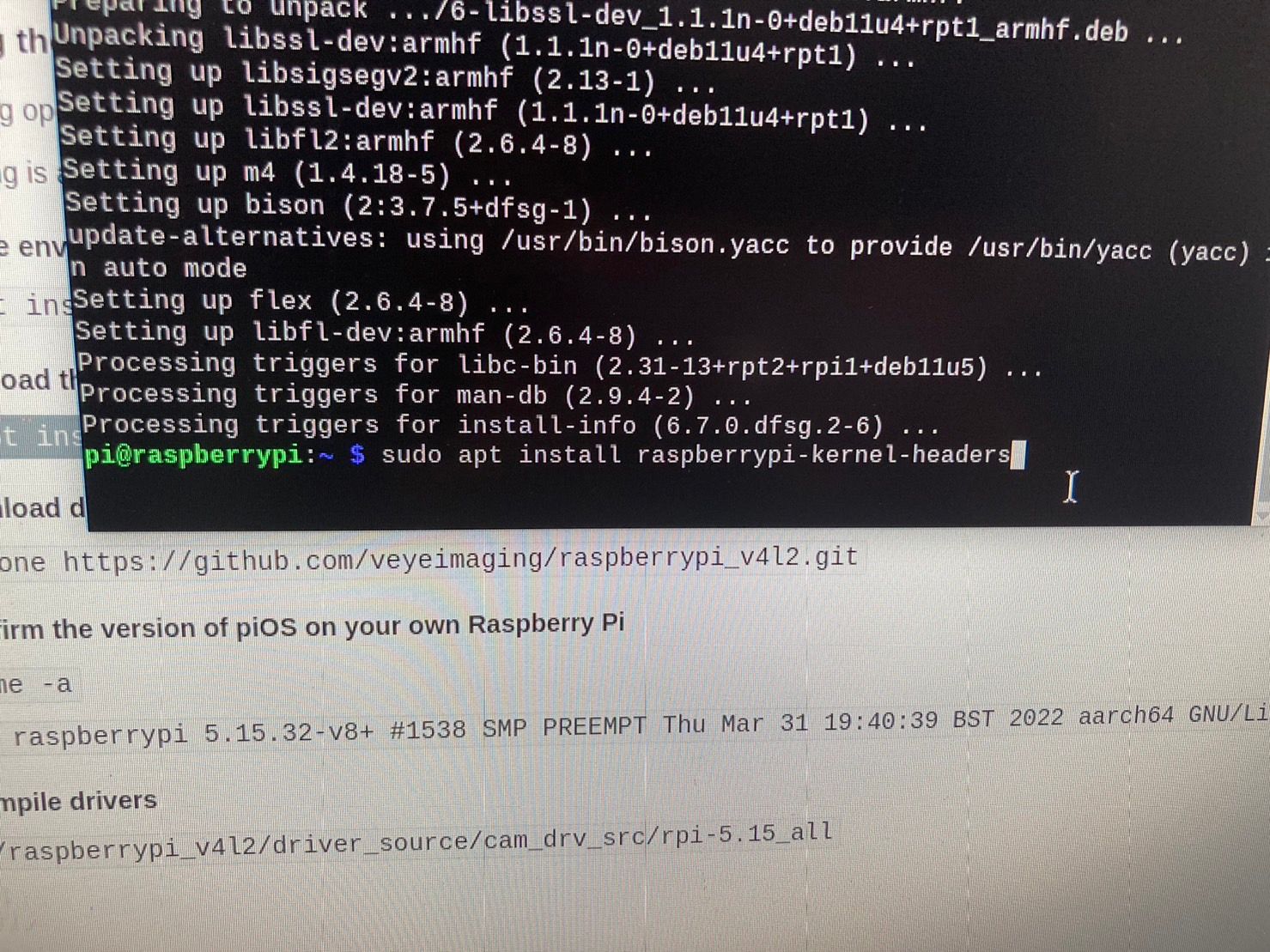
                    sudo apt install raspberrypi-kernel raspberrypi-kernel-headers
                    安裝特定版本的內核頭文件。
                    raspberrypi-bootloader 版本為1.20230405-1
                    raspberrypi-kernel版本為1.20230405-1
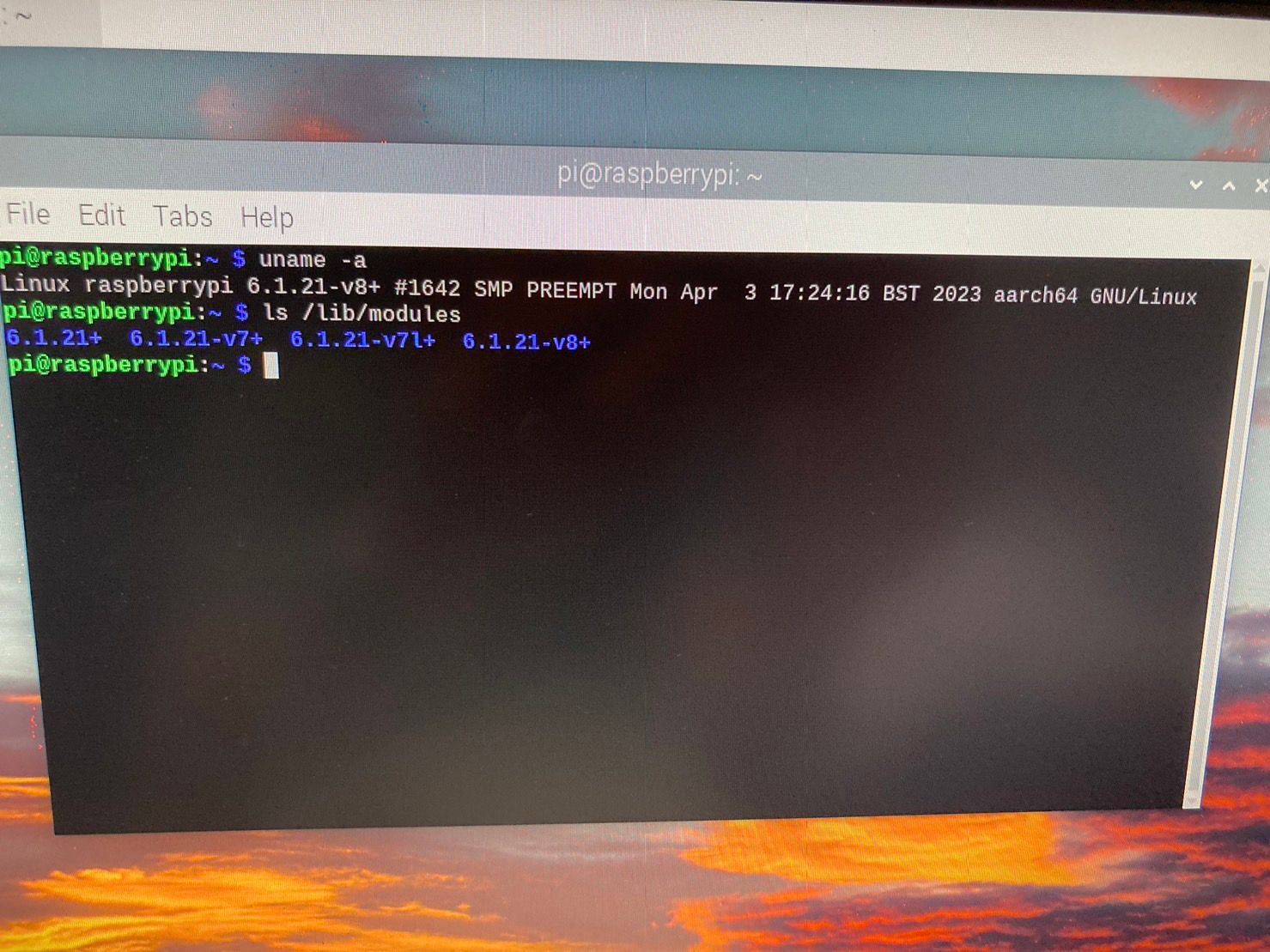
                    目前raspberrypi的版本Linux raspberrypi 6.1.21-v8+

                    可以幫助我嗎?謝謝!

                    veye_xummV 1 Reply Last reply Reply Quote 0
                    • veye_xummV Offline
                      veye_xumm @CYS
                      last edited by

                      @cys
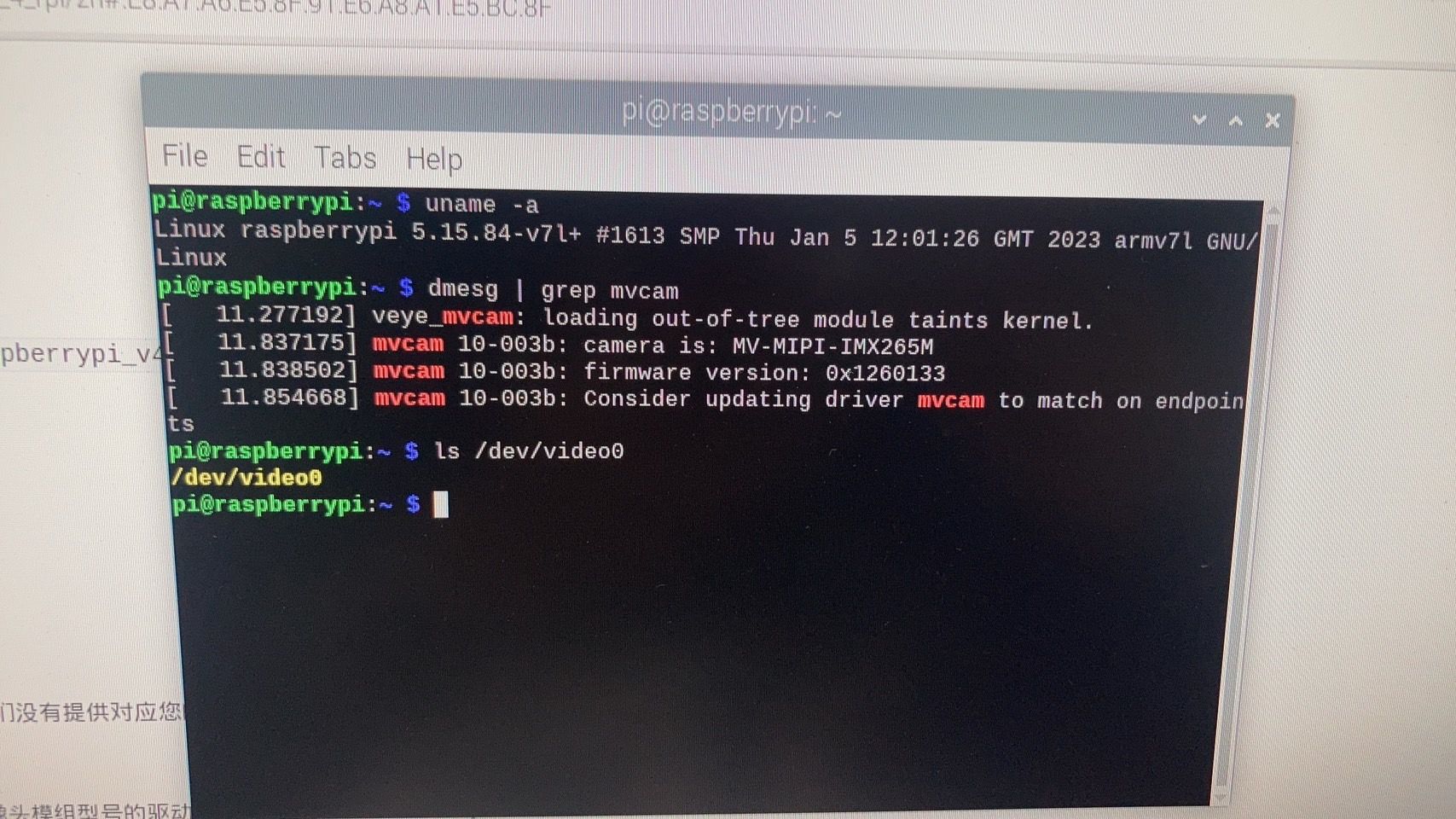
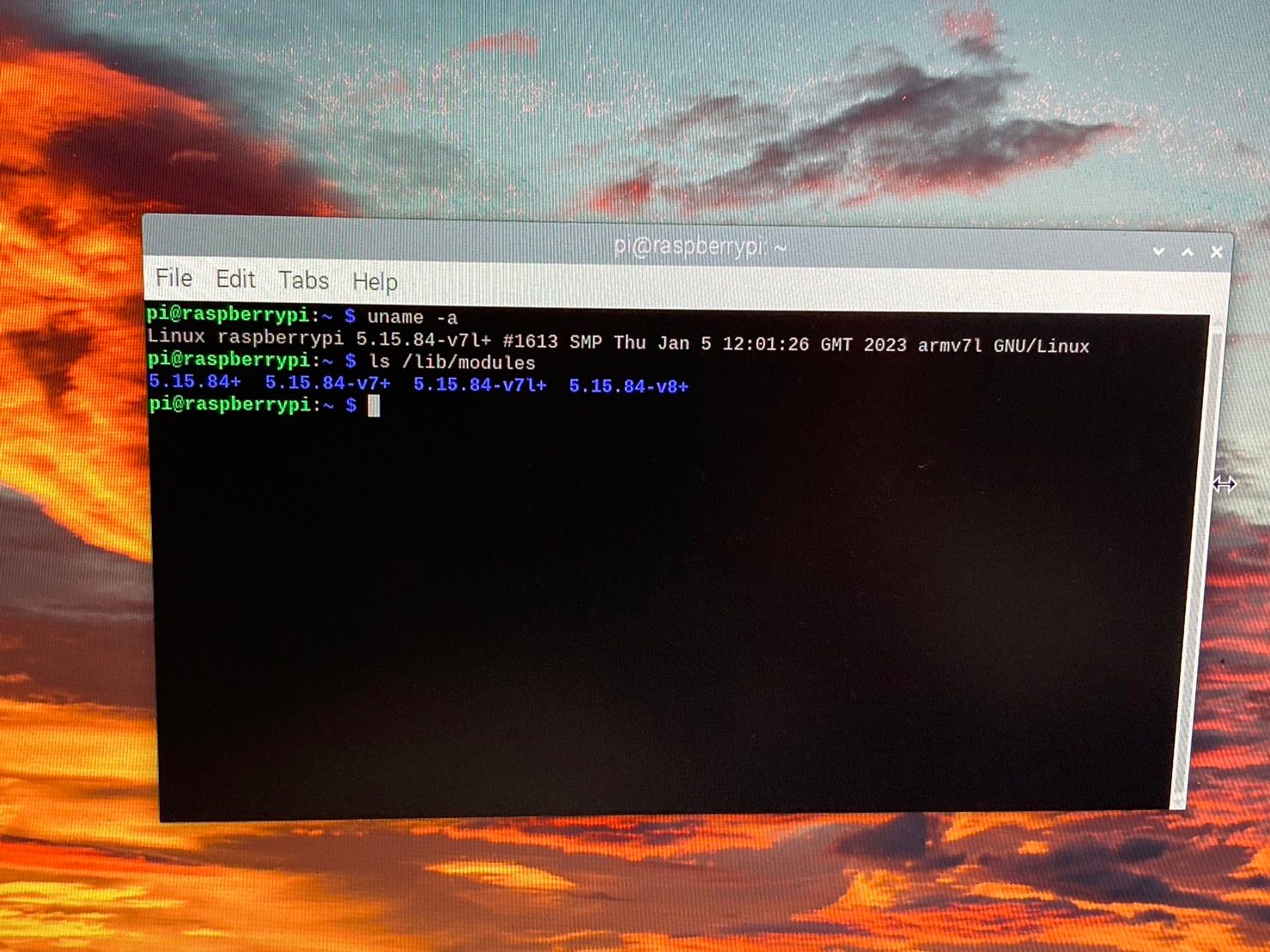
                      发一下下面两个命令的输出

                      uname -a
                      
                      ls /lib/modules/
                      

                      Questions will be answered as soon as possible, please be patient.
                      如果你使用中文,请直接用中文提问。
                      May the force be with YOU. (This is the translation of the mysterious Chinese symbol above.)

                      1 Reply Last reply Reply Quote 0
                      • C Offline
                        CYS
                        last edited by

                        我重新灌樹梅派他剛開始是這樣S__396902407.jpg
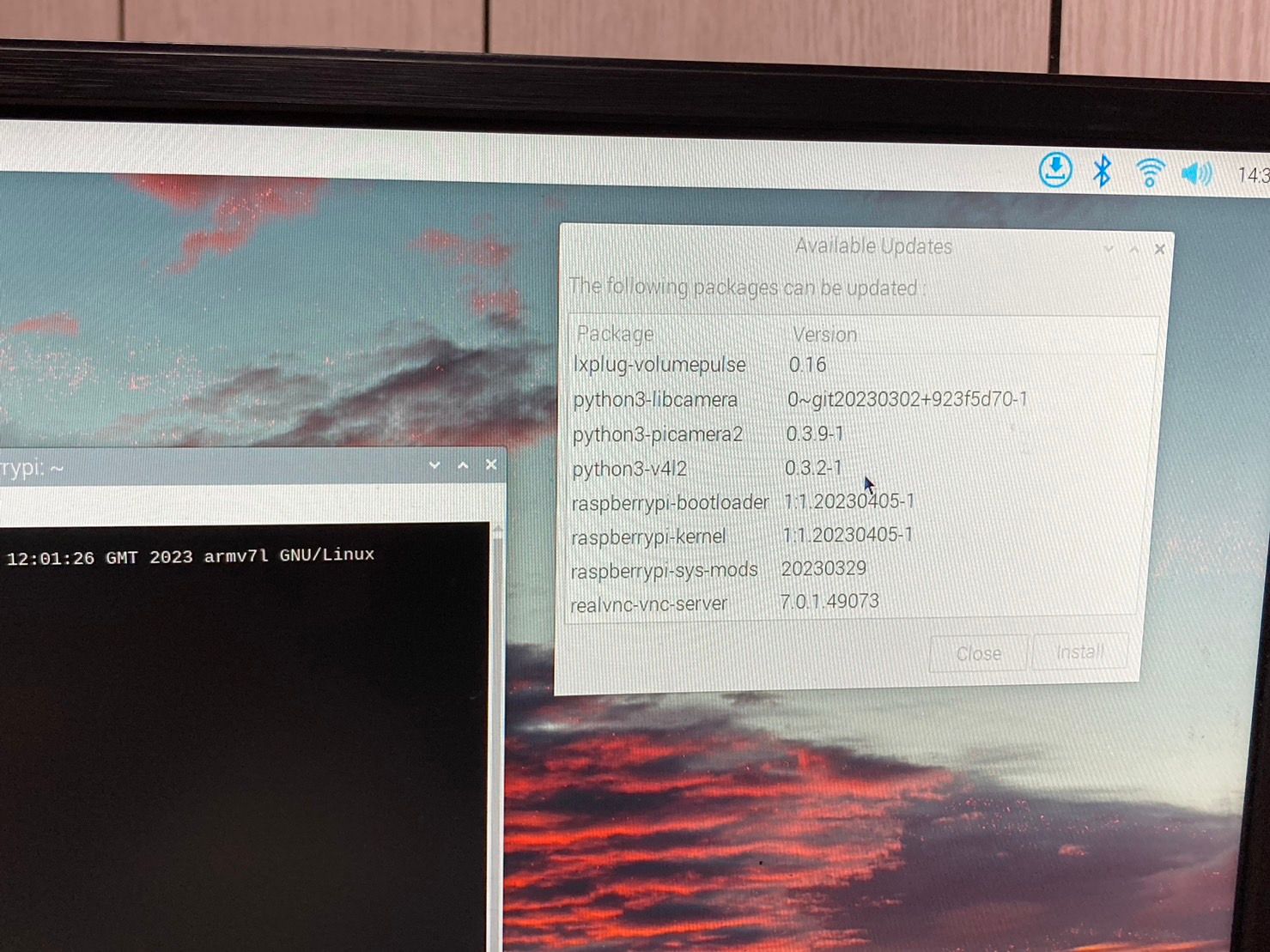
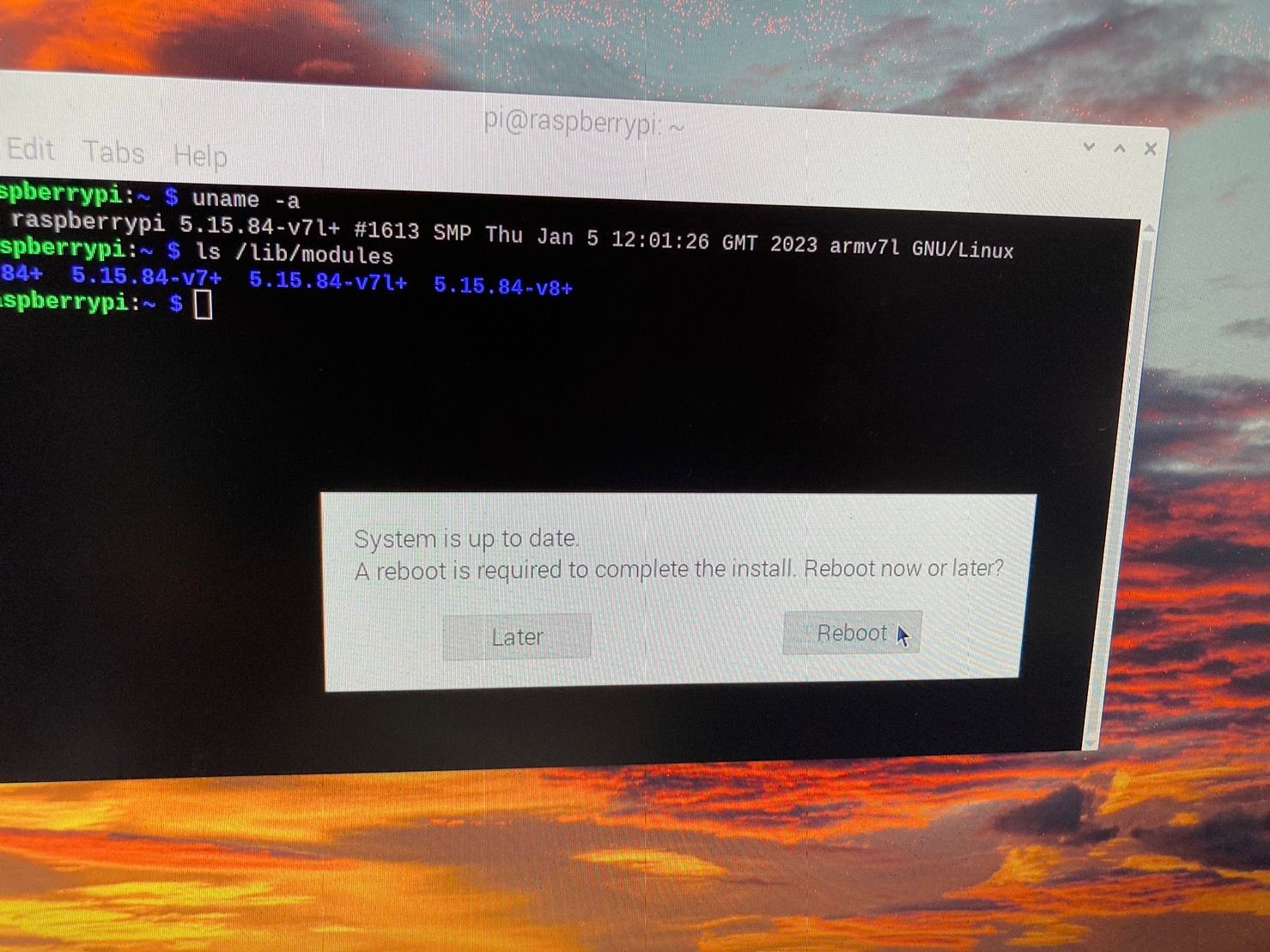
                        然後讓他自己更新
                        S__396902409.jpg S__396902410.jpg
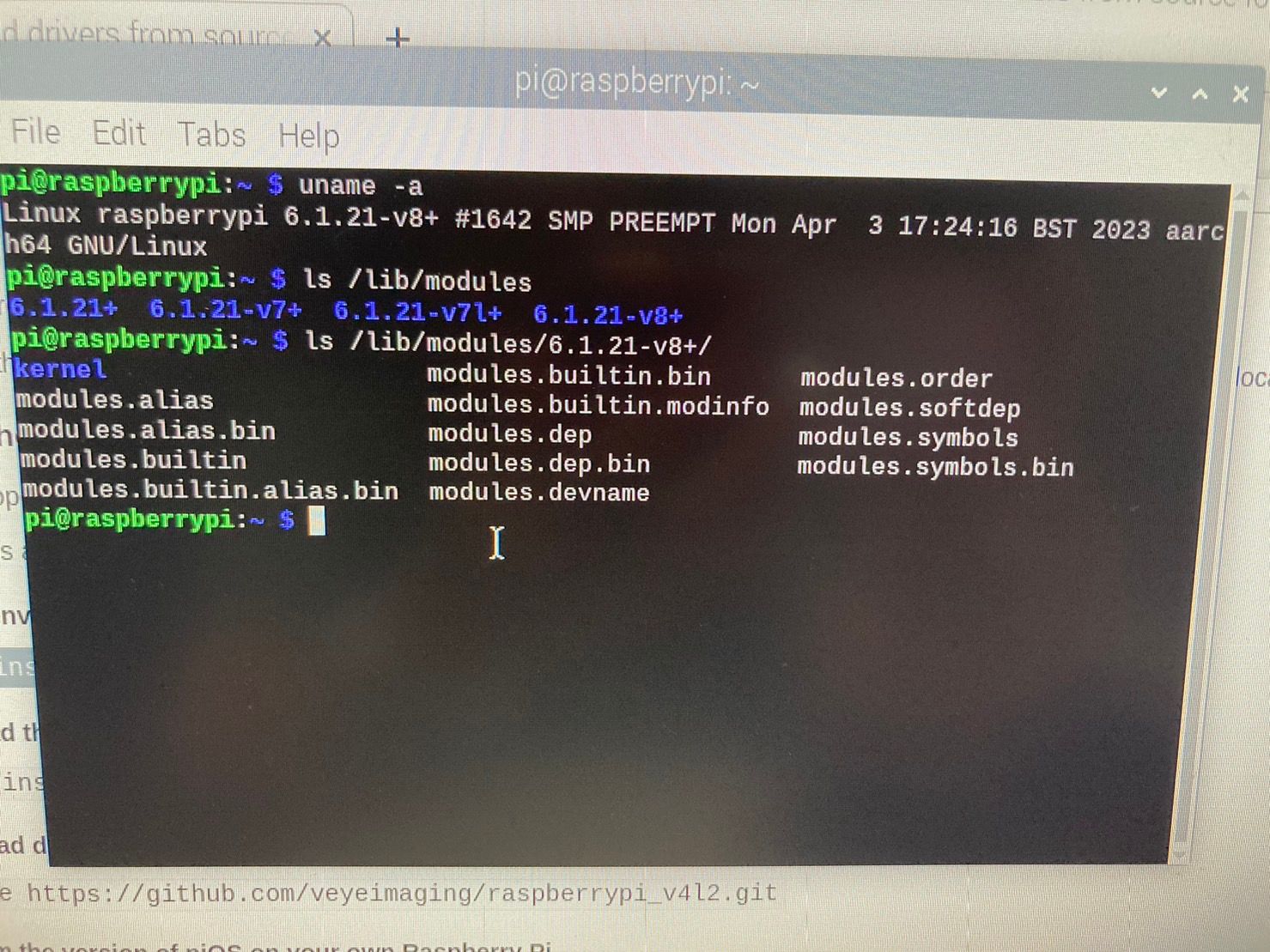
                        最後升級後變成這樣
                        S__396902411.jpg

                        veye_xummV 1 Reply Last reply Reply Quote 0
                        • veye_xummV Offline
                          veye_xumm @CYS
                          last edited by

                          @cys 现在/lib/modules/6.1.21-v8+目录下,有没有build?进一步,能否正常编译?

                          Questions will be answered as soon as possible, please be patient.
                          如果你使用中文,请直接用中文提问。
                          May the force be with YOU. (This is the translation of the mysterious Chinese symbol above.)

                          1 Reply Last reply Reply Quote 0
                          • C Offline
                            CYS
                            last edited by

                            目錄如下
                            S__396926978.jpg
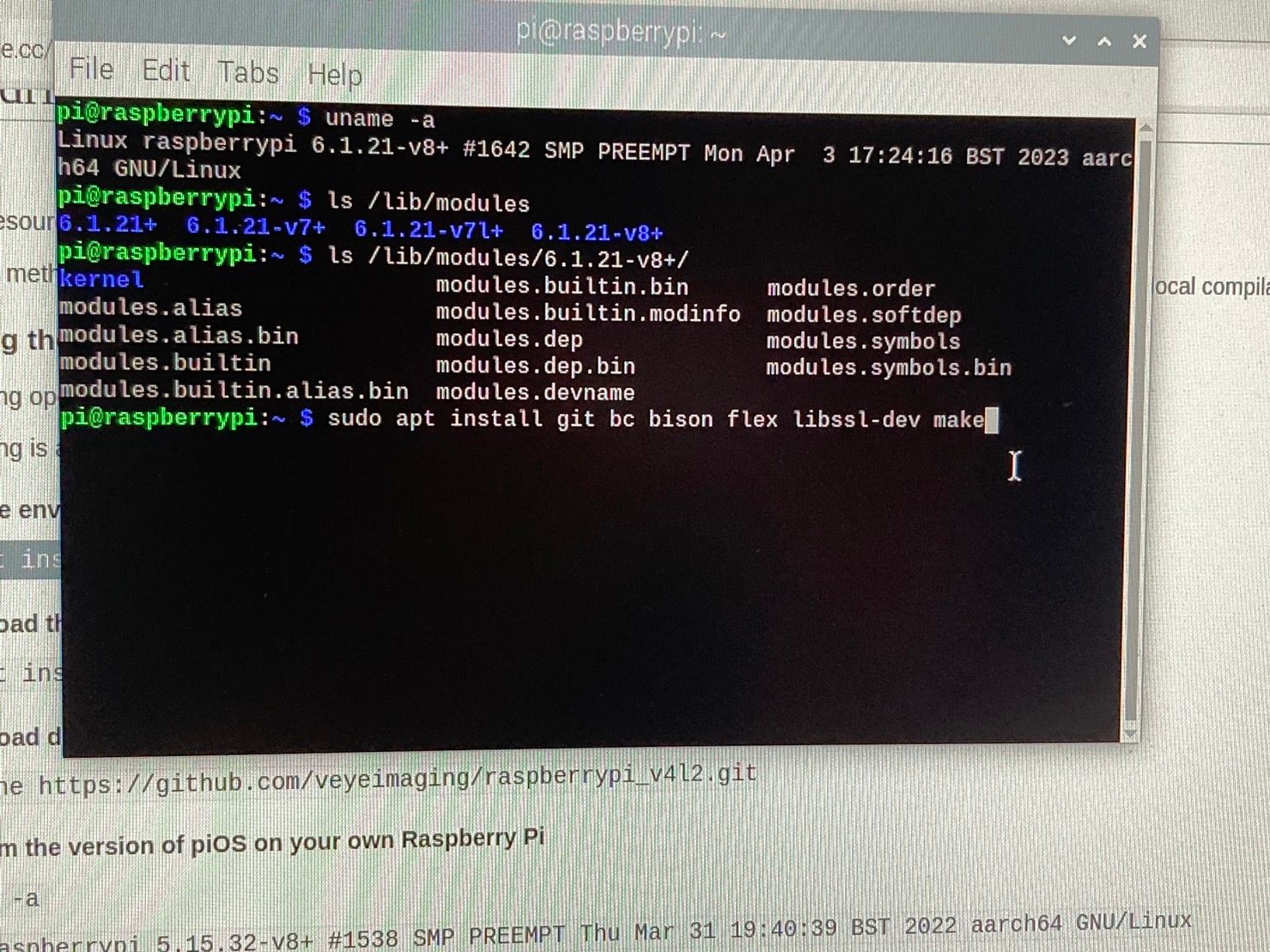
                            我照著此網頁做
                            1.1S__396926980.jpg
                            1.2S__396926981.jpg
                            1.3S__396926982.jpg
                            1.4,1.5S__396926984.jpg
                            還是無法編譯

                            veye_xummV 1 Reply Last reply Reply Quote 0
                            • veye_xummV Offline
                              veye_xumm @CYS
                              last edited by

                              @cys 我只能说树莓派维护的这帮家伙太不负责了。😠
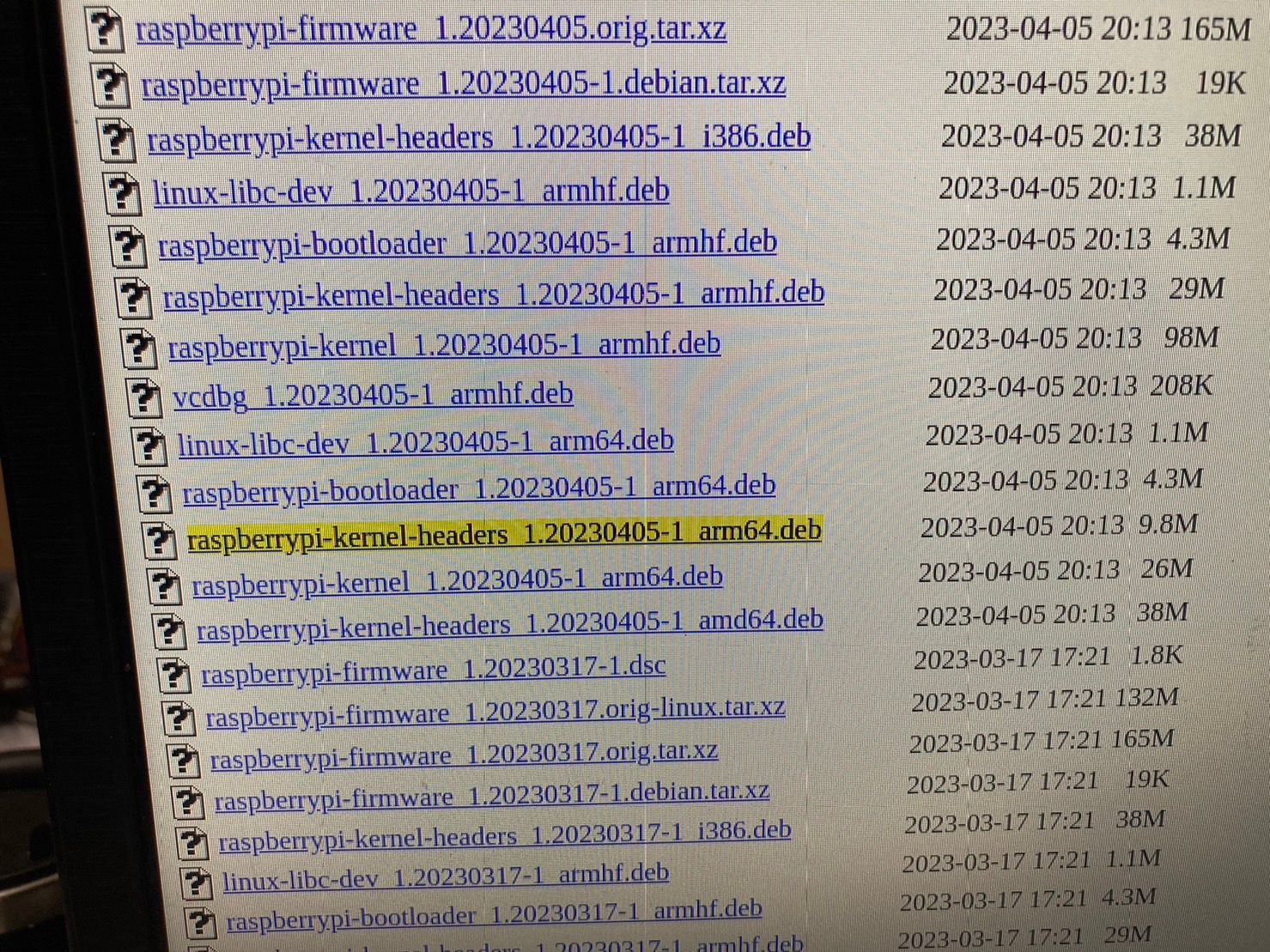
                              到这个链接
                              https://archive.raspberrypi.org/debian/pool/main/r/raspberrypi-firmware/?C=M;O=D
                              下载这个文件:
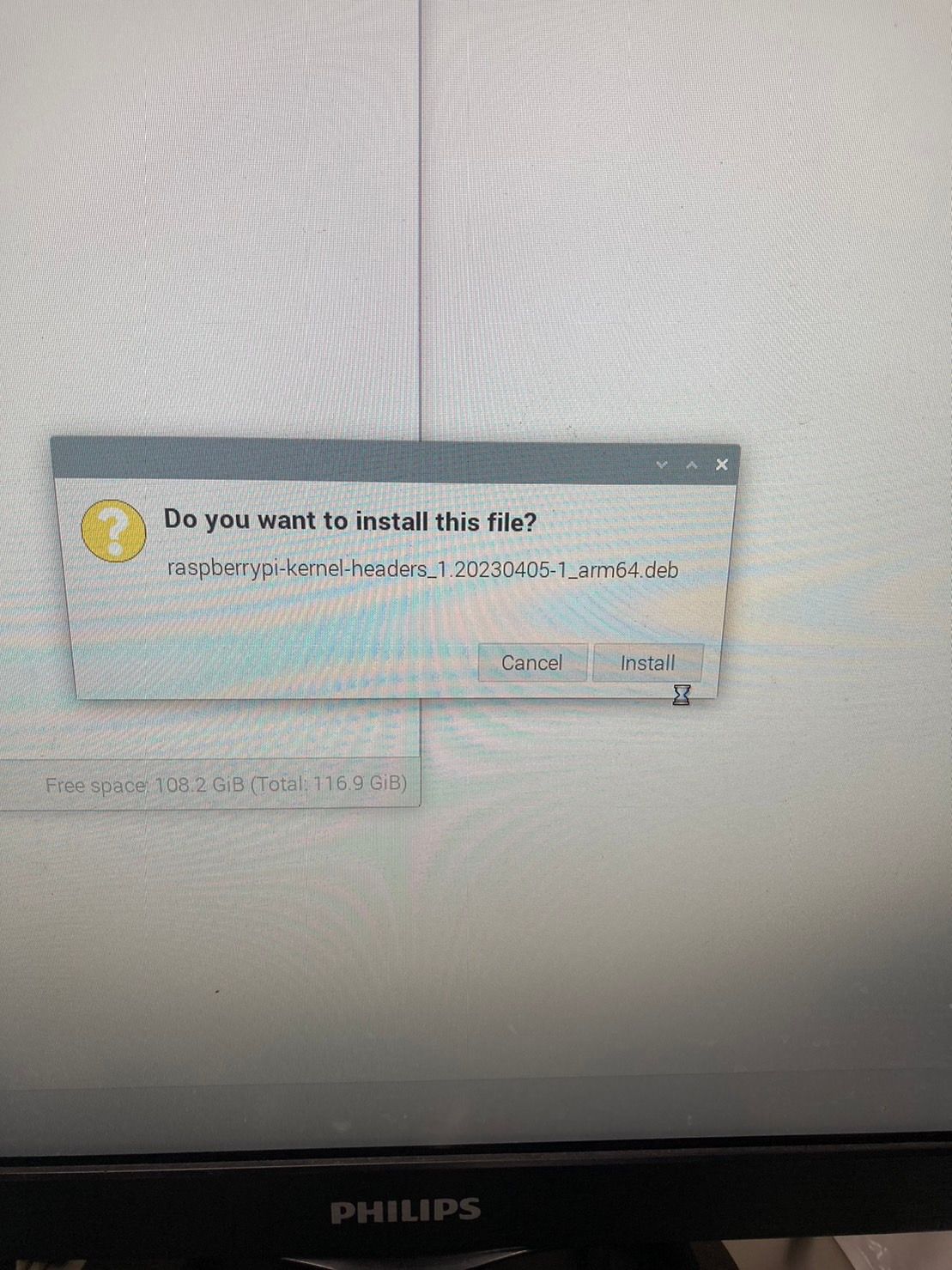
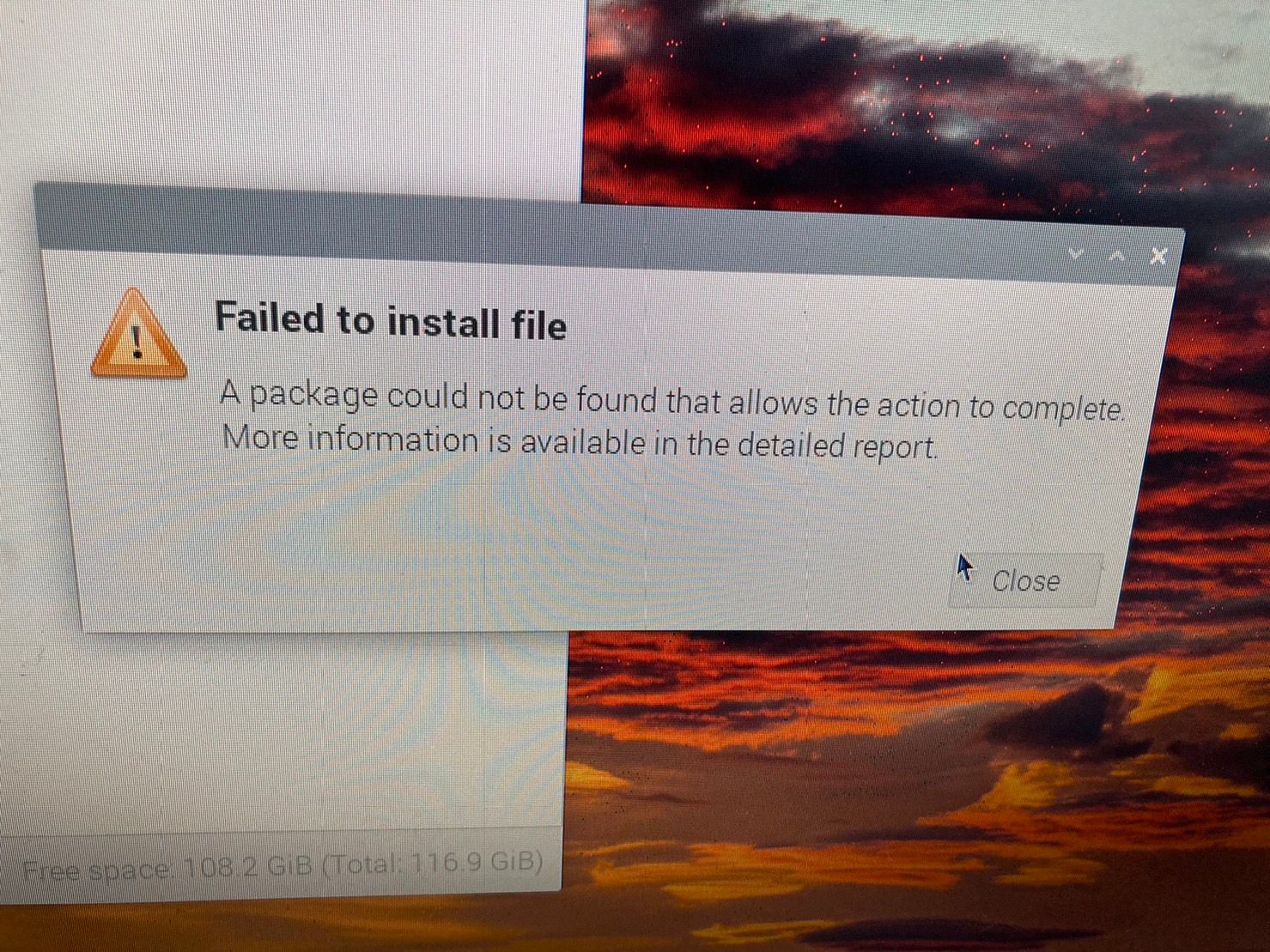
                              raspberrypi-kernel-headers_1.20230405-1_arm64.deb
                              然后手动安装一下,应该就有build文件了。试一下。

                              Questions will be answered as soon as possible, please be patient.
                              如果你使用中文,请直接用中文提问。
                              May the force be with YOU. (This is the translation of the mysterious Chinese symbol above.)

                              1 Reply Last reply Reply Quote 0
                              • C Offline
                                CYS
                                last edited by

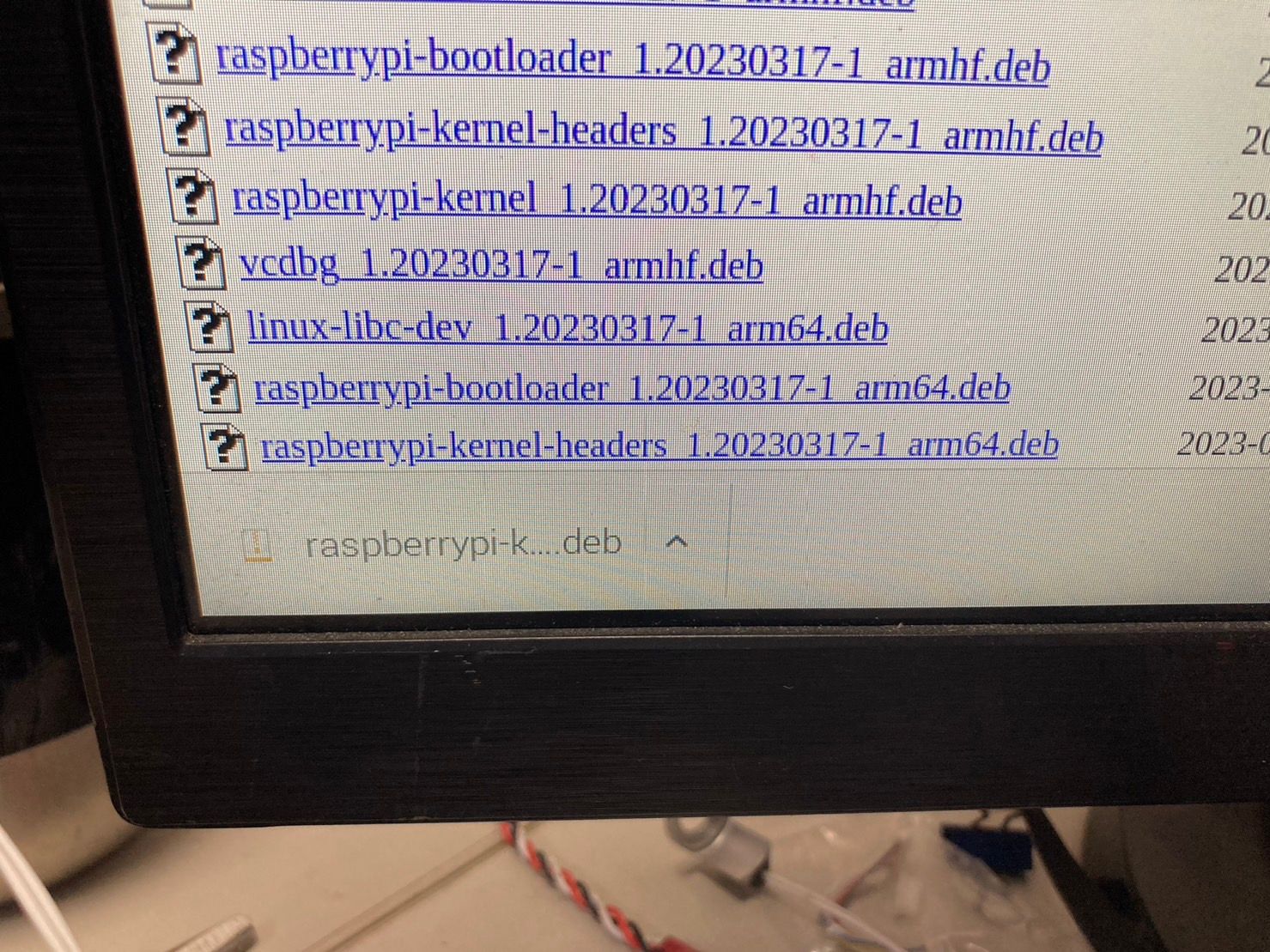
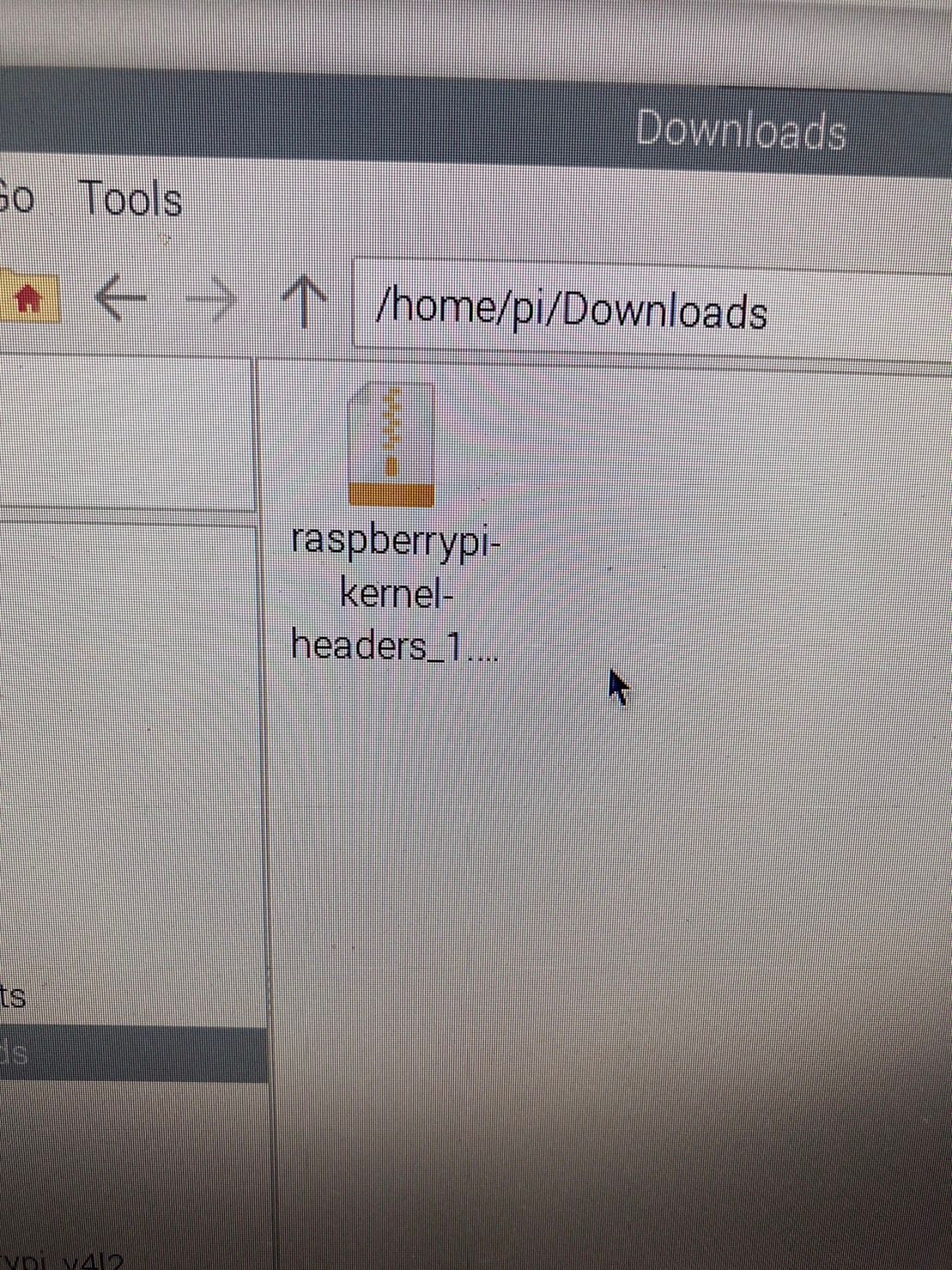
                                好像沒辦法手動安裝成功耶...
                                S__396935174.jpg
                                S__396935176.jpg S__396935177.jpg S__396935178.jpg S__396935179.jpg

                                1 Reply Last reply Reply Quote 0
                                • C Offline
                                  CYS
                                  last edited by

                                  我下載raspberrypi-kernel-headers_1.20230405-1_armhf.deb可以安裝,但是沒有出現bulid
                                  也無法編譯...

                                  veye_xummV 1 Reply Last reply Reply Quote 0
                                  • veye_xummV Offline
                                    veye_xumm @CYS
                                    last edited by

                                    @cys 不用给我拍那么多照片。。。。
                                    试试

                                    sudo dpkg -i raspberrypi-kernel-headers_1.20230405-1_arm64.deb
                                    

                                    Questions will be answered as soon as possible, please be patient.
                                    如果你使用中文,请直接用中文提问。
                                    May the force be with YOU. (This is the translation of the mysterious Chinese symbol above.)

                                    1 Reply Last reply Reply Quote 0
                                    • C Offline
                                      CYS
                                      last edited by

                                      好..不好意思
                                      我樹梅派是灌32位元的系統,開機畫面也是32位元,我不知道為甚麼更新後uname -a 會顯示arm64
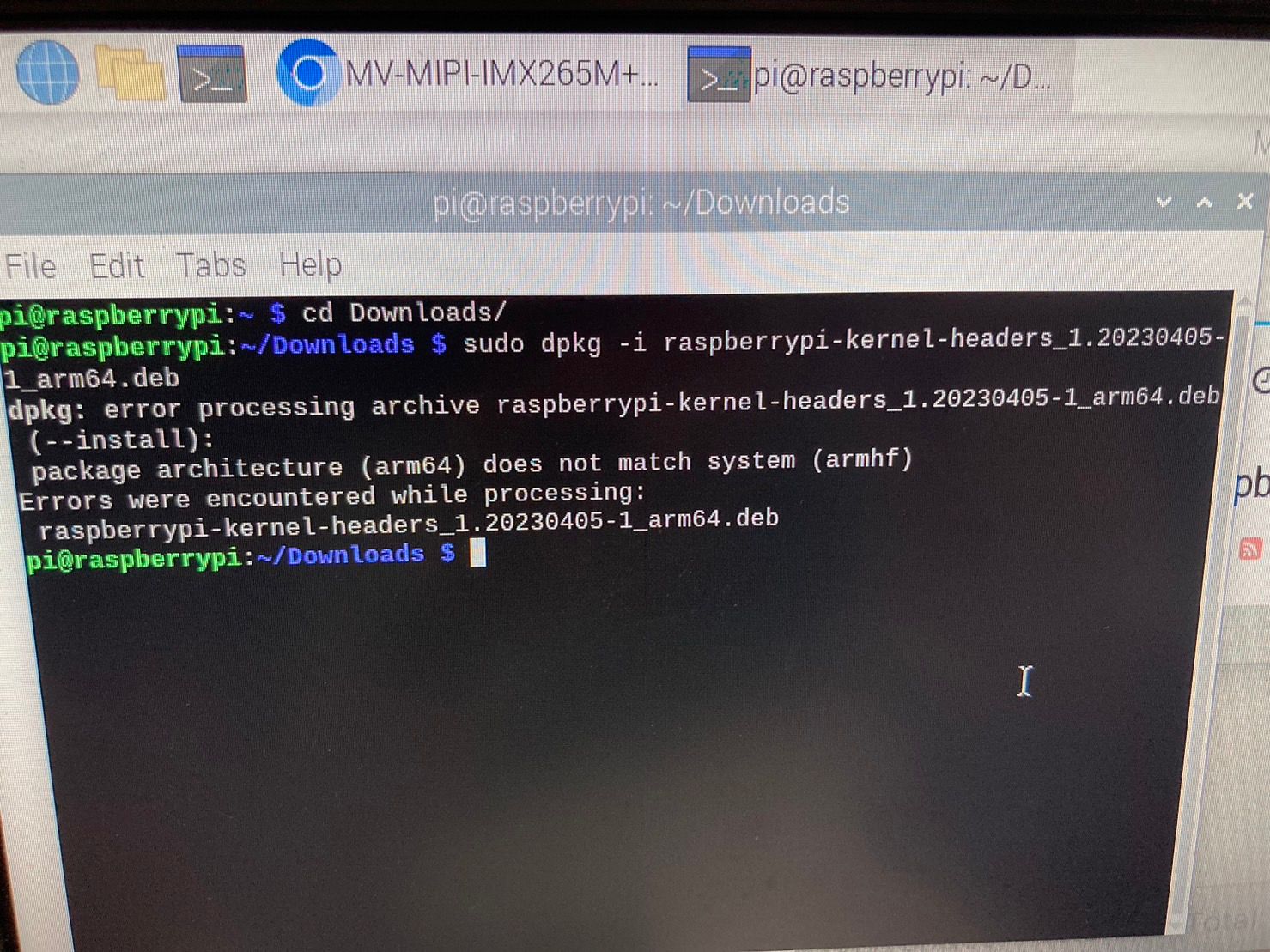
                                      S__396959746.jpg

                                      veye_xummV 1 Reply Last reply Reply Quote 0
                                      • veye_xummV Offline
                                        veye_xumm @CYS
                                        last edited by

                                        @cys
                                        升级系统出错的问题,我觉得是树莓派组织sudo apt install raspberrypi-kernel 这个包管理的不好。 回头可以还是推荐客户用sudo apt full-upgrade吧。

                                        这个问题放一边,先不管他。
                                        你这个如果系统是32位的

                                        1. 先看看/lib/modules/6.1.21-v7l+下面有没有build。
                                        2. 如果有,改一下cam_drv_src\rpi-6.1.y\Makefile,手动指定一下KERNEL_ROOT
                                        KERNEL_ROOT=/lib/modules/6.1.21-v7l+/build 
                                        

                                        Questions will be answered as soon as possible, please be patient.
                                        如果你使用中文,请直接用中文提问。
                                        May the force be with YOU. (This is the translation of the mysterious Chinese symbol above.)

                                        1 Reply Last reply Reply Quote 0
                                        • C Offline
                                          CYS
                                          last edited by

                                          使用sudo apt full-upgrade 也是無法使用
                                          改Makefile KERNEL_ROOT=/lib/modules/6.1.21-v7l+/build
                                          也有錯誤S__397066260.jpg
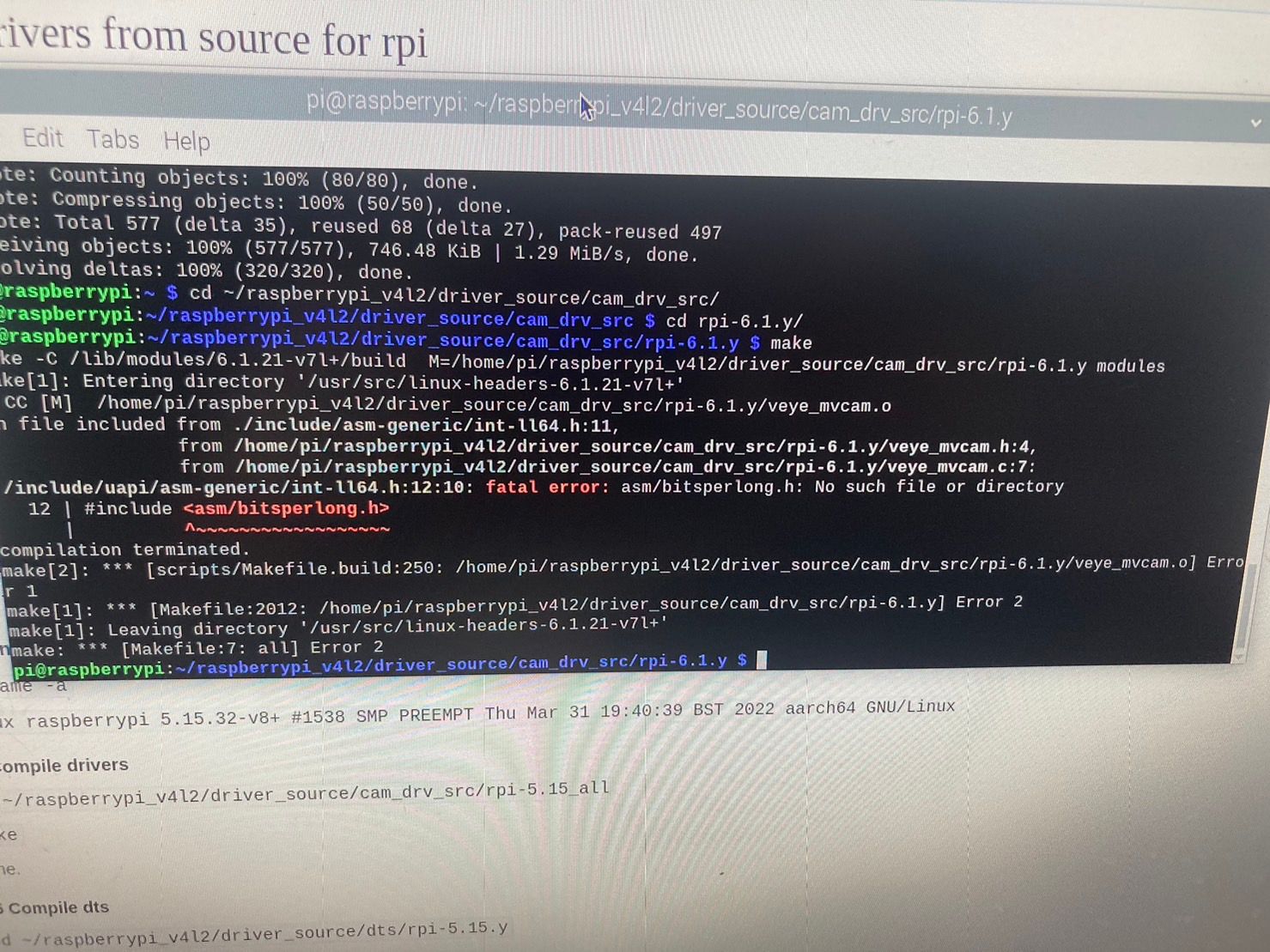
                                          我最後把系統改成64位元再照著上面的步驟重複一次就可以使用了
                                          真的非常感謝您!!

                                          veye_xummV 1 Reply Last reply Reply Quote 0
                                          • veye_xummV Offline
                                            veye_xumm @CYS
                                            last edited by

                                            @cys 不客气。
                                            核心问题就是现在树莓派的header安装包管理的不好。

                                            Questions will be answered as soon as possible, please be patient.
                                            如果你使用中文,请直接用中文提问。
                                            May the force be with YOU. (This is the translation of the mysterious Chinese symbol above.)

                                            1 Reply Last reply Reply Quote 0

                                            Hello! It looks like you're interested in this conversation, but you don't have an account yet.

                                            Getting fed up of having to scroll through the same posts each visit? When you register for an account, you'll always come back to exactly where you were before, and choose to be notified of new replies (either via email, or push notification). You'll also be able to save bookmarks and upvote posts to show your appreciation to other community members.

                                            With your input, this post could be even better 💗

                                            Register Login
                                            • First post
                                              Last post