MV-MIPI-IMX265M+Raspberry pi4 5.15.84
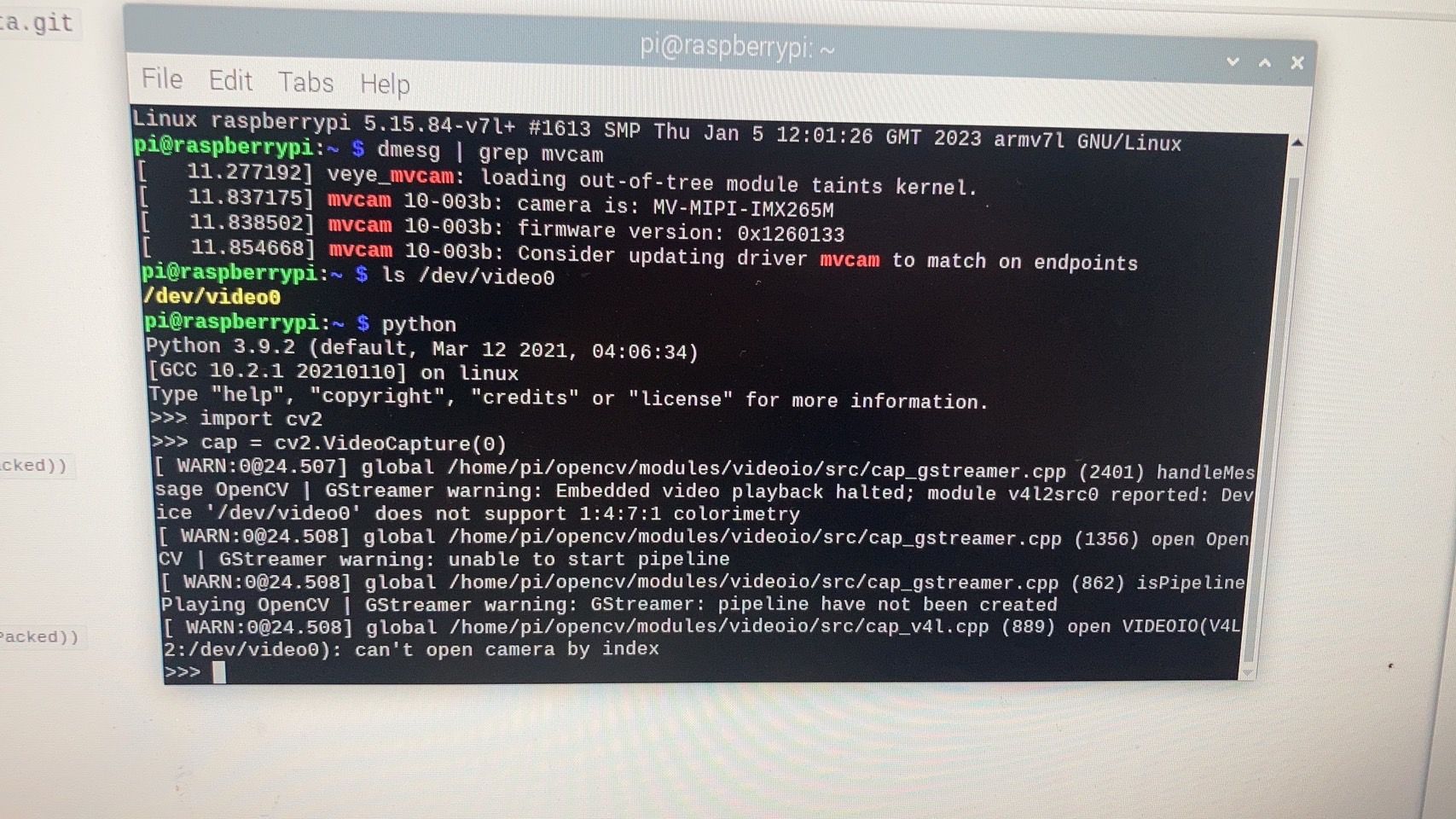
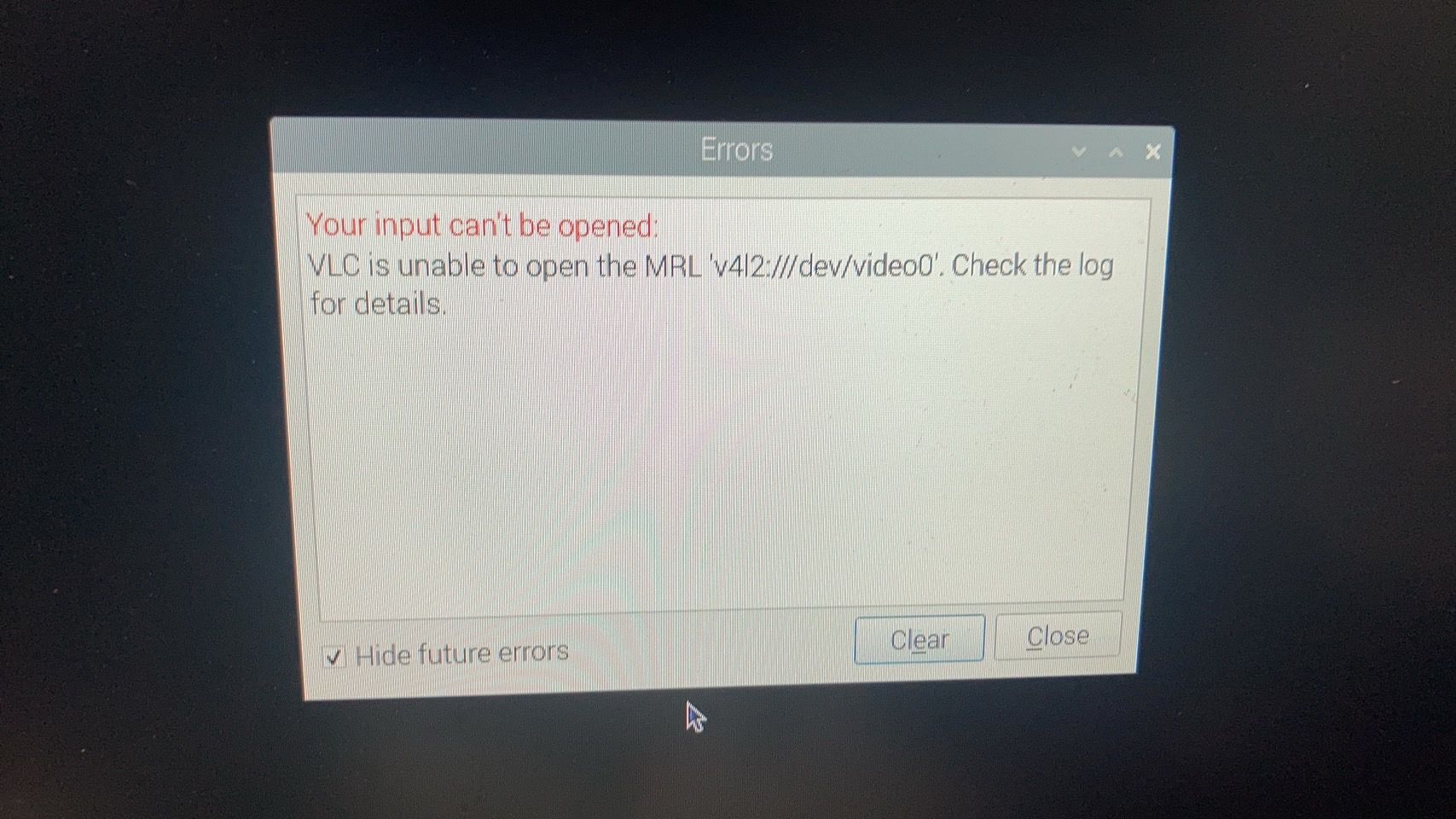
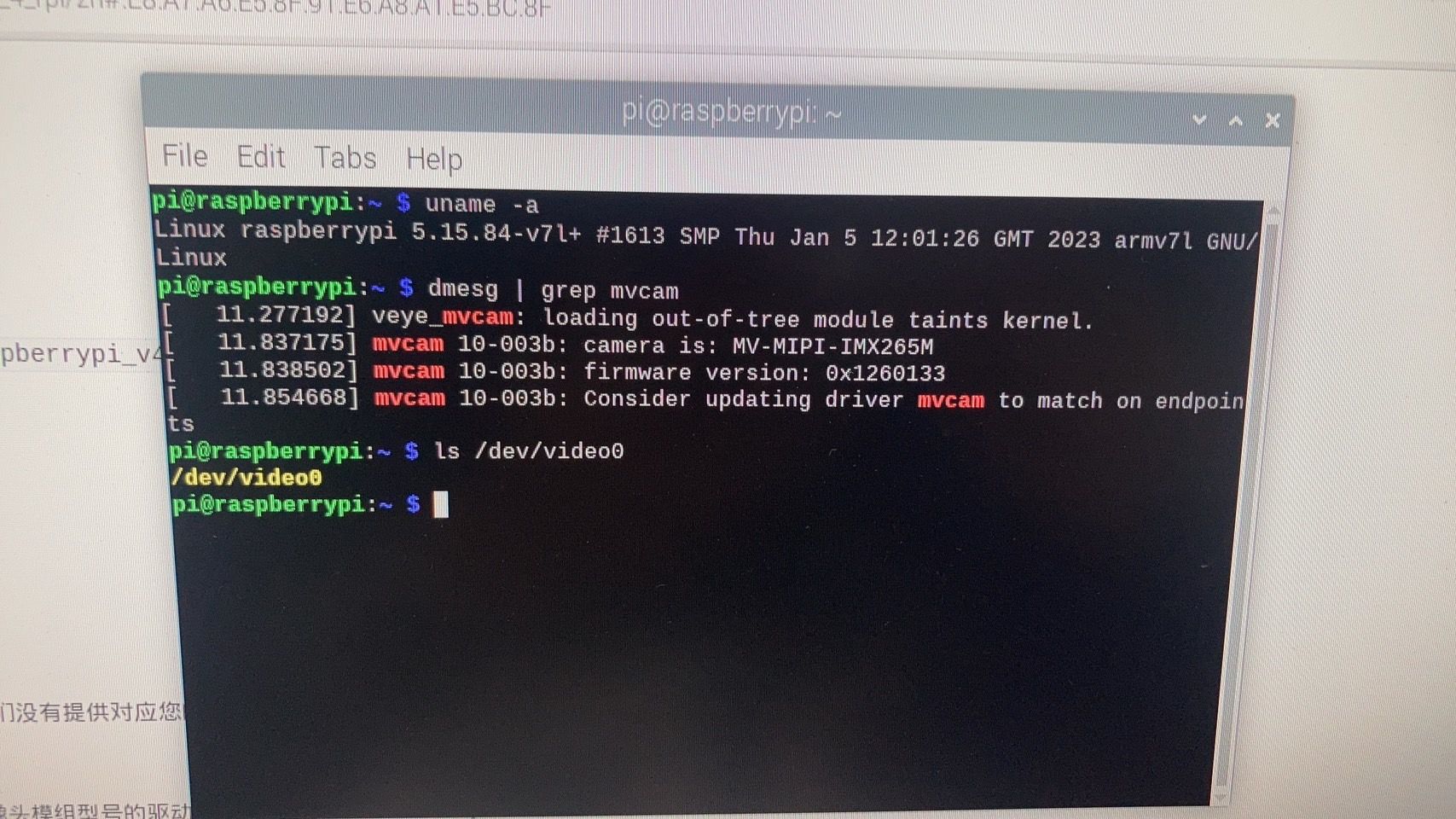
-
-
我重新灌樹梅派他剛開始是這樣
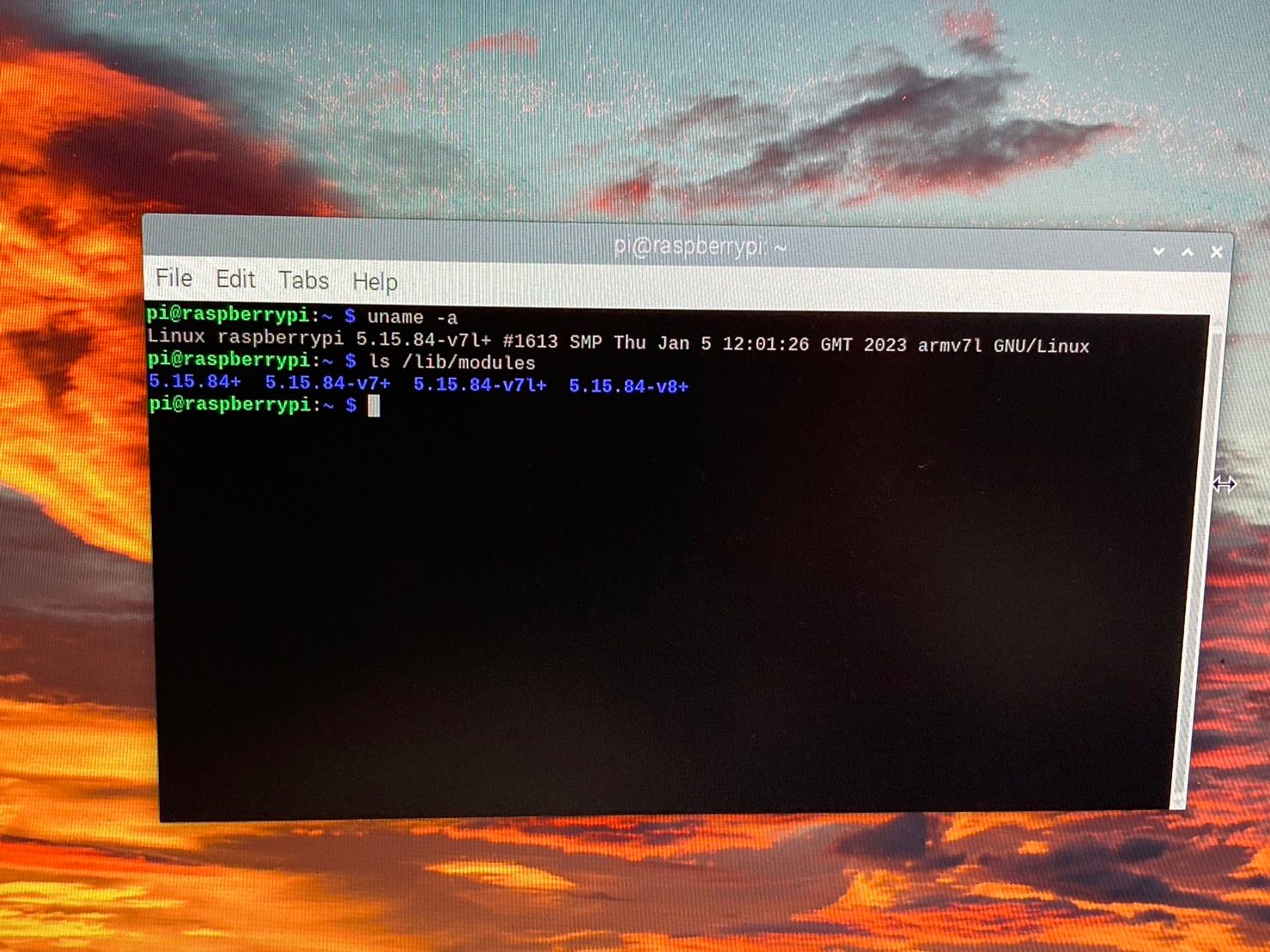
然後讓他自己更新
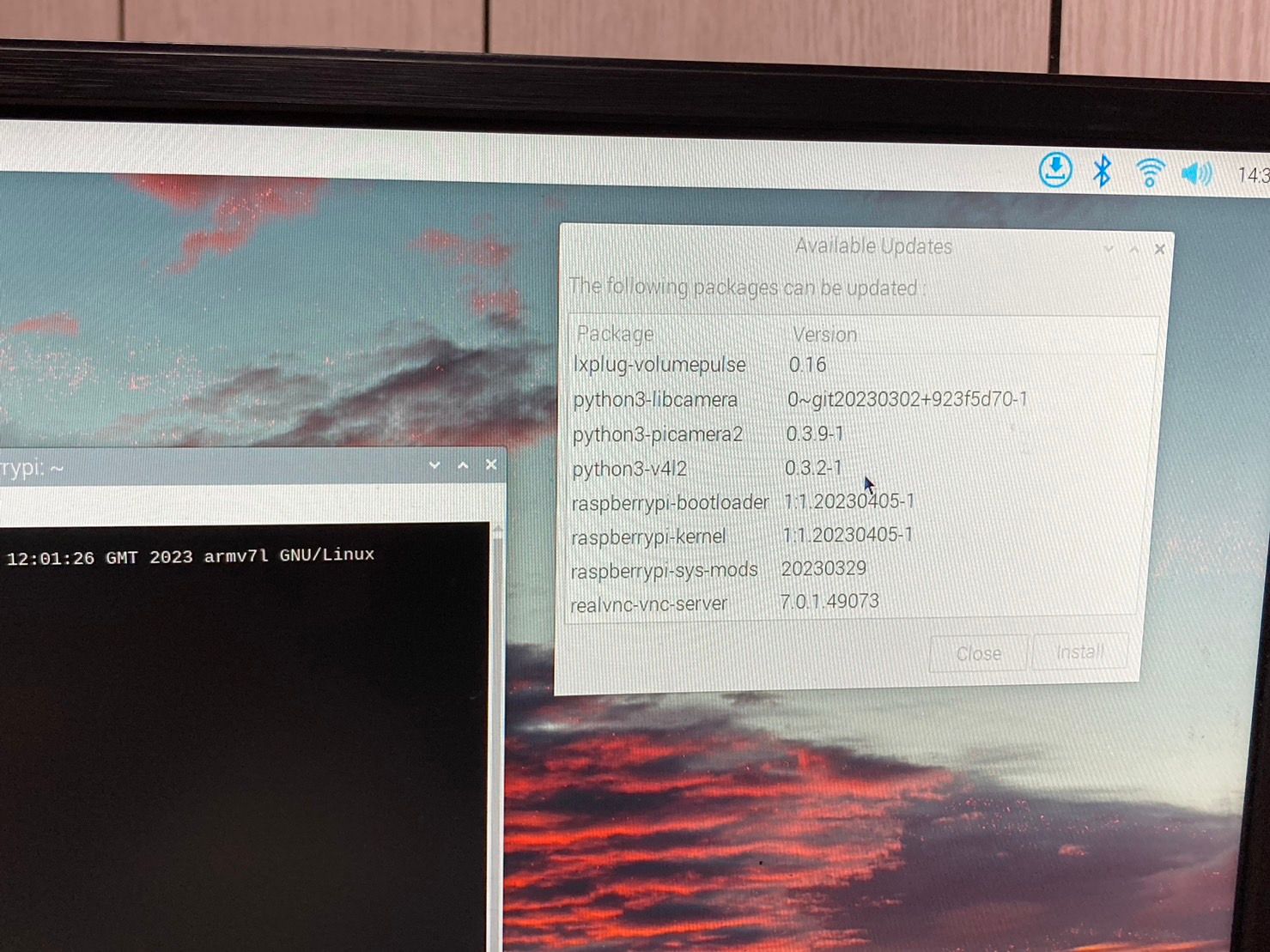
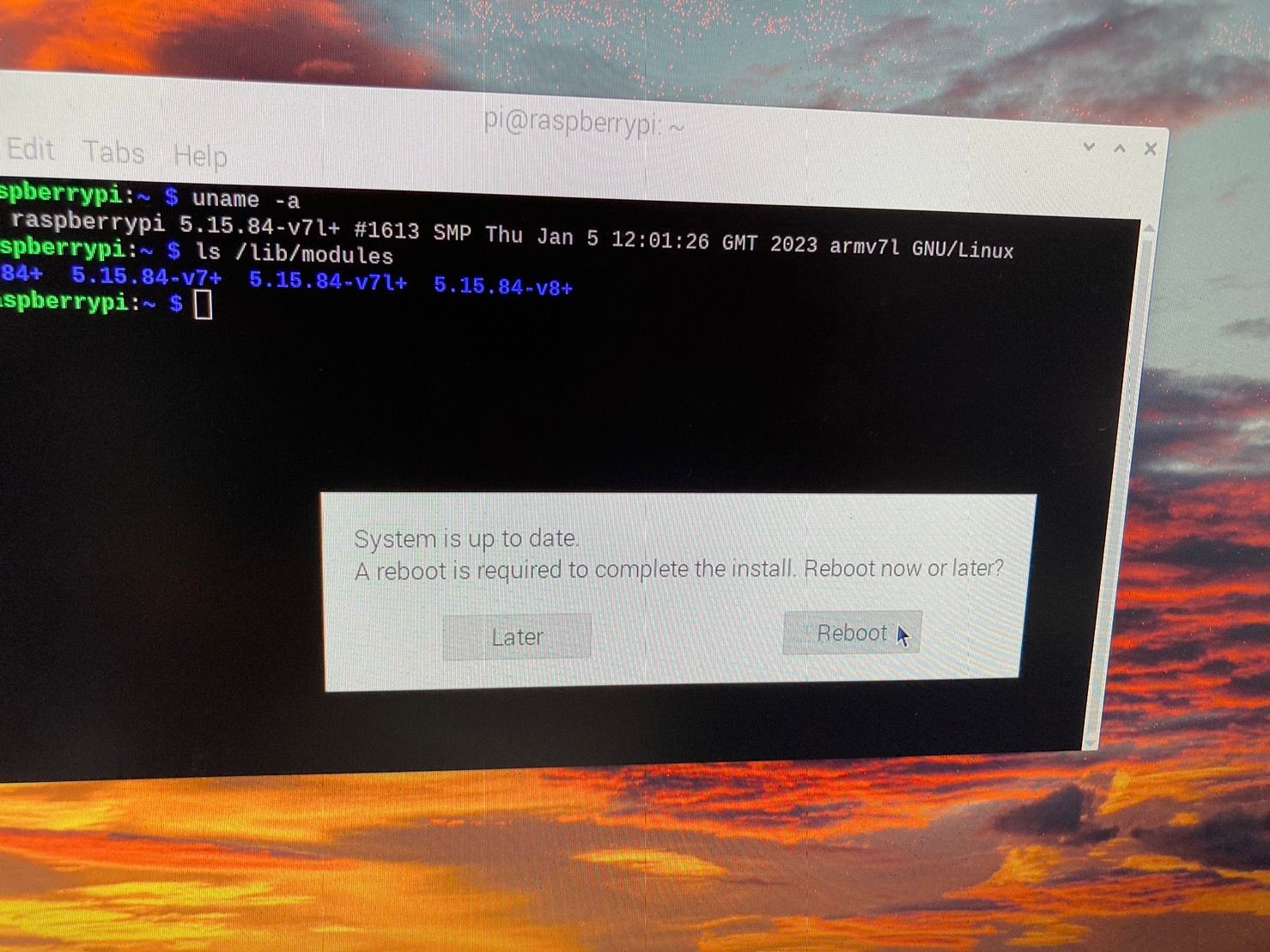
最後升級後變成這樣
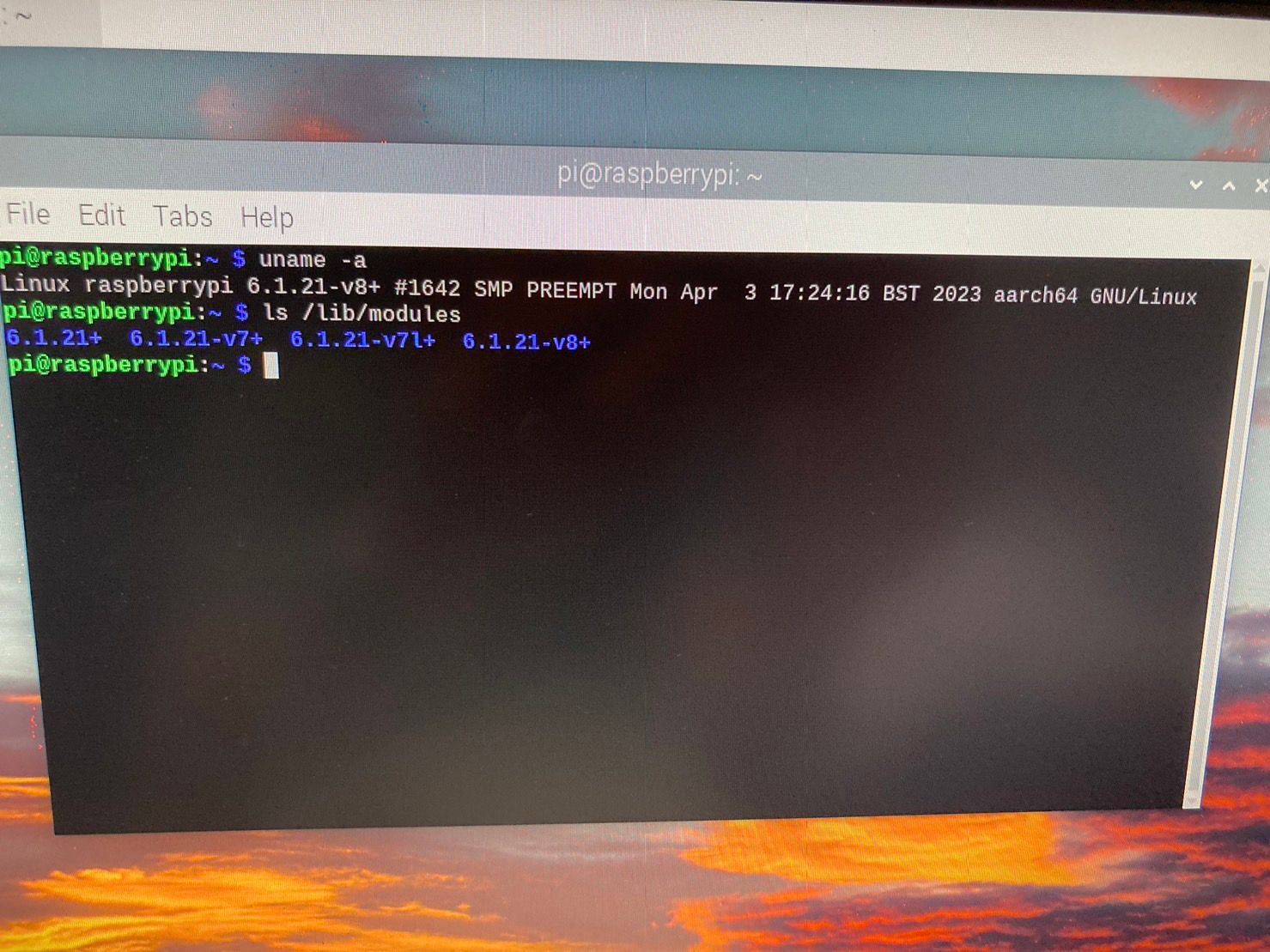
-
@cys 现在
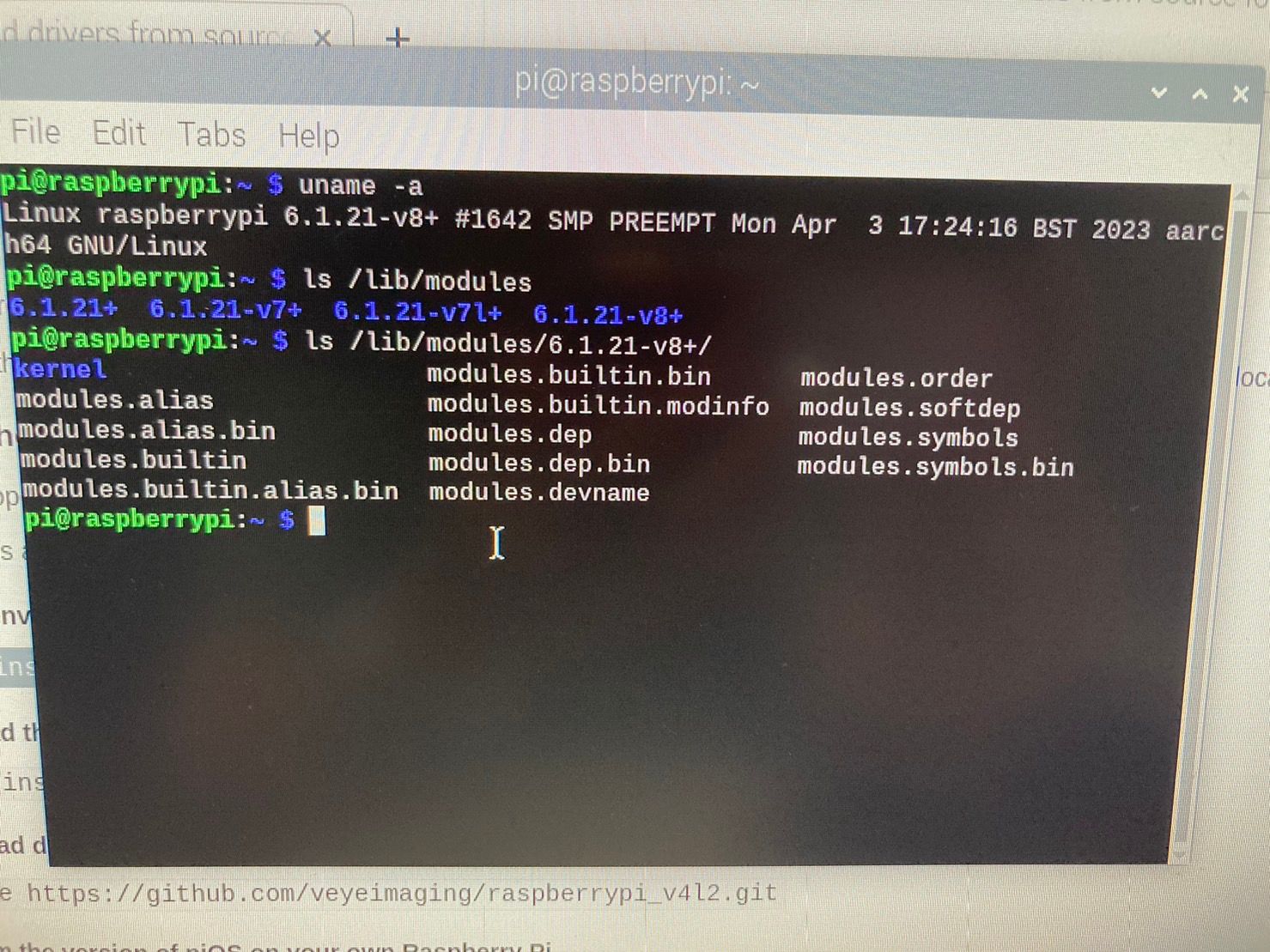
/lib/modules/6.1.21-v8+目录下,有没有build?进一步,能否正常编译? -
目錄如下
我照著此網頁做
1.1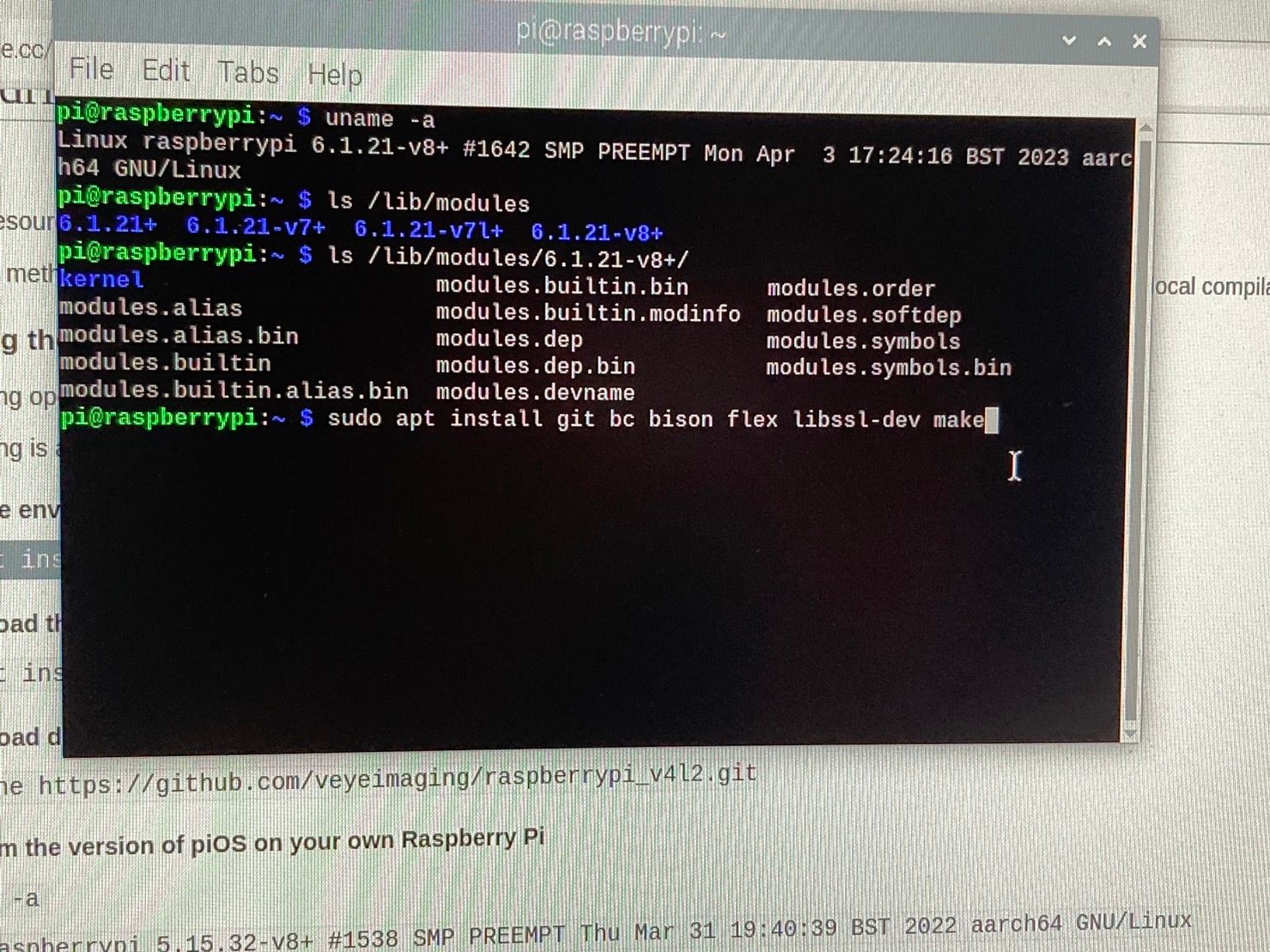
1.2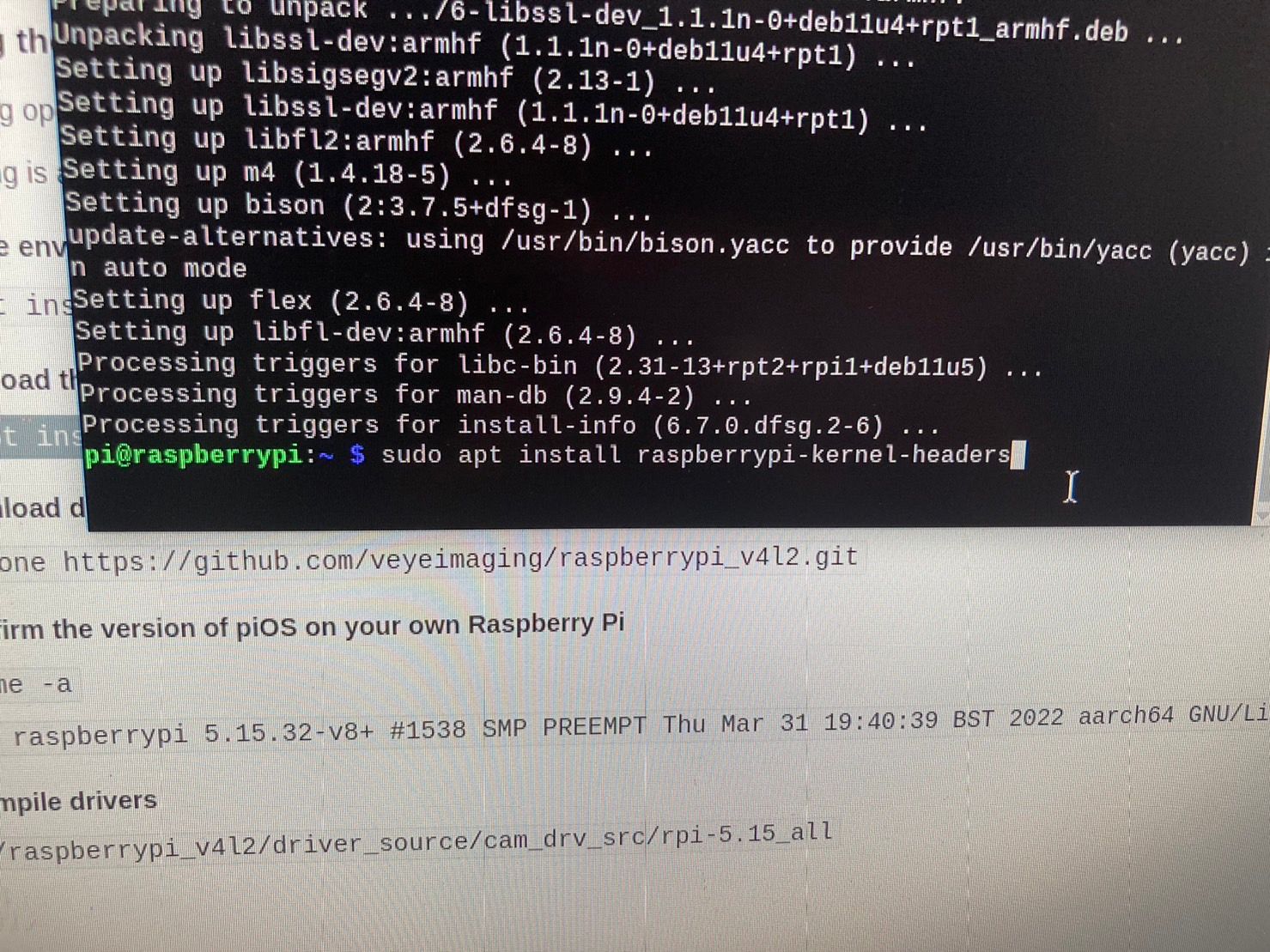
1.3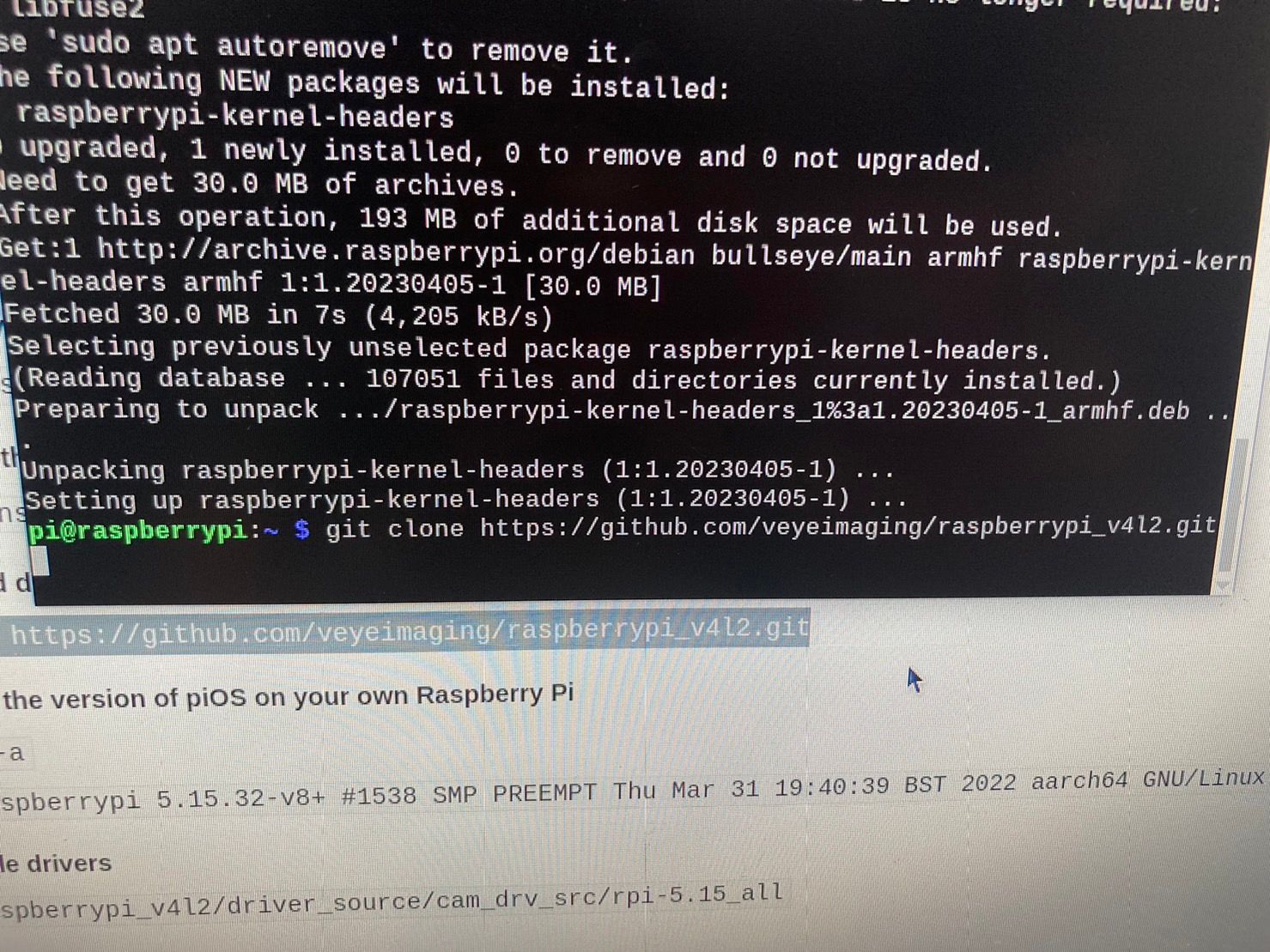
1.4,1.5
還是無法編譯 -
@cys 我只能说树莓派维护的这帮家伙太不负责了。

到这个链接
https://archive.raspberrypi.org/debian/pool/main/r/raspberrypi-firmware/?C=M;O=D
下载这个文件:
raspberrypi-kernel-headers_1.20230405-1_arm64.deb
然后手动安装一下,应该就有build文件了。试一下。 -
好像沒辦法手動安裝成功耶...
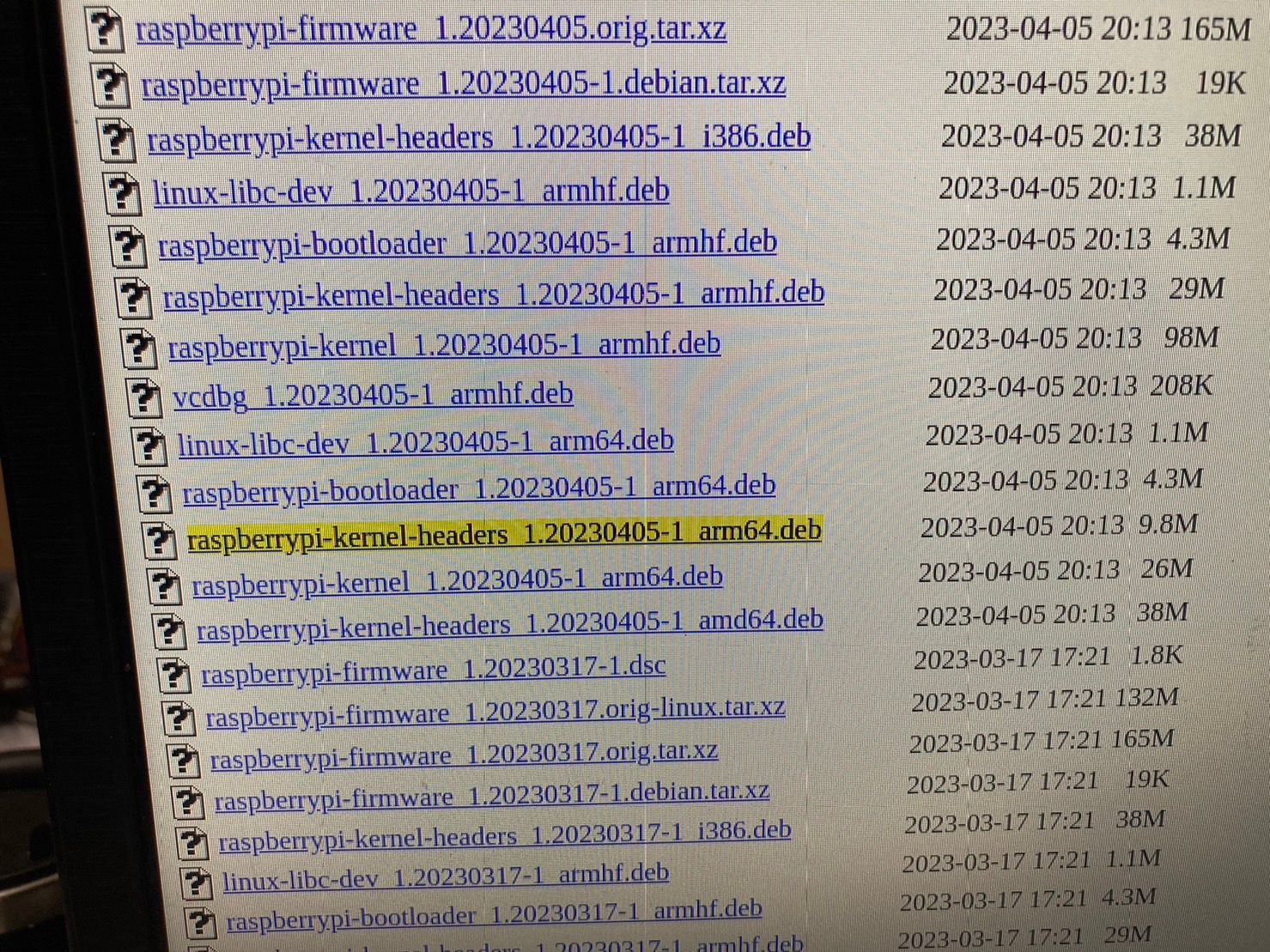
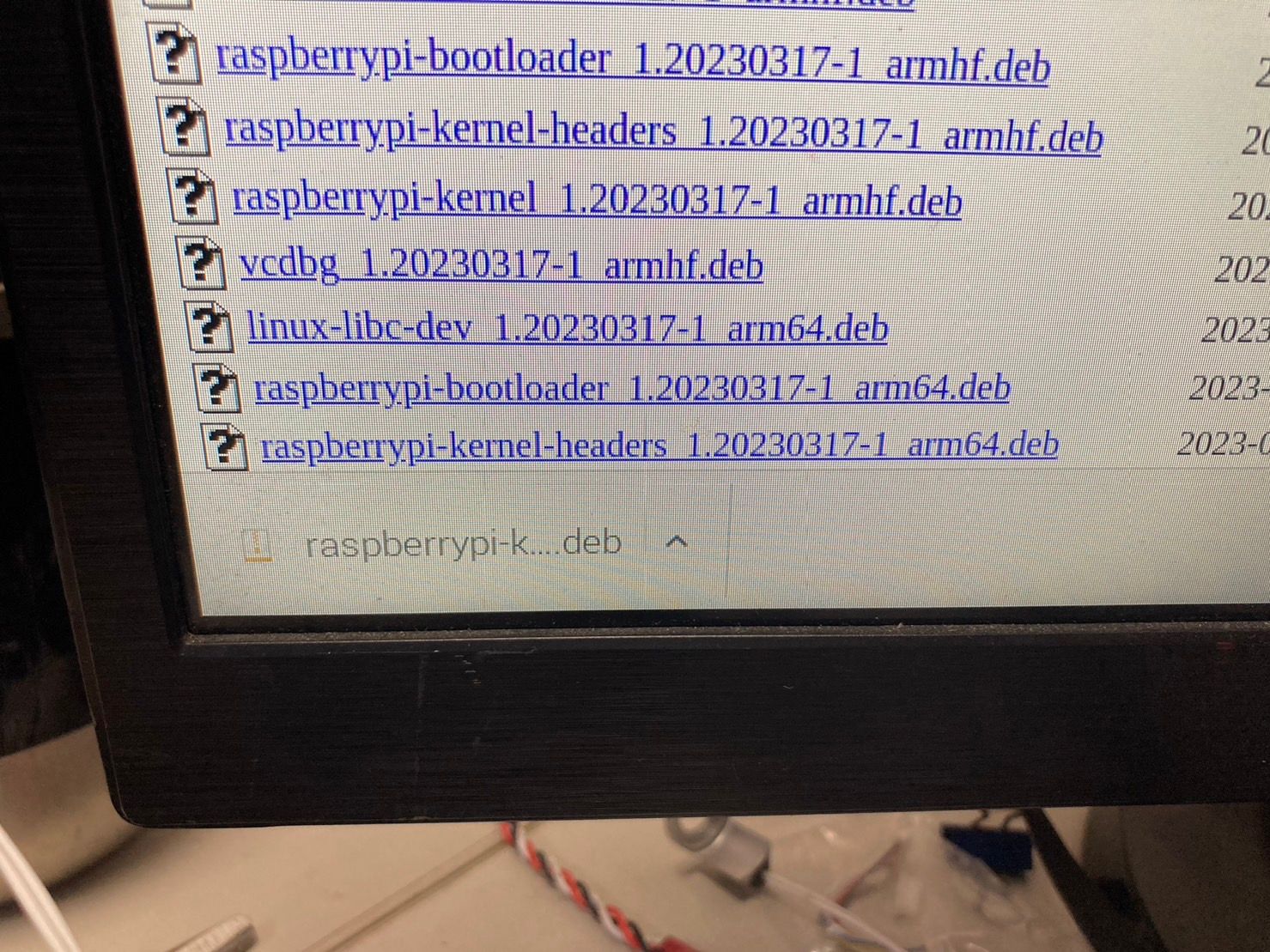
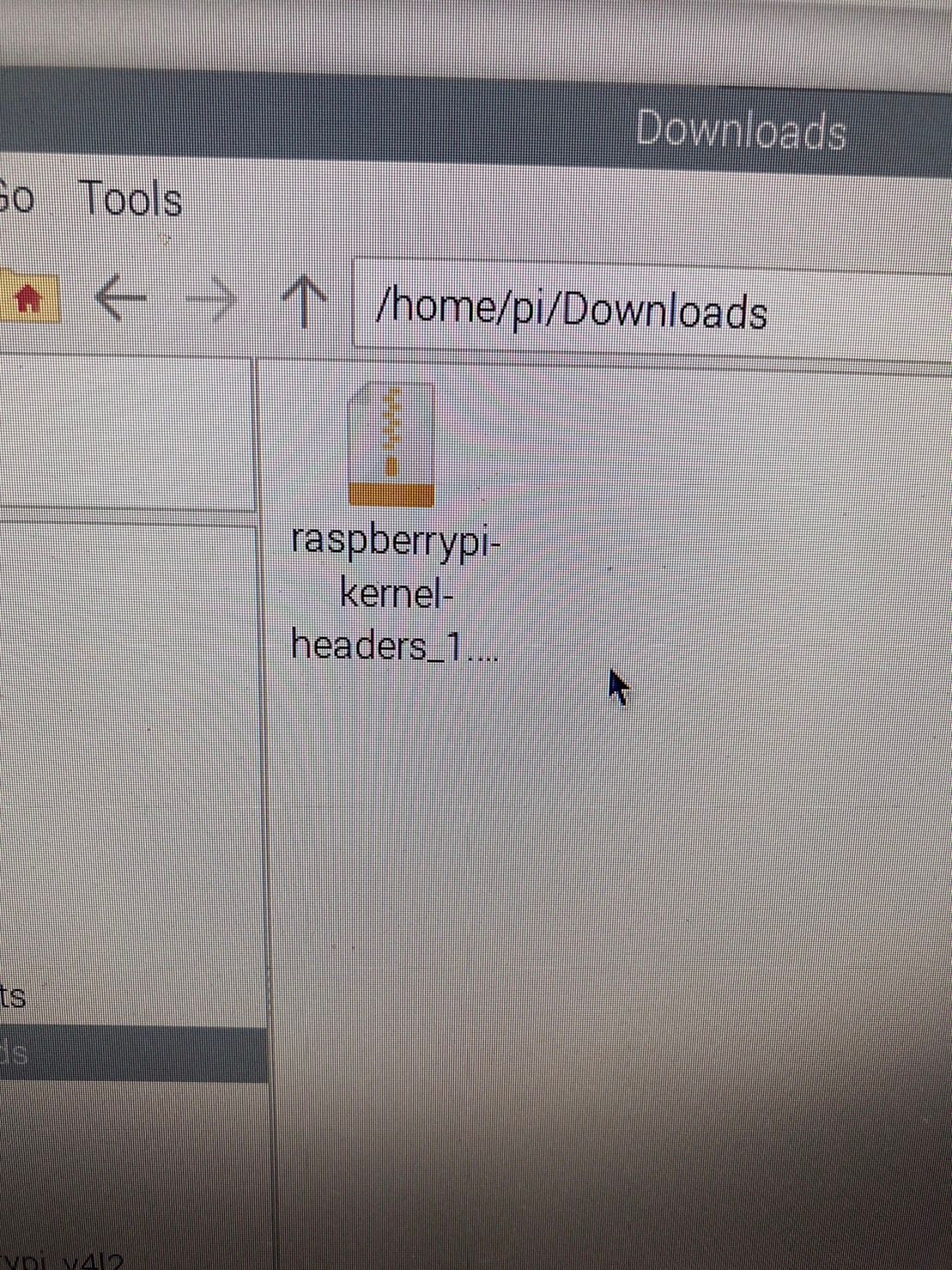
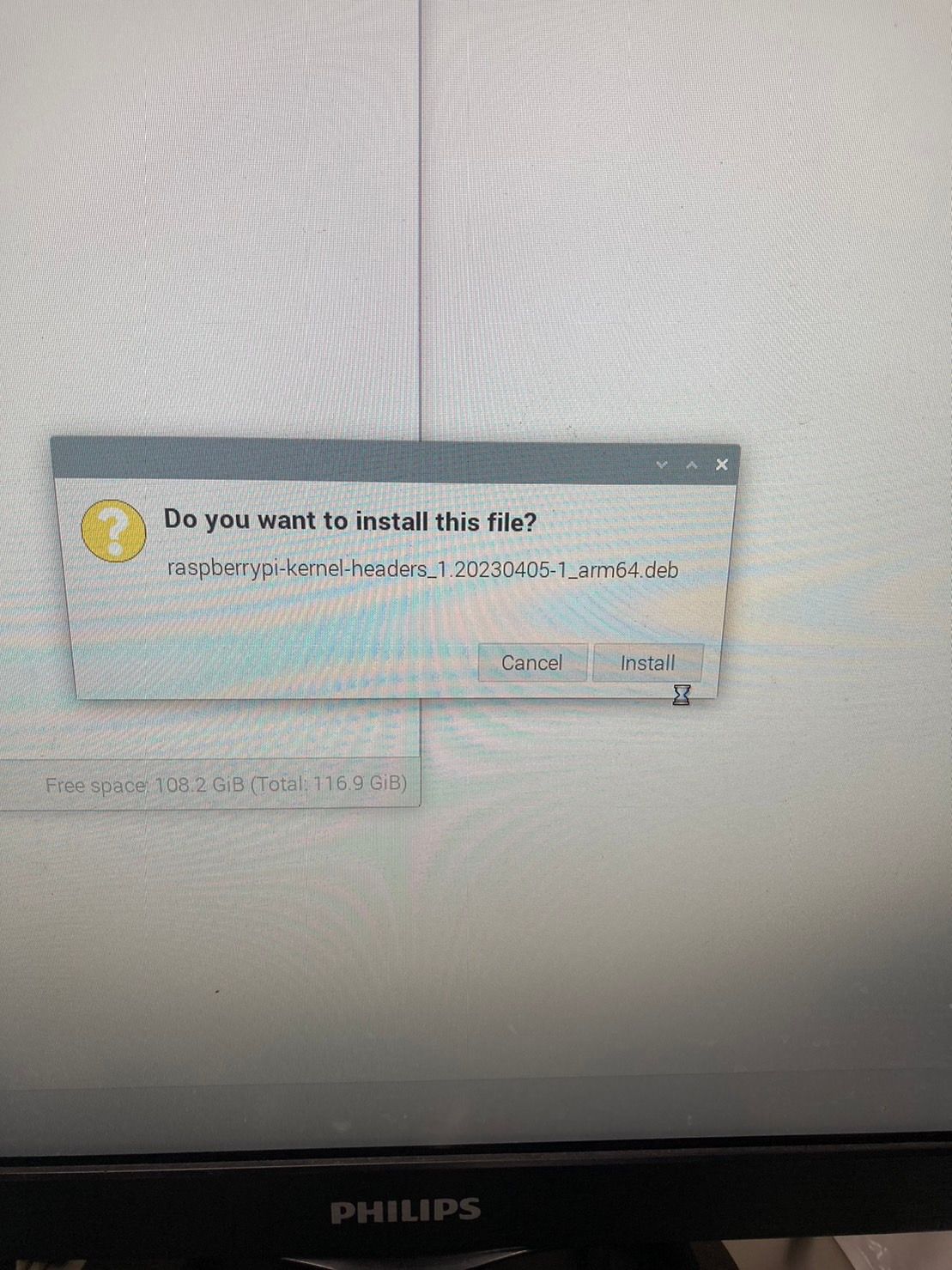
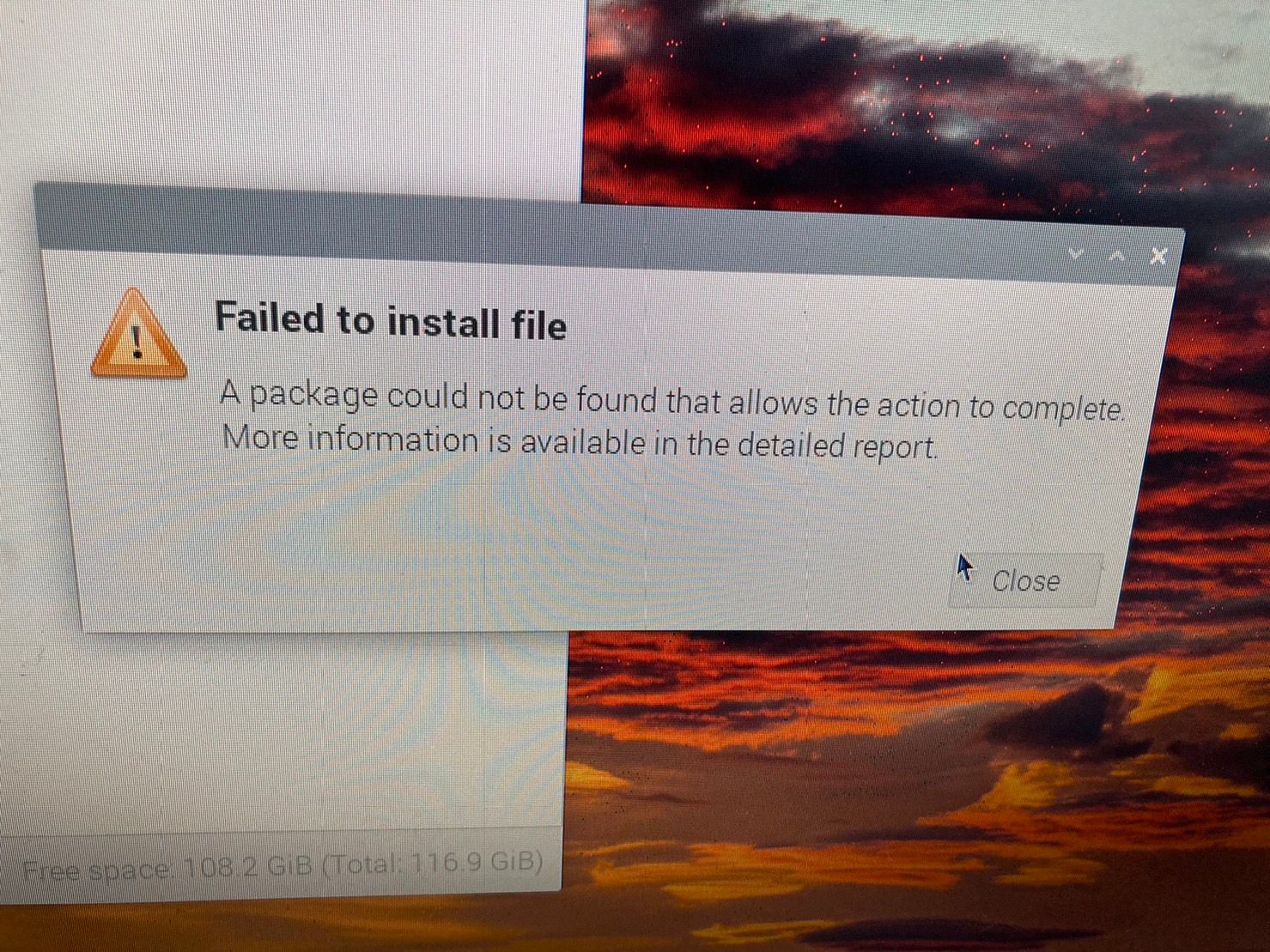
-
我下載raspberrypi-kernel-headers_1.20230405-1_armhf.deb可以安裝,但是沒有出現bulid
也無法編譯... -
@cys 不用给我拍那么多照片。。。。
试试sudo dpkg -i raspberrypi-kernel-headers_1.20230405-1_arm64.deb -
好..不好意思
我樹梅派是灌32位元的系統,開機畫面也是32位元,我不知道為甚麼更新後uname -a 會顯示arm64
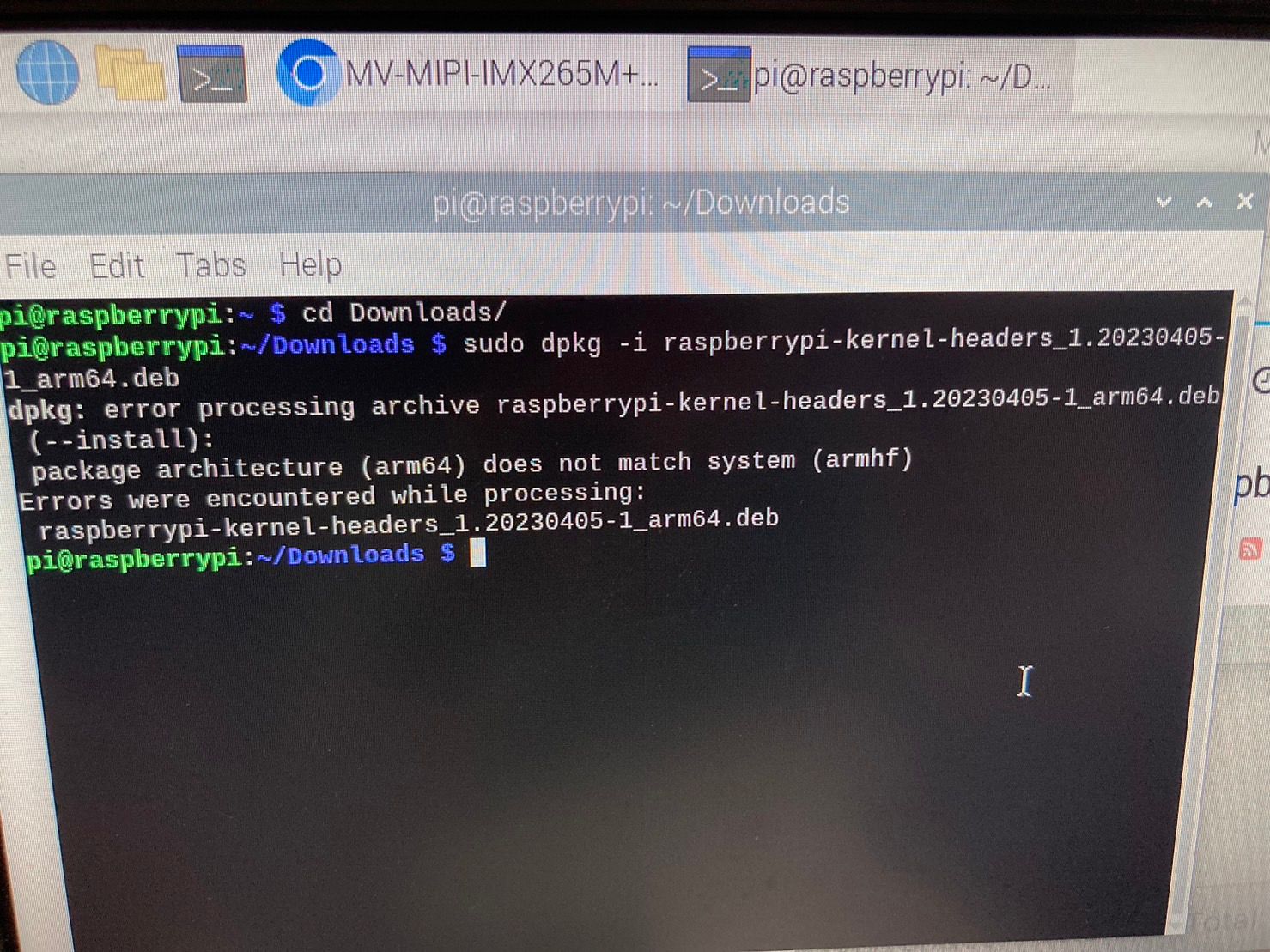
-
@cys
升级系统出错的问题,我觉得是树莓派组织sudo apt install raspberrypi-kernel这个包管理的不好。 回头可以还是推荐客户用sudo apt full-upgrade吧。这个问题放一边,先不管他。
你这个如果系统是32位的- 先看看/lib/modules/6.1.21-v7l+下面有没有build。
- 如果有,改一下cam_drv_src\rpi-6.1.y\Makefile,手动指定一下KERNEL_ROOT
KERNEL_ROOT=/lib/modules/6.1.21-v7l+/build -
使用sudo apt full-upgrade 也是無法使用
改Makefile KERNEL_ROOT=/lib/modules/6.1.21-v7l+/build
也有錯誤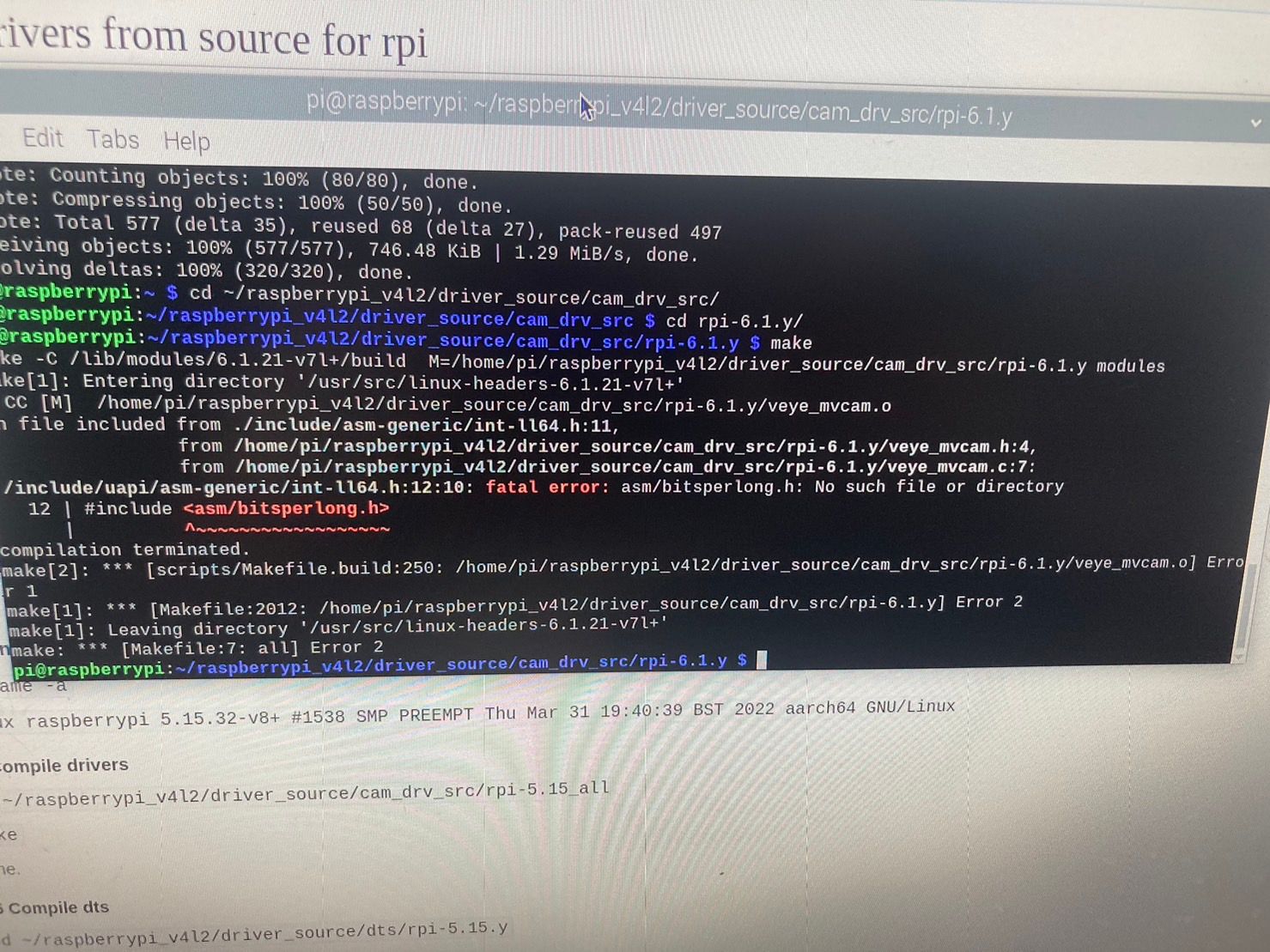
我最後把系統改成64位元再照著上面的步驟重複一次就可以使用了
真的非常感謝您!! -
@cys 不客气。
核心问题就是现在树莓派的header安装包管理的不好。

Hello! It looks like you're interested in this conversation, but you don't have an account yet.
Getting fed up of having to scroll through the same posts each visit? When you register for an account, you'll always come back to exactly where you were before, and choose to be notified of new replies (either via email, or push notification). You'll also be able to save bookmarks and upvote posts to show your appreciation to other community members.
With your input, this post could be even better 💗
Register Login