GX-MIPI-IMX662 can't save fps parameter
-
Hi,
On my new camera GX-MIPI-IMX662 I'm trying to set fps parameter (via gx_mipi_i2c.sh from 60 to 30) and save to flash by paramsave and it is working only for current session and after restart it restored back to 60 again.How to fix it?
-
@alex_ai I’ve just checked this function, and it works correctly. I suspect the issue lies in the way you’re operating it.
I recommend that you always change the FPS via the
v4l2-ctlcommand to ensure consistency across different sessions. If you usegx_mipi_i2c.shdirectly, the parameters can indeed be changed by writing to the camera registers, but the driver layer is not notified of these changes. As a result, the driver retains incorrect (outdated) values. -
Hi @veye_xumm , thank you for answer, let me clarify my steps.
- Boot raspberry pi 5
- check current fps (it is 60):
$ ./gx_mipi_i2c.sh -r fps -b 4 Read FrameRate_Ex is 60.0000 fps- set current fps
$ ./gx_mipi_i2c.sh -w fps 30 -b 4 Write FrameRate_Ex is 30.0000 fps- check if it is set:
$ ./gx_mipi_i2c.sh -r fps -b 4 Read FrameRate_Ex is 30.0000 fps- Video opened with with 30fps correctly
- save parameters to flash
$./gx_mipi_i2c.sh -w paramsave -b 4
all param saved to flash
7 . Reboot raspberry pi
8. check current fps (it is 60 again):$ ./gx_mipi_i2c.sh -r fps -b 4 Read FrameRate_Ex is 60.0000 fps -
You need to upgrade your camera firmware. Please refer to the link below to download the firmware, and then follow the subsequent link for the upgrade procedure.
https://www.mediafire.com/folder/4tov5s500gaif/camera_firmware_upgrade_images
https://wiki.veye.cc/index.php/GX_camera_firmware_update_manual
-
Hi @veye_xumm, I'm already on the latest version of firmware:
$ ./gx_mipi_i2c.sh -r version -b 4
Read version is C 01.14 and L 01.11
Anyway it is not critical issue for me.
I'm trying this new GX-MIPI-IMX662 as improved version of VEYE-MIPI-IMX462 for meteors detection and can't configure with same way.If turn off denoise_strength_3D the video image is very noisy and as in gx_mipi_i2c no feature to read sensor registers, can I ask to you confirm that:
In low light environment ISP enables HCG mode (register FDG_SEL0 0x3030 sets to 0x01) ?Maybe you have other recommendations like for IMX462 in this post :
VEYE-MIPI-IMX462 - manual gain not consistent -
@alex_ai said in GX-MIPI-IMX662 can't save fps parameter:
Anyway it is not critical issue for me.
I'm trying this new GX-MIPI-IMX662 as improved version of VEYE-MIPI-IMX462 for meteors detection and can't configure with same way.
If turn off denoise_strength_3D the video image is very noisy and as in gx_mipi_i2c no feature to read sensor registers, can I ask to you confirm that:
In low light environment ISP enables HCG mode (register FDG_SEL0 0x3030 sets to 0x01) ?
Maybe you have other recommendations like for IMX462 in this post :The issue where the FPS setting cannot be saved is likely because your module is our first version, and the firmware is not fully refined. You can try restoring the factory default settings and then test again.
https://wiki.veye.cc/index.php/Gx_mipi_i2c.sh_user_guide#factoryparamThe GX series and the VEYE series are completely different. If you would like to manually set the exposure time and gain, that is fully supported as well. Please refer to the section about expmode metime mgainin the following link.
https://wiki.veye.cc/index.php/Gx_mipi_i2c.sh_user_guide
I am currently on the Spring Festival holiday. Maybe replay late.
-
@veye_xumm happy holidays!
Yes, I tried manual and auto gain/expmode and it works as expected.For meteors detection I don't need use denoise3d (or use small value ), as it blurs fast moving objects, but without it the image very noisy, which is probably related to HCG and LCG modes of sensor (as it was for my IMX462M camera and you provided custom firmware with enabled HCG), and it is working perfectly on VEYE IMX462 cameras.
For now it has quality of usual IP camera with same sensor (with denoise3d for night sky), will wait, probably it will be improved in future.
Thank you! -
@alex_ai In the current program, HCG will be automatically enabled when the gain is higher than 26 dB — you can give it a try.
Also, please try turning off the 3D noise reduction.
-
@veye_xumm yes, you are right, I checked image in 25 and 26 dB - and it is switching.
Probably I used high digital gain (because brightness low than from IMX462 in same gain value) and it produces high level of noise.
About denoise, in IMX462 I'm using 0x02, but not sure what is MIDDLE value, because in IMX662 denoise_strength_3D with 128 produces different picture and I decreased to 40 to have something similar
0x02 NR 2D Mode = OFF; NR 3D Mode = MIDDLEWill test couple nights. Thank you.
-
@alex_ai OK, the GX series and the VEYE series use completely different ISP solutions, so their parameters do not correspond one-to-one. I look forward to your test results.
-
@veye_xumm found what was wrong,
high level of noise produced gamma_index = 1 (default value), other looks good. -
@alex_ai Thank you for your feedback; we will look into this issue.
-
@alex_ai I used firmware version 1.14 for comparison and did not observe any significant noise changes in gamma mode 1 compared to other modes. Could you provide your specific usage parameters and environment?
-
Hi @veye_xumm, I didn't say that this is issue, this parameter needs to be changed only in case video recording of the night sky (meteor detection)
From issues what I noticed:
-
can't save fps - always 60 after power on
-
Sometimes saved parameters resets to default (noticed when set metime to 33333 but forgot set fps 30 before) and manual expmode switched back to auto
-
-
Hi @veye_xumm, I'm still trying to configure imx662 for night capturing (meteor detection) and probably you can help me to clarify what is wrong.
I have several cameras from VEYE (imx462 and imx462 mono) and also imx662 mono from another vendor.
And for all cameras configuration pretty same - use 30fps, exposure time 33333 and gain 30Db for mono version and up to 34Db color version (this range approximately within analog gain).
What I see in GX imx662 - for same parameters image too dark, some brightness I can get from gamma_index (with value 5 or 10) but it still not enough
To get required brightness of image I have to increase gain to 45 which leads to boost digital gain and as result more noise, more hot pixels and overbrighted (oversized) stars.
Questions:
- What could be wrong? (imx662 mono works as expected, not sure it is sensor issue)
- Can I read sensor registors same as on imx462?
My current config (Raspberry Pi 5, Trixie) :
./gx_mipi_i2c.sh -w fps 30 -b $i2cBus
./gx_mipi_i2c.sh -w expmode 0 -b $i2cBus
./gx_mipi_i2c.sh -w metime 33333 -b $i2cBus
./gx_mipi_i2c.sh -w mgain 34 -b $i2cBus
./gx_mipi_i2c.sh -w denoise_strength_3D 0 -b $i2cBus
./gx_mipi_i2c.sh -w denoise_strength_2D 0 -b $i2cBus
./gx_mipi_i2c.sh -w sharppen 30 -b $i2cBus
./gx_mipi_i2c.sh -w gamma_index 5 -b $i2cBus
./gx_mipi_i2c.sh -w daynightmode 1 -b $i2cBus
Example of image in same time and same parameters (gain 34) for:
GX IMX662

VEYE IMX462
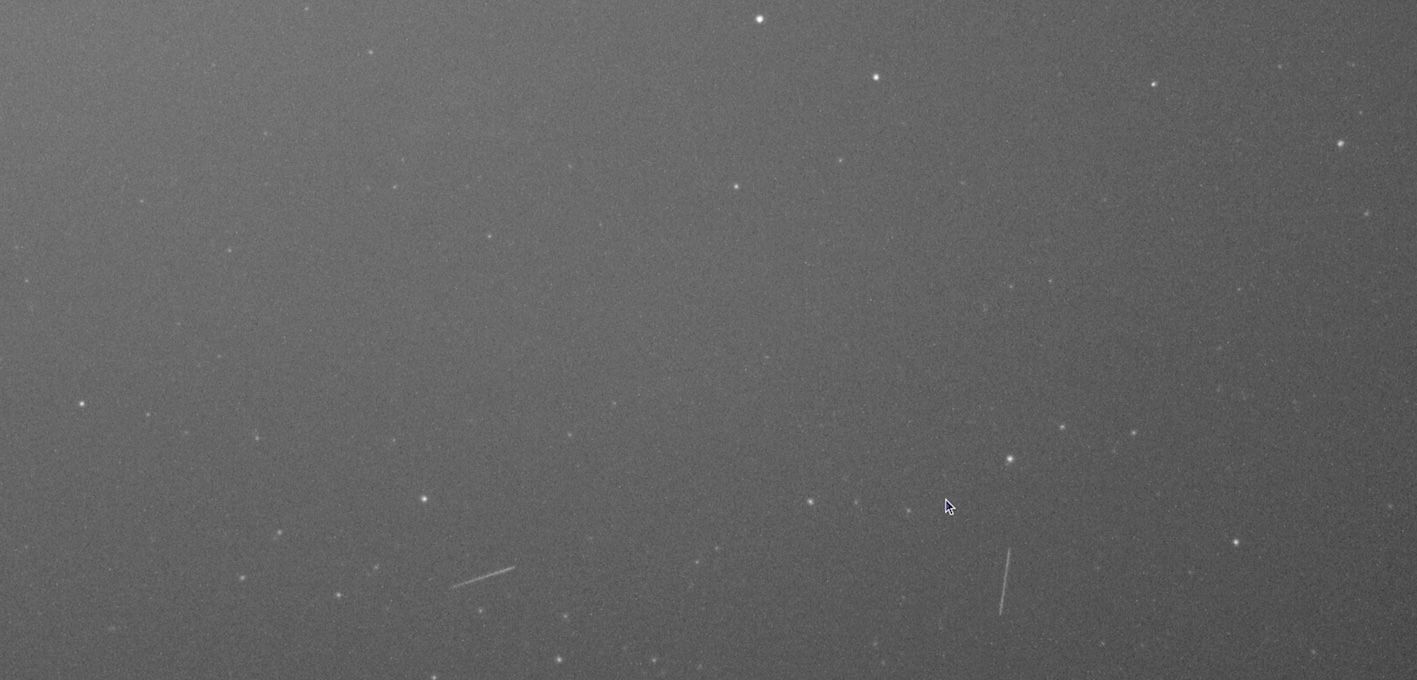
-
@alex_ai First, let me explain the gain configuration logic for the GX-MIPI-IMX662. The IMX662 features 30dB of Analog Gain and supports High Conversion Gain (HCG). The HCG function acts as an amplification during the sensor's analog signal readout, equivalent to 15.3dB.
Therefore, when we configure the "Again" parameter, the actual range is [0, 45.3dB]. This means you can set the Analog Gain up to 45dB without enabling Digital Gain (Dgain).
Currently, our firmware integrates HCG into the "Again" setting, which may have caused some confusion during your testing.
As for the feature to read sensor registers, I have added it to the development roadmap. It will be provided later via a firmware update package. -
We recently updated the ISP tuning. Please give it a try.
-
Hi @veye_xumm,
Thank you for new update and letting me know!On first look - the original issue was fixed - now I can save fps parameter and we could close this topic.
About night sky image, I don't see visible differences and want to play with parameters one more time and monitor camera registers.
I see was added new feature:
./gx_mipi_i2c.sh -r snsreg [sensor reg addr] -b your_i2c_bus_numberI tried check sensor gain (register 0x3070) but not sure what should be reg address, tried 0x3070 and 0x70 (seems like it is expecting value less than 0x100)
if you could provide example - it would be helpful
Thanks
-
@alex_ai
I would recommend using the exptime and curgain functions first to check the current performance of the camera module. If you are familiar with the sensor registers, you can verify the sensor's working status by reading registers 0x3070 and 0x3071. -
@veye_xumm yes, I want to verify camera sensors but this command doesn't work for me, that is why I asked example.
 $ sudo ./gx_mipi_i2c.sh -r snsreg 0x3070 -b 6
 Read Sensor Reg 0x3070, val=0xffffffffffffffff
Unfortunately, my night sky tests failed:
-
Without an IR filter, I can't get the stars into focus for some reason—they are always blurry and haloed.
-
With an IR filter, the stars are in focus but they become extremely dim.
I'll probably stick with the old IMX462 sensor for my projects.
-

Hello! It looks like you're interested in this conversation, but you don't have an account yet.
Getting fed up of having to scroll through the same posts each visit? When you register for an account, you'll always come back to exactly where you were before, and choose to be notified of new replies (either via email, or push notification). You'll also be able to save bookmarks and upvote posts to show your appreciation to other community members.
With your input, this post could be even better 💗
Register Login