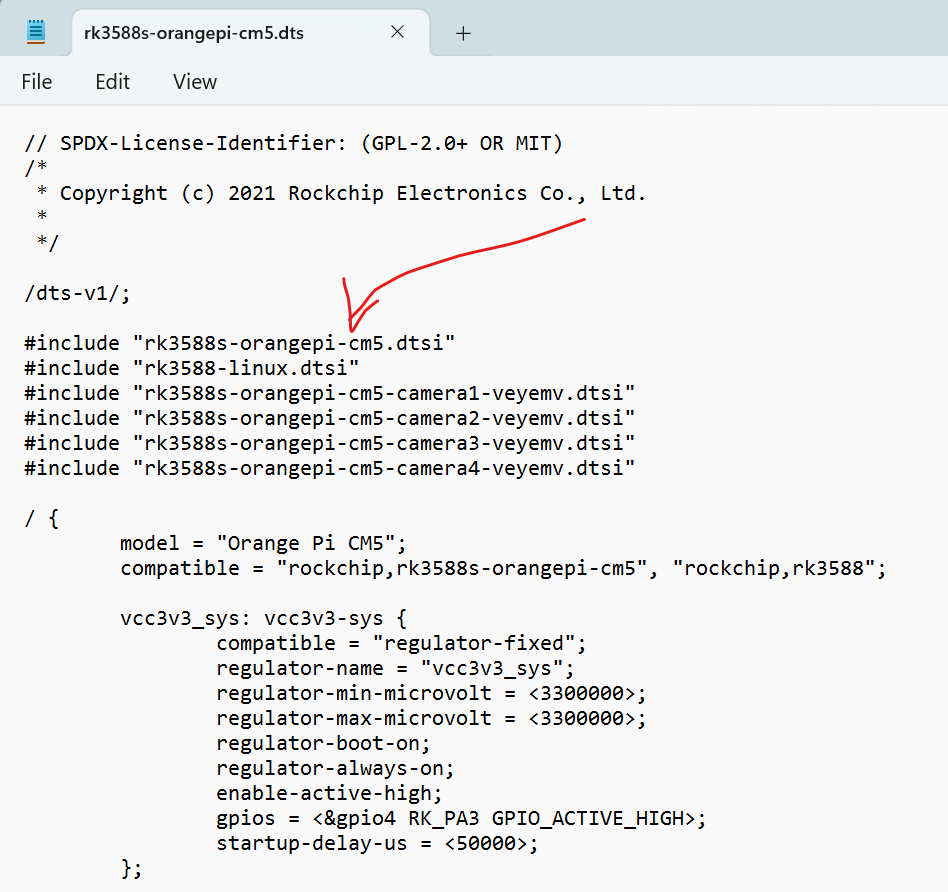
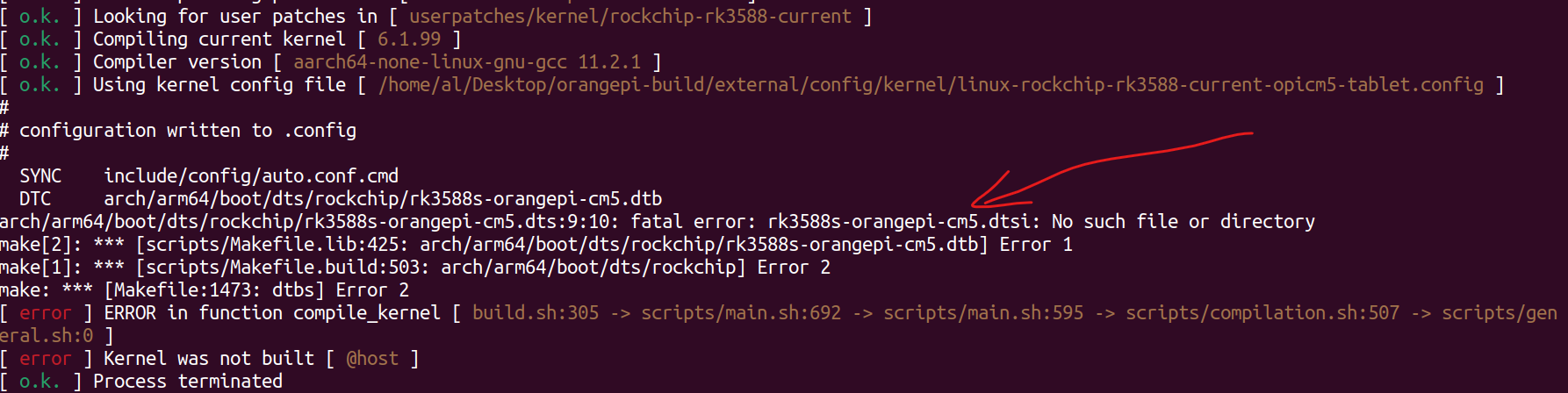
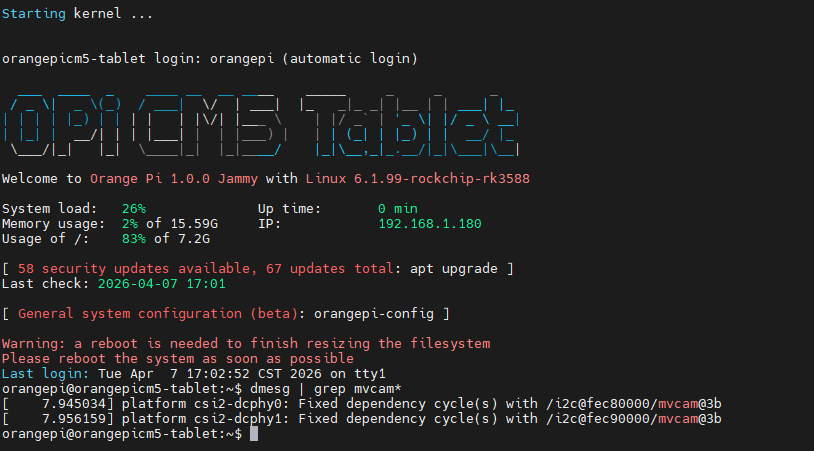
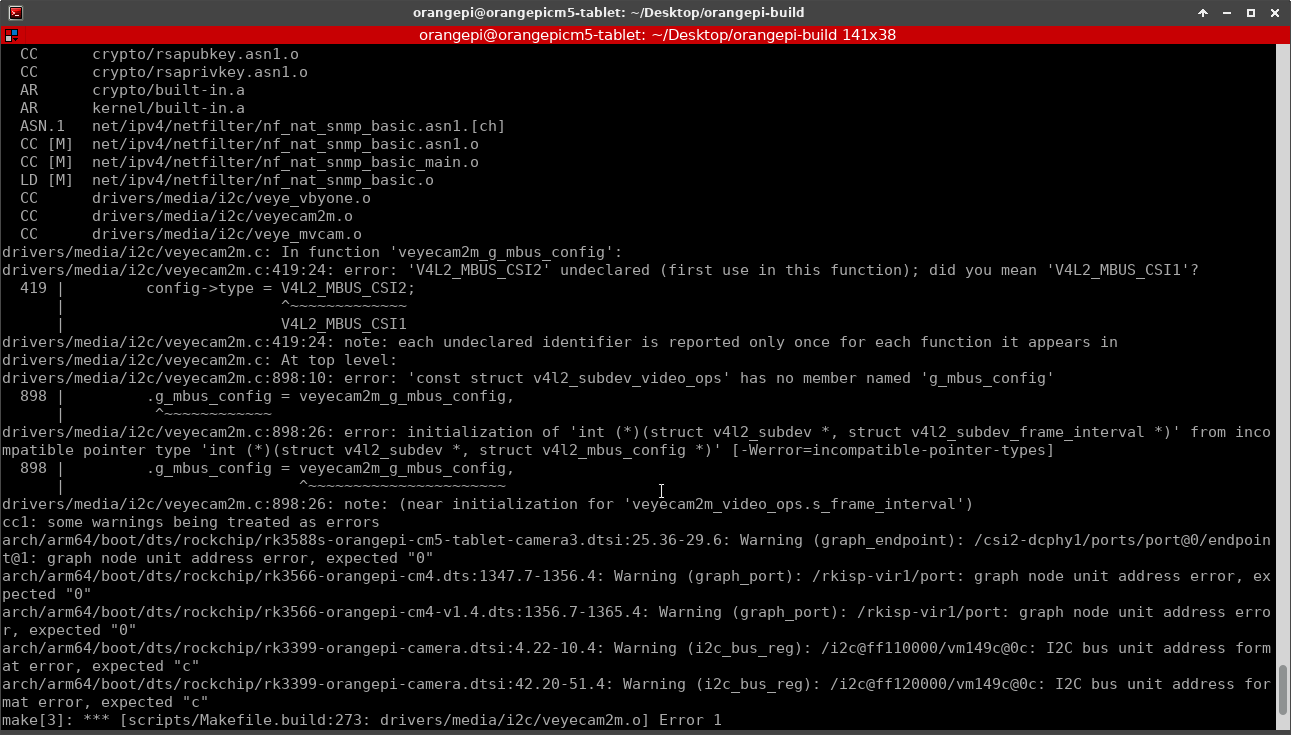
@veye_xumm and i do not see any overlays from here compiled on image
:
@veye_xumm and i do not see any overlays from here compiled on image
:
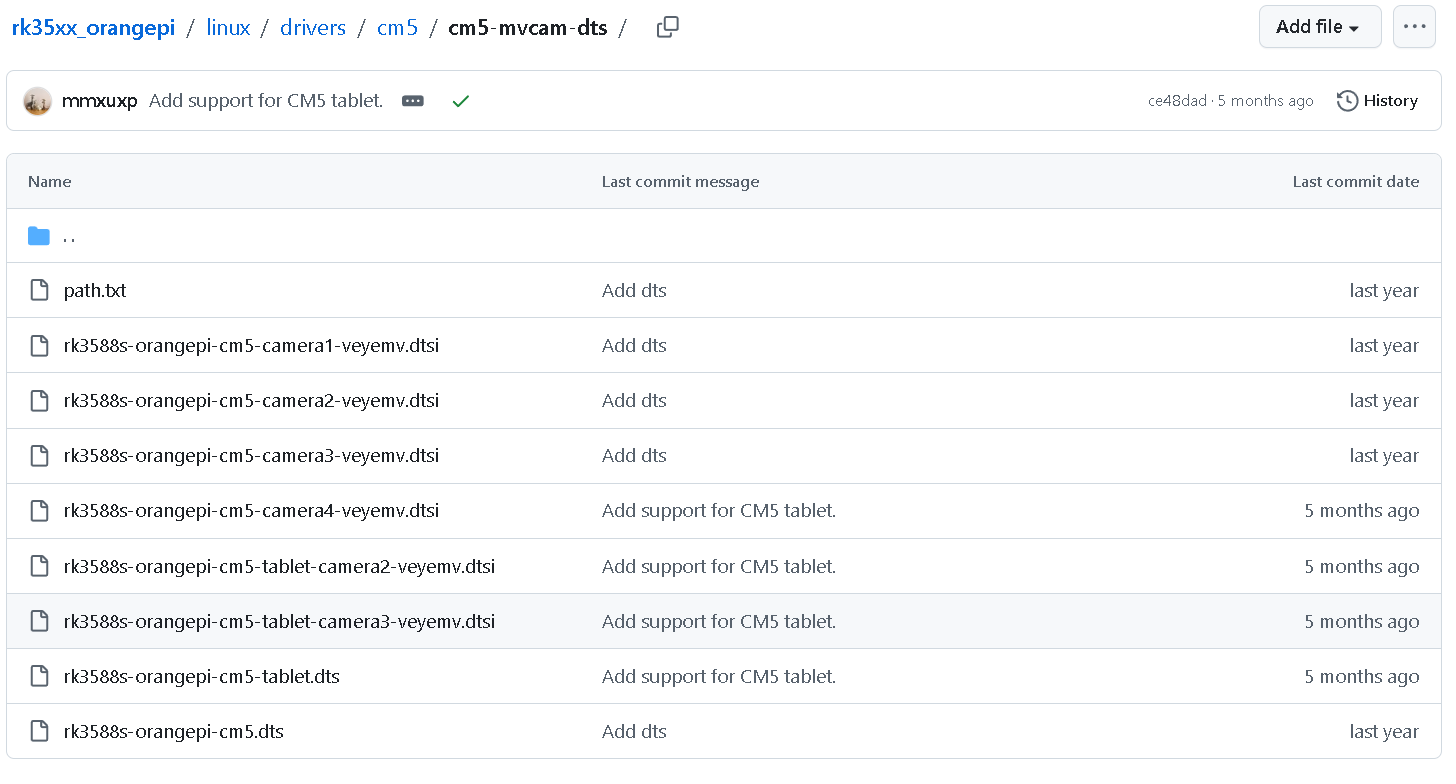
@veye_xumm hi. i`ve built once again image folowing https://github.com/veyeimaging/rk35xx_orangepi/tree/main/linux
and nothing works:


could you check again instructions you provided ?
moreover, i took rk3588s-orangepi-cm5-tablet.dtb from image with drivers installed you provided above and rk3588s-orangepi-cm5-tablet.dts from original image to compare.
i decompiled `em to .dts and looked for differences.
as far as i see on your image you do not use overlays and put all changes to dts:

i looks like you changes overlap original ov5647, ov138*, etc and they stop working.
in addition, i see address drift in program list:

could your explain a bit how to make mixed up cameras working as you changes broke dts ?
@veye_xumm ok. i tried method you recommend but when i built new image step-by-step and burn it to sd nothing changed. no veye camera there and no drivers.
@veye_xumm
got it!
should i change in my case rk3588s-orangepi-cm5-tablet.dtb directly like:
dtc -I dtb -O dts rk3588s-orangepi-cm5-tablet.dtb -o test.dts
dtc -I dts -O dtb test.dts -o rk3588s-orangepi-cm5-tablet.dtb
and put it back to PC ?
or should i work somehow with rk3588s-orangepi-cm5-tablet-camera2.dtsi as you change it ?
hello.
i am trying install driver on raspbian bullseye:
6.1.21-v8+
following the steps -
https://wiki.veye.cc/index.php/Build_drivers_from_source_for_rpi
i did:
sudo apt update
sudo apt full-upgrade
sudo apt install raspberrypi-kernel-headers
cd ~/rasp/driver_source/cam_drv_src/rpi-6.1.y
make
after that :
cd raspberrypi_v4l2/release/
sudo ./install_driver.sh veyecam2m
reboot
but camera doesnt work:
dmesg | grep veye
[ 0.068867] platform fe801000.csi: Fixed dependency cycle(s) with /soc/i2c0mux/i2c@1/veyecam2m@3b
[ 10.519453] veyecam2m: loading out-of-tree module taints kernel.
[ 10.645721] veyecam2m 10-003b: probe failed
what should be done in addition ?
ok, fixed that - i use cm4 so need to add to /boot/config.txt:
dtoverlay=veyecam2m
dtoverlay=veyecam2m,cam0

hello.
i work with imx462 on cm4_nano_b with compute module 4 Raspbian Bullseye 64bit.
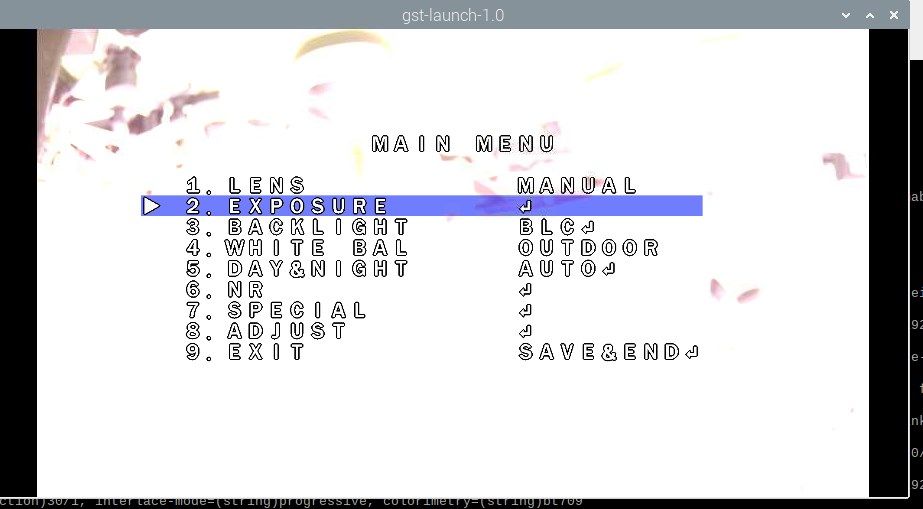
and i see menu when use gstreamer :

how to fix that ?
trying to fix that i follow this link:
http://wiki.veye.cc/index.php/VEYE-MIPI-290/327_i2c/
but when i execute:
./camera_i2c_config
i see:
setting GPIO for board revsion: c03140
CM4 - assume CAM1 on 44&45
./camera_i2c_config: 255: rpi3-gpiovirtbuf: not found
Use i2c-10 for the sensor (-y 10)
that`s strange as i have rpi3-gpiovirtbuf in dir and i did
sudo chmod +x for it.
may be there are configs for 32bit ?
how to set camera in 64bit OS ?
please help.