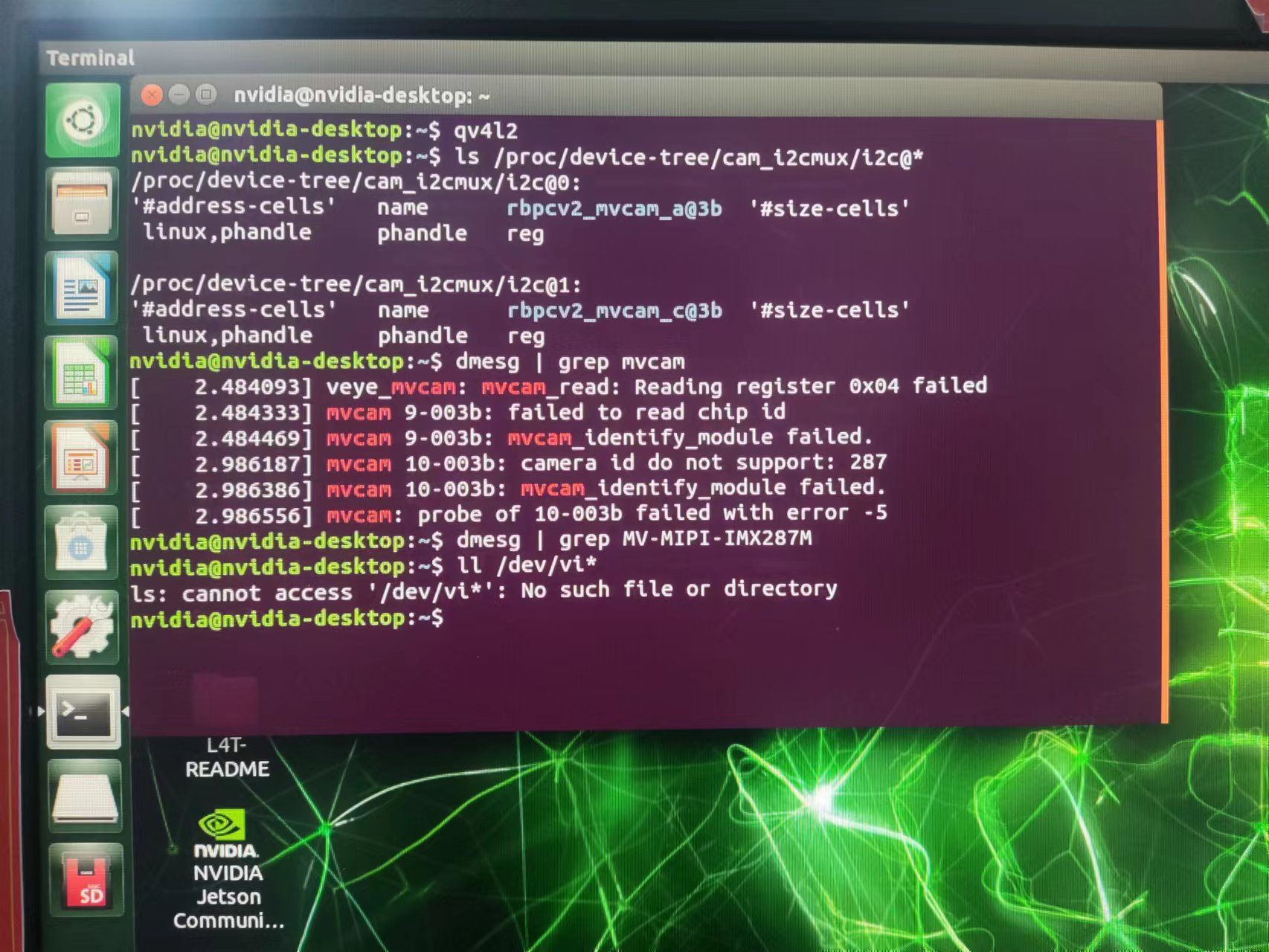
veye-mipi-imx287m识别不到
-
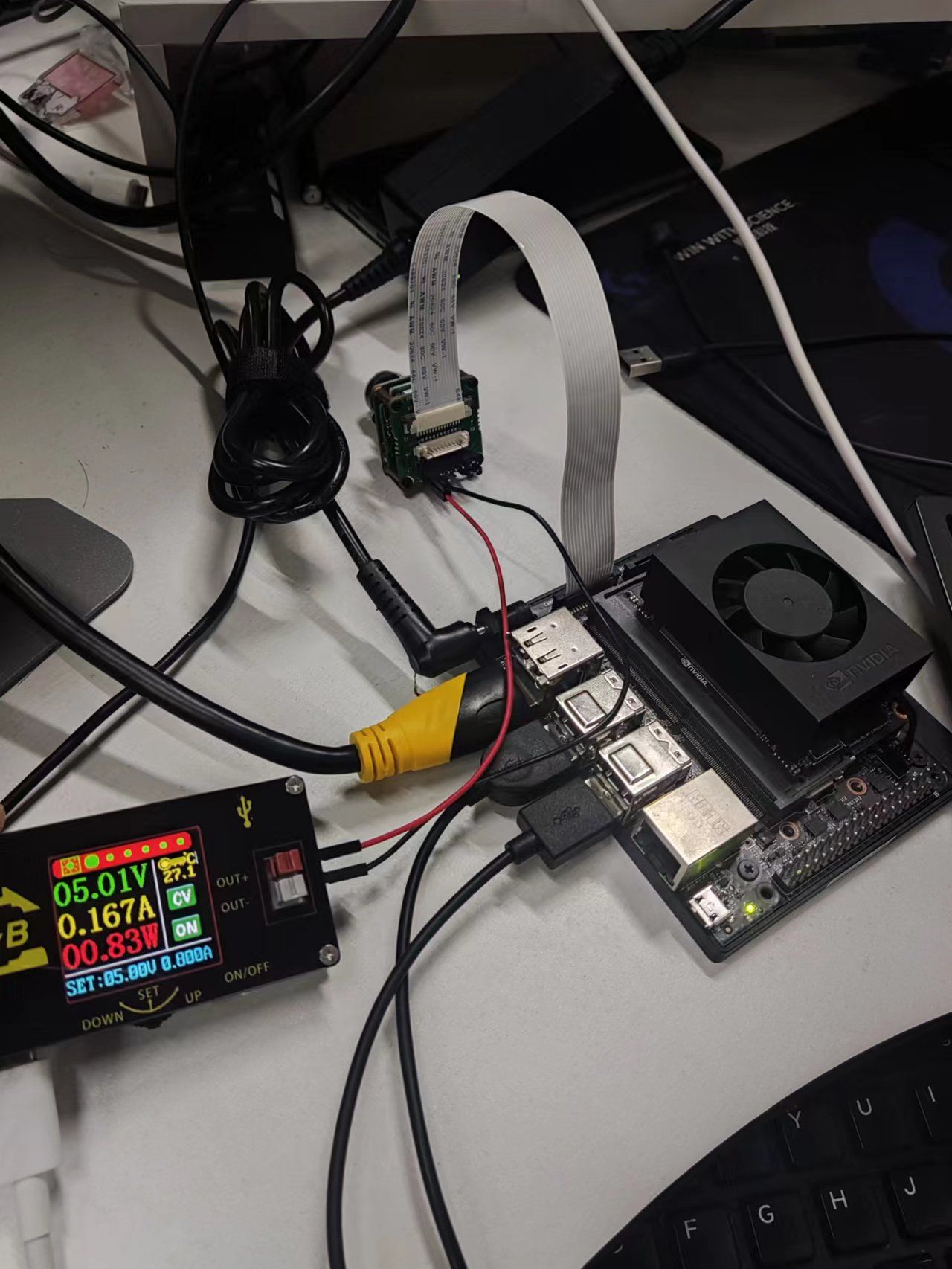
@stark 你这个系统是不是供电上限制功耗了? 去掉限制试试。
-
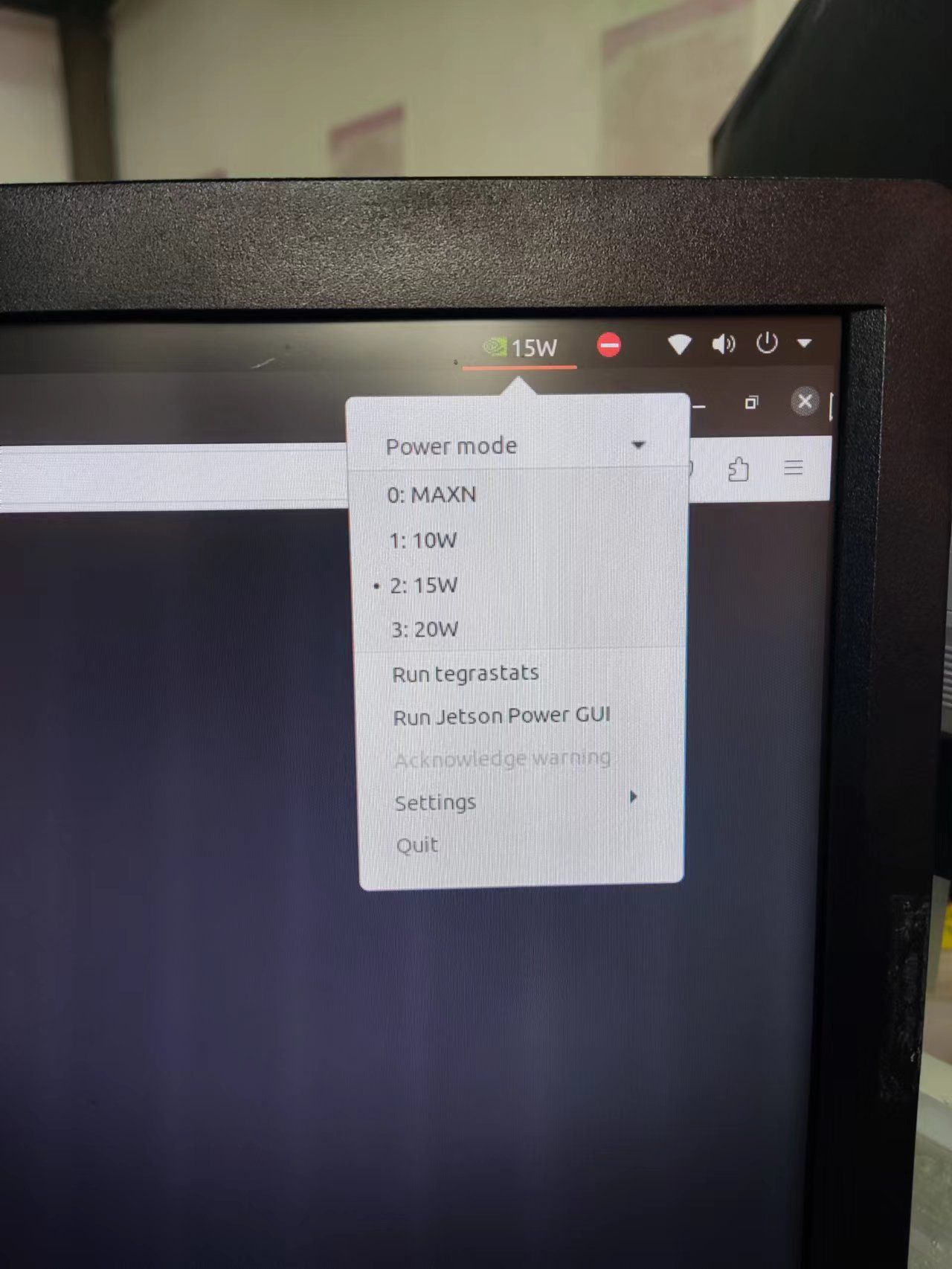
@veye_xumm 应该怎么解除限制呢,我刚刚问了一下卖板子的客服,他们不知道
-
@stark 没有,我看到你有这个东东,所以确认一下。

-
@veye_xumm 我现在是直接用的orin,直连的相机,没用那个小电源供电。好像不是供电问题,我刚刚用电源模块又供了一下电,之前用sc130跑214帧0.8a就够,我现在用imx287跑214帧给1.1a还是会出现error报错
-
@stark
先不要用你的小电源。
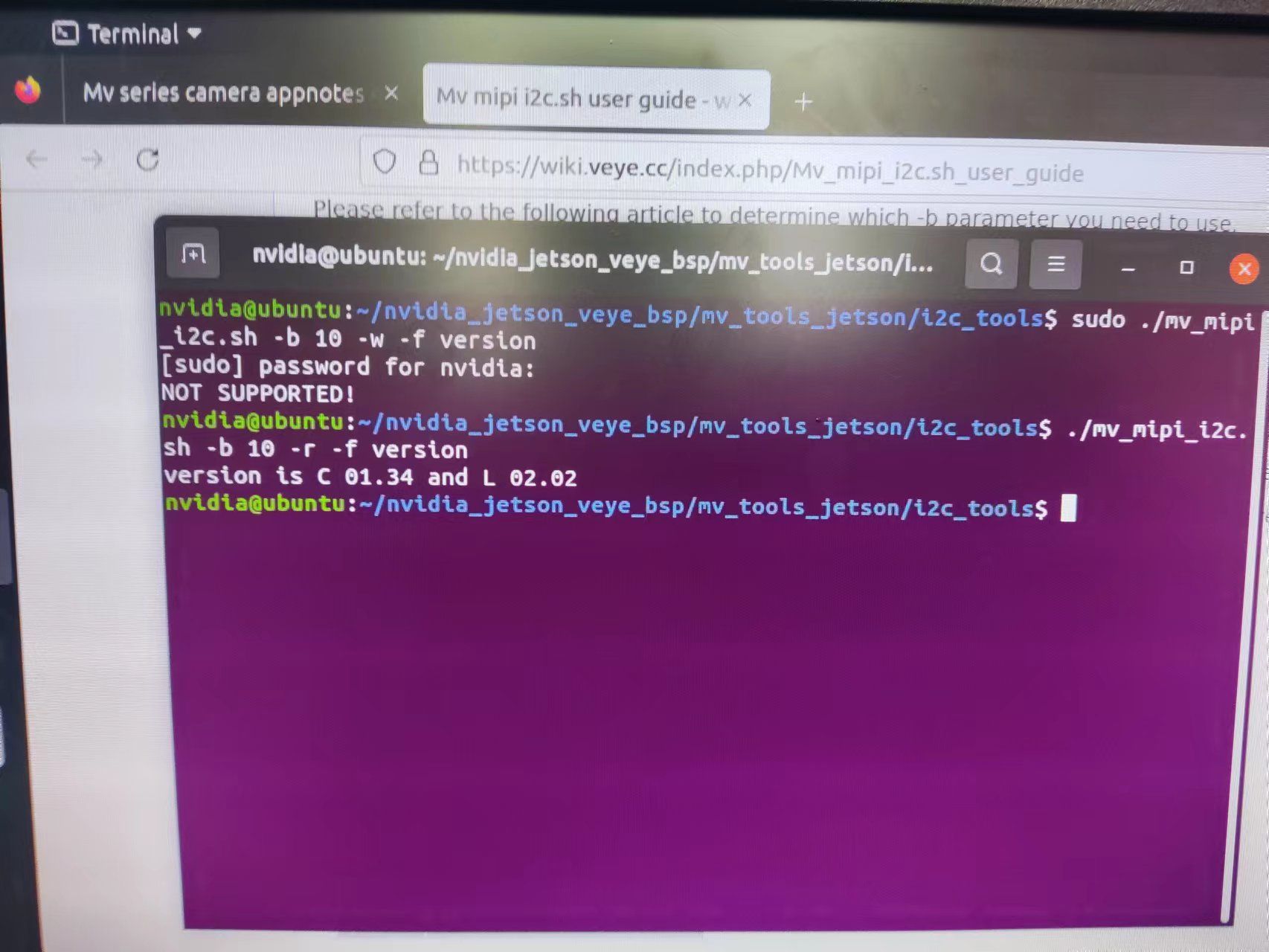
用脚本读取一下version,看看版本号。 -
-
@stark 版本号没问题。你板子的型号是什么?xavier nx吗? 我们试一下。
-
@veye_xummorin nx 8g
-
@stark 请问你这个底板是哪家做的?
-
This post is deleted! -
@veye_xumm
 在这家买的
在这家买的 -
@stark 你好,我刚才测试了一下,用orin nx 8g的开发板是没问题的。
最近我的确接触到一部分客户使用第三方的orin的底板,出现信号连接问题。 但是你这个比较奇怪,130可以正常稳定出图,287有问题。
能不能读一下130的版本号? -
-
@stark
肯定跟底板是有关系的。之前我们遇到过一个客户用的亚博的,遇到跟你类似的问题。MV-MIPI-IMX264M和RAW-MIPI-IMX462M均不能正常连贯的输出图像。
后来更换了一下底板,用nvidia官方的开发板就好了。
测一下降低宽度试试:export WIDTH=640 export HEIGHT=544 export FPS=319 v4l2-ctl --set-ctrl roi_x=0 v4l2-ctl --set-ctrl roi_y=0 v4l2-ctl --set-fmt-video=width=$WIDTH,height=$HEIGHT,pixelformat=GREY v4l2-ctl --set-ctrl frame_rate=$FPS v4l2-ctl --set-fmt-video=width=$WIDTH,height=$HEIGHT,pixelformat=GREY --stream-mmap --stream-count=-1 --stream-to=/dev/null -
@veye_xumm 那我给nx刷5.1.1会出现这个问题吗?感觉
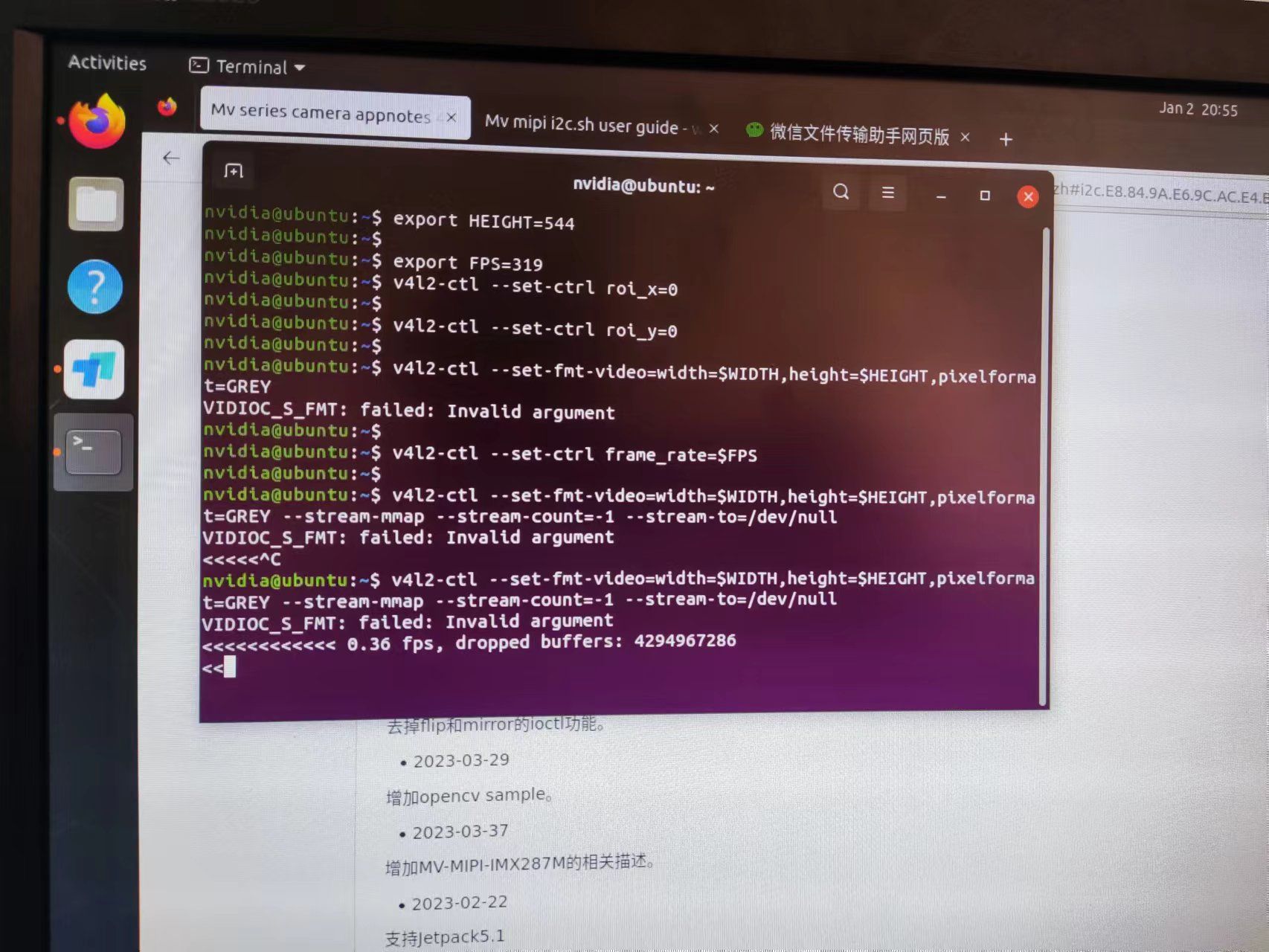 还是不行,我用nx刷5.1.1配好驱动再试试吧
 -
-
@veye_xumm
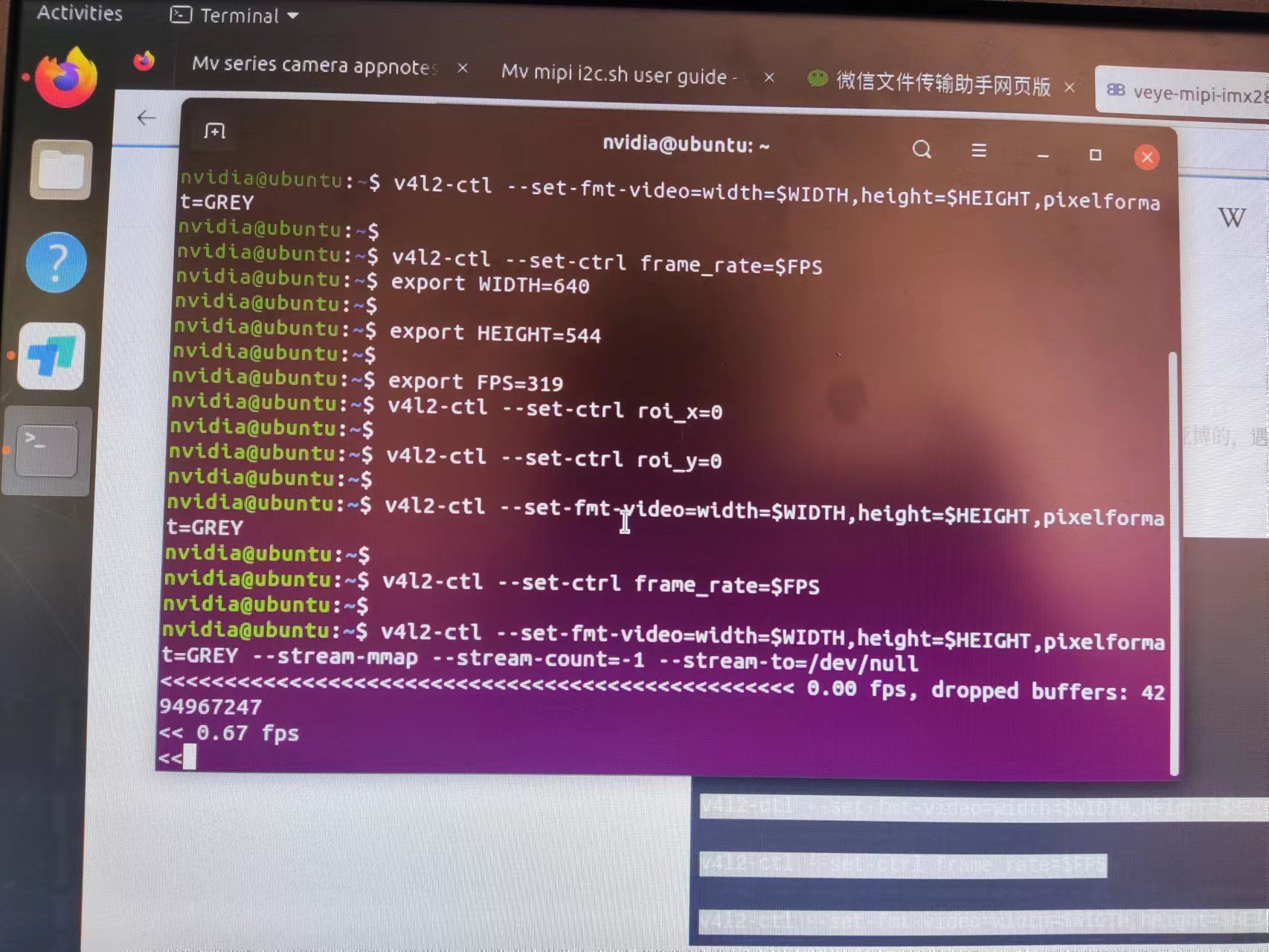 加了也不行
加了也不行 -
@stark
看来跟行间隙无关。
我现在给你的建议是换一下官方的底板。
这个问题如果要根究的话,你可以把板子寄给我,我安排我们研发的同事去研究一下。不过这个可能需要占用板子比较长的时间。你看可以吗? -
@veye_xumm 我换块板子试试吧


Hello! It looks like you're interested in this conversation, but you don't have an account yet.
Getting fed up of having to scroll through the same posts each visit? When you register for an account, you'll always come back to exactly where you were before, and choose to be notified of new replies (either via email, or push notification). You'll also be able to save bookmarks and upvote posts to show your appreciation to other community members.
With your input, this post could be even better 💗
Register Login