VEYE IMAGING Forum
    • Categories
    • Tags
    • Recent
    • Popular
    • Users
    • WIKI
    • veye.cc
    • Register
    • Login

    RAW-MIPI-AR0234M 在NX平台下,2lane和4 lanes都无法采图

    Scheduled Pinned Locked Moved Jetson App Software
    18 Posts 2 Posters 6.6k Views 1 Watching
    Loading More Posts
    • Oldest to Newest
    • Newest to Oldest
    • Most Votes
    Reply
    • Reply as topic
    Log in to reply
    This topic has been deleted. Only users with topic management privileges can see it.
    • L Offline
      Leibnitz @veye_xumm
      last edited by

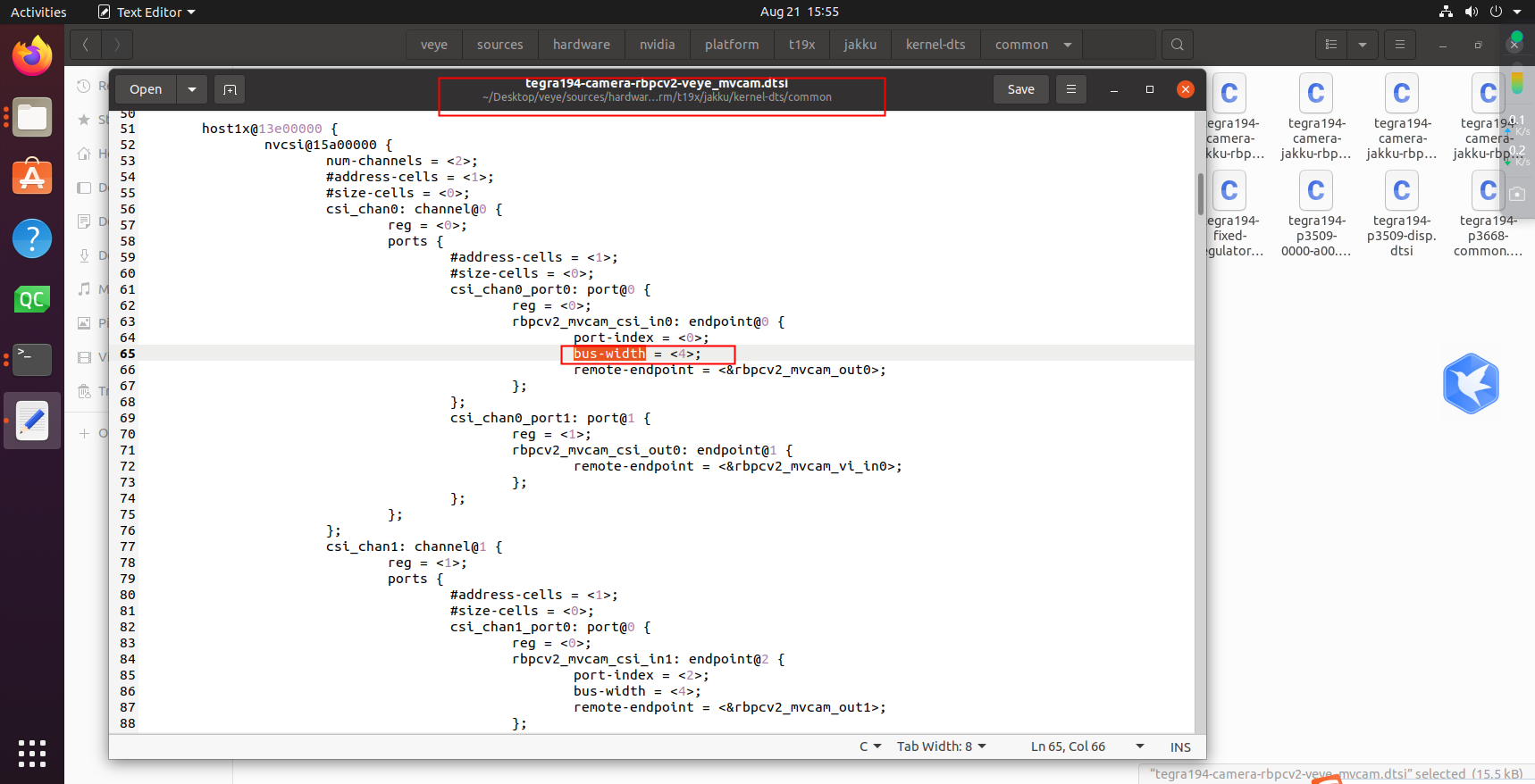
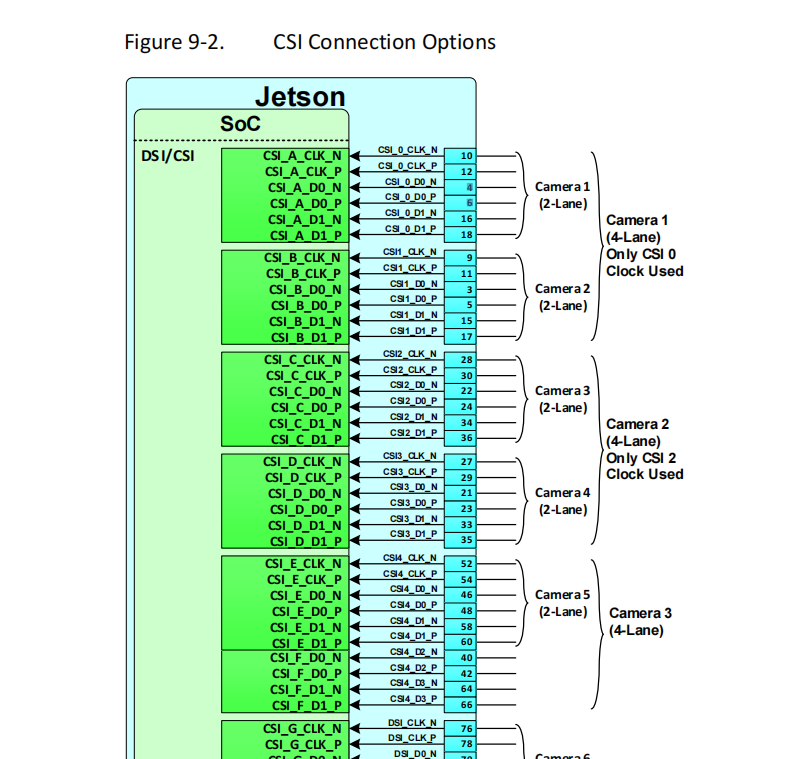
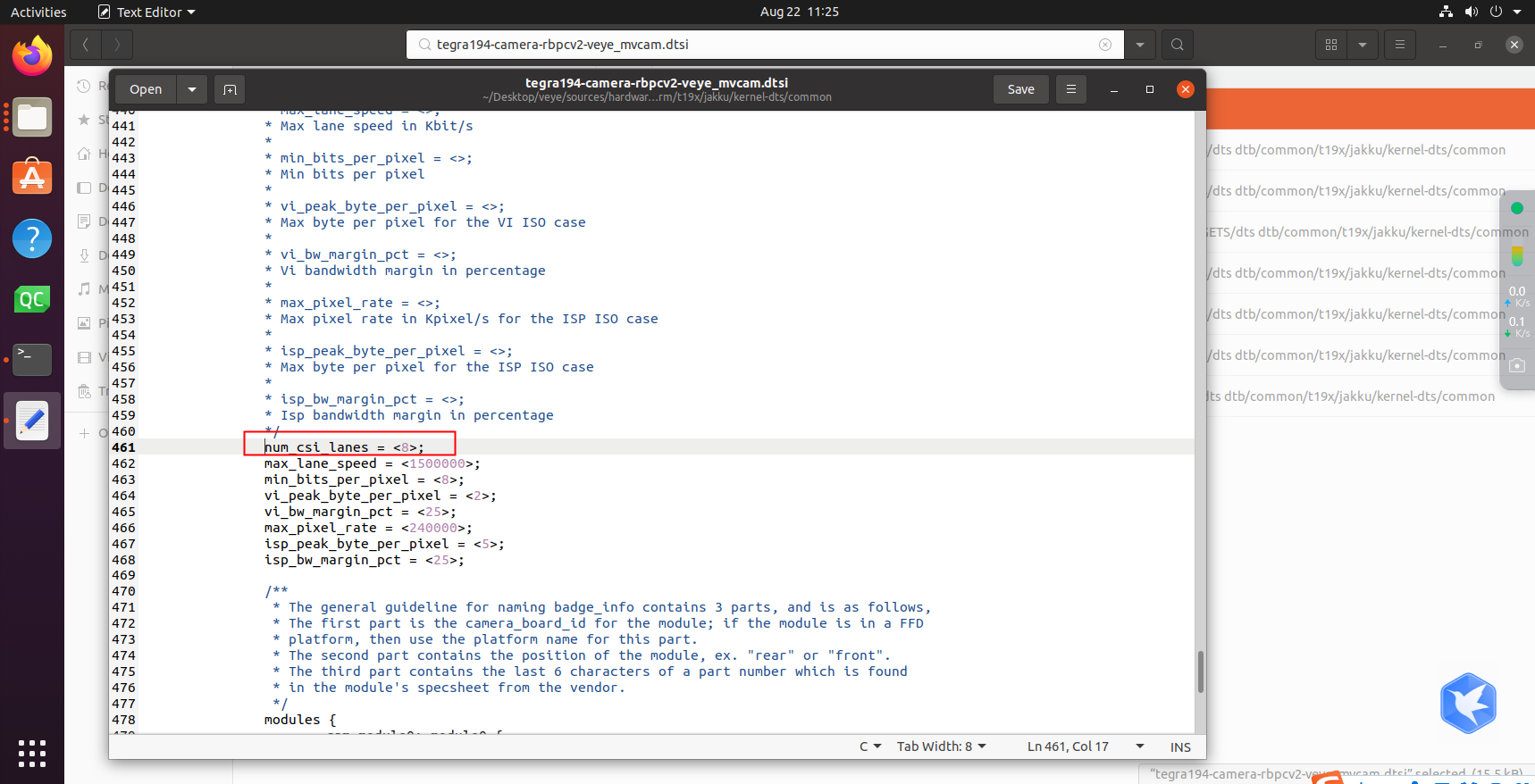
      @veye_xumm 将“num_csi_lanes ”改为了8,进行从新编译:
      88999147-7aed-4a6d-89ac-8d10f74c07e2-image.png
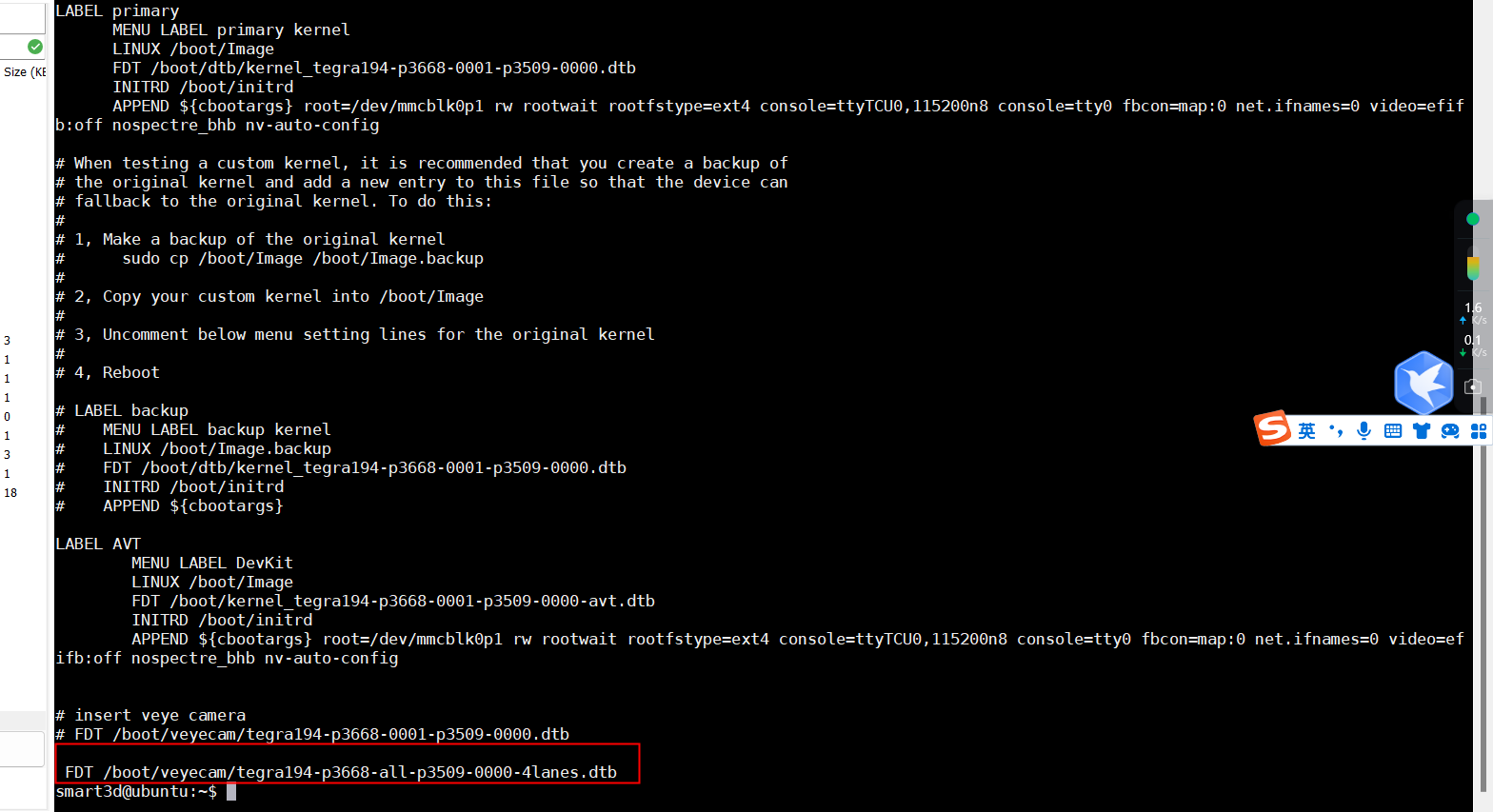
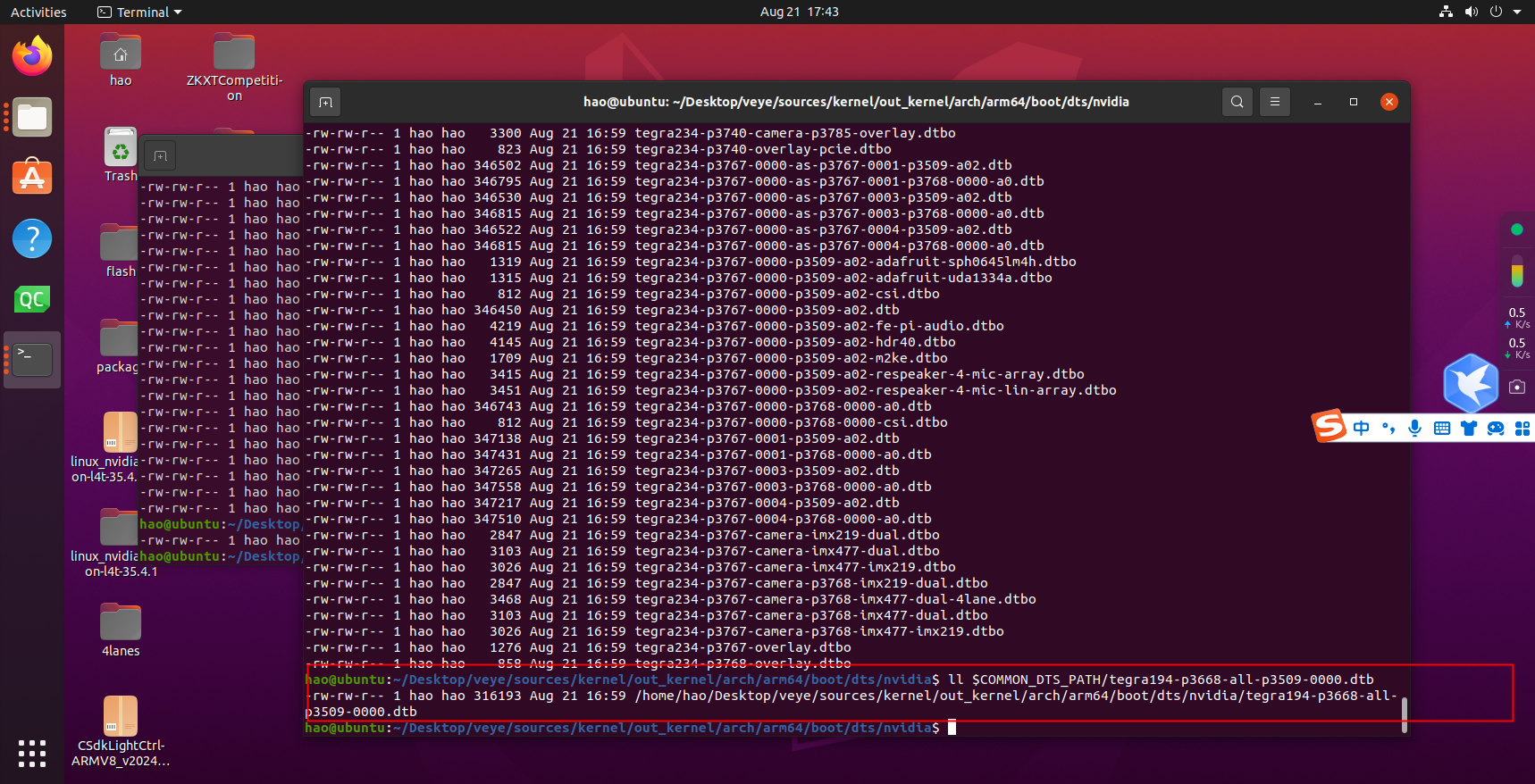
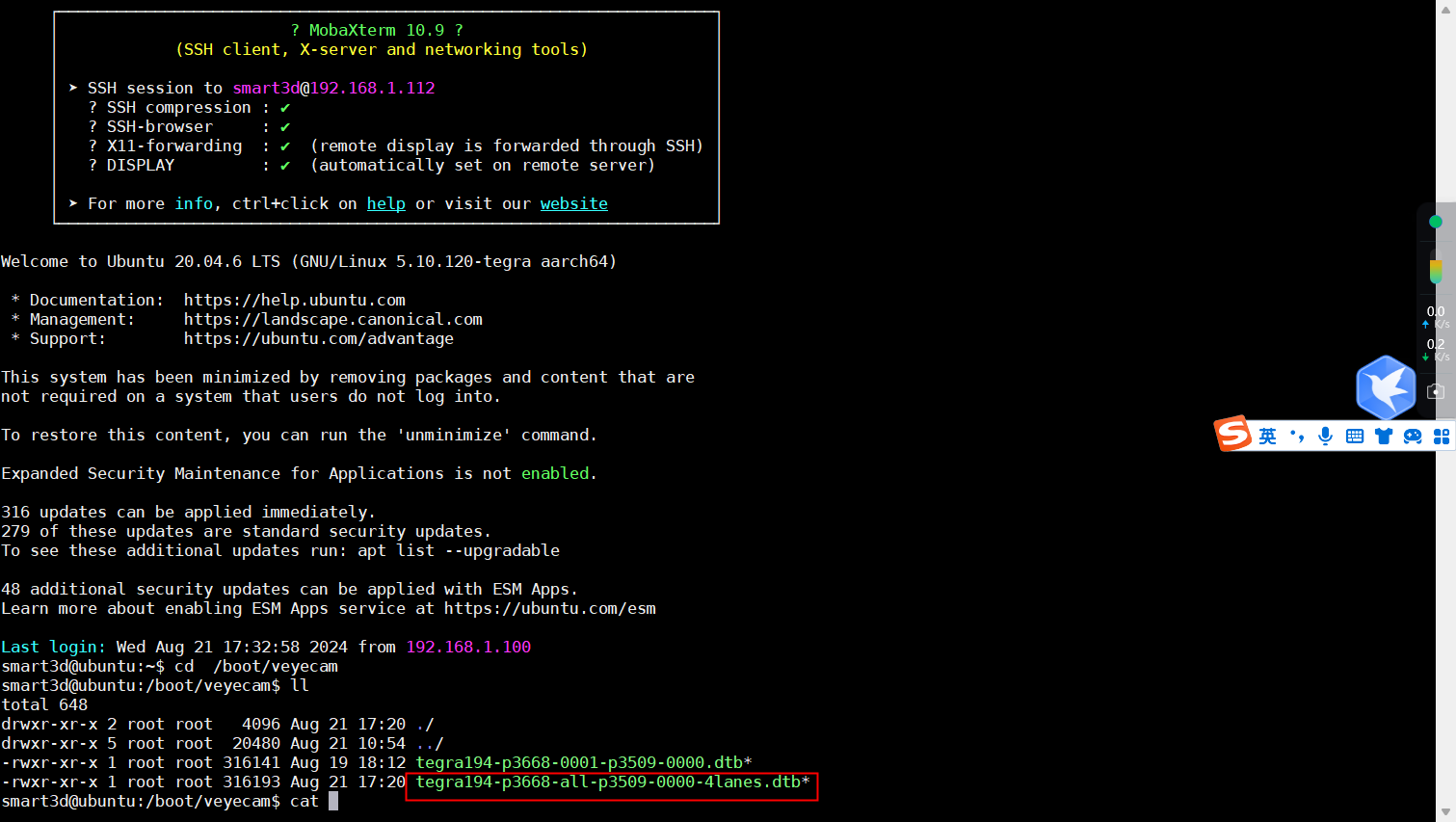
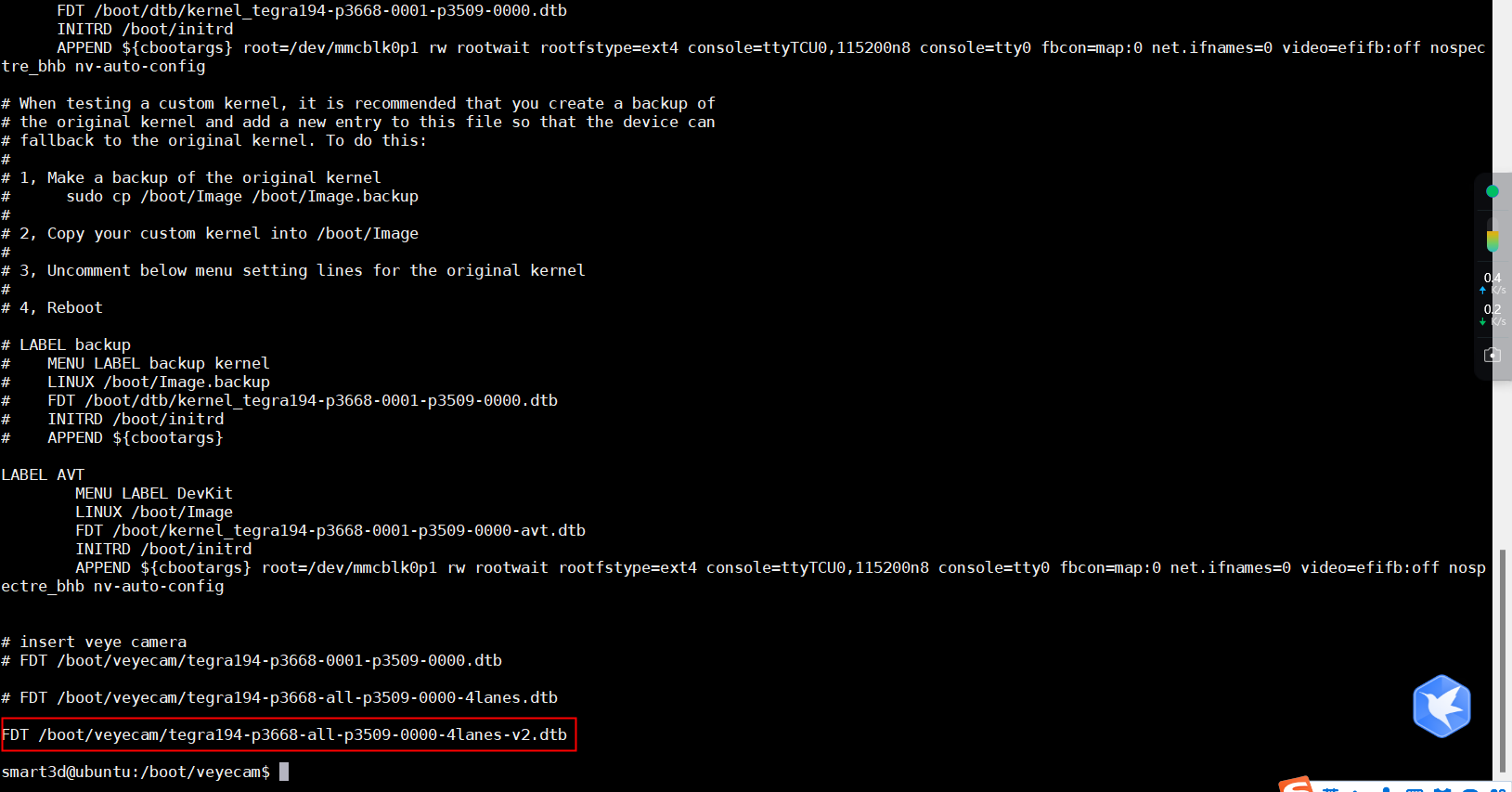
      并将生成的“tegra194-p3668-all-p3509-0000-4lanes-v2.dtb”进行更新:

      f9b03e3a-c840-4196-b770-1d552fdb7f63-image.png

      cab6deb7-2103-439b-8a6a-ebead2792591-image.png

      并“sudo depmod”从启后,问题依然!!!

      1 Reply Last reply Reply Quote 0
      • L Offline
        Leibnitz @veye_xumm
        last edited by

        @veye_xumm 9db69d1a-621b-4bda-8867-0f6d29ddd856-image.png

        存的图依然的0 KB

        1 Reply Last reply Reply Quote 0
        • L Offline
          Leibnitz @veye_xumm
          last edited by

          @veye_xumm 还发现一个问题:
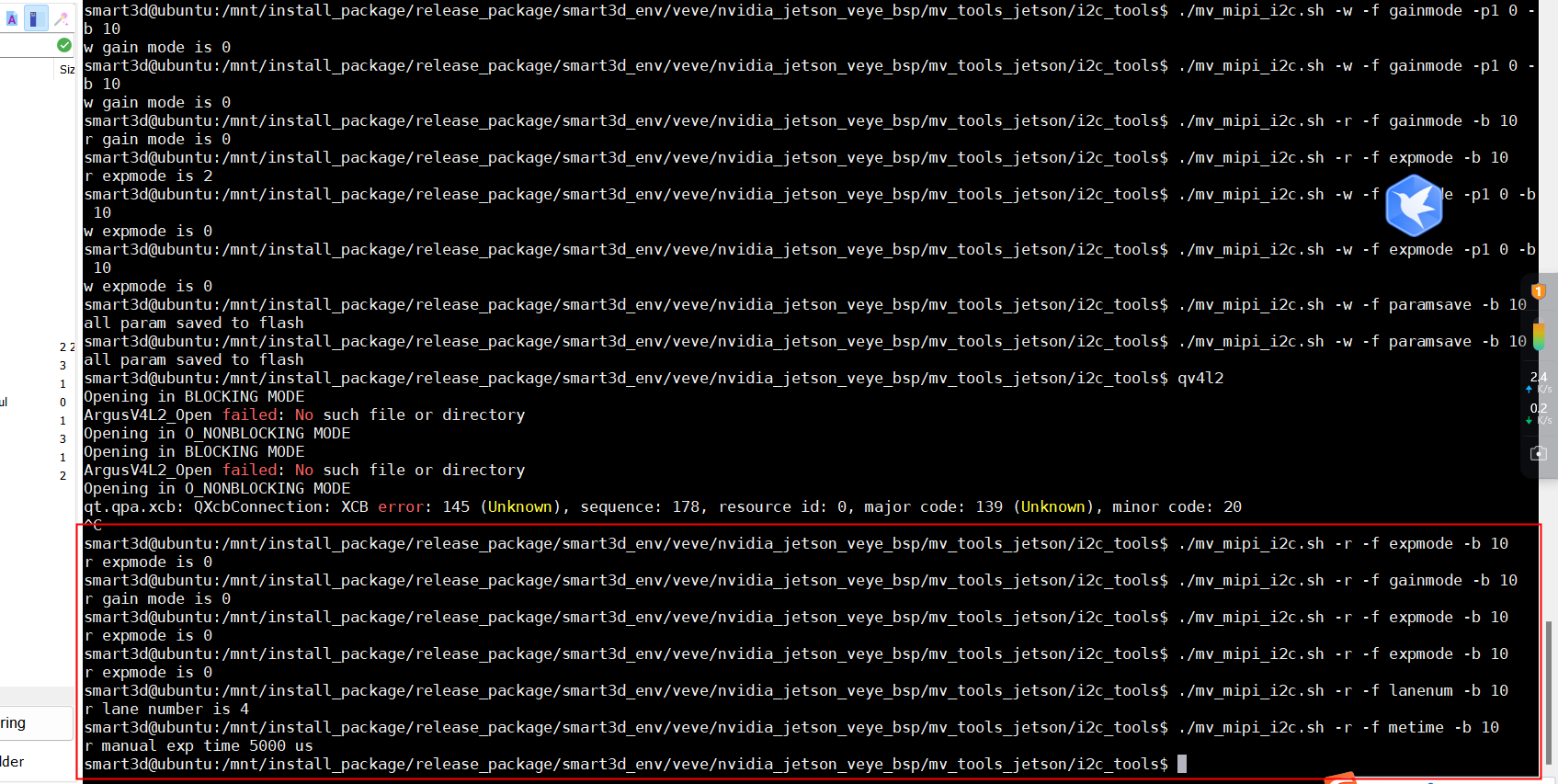
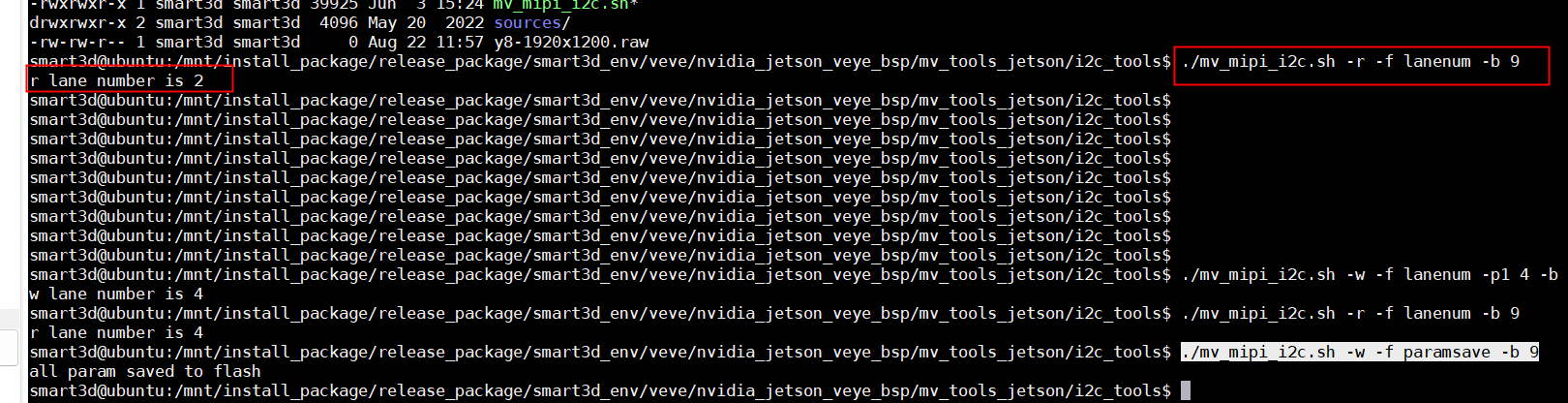
          使用“./mv_mipi_i2c.sh -w -f paramsave -b 9”保存参数后,相机断电重启后,参数又恢复为了默认参数。
          3e94f0e5-7157-4660-8bf8-46b211e37a73-image.png

          veye_xummV 1 Reply Last reply Reply Quote 0
          • veye_xummV Offline
            veye_xumm @Leibnitz
            last edited by veye_xumm

            @leibnitz said in RAW-MIPI-AR0234M 在NX平台下,2lane和4 lanes都无法采图:

            @veye_xumm 还发现一个问题:
            使用“./mv_mipi_i2c.sh -w -f paramsave -b 9”保存参数后,相机断电重启后,参数又恢复为了默认参数。

            这个问题,建议你升级一下下面链接中v1.09版本。
            https://www.mediafire.com/folder/dcdjecnkr7vj5/RAW-MIPI-AR0234M

            升级方法参考这个:
            https://wiki.veye.cc/index.php/Mvcam_firmware_update_manual


            @leibnitz said in RAW-MIPI-AR0234M 在NX平台下,2lane和4 lanes都无法采图:

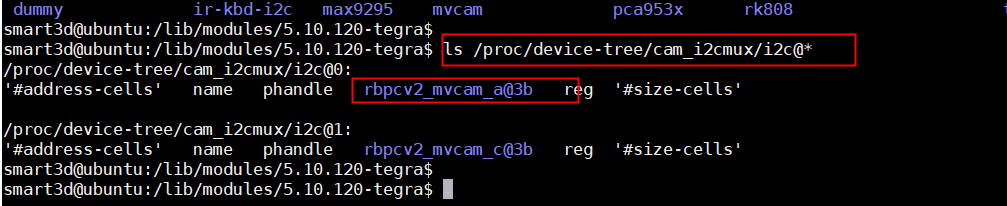
            有个疑问是我们自己编译的“dts”文件怎么就能确定是与“RAW-MIPI-AR0234M”匹配?在编译过程中并没有发现与““RAW-MIPI-AR0234M””绑定的相关操作

            看下面这个链接的part6.4:
            https://wiki.veye.cc/index.php/VEYE_CS_Camera_source_for_Jetson/zh#.E7.BC.96.E8.AF.91_3

            d826e34c-e298-41b0-ab30-c7d924cea3b3-image.png
            这个文件,指的就是在dts dtb\RAW-MIPI-AR0234M目录下的对应文件。

            我依然建议你先搞通2lane的。 如果你用你的底板搞不通,建议你用一下官方开发板的那个底板先。

            Questions will be answered as soon as possible, please be patient.
            如果你使用中文,请直接用中文提问。
            May the force be with YOU. (This is the translation of the mysterious Chinese symbol above.)

            L 1 Reply Last reply Reply Quote 0
            • L Offline
              Leibnitz @veye_xumm
              last edited by

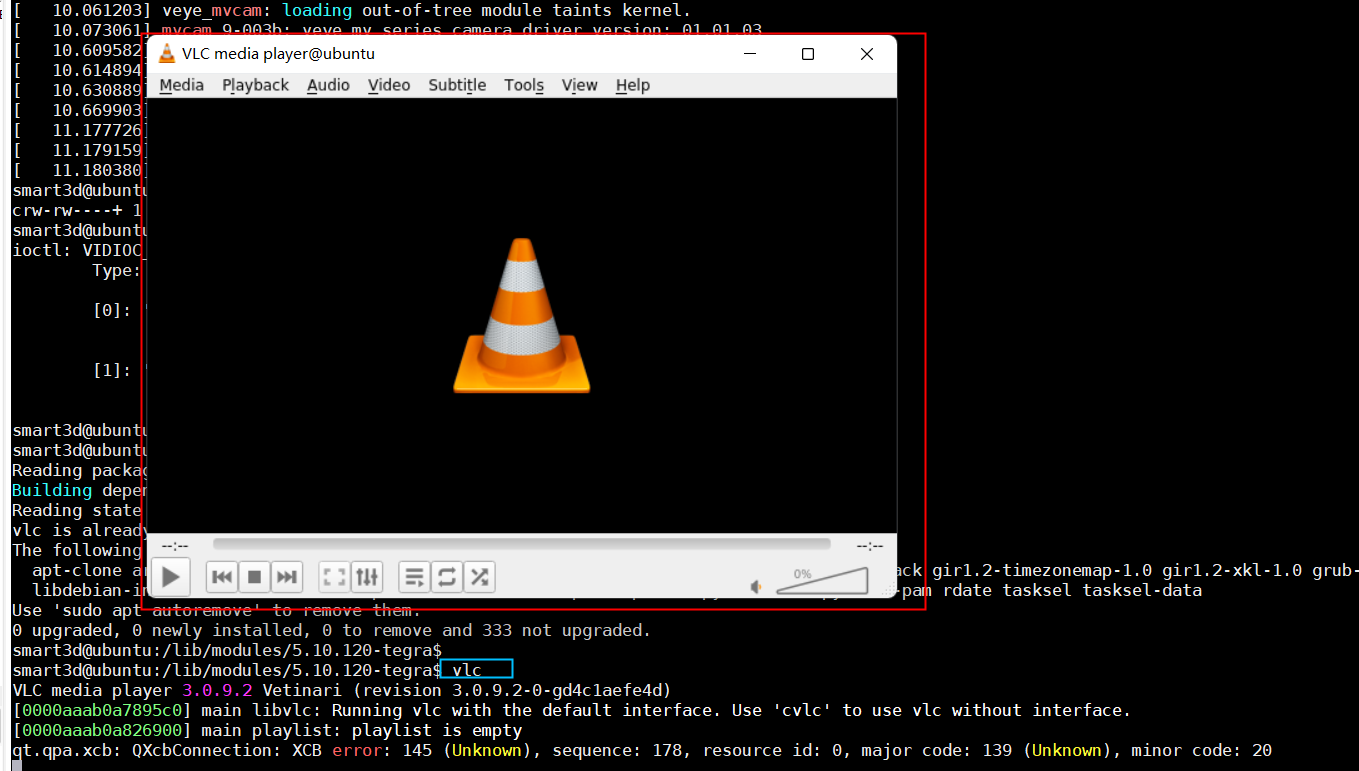
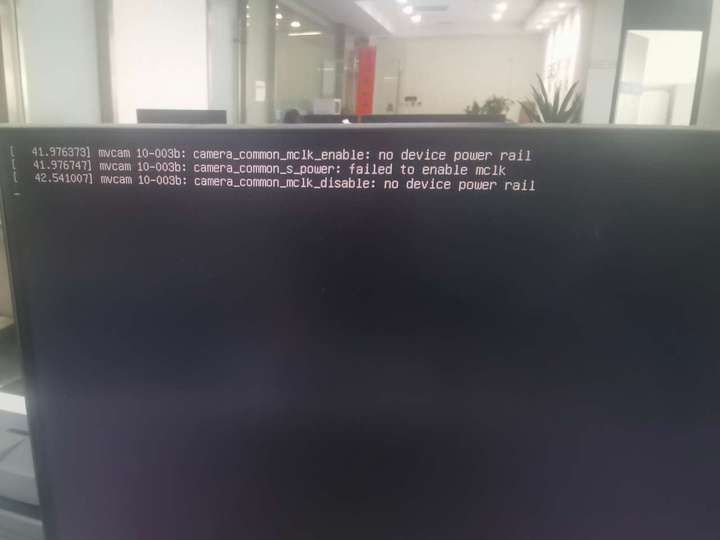
              @veye_xumm 在2lanes模式下使用qv4l2可以正常采集到图像。但是采集了30多分钟,板子从启后,无法进入板子系统,且报下列错误:
              3bd5972b-1861-4d24-a10c-9fe6753bc8a5-1b84710fb7fb31ff0d19cd505de4861d.jpg

              veye_xummV 1 Reply Last reply Reply Quote 0
              • veye_xummV Offline
                veye_xumm @Leibnitz
                last edited by

                @leibnitz 这个错误跟你的现象没关系。这个是驱动加载的时候报的warning而已。如果断电重启之后系统进不去,可能你的系统已经坏掉了。

                Questions will be answered as soon as possible, please be patient.
                如果你使用中文,请直接用中文提问。
                May the force be with YOU. (This is the translation of the mysterious Chinese symbol above.)

                L 1 Reply Last reply Reply Quote 0
                • L Offline
                  Leibnitz @veye_xumm
                  last edited by

                  @veye_xumm 这个问题已经解决。
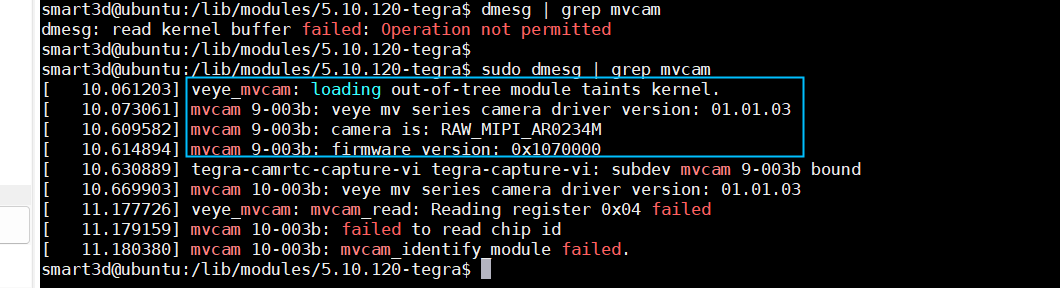
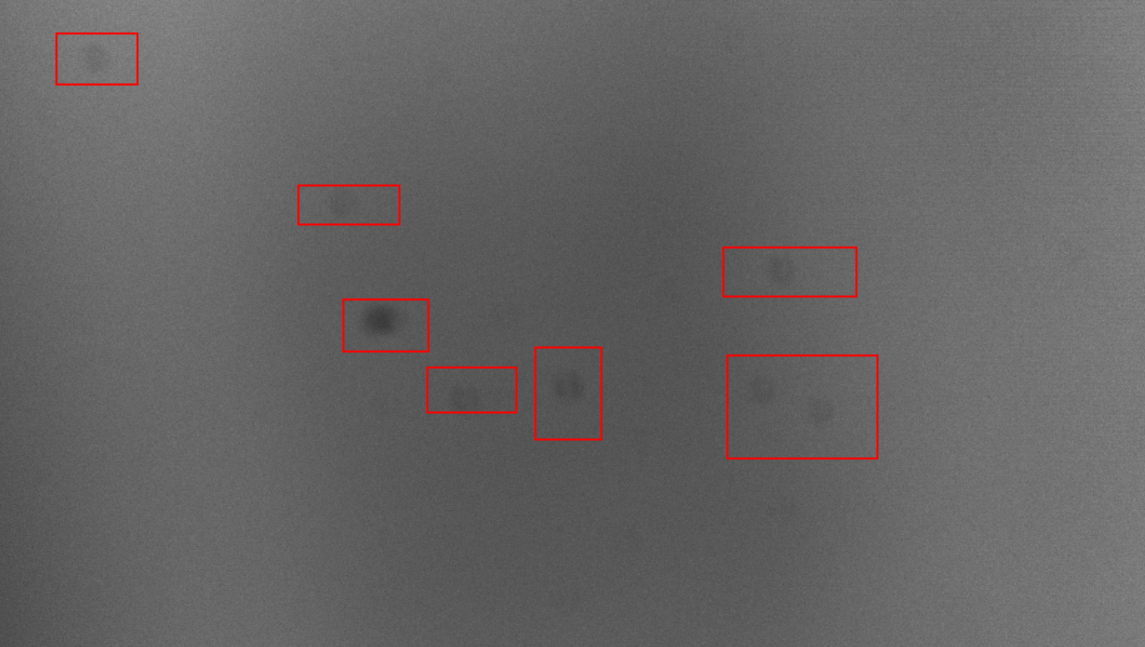
                  2 lanes下可以采集图像,但是有1个问题(采集到的图像上面有固定的脏污,是因为sensor不洁净导致的吗?):
                  1c3d3c54-0d67-4714-82f9-f8ef2677fe5d-image.png

                  另外,可否提供4 lanes Jetson NX RAW-MIPI-AR0234m的驱动?

                  veye_xummV 1 Reply Last reply Reply Quote 0
                  • veye_xummV Offline
                    veye_xumm @Leibnitz
                    last edited by

                    @leibnitz
                    这个看起来像是sensor表面后者镜头面的脏。
                    sensor表面的话,可以用脱脂棉沾无水乙醇擦拭,进行清洁。

                    驱动的.c部分是不用修改的。 dtb按照之前你发的还有我给补充的两条,进行改动,应该就可以。

                    Questions will be answered as soon as possible, please be patient.
                    如果你使用中文,请直接用中文提问。
                    May the force be with YOU. (This is the translation of the mysterious Chinese symbol above.)

                    1 Reply Last reply Reply Quote 0
                    • L Offline
                      Leibnitz
                      last edited by

                      @veye_xumm
                      我们安装您的方法(修改“bus-width”为4;修改 “num_csi_lanes”为“8”),也将固件升级到1.09,
                      但是4 lanes依然只能找到相机,而无法采集到图像
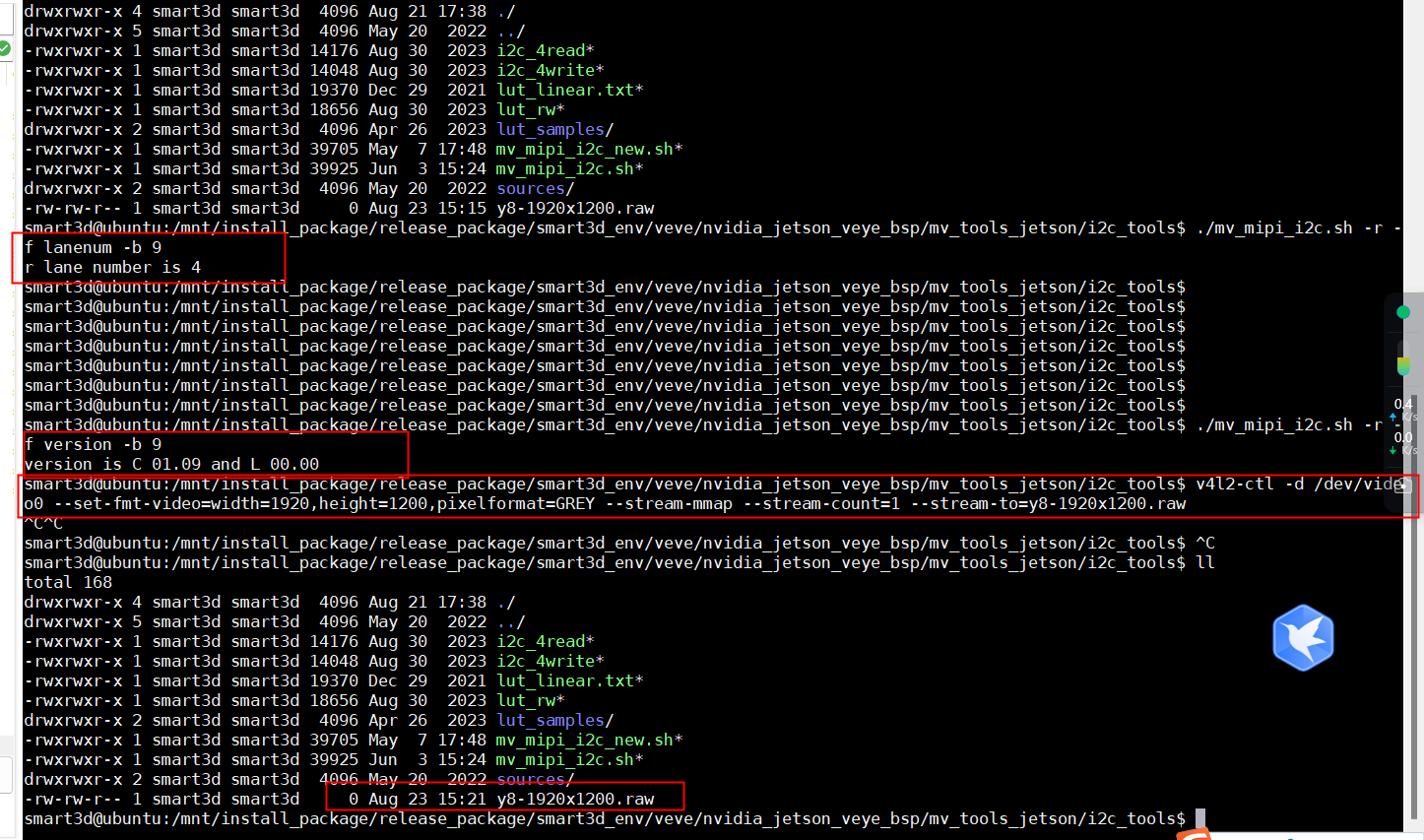
                      c015e08d-1932-4f54-979b-01a052b7ad85-image.png

                      您们可否提供4 lanes的驱动(?我们目前相用它替换掉我们成熟产品里使用的AVT mipi相机。希望得到您们的支持)
                      我们的环境:
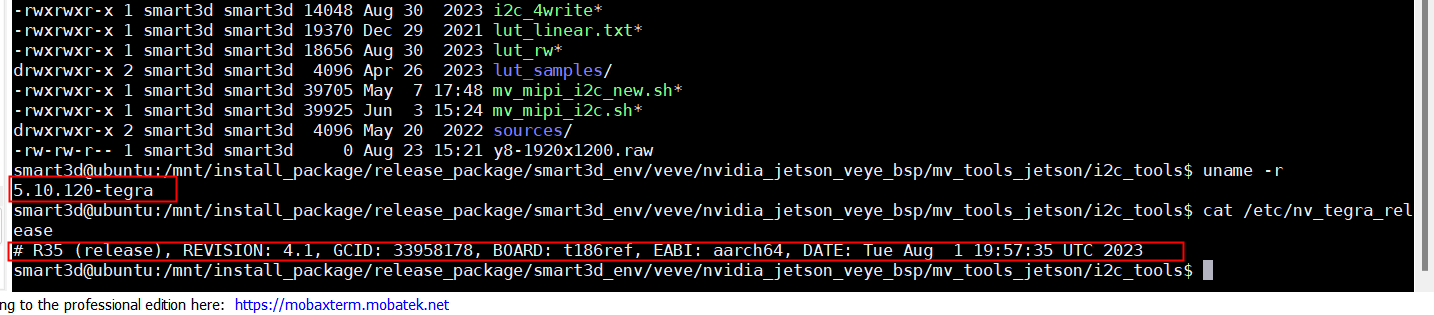
                      3bd7febd-a6b3-414a-ae61-b8448ae6d9d1-image.png

                      使用的硬件平台是:jetson Xavier NX

                      veye_xummV 1 Reply Last reply Reply Quote 0
                      • veye_xummV Offline
                        veye_xumm @Leibnitz
                        last edited by

                        @leibnitz 按照我的理解,现在这些改动应该就可以调通。
                        不过我这只有nVidia的开发板,是2lane的,没办法调试。
                        方不方便把你的板子寄给我,直接用你的板子调试一下?

                        Questions will be answered as soon as possible, please be patient.
                        如果你使用中文,请直接用中文提问。
                        May the force be with YOU. (This is the translation of the mysterious Chinese symbol above.)

                        L 2 Replies Last reply Reply Quote 0
                        • L Offline
                          Leibnitz @veye_xumm
                          last edited by

                          @veye_xumm 好的 留一个您的收件地址和联系方式。

                          1 Reply Last reply Reply Quote 0
                          • L Offline
                            Leibnitz @veye_xumm
                            last edited by

                            @veye_xumm
                            f5fd9e37-a9ad-429e-9c09-1c4625822f73-image.png

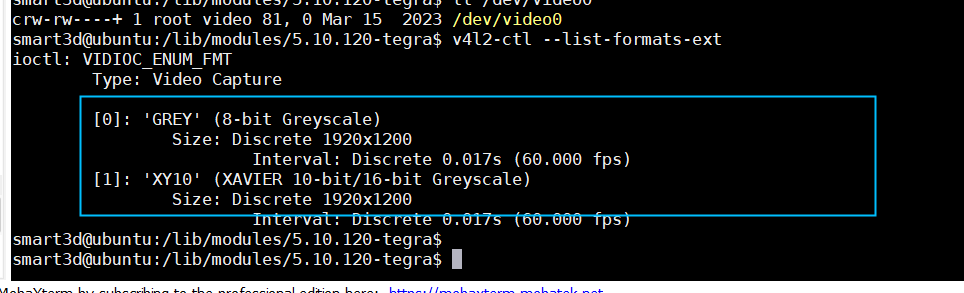
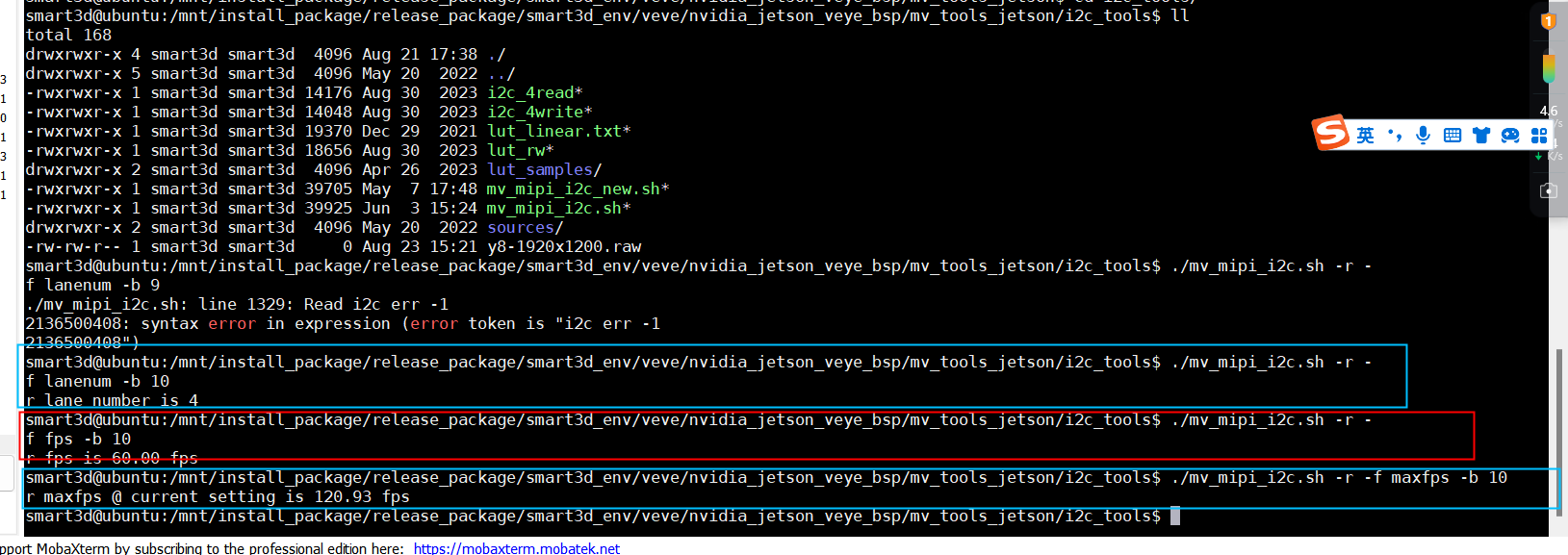
                            4lane模式下有图了,相机也设置成了4 lanes,dtbs也是更换成了4 lanes的驱动,但是采集帧率缺还是60 fps,请问是哪里设置的不对吗?

                            veye_xummV 1 Reply Last reply Reply Quote 0
                            • veye_xummV Offline
                              veye_xumm @Leibnitz
                              last edited by

                              @leibnitz
                              你现在fps配置的是60啊~ 配成120就行了。

                              Questions will be answered as soon as possible, please be patient.
                              如果你使用中文,请直接用中文提问。
                              May the force be with YOU. (This is the translation of the mysterious Chinese symbol above.)

                              L 1 Reply Last reply Reply Quote 0
                              • L Offline
                                Leibnitz @veye_xumm
                                last edited by

                                @veye_xumm

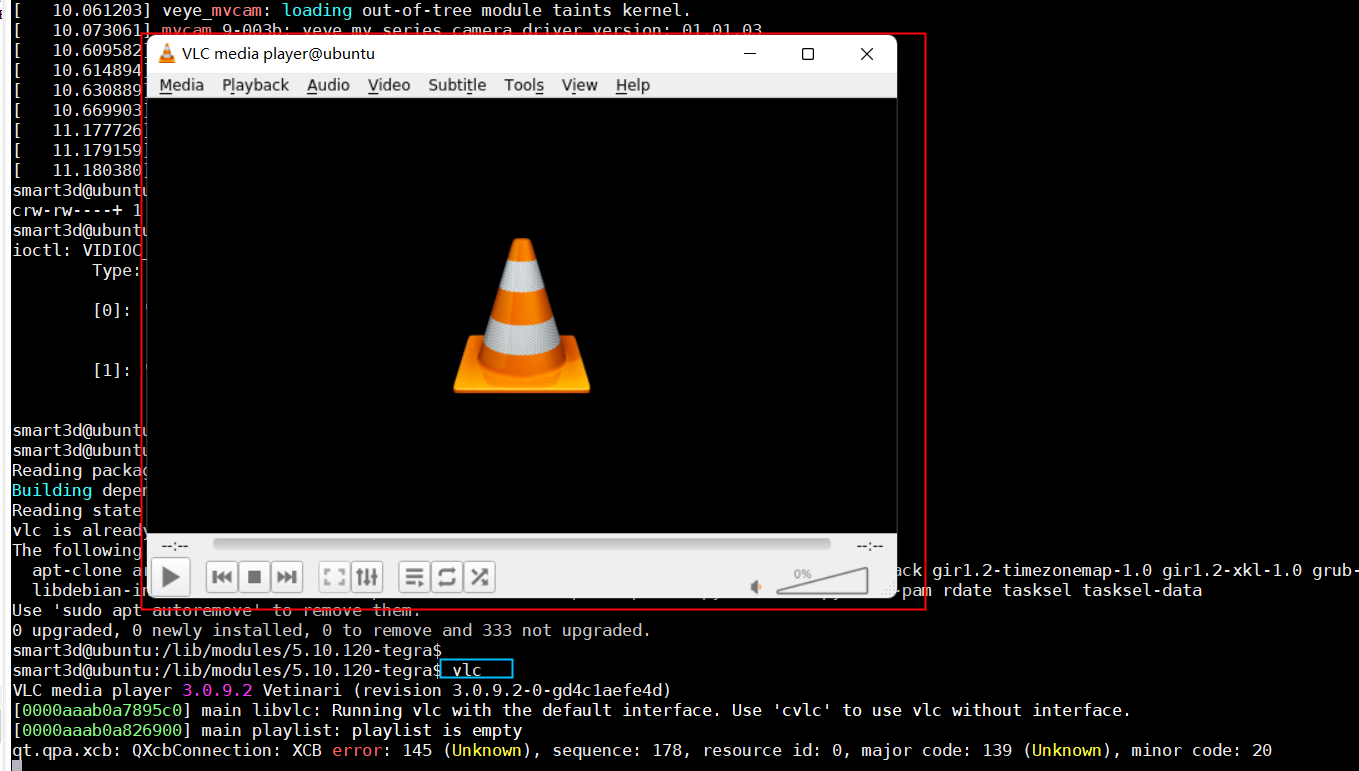
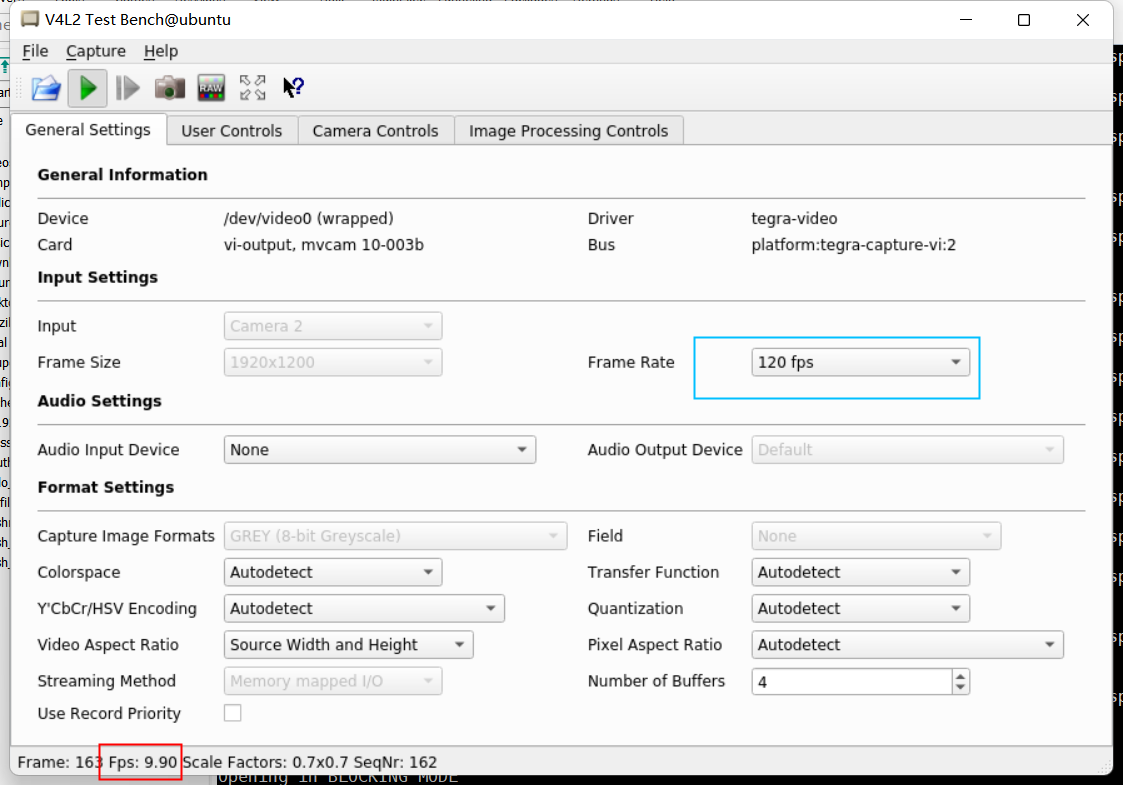
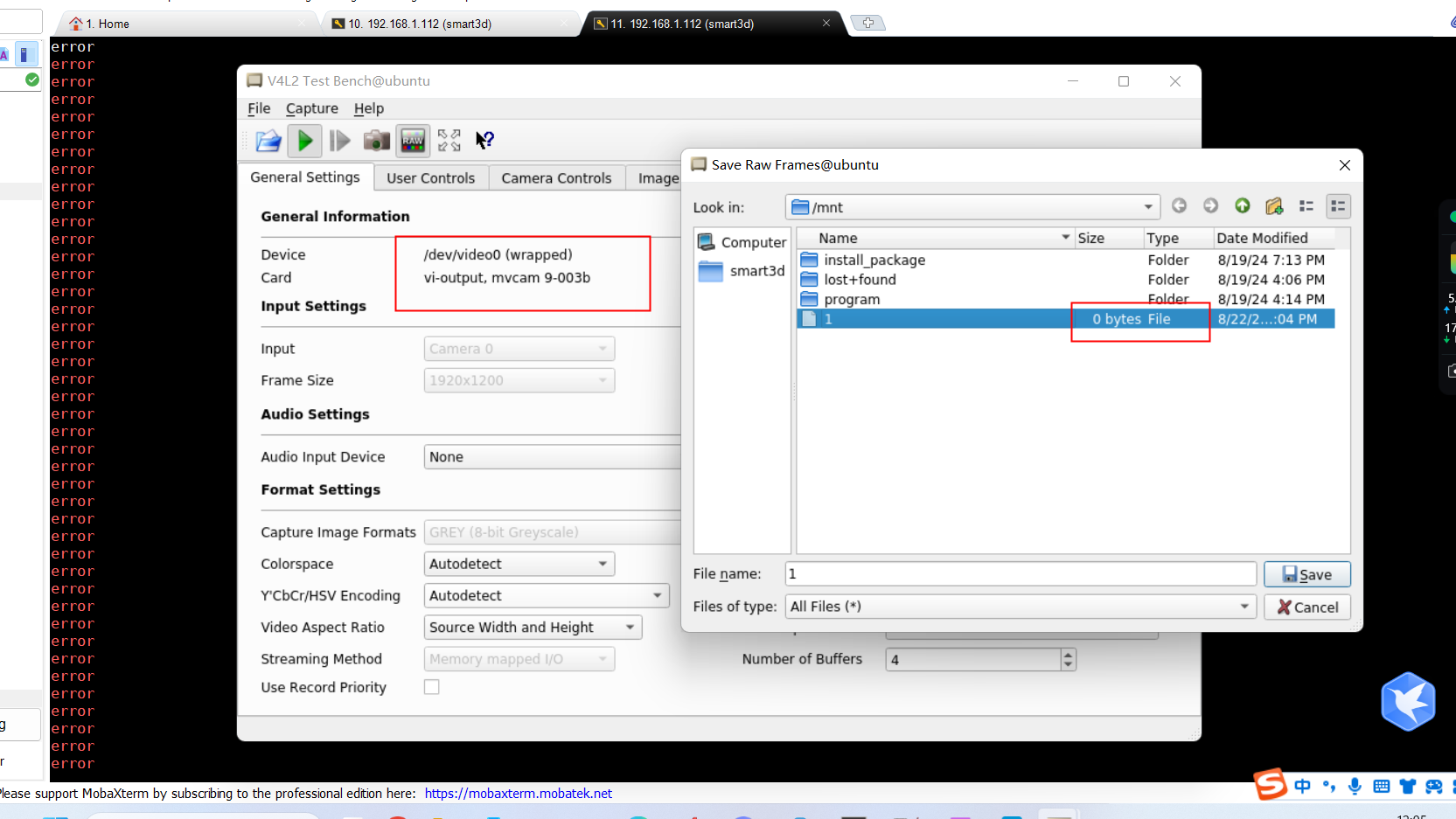
                                显示使用qvl2看到的帧率只有几帧,没有120fps。
                                4acd0262-2f38-4c67-a046-e8dc1911aeae-1724410110079_DB406570-99EB-45c6-A673-6A3D4D5589BE.png

                                fb4fbee2-0ce4-42d8-a6cd-b3749a6e2299-image.png

                                veye_xummV 1 Reply Last reply Reply Quote 0
                                • veye_xummV Offline
                                  veye_xumm @Leibnitz
                                  last edited by

                                  @leibnitz
                                  是的,qv4l2拿到图像,进行转码,搬移,预览,做了很多工作。整个pipeline的冗长和软件效率的问题导致预览无法达到相机的输出能力。

                                  用下面https://wiki.veye.cc/index.php/Mv_series_camera_appnotes_4_jetson/zh#.E5.B8.A7.E7.8E.87.E7.BB.9F.E8.AE.A1
                                  7.3.2 帧率统计
                                  的命令来统计一下实际相机输出的帧率。
                                  Questions will be answered as soon as possible, please be patient.
                                  如果你使用中文,请直接用中文提问。
                                  May the force be with YOU. (This is the translation of the mysterious Chinese symbol above.)

                                  1 Reply Last reply Reply Quote 0

                                  Hello! It looks like you're interested in this conversation, but you don't have an account yet.

                                  Getting fed up of having to scroll through the same posts each visit? When you register for an account, you'll always come back to exactly where you were before, and choose to be notified of new replies (either via email, or push notification). You'll also be able to save bookmarks and upvote posts to show your appreciation to other community members.

                                  With your input, this post could be even better 💗

                                  Register Login
                                  • First post
                                    Last post